@bytescale/sdk
v3.53.0TypeScript
Bytescale JavaScript SDK
0/weekUpdated 7 months agoMITUnpacked: 1.2 MB
Published by Bytescale
npm install @bytescale/sdk







Use the Bytescale JavaScript SDK to upload, transform, and serve files at scale.
Full SDK Documentation • Upload Widget • Media Processing APIs • Storage • CDN
Installation
#### For Node.js:
``bash`
npm install @bytescale/sdk node-fetch
#### For Browsers:
`bash`
npm install @bytescale/sdk
If you'd prefer to use a script tag:
`html`
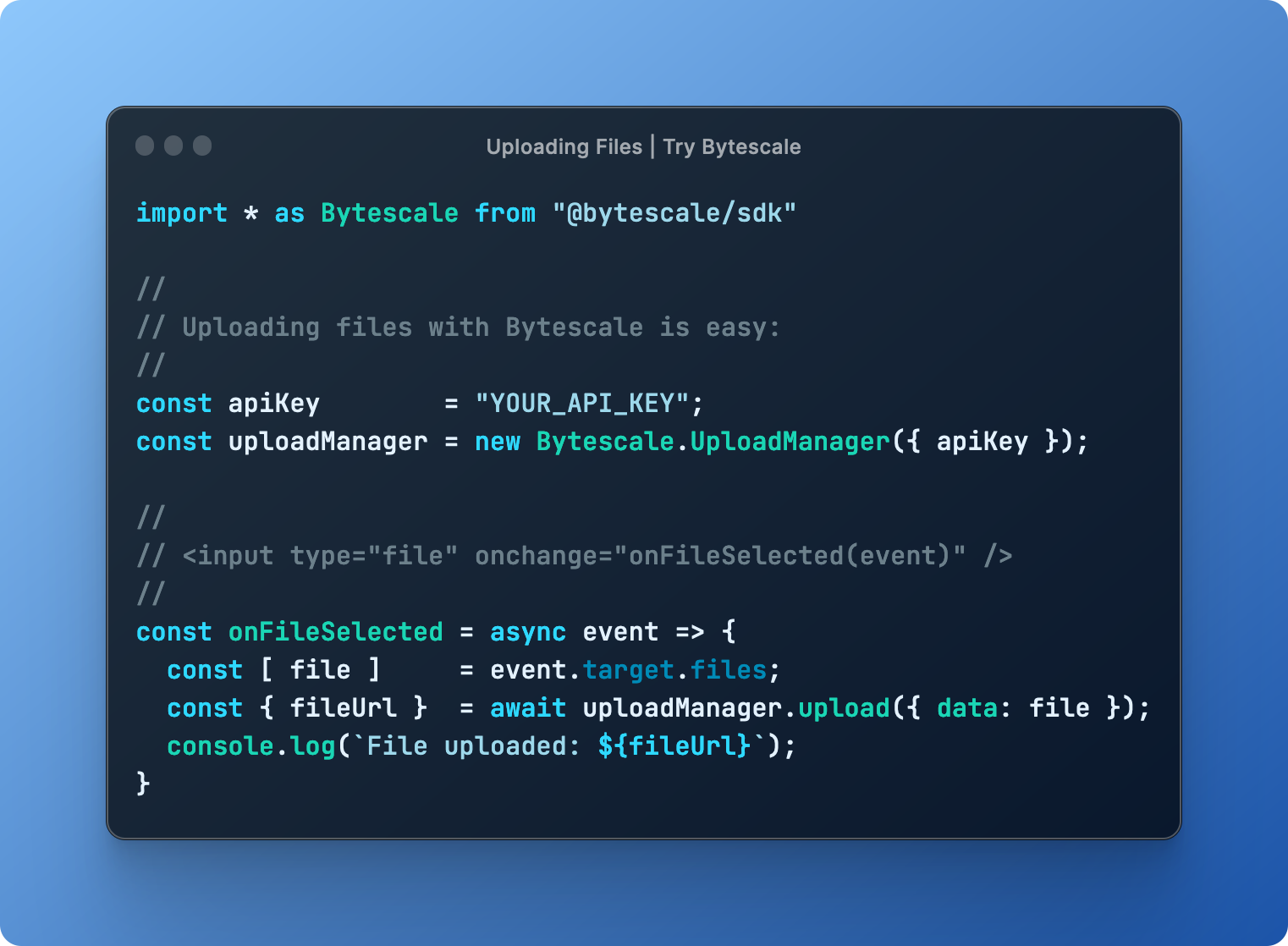
Uploading Files — Try on CodePen
This library is isomorphic, meaning you can upload files from Node.js, or the browser, or both.
#### From Node.js:
`javascript
import * as Bytescale from "@bytescale/sdk";
import nodeFetch from "node-fetch";
const uploadManager = new Bytescale.UploadManager({
fetchApi: nodeFetch, // import nodeFetch from "node-fetch"; // Only required for Node.js. TypeScript: 'nodeFetch as any' may be necessary.
apiKey: "free" // Get API keys from: www.bytescale.com
});
uploadManager
.upload({
// Supported types:
// - String
// - Blob
// - ArrayBuffer
// - Buffer
// - ReadableStream (Node.js), e.g. fs.createReadStream("file.txt")
data: "Hello World",
// ---------
// Optional:
// ---------
// Required if 'data' is a stream.
// size: 5098, // e.g. fs.statSync("file.txt").size
// Required if 'data' is a stream, buffer, or string.
mime: "text/plain",
// Required if 'data' is a stream, buffer, or string.
originalFileName: "my_file.txt"
// Reports progress: bytesTotal, bytesSent, progress.
// onProgress: ({ progress }) => console.log(progress),
// Controls multipart upload concurrency. Ignored if 'data' is a stream.
// maxConcurrentUploadParts: 4,
// Up to 2KB of arbitrary JSON.
// metadata: {
// productId: 60891
// },
// Up to 25 tags per file.
// tags: [
// "example_tag"
// ],
// About file paths:
// - Your API key's "file upload path" is used by default, and can be changed by editing the API key's settings.
// - You can override the API key's file upload path by specifying a path below.
// - You may use path variables (e.g. "{UTC_DAY}"): http://localhost:3201/docs/path-variables
// path: {
// folderPath: "/uploads/{UTC_YEAR}/{UTC_MONTH}/{UTC_DAY}",
// fileName: "{UTC_TIME_TOKEN_INVERSE}{UNIQUE_DIGITS_2}{ORIGINAL_FILE_EXT}"
// },
// Set to 'isCancelled = true' after invoking 'upload' to cancel the upload.
// cancellationToken: {
// isCancelled: false
// }
})
.then(
({ fileUrl, filePath }) => {
// --------------------------------------------
// File successfully uploaded!
// --------------------------------------------
// The 'filePath' uniquely identifies the file,
// and is what you should save to your DB.
// --------------------------------------------
console.log(File uploaded to: ${fileUrl});Error: ${error.message}
},
error => console.error(, error)`
);
#### From the Browser:
`html`
Downloading Files
`javascript
import * as Bytescale from "@bytescale/sdk";
import nodeFetch from "node-fetch"; // Only required for Node.js
const fileApi = new Bytescale.FileApi({
fetchApi: nodeFetch, // import nodeFetch from "node-fetch"; // Only required for Node.js. TypeScript: 'nodeFetch as any' may be necessary.
apiKey: "YOUR_API_KEY" // e.g. "secret_xxxxx"
});
fileApi
.downloadFile({
accountId: "YOUR_ACCOUNT_ID", // e.g. "W142hJk"
filePath: "/uploads/2022/12/25/hello_world.txt"
})
.then(response => response.text()) // .text() | .json() | .blob() | .stream()
.then(
fileContents => console.log(fileContents),
error => console.error(error)
);
`
Use the UrlBuilder to get a URL instead (if you need a file URL instead of a binary stream).
Processing Files
`javascript
import * as Bytescale from "@bytescale/sdk";
import fetch from "node-fetch"; // Only required for Node.js
import fs from "fs";
const fileApi = new Bytescale.FileApi({
fetchApi: nodeFetch, // import nodeFetch from "node-fetch"; // Only required for Node.js. TypeScript: 'nodeFetch as any' may be necessary.
apiKey: "YOUR_API_KEY" // e.g. "secret_xxxxx"
});
fileApi
.processFile({
accountId: "YOUR_ACCOUNT_ID", // e.g. "W142hJk"
filePath: "/uploads/2022/12/25/image.jpg",
// See: https://www.bytescale.com/docs/image-processing-api
transformation: "image",
transformationParams: {
w: 800,
h: 600
}
})
.then(response => response.stream()) // .text() | .json() | .blob() | .stream()
.then(
imageByteStream =>
new Promise((resolve, reject) => {
const writer = fs.createWriteStream("image-thumbnail.jpg");
writer.on("close", resolve);
writer.on("error", reject);
imageByteStream.pipe(writer);
})
)
.then(
() => console.log("Thumbnail saved to 'image-thumbnail.jpg'"),
error => console.error(error)
);
`
Use the UrlBuilder to get a URL instead (if you need a file URL instead of a binary stream).
Get File Details
`javascript
import * as Bytescale from "@bytescale/sdk";
import fetch from "node-fetch"; // Only required for Node.js
const fileApi = new Bytescale.FileApi({
fetchApi: nodeFetch, // import nodeFetch from "node-fetch"; // Only required for Node.js. TypeScript: 'nodeFetch as any' may be necessary.
apiKey: "YOUR_API_KEY" // e.g. "secret_xxxxx"
});
fileApi
.getFileDetails({
accountId: "YOUR_ACCOUNT_ID", // e.g. "W142hJk"
filePath: "/uploads/2022/12/25/image.jpg"
})
.then(
fileDetails => console.log(fileDetails),
error => console.error(error)
);
`
Listing Folders
`javascript
import * as Bytescale from "@bytescale/sdk";
import fetch from "node-fetch"; // Only required for Node.js
const folderApi = new Bytescale.FolderApi({
fetchApi: nodeFetch, // import nodeFetch from "node-fetch"; // Only required for Node.js. TypeScript: 'nodeFetch as any' may be necessary.
apiKey: "YOUR_API_KEY" // e.g. "secret_xxxxx"
});
folderApi
.listFolder({
accountId: "YOUR_ACCOUNT_ID", // e.g. "W142hJk"
folderPath: "/",
recursive: false
})
.then(
// Note: operation is paginated, see 'result.cursor' and 'params.cursor'.
result => console.log(Items in folder: ${result.items.length}),`
error => console.error(error)
);
📙 Bytescale SDK API Reference
For a complete list of operations, please see:
Bytescale JavaScript SDK Docs »
🌐 Media Processing APIs (Image/Video/Audio)
Bytescale provides several real-time Media Processing APIs:
- Image Processing APIs (resize, crop, convert, compress & watermark)
- Video Processing APIs (transcode, optimize, resize & extract metadata)
- Audio Processing APIs (transcode, optimize, trim & extract metadata)
$3
Here's an example using a photo of Chicago:

`
https://upcdn.io/W142hJk/raw/example/city-landscape.jpg
$3
Using the Image Processing API, you can produce this image:

`
https://upcdn.io/W142hJk/image/example/city-landscape.jpg
  ?w=900
  &h=600
  &fit=crop
  &f=webp
  &q=80
  &blur=4
  &text=WATERMARK
  &layer-opacity=80
  &blend=overlay
  &layer-rotate=315
  &font-size=100
  &padding=10
  &font-weight=900
  &color=ffffff
  &repeat=true
  &text=Chicago
  &gravity=bottom
  &padding-x=50
  &padding-bottom=20
  &font=/example/fonts/Lobster.ttf
  &color=ffe400
Authentication
The Bytescale JavaScript SDK supports two types of authentication:
$3
The Bytescale JavaScript SDK automatically adds the apiKey from the constructor to the authorization header for all requests made via the SDK.
With API key auth, the requester has access to the resources available to the API key:
- Secret API keys (secret_*) can perform all API operations.
- Public API keys (public_*) can perform file uploads and file downloads only. File overwrites, file deletes, and all other destructive operations cannot be performed using public API keys.
Each Public API Key and Secret API Key can have its read/write access limited to a subset of files/folders.
$3
JWTs are optional.
With JWTs, the user can download private files directly via the URL, as authentication is performed implicitly via a session cookie _or_ via an authorization header if service workers are enabled (see the serviceWorkerScript param on the AuthManager.beginAuthSession method). This allows the browser to display private files in ,
With JWTs, the user can also perform API requests, such as file deletions, as these can be granted by the JWT's payload. The Bytescale JavaScript SDK will automatically inject the user's JWT into the authorization-token request header for all API requests, assuming the AuthManager.beginAuthSession method has been called.
Learn more about the AuthManager and JWTs »
UrlBuilder
Use the UrlBuilder to construct URLs for your uploaded files:
`javascript`
import { UrlBuilder } from "@bytescale/sdk";
#### Raw Files
To get the URL for the uploaded image /example.jpg in its original form, use the following:
`javascript`
// Returns: "https://upcdn.io/1234abc/raw/example.jpg"
UrlBuilder.url({
accountId: "1234abc",
filePath: "/example.jpg"
});
#### Images
To resize the uploaded image /example.jpg to 800x600, use the following:
`javascript`
// Returns: "https://upcdn.io/1234abc/image/example.jpg?w=800&h=600"
UrlBuilder.url({
accountId: "1234abc",
filePath: "/example.jpg",
options: {
transformation: "image",
transformationParams: {
w: 800,
h: 600
}
}
});
#### Videos
To transcode the uploaded video /example.mov to MP4/H.264 in HD, use the following:
`javascript`
// Returns: "https://upcdn.io/1234abc/video/example.mov?f=mp4-h264&h=1080"
UrlBuilder.url({
accountId: "1234abc",
filePath: "/example.mov",
options: {
transformation: "video",
transformationParams: {
f: "mp4-h264",
h: 1080
}
}
});
#### Audio
To transcode the uploaded audio /example.wav to AAC in 192kbps, use the following:
`javascript`
// Returns: "https://upcdn.io/1234abc/audio/example.wav?f=aac&br=192"
UrlBuilder.url({
accountId: "1234abc",
filePath: "/example.wav",
options: {
transformation: "audio",
transformationParams: {
f: "aac",
br: 192
}
}
});
#### Archives
To extract the file document.docx from the uploaded ZIP file /example.zip:
`javascript`
// Returns: "https://upcdn.io/1234abc/archive/example.zip?m=extract&artifact=/document.docx"
UrlBuilder.url({
accountId: "1234abc",
filePath: "/example.zip",
options: {
transformation: "archive",
transformationParams: {
m: "extract"
},
artifact: "/document.docx"
}
});
#### Antivirus
To scan the file example.zip for viruses, use the following:
`javascript``
// Returns: "https://upcdn.io/1234abc/antivirus/example.zip"
UrlBuilder.url({
accountId: "1234abc",
filePath: "/example.zip",
options: {
transformation: "antivirus"
}
});
🙋 Can I use my own storage?
Bytescale supports AWS S3, Cloudflare R2, Google Storage, DigitalOcean, and Bytescale Storage.
Bytescale JavaScript SDK Docs »
👋 Create your Bytescale Account
Bytescale is the best way to upload, transform, and serve images, videos, and audio at scale.