@catppuccin/daisyui
v2.1.1TypeScript
🌼 Soothing pastel theme for daisyui
0/weekUpdated 9 months agoMITUnpacked: 29.7 KB
Published by lime
npm install @catppuccin/daisyui


Catppuccin for daisyUI



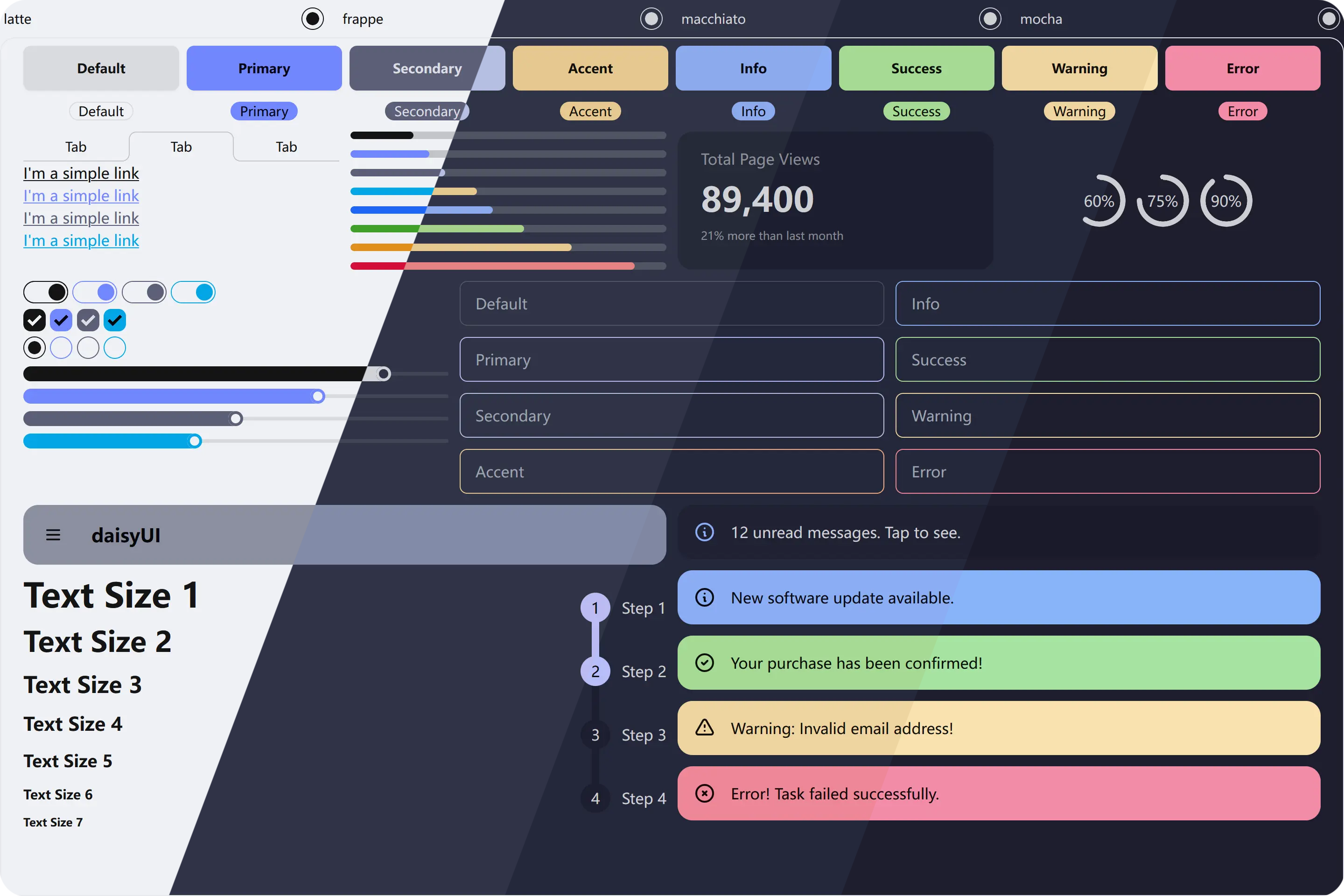
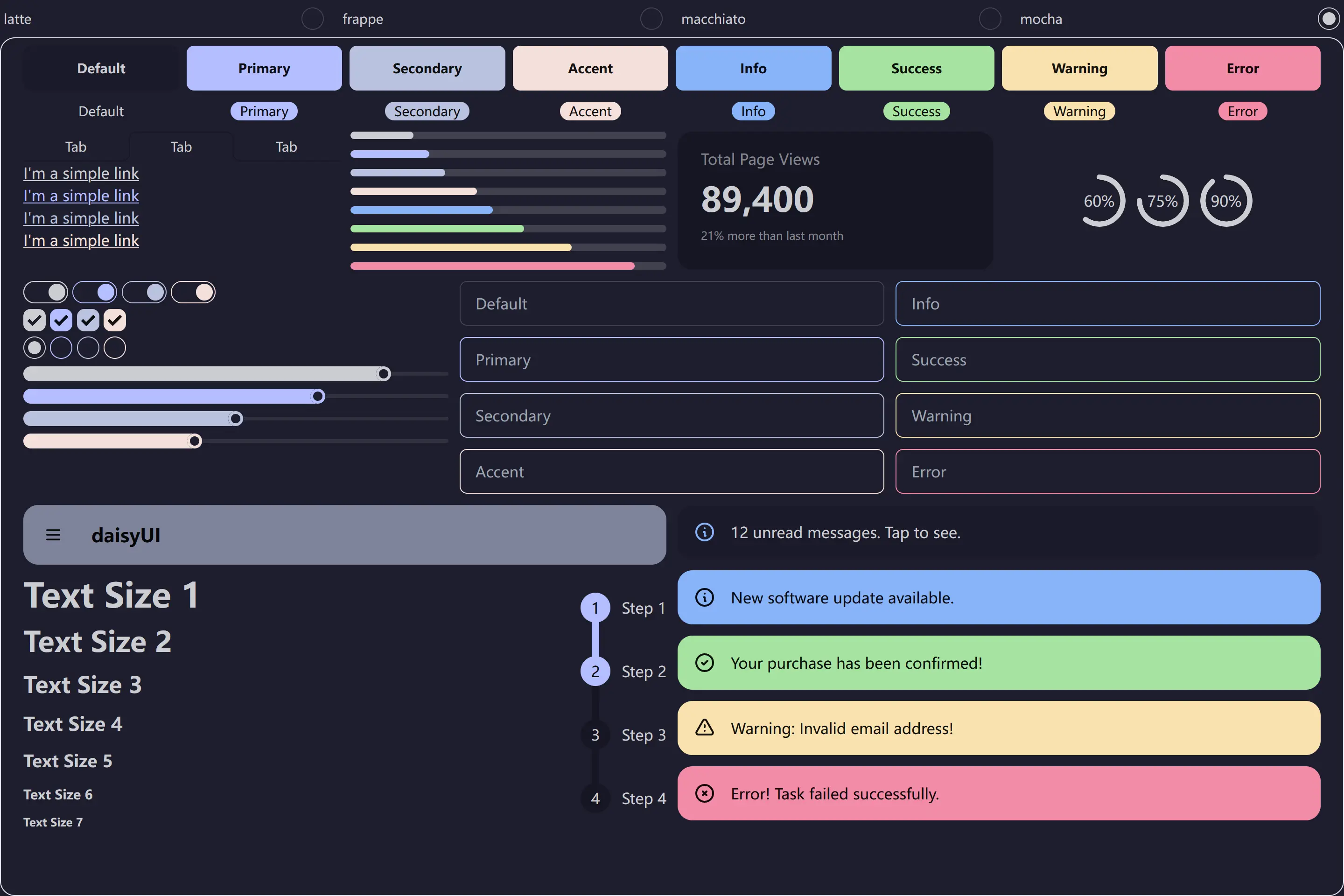
Previews
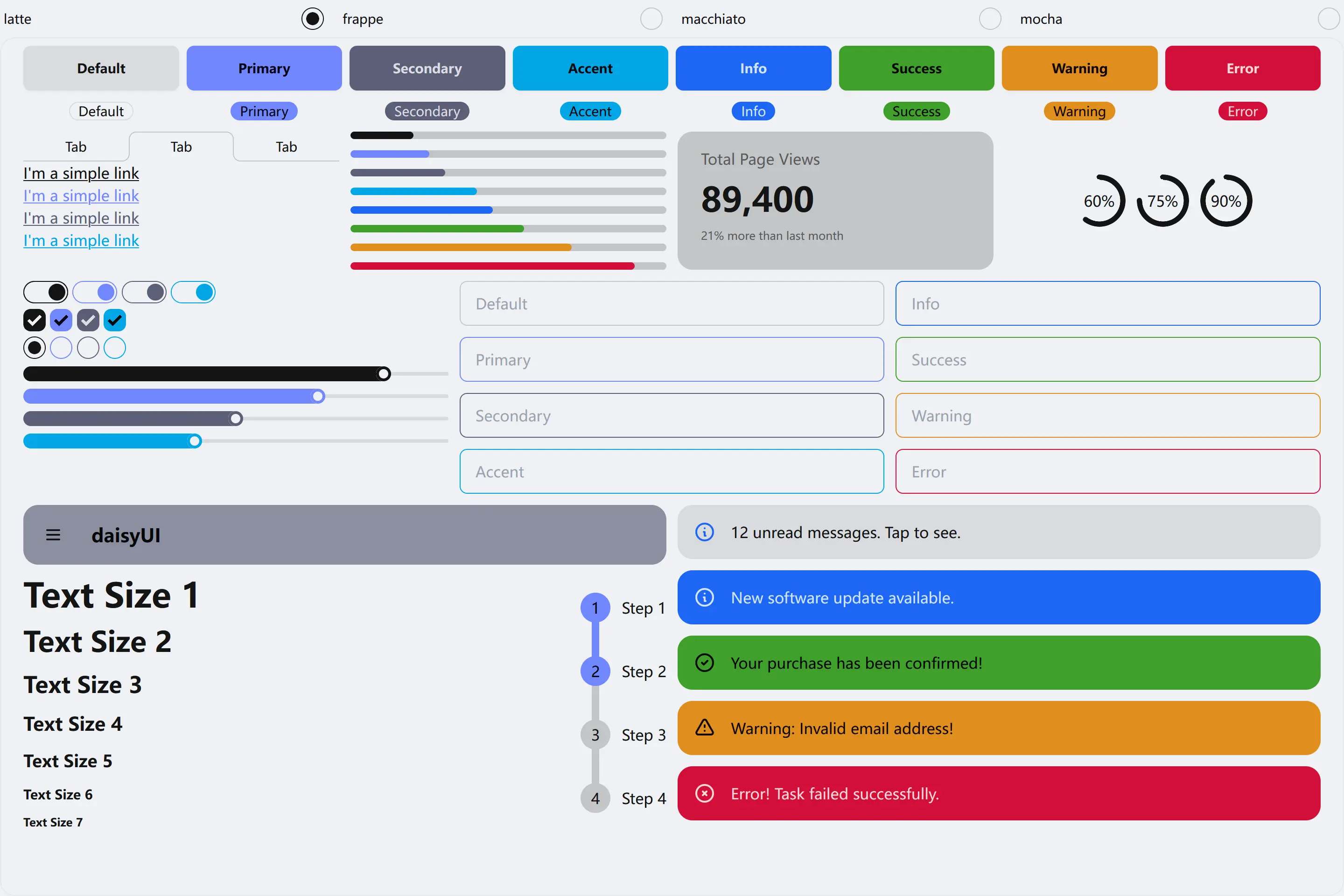
🌻 Latte
🪴 Frappé
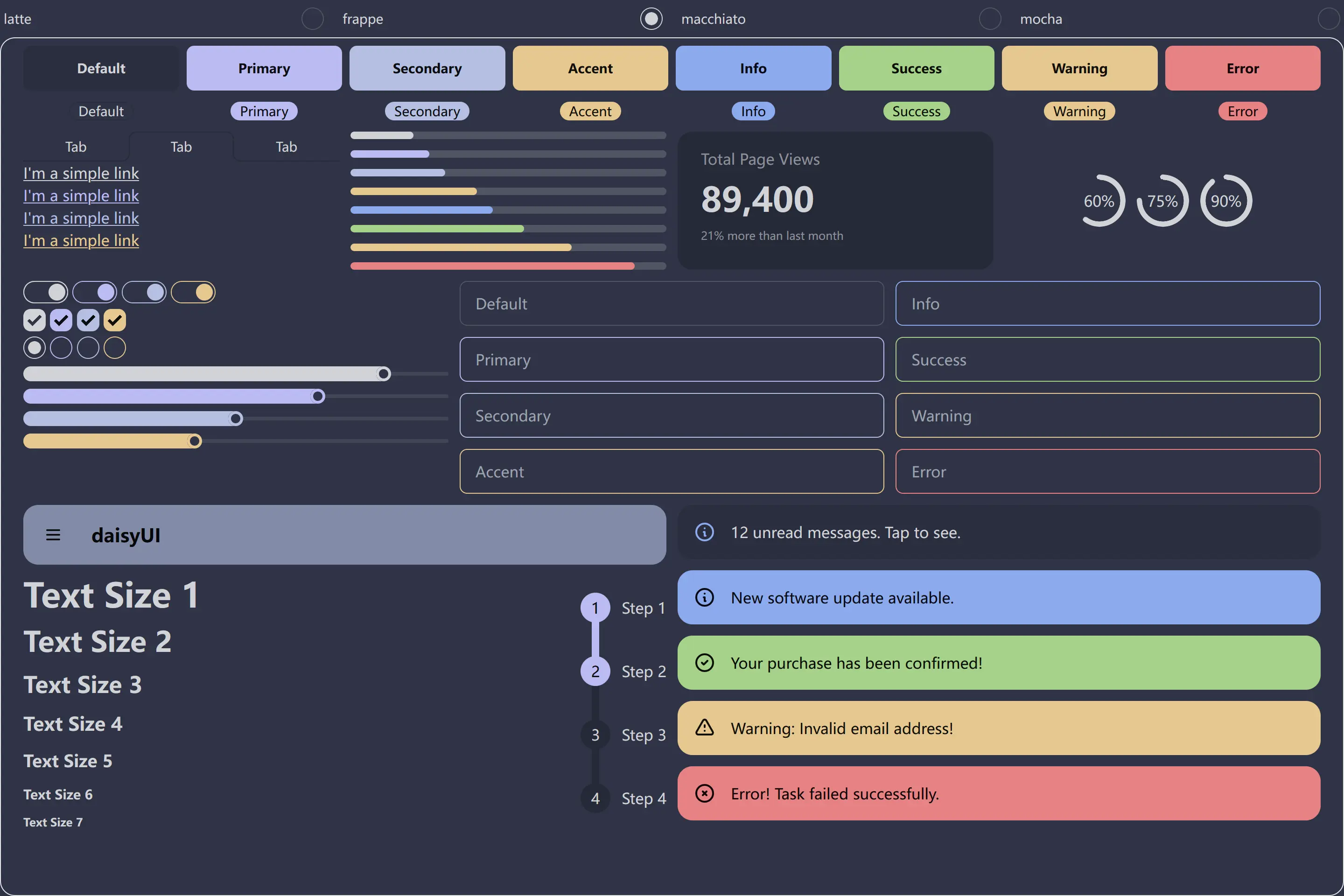
🌺 Macchiato
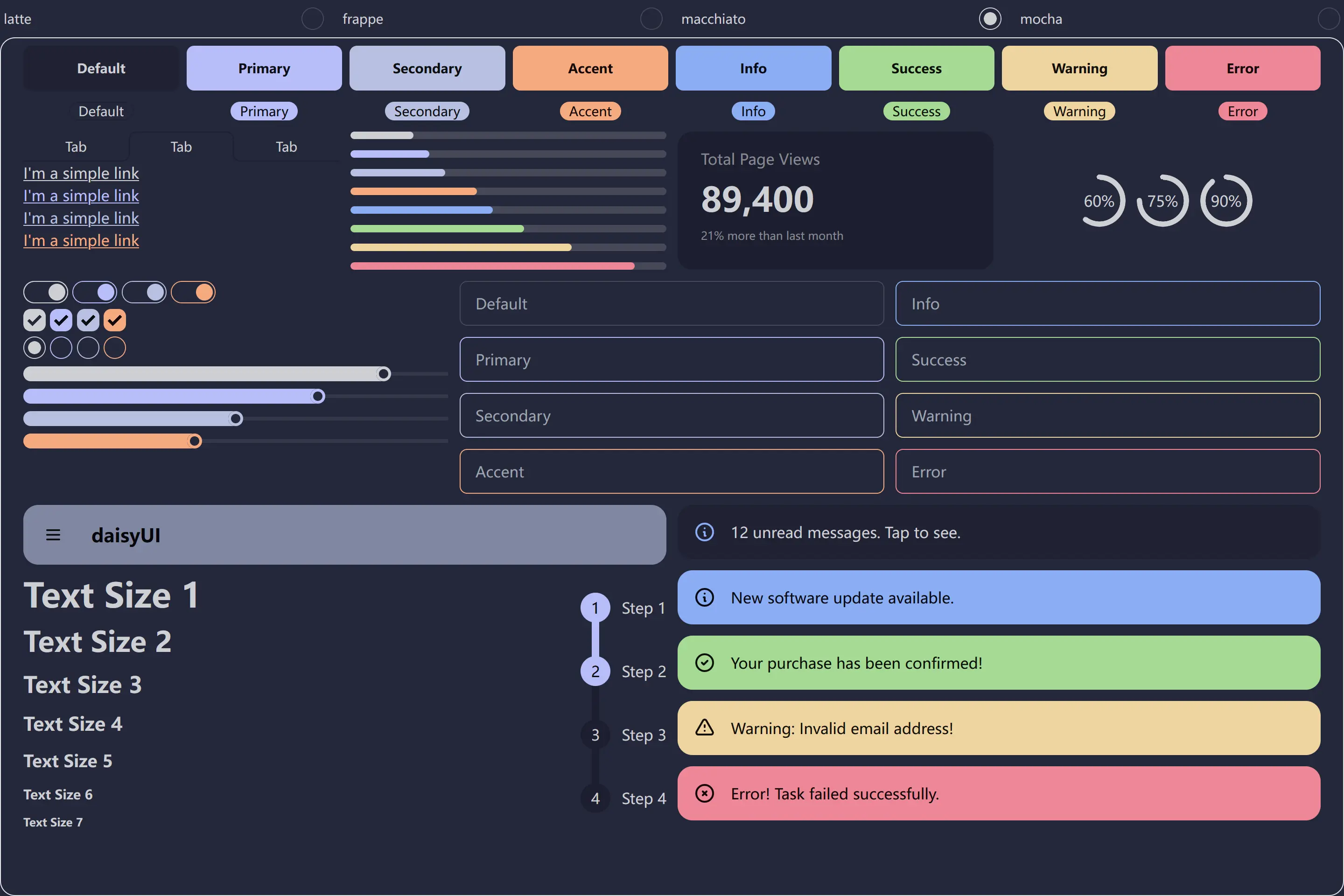
🌿 Mocha
Usage
$3
| npm | pnpm | yarn |
| ---------------------------------- | ------------------------------- | ------------------------------- |
| npm install -D @catppuccin/daisyui | pnpm add -D @catppuccin/daisyui | yarn add -D @catppuccin/daisyui |
$3
0. Follow the installation instructions for Tailwind CSS and Daisy UI
1. Create a separate file like catppuccinTheme.latte.ts and import @catppuccin/daisyui
``javascript
import { createCatppuccinPlugin } from '@catppuccin/daisyui'
export default createCatppuccinPlugin('latte')
`
You can view available values through your editor's type hints. Check example for additional details.
2. Import the created file in your CSS configuration file
`css
@import 'tailwindcss';
@plugin "daisyui" {
themes: false;
}
@plugin "./catppuccinTheme.latte.ts";
@plugin "./catppuccinTheme.frappe.ts";
@plugin "./catppuccinTheme.macchiato.ts";
@plugin "./catppuccinTheme.mocha.ts";
`
> [!TIP]
> For Daisy UI v4, you can import required functions from @catppuccin/daisyui/legacy. For specific usage, refer to the previous guide.
#### For CDN
Inspired by the CDN usage of Daisy UI, I have separated each theme, allowing you to independently import a single theme or combine the themes you need. See:
`html`
rel="stylesheet"
type="text/css"
/>
rel="stylesheet"
type="text/css"
/>
rel="stylesheet"
type="text/css"
/>
rel="stylesheet"
type="text/css"
/>
$3
You can use the following HTML to test the theme:
`html`
You can find the example in the example` folder.
💝 Thanks to

Copyright © 2021-present Catppuccin Org
