@circleci/backstage-plugin
v0.1.1TypeScript
A Backstage plugin that integrates with CircleCI
0/weekUpdated 6 days agoApache-2.0Unpacked: 90.8 KB
Published by roman731
npm install @circleci/backstage-pluginCircleCI Plugin
Website: https://circleci.com/
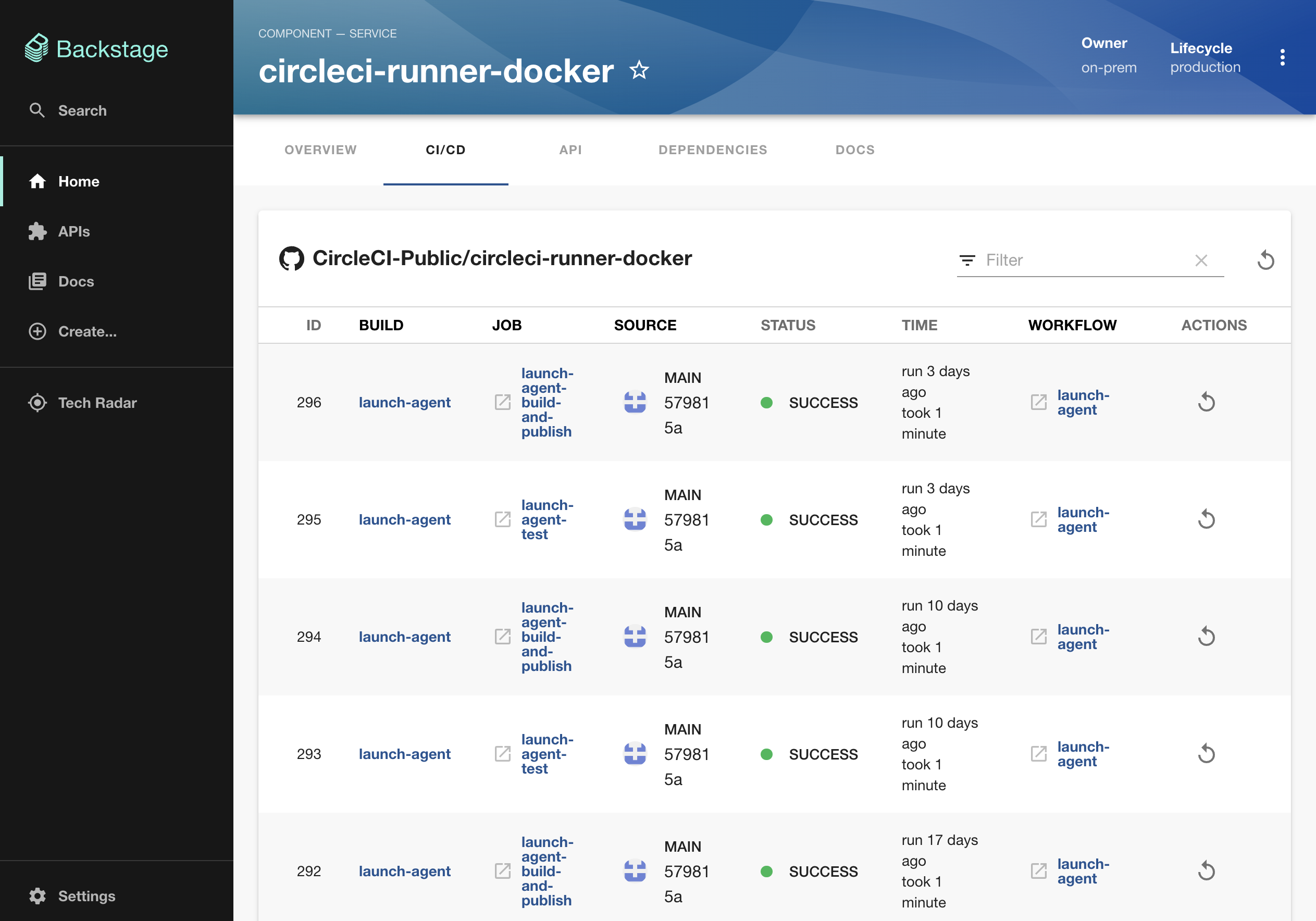
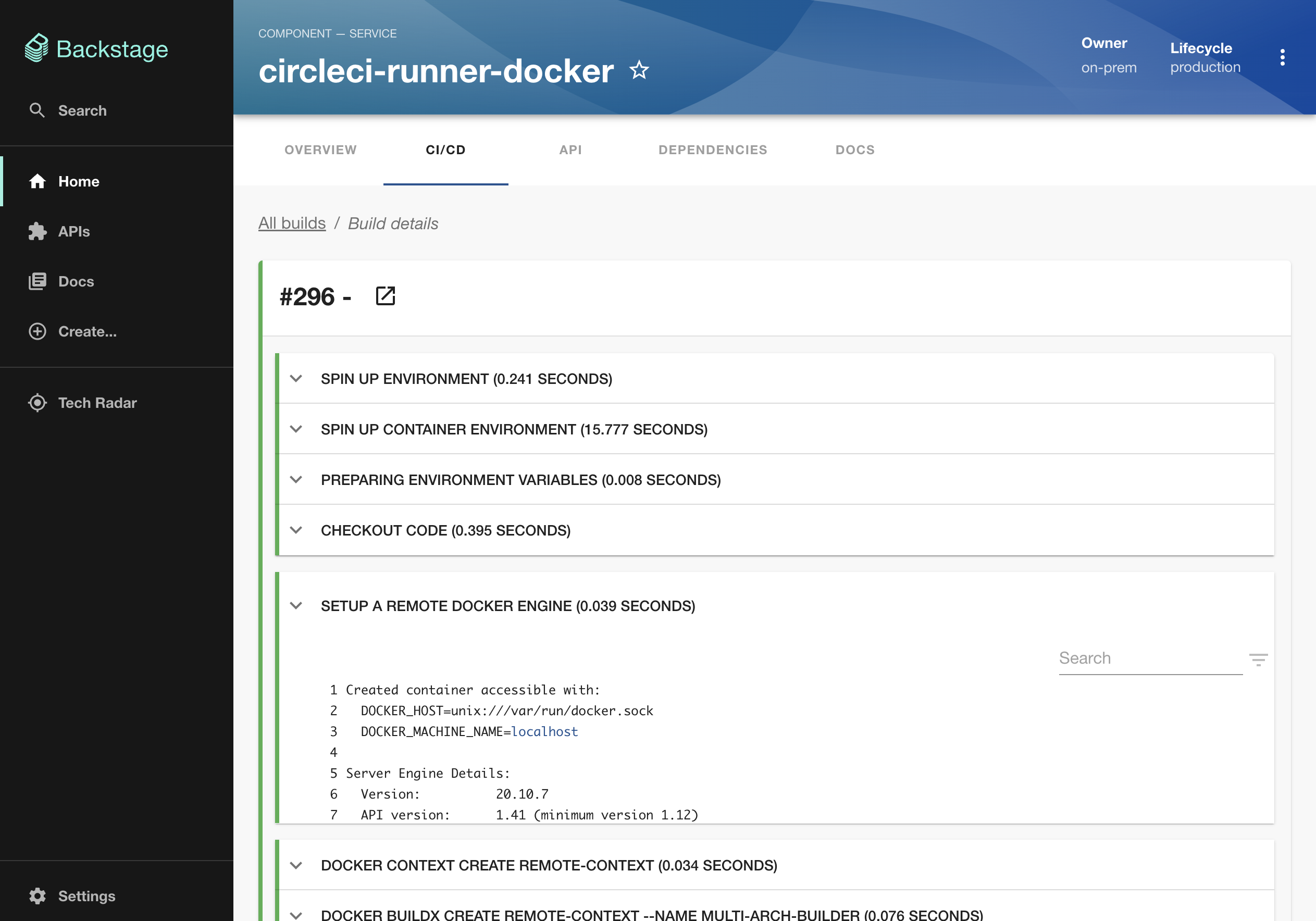
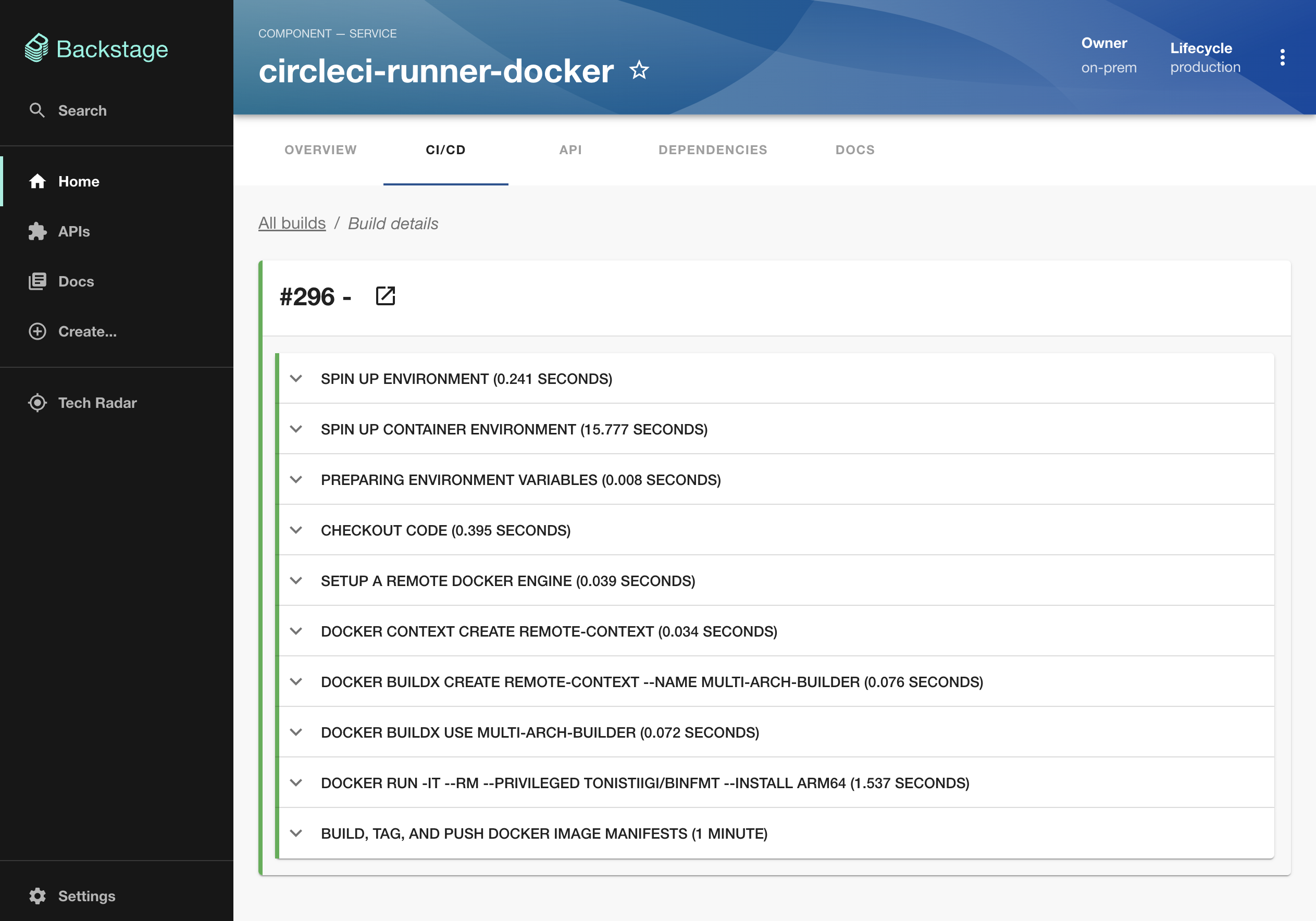
Screenshots
Setup
1. If you have a standalone app (you didn't clone this repo), then do
``bash`From your Backstage root directory
yarn add --cwd packages/app @circleci/backstage-plugin
2. Add the EntityCircleCIContent extension to the entity page in your app:
`tsx
// In packages/app/src/components/catalog/EntityPage.tsx
import {
EntityCircleCIContent,
isCircleCIAvailable,
} from '@circleci/backstage-plugin';
// For example in the CI/CD section
const cicdContent = (
`
4. Add proxy config:
`yaml`In app-config.yaml
proxy:
'/circleci/api':
target: https://circleci.com/api/v1.1
headers:
Circle-Token: ${CIRCLECI_AUTH_TOKEN}
5. Get and provide a CIRCLECI_AUTH_TOKEN as an environment variable (see the CircleCI docs).catalog-info.yaml
6. Add an annotation to your respective files, with the format circleci.com/project-slug: (See reference in ADR002).
`yaml``Example catalog-info.yaml entity definition file
apiVersion: backstage.io/v1alpha1
kind: Component
metadata:
# ...
annotations:
# This also supports bitbucket/xxx/yyy
circleci.com/project-slug: github/my-org/my-repo
spec:
type: service
# ...
Features
- List top 50 builds for a project
- Dive into one build to see logs
- Polling (logs only)
- Retry builds
- Works for both project and personal tokens
- Pagination for builds
Limitations
- CircleCI has pretty strict rate limits per token, be careful with opened tabs
- CircleCI doesn't provide a way to auth by 3rd party (e.g. GitHub) token, nor by calling their OAuth endpoints, which currently stands in the way of better auth integration with Backstage (reference feature request and discussion topic)
Release Notes
$3
- New release under CircleCI
- Please watch out for new updates in the coming weeks