@hake/react-native-markdown
v0.1.44TypeScript
High-performance, extensible React Native Markdown component with remark support
22/weekUpdated 2 months agoMITUnpacked: 122.5 KB
Published by bang88
npm install @hake/react-native-markdown@hake/react-native-markdown
High-performance, extensible React Native Markdown component with full remark plugin support.
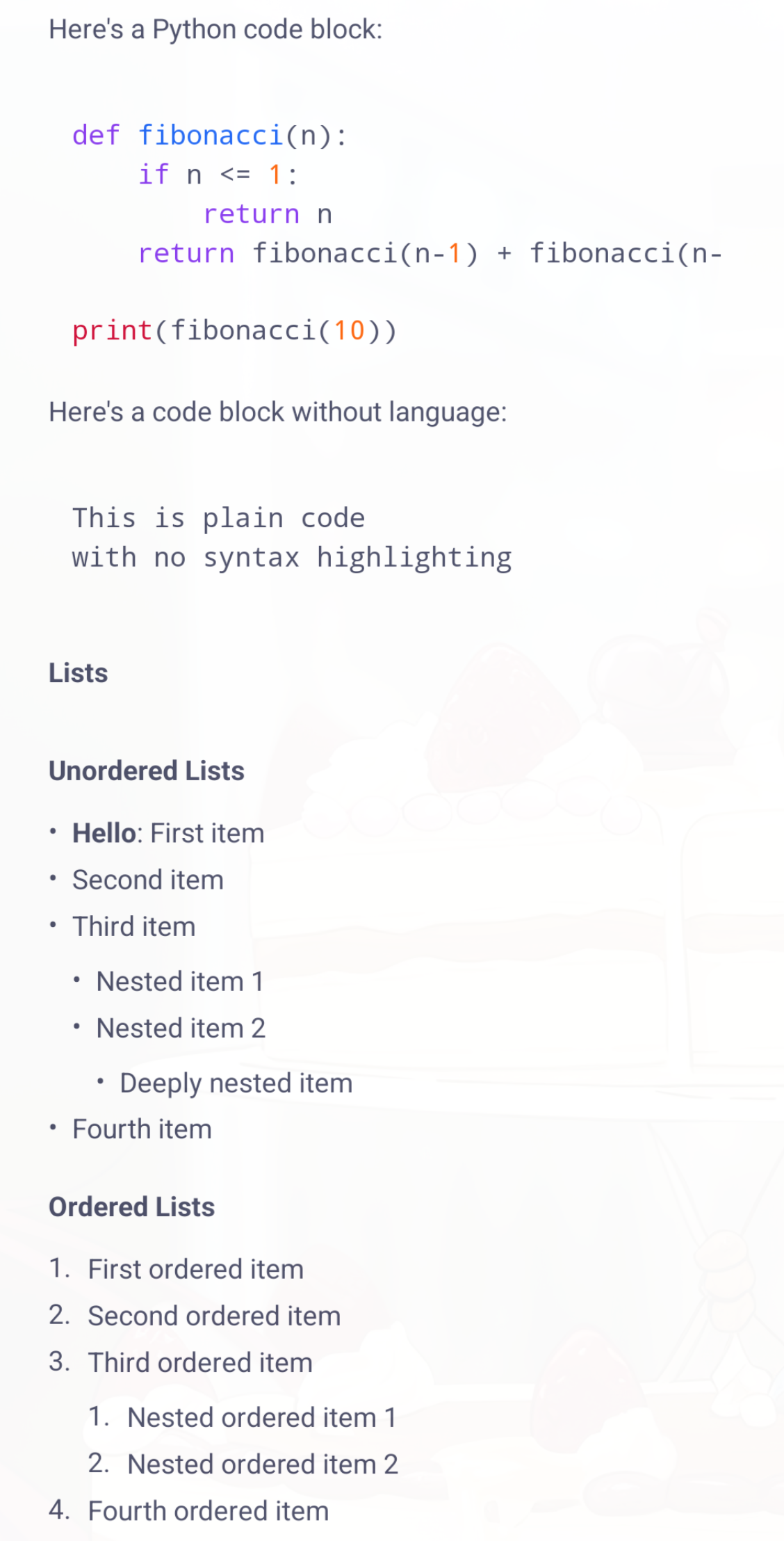
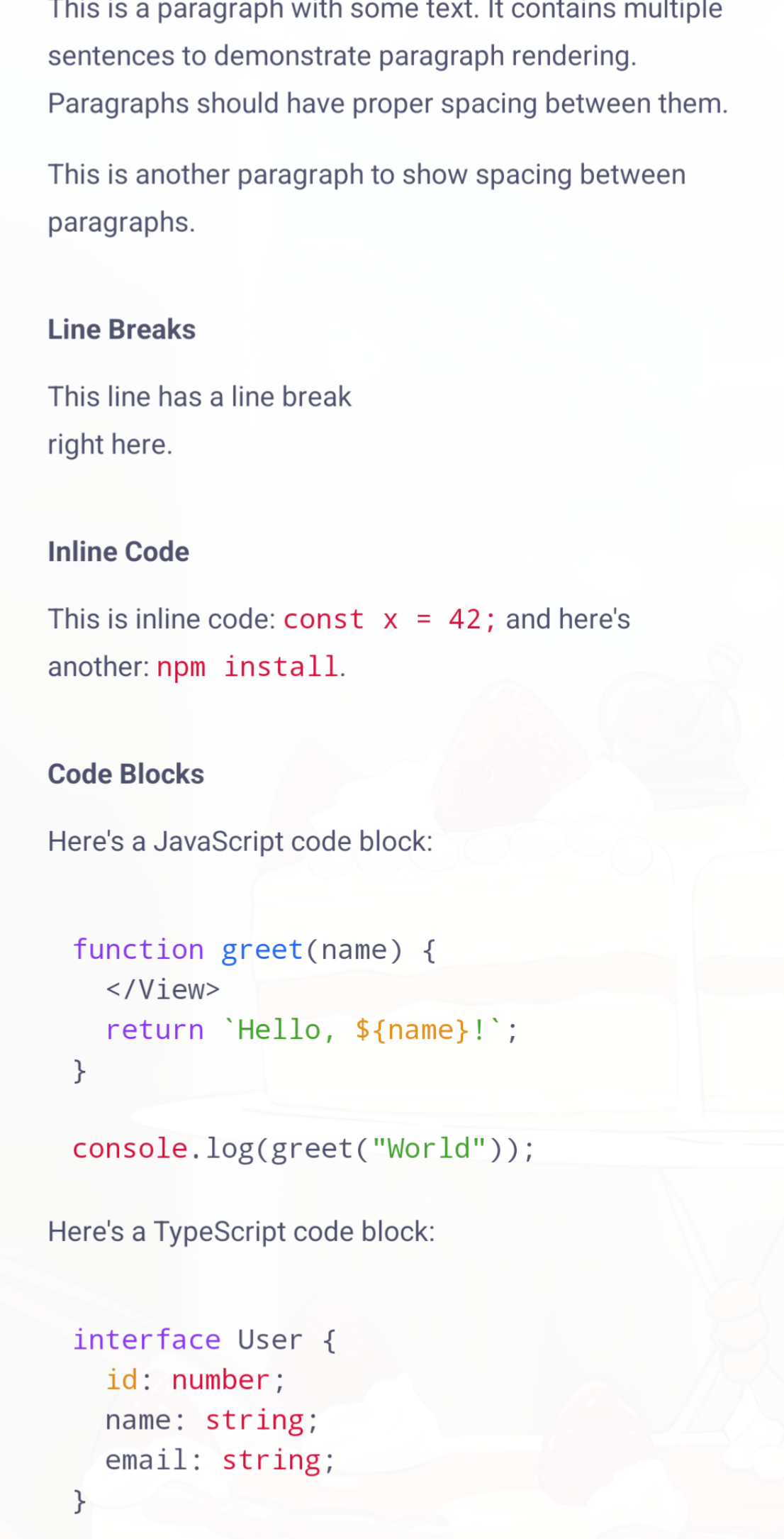
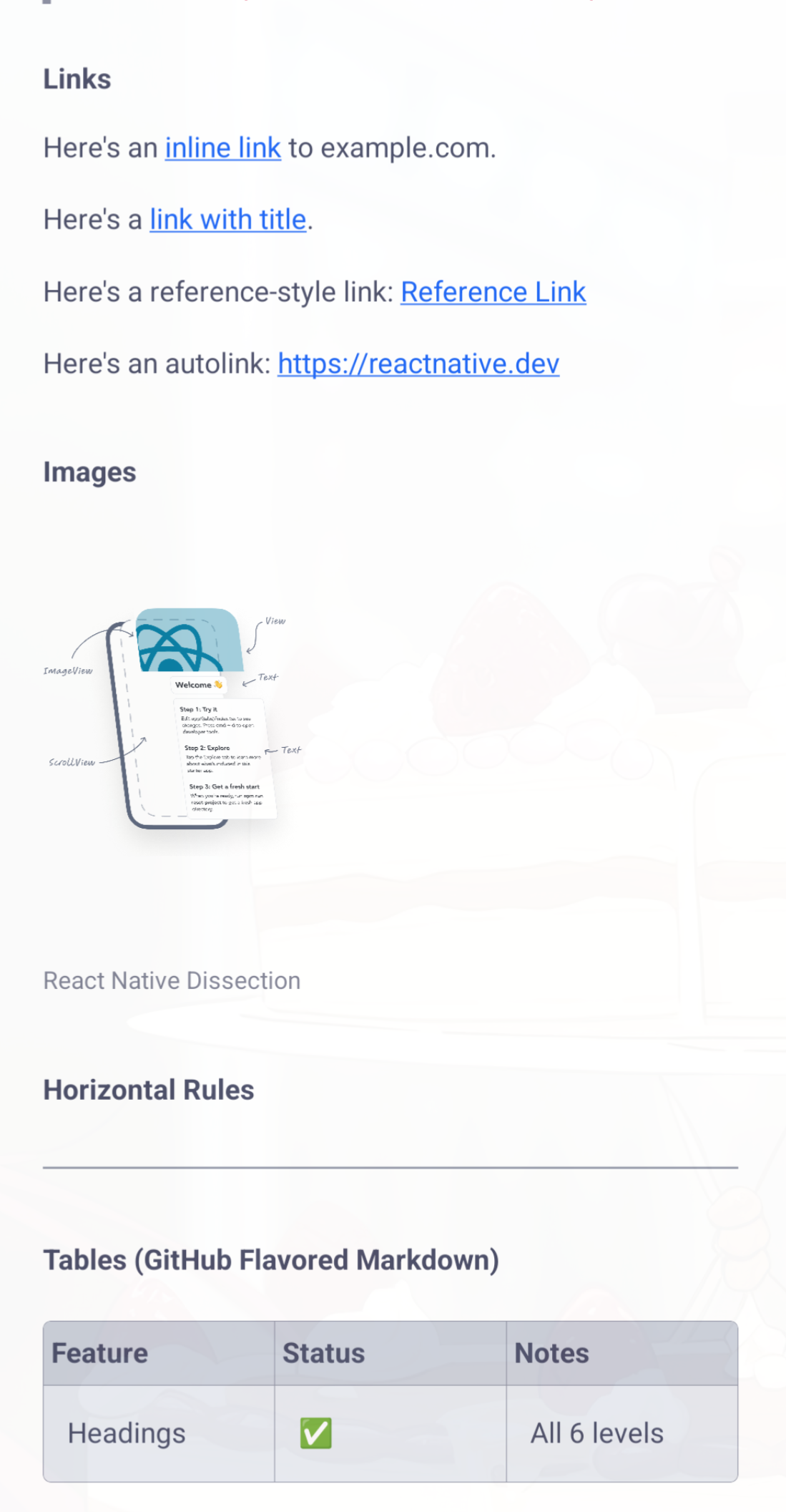
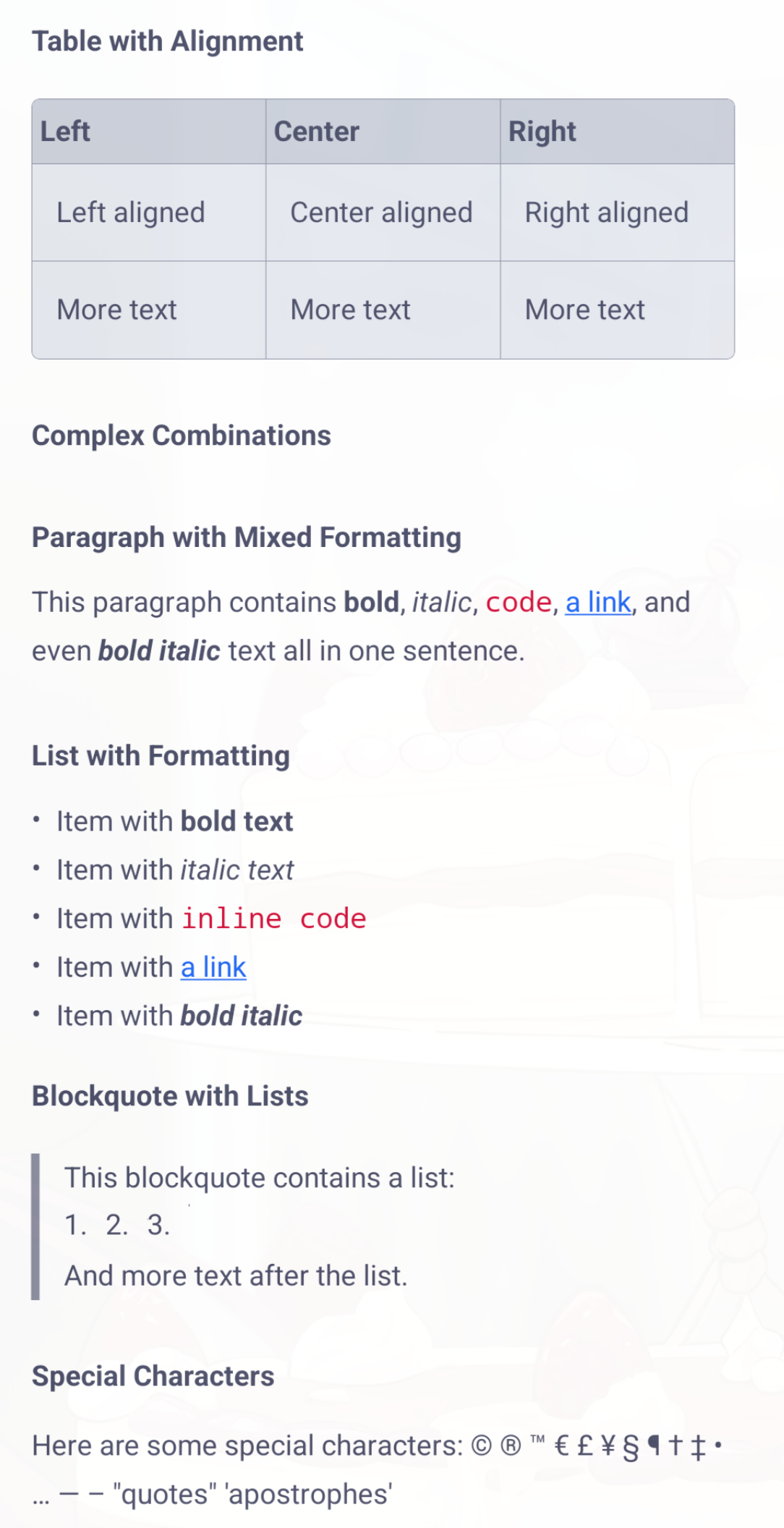
Features
- 🚀 High Performance: Direct AST-to-React Native rendering (no HTML conversion)
- 🔌 Extensible: Full support for remark plugins and custom renderers
- 📦 Lightweight: Only depends on remark-related packages
- 🎨 Customizable: Full control over styles and rendering(Light and Dark mode
- 💪 TypeScript: Complete type definitions included
- ⚡ Optimized: Built-in memoization and caching
Installation
``bash`
npm install @hake/react-native-markdownor
yarn add @hake/react-native-markdownor
bun add @hake/react-native-markdownQuick Start
`tsx
import { MarkdownView } from '@hake/react-native-markdown';
function App() {
return (
{# Hello World
This is bold and this is italic.
- Item 1
- Item 2
- Item 3}`
);
}
Basic Usage
$3
`tsx
import { MarkdownView } from '@hake/react-native-markdown';
{# Heading 1Heading 2
A paragraph with bold and italic text.
\\\javascript\
const code = 'example';
\\}`
$3
`tsx
import { MarkdownView } from '@hake/react-native-markdown';
import type { MarkdownStyles } from '@hake/react-native-markdown';
const customStyles: MarkdownStyles = {
heading: {
fontSize: 28,
fontWeight: 'bold',
color: '#333',
},
paragraph: {
marginBottom: 16,
lineHeight: 24,
},
link: {
color: '#0066cc',
textDecorationLine: 'underline',
},
};
{markdownContent}
`
$3
`tsx
import { MarkdownView } from '@hake/react-native-markdown';
import remarkGfm from 'remark-gfm';
import remarkMath from 'remark-math';
{ plugin: remarkGfm },
{ plugin: remarkMath, options: { / options / } },
]}
>
{markdownContent}
`
$3
`tsx
import { MarkdownView } from '@hake/react-native-markdown';
import type { NodeRenderer } from '@hake/react-native-markdown';
import type { Heading } from 'mdast';
import { Text } from 'react-native';
const customHeadingRenderer: NodeRenderer
return (
{children}
);
};
heading: customHeadingRenderer,
}}
>
{markdownContent}
`
$3
This package supports syntax highlighting for code blocks using react-native-code-highlighter and react-syntax-highlighter.
`tsx
import { MarkdownView } from '@hake/react-native-markdown';
import { atomOneDarkReasonable } from 'react-syntax-highlighter/dist/esm/styles/hljs';
hljsStyle: atomOneDarkReasonable,
textStyle: { fontSize: 14 },
}}
>
{\\\javascript\
const hello = "world";
console.log(hello);
\\}`
Note: All code (both inline and block) is rendered using CodeHighlighter. If hljsStyle is not provided, the default theme will be used.
$3
`tsx
import { Linking } from 'react-native';
Linking.openURL(url).catch((err) => {
console.error('Failed to open URL:', err);
});
}}
>
{markdownContent}
`
API Reference
$3
Main component for rendering markdown.
#### Props
| Prop | Type | Default | Description |
|------|------|---------|-------------|
| children | string | required | Markdown content to render |styles
| | MarkdownStyles | undefined | Custom styles for markdown elements |renderers
| | CustomRenderers | undefined | Custom renderers for specific node types |plugins
| | RemarkPlugin[] | [] | Remark plugins to use |debug
| | boolean | false | Enable debug logging |maxListDepth
| | number | 10 | Maximum depth for nested lists |onLinkPress
| | (url: string) => void | undefined | Callback when a link is pressed |onImageError
| | (error: Error) => void | undefined | Callback when an image fails to load |codeHighlighter
| | CodeHighlighterConfig | undefined | Configuration for code syntax highlighting |
$3
Interface for customizing markdown element styles.
`typescript`
interface MarkdownStyles {
heading?: TextStyle;
heading1?: TextStyle;
heading2?: TextStyle;
heading3?: TextStyle;
heading4?: TextStyle;
heading5?: TextStyle;
heading6?: TextStyle;
paragraph?: TextStyle;
text?: TextStyle;
strong?: TextStyle;
emphasis?: TextStyle;
code?: TextStyle;
codeBlock?: ViewStyle & { container?: ViewStyle };
inlineCode?: TextStyle;
link?: TextStyle;
image?: ImageStyle;
list?: ViewStyle;
listItem?: ViewStyle;
orderedList?: ViewStyle;
unorderedList?: ViewStyle;
blockquote?: ViewStyle & { text?: TextStyle };
horizontalRule?: ViewStyle;
}
$3
Hook for parsing markdown asynchronously.
`typescript`
const { ast, error, isLoading } = useMarkdown(markdown, plugins);
$3
Hook for merging custom styles with defaults.
`typescript`
const styles = useMarkdownStyles(customStyles);
Extending with Plugins
This package supports the full remark plugin ecosystem. Here are some popular plugins:
- remark-gfm - GitHub Flavored Markdown
- remark-math - Math support
- remark-breaks - Hard line breaks
- remark-frontmatter - Frontmatter support
Example:
`tsx
import remarkGfm from 'remark-gfm';
import remarkMath from 'remark-math';
{markdownContent}
`
Creating Custom Renderers
You can create custom renderers for any node type:
`typescript
import type { NodeRenderer } from '@hake/react-native-markdown';
import type { Code } from 'mdast';
import { Text } from 'react-native';
const myCodeRenderer: NodeRenderer = (node, children, context) => {
return (
{node.value}
);
};
{markdownContent}
`
TypeScript Support
This package is written in TypeScript and includes full type definitions. All types are exported for use in your code:
`typescript``
import type {
MarkdownViewProps,
MarkdownStyles,
CustomRenderers,
RemarkPlugin,
NodeRenderer,
} from '@hake/react-native-markdown';
Contributing
Contributions are welcome! Please feel free to submit a Pull Request.
License
MIT