@modelcontextprotocol/server-wiki-explorer
v1.0.1TypeScript
Wikipedia link explorer MCP App Server with graph visualization
0/weekUpdated 3 days agoMITUnpacked: 5.0 MB
Published by jspahrsummers
npm install @modelcontextprotocol/server-wiki-explorerExample: Wiki Explorer
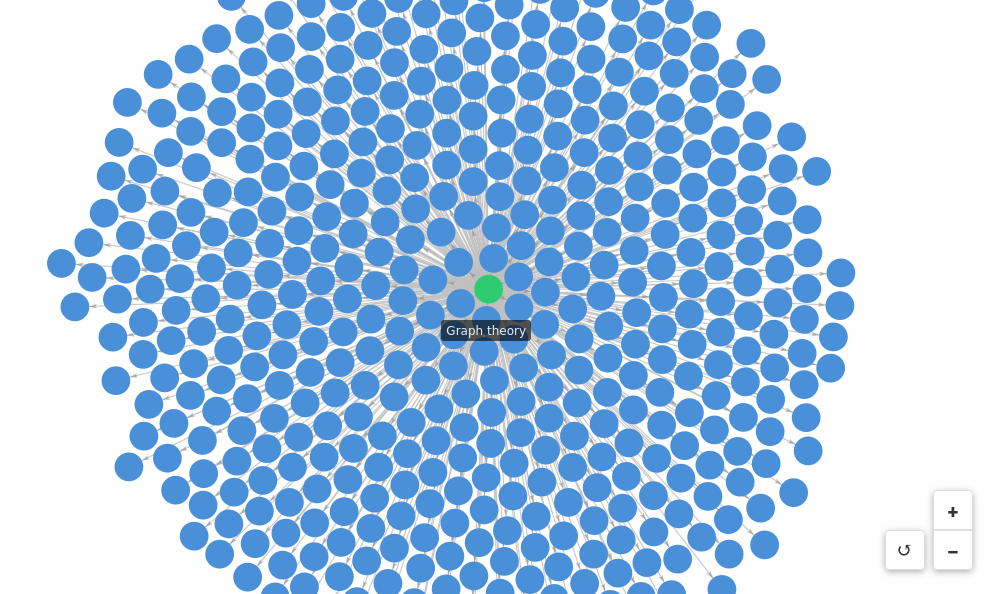
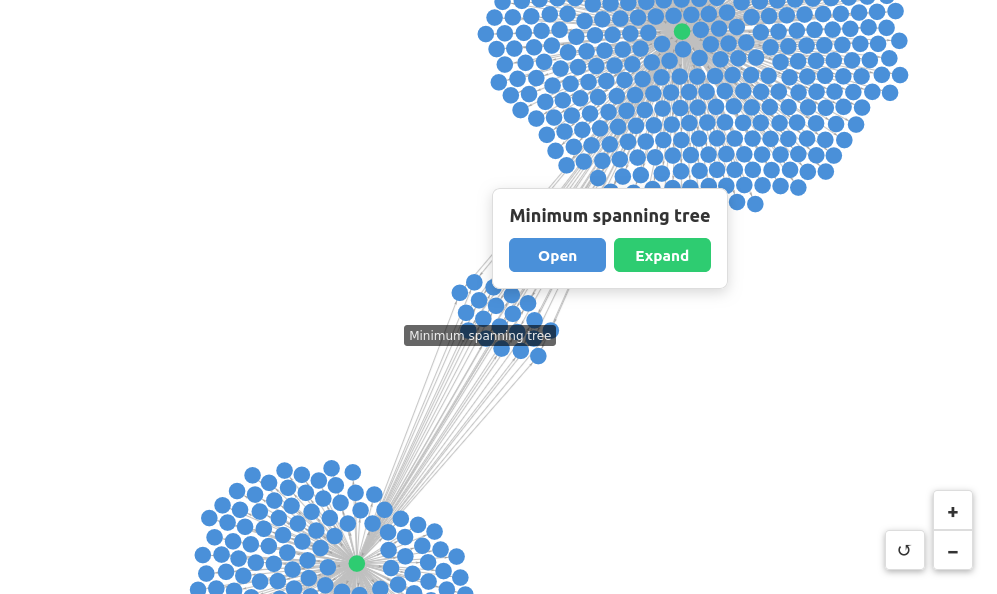
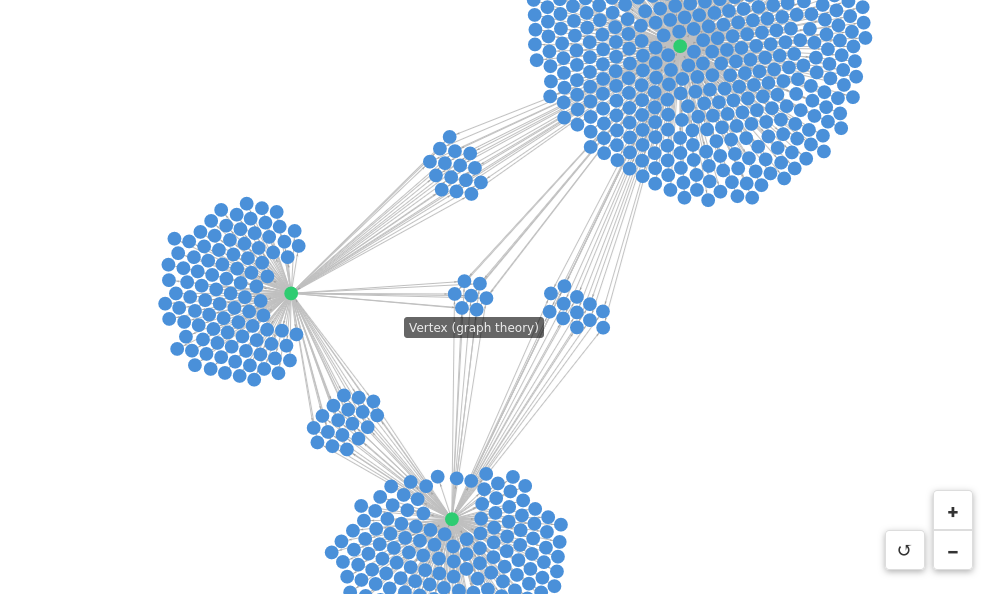
Visualizes Wikipedia link graphs using a force-directed layout. Explore how Wikipedia pages are connected by expanding nodes to reveal first-degree links.
 |  |  |
MCP Client Configuration
Add to your MCP client configuration (stdio transport):
``json`
{
"mcpServers": {
"wiki-explorer": {
"command": "npx",
"args": [
"-y",
"--silent",
"--registry=https://registry.npmjs.org/",
"@modelcontextprotocol/server-wiki-explorer",
"--stdio"
]
}
}
}
$3
To test local modifications, use this configuration (replace ~/code/ext-apps with your clone path):
`json`
{
"mcpServers": {
"wiki-explorer": {
"command": "bash",
"args": [
"-c",
"cd ~/code/ext-apps/examples/wiki-explorer-server && npm run build >&2 && node dist/index.js --stdio"
]
}
}
}
Features
- Force-directed graph visualization: Interactive graph powered by force-graph
- Node expansion: Click any node to expand and see all pages it links to
- Visual state tracking: Nodes change color based on state (blue = default, green = expanded, red = error)
- Direct page access: Open any Wikipedia page in your browser
Running
1. Install dependencies:
`bash`
npm install
2. Build and start the server:
`bash`
npm run start:http # for Streamable HTTP transport
# OR
npm run start:stdio # for stdio transport
3. View using the basic-host example or another MCP Apps-compatible host.
$3
To test the example, call the get-first-degree-links tool with a Wikipedia URL:
`json`
{
"url": "https://en.wikipedia.org/wiki/Graph_theory"
}
Click nodes in the graph to Open (view in browser) or Expand (visualize linked pages).
Architecture
$3
MCP server that fetches Wikipedia pages and extracts internal links.
Exposes one tool:
- get-first-degree-links` - Returns links to other Wikipedia pages from a given page
$3
Vanilla TypeScript app using force-graph for visualization that:
- Receives tool inputs via the MCP App SDK
- Renders an interactive force-directed graph
- Supports node expansion to explore link relationships