@nativescript-rtl/ui
v0.2.2TypeScript
Add right-to-left support to NativeScript framework
0/weekUpdated 3 years agoMITUnpacked: 54.1 KB
Published by xlmnxp
@nativescript-rtl/ui
Add right-to-left UI support to NativeScript framework
Installation
to install plugin write:
$3
``
bash
tns plugin add @nativescript-rtl/ui
`$3
bash
tns plugin add @nativescript-rtl/ui@0.1.7
`Preview
| LTR | Layout | RTL |
| :--- | :---: | ---: |
| 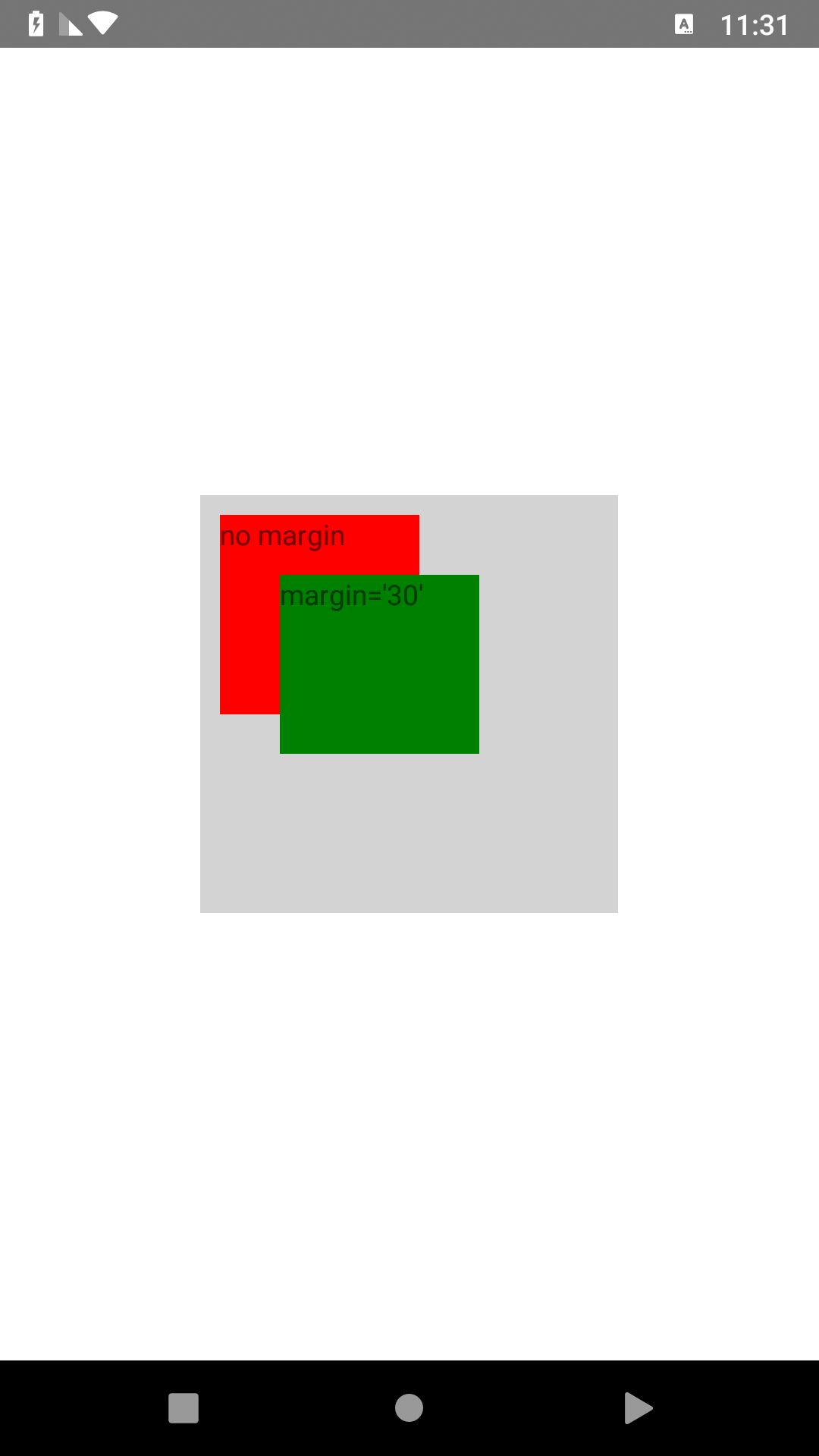 |
| | 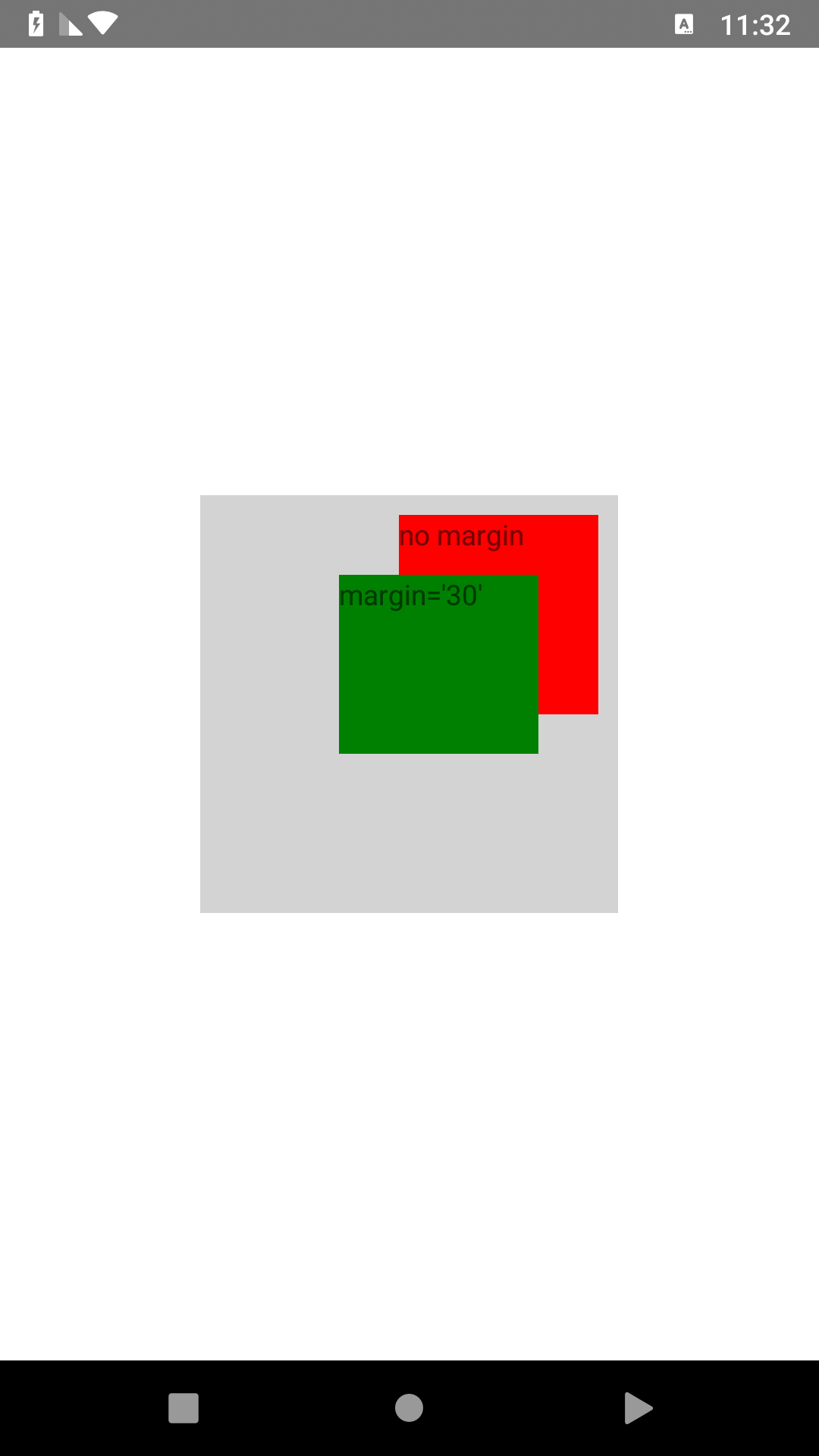 |
|
| 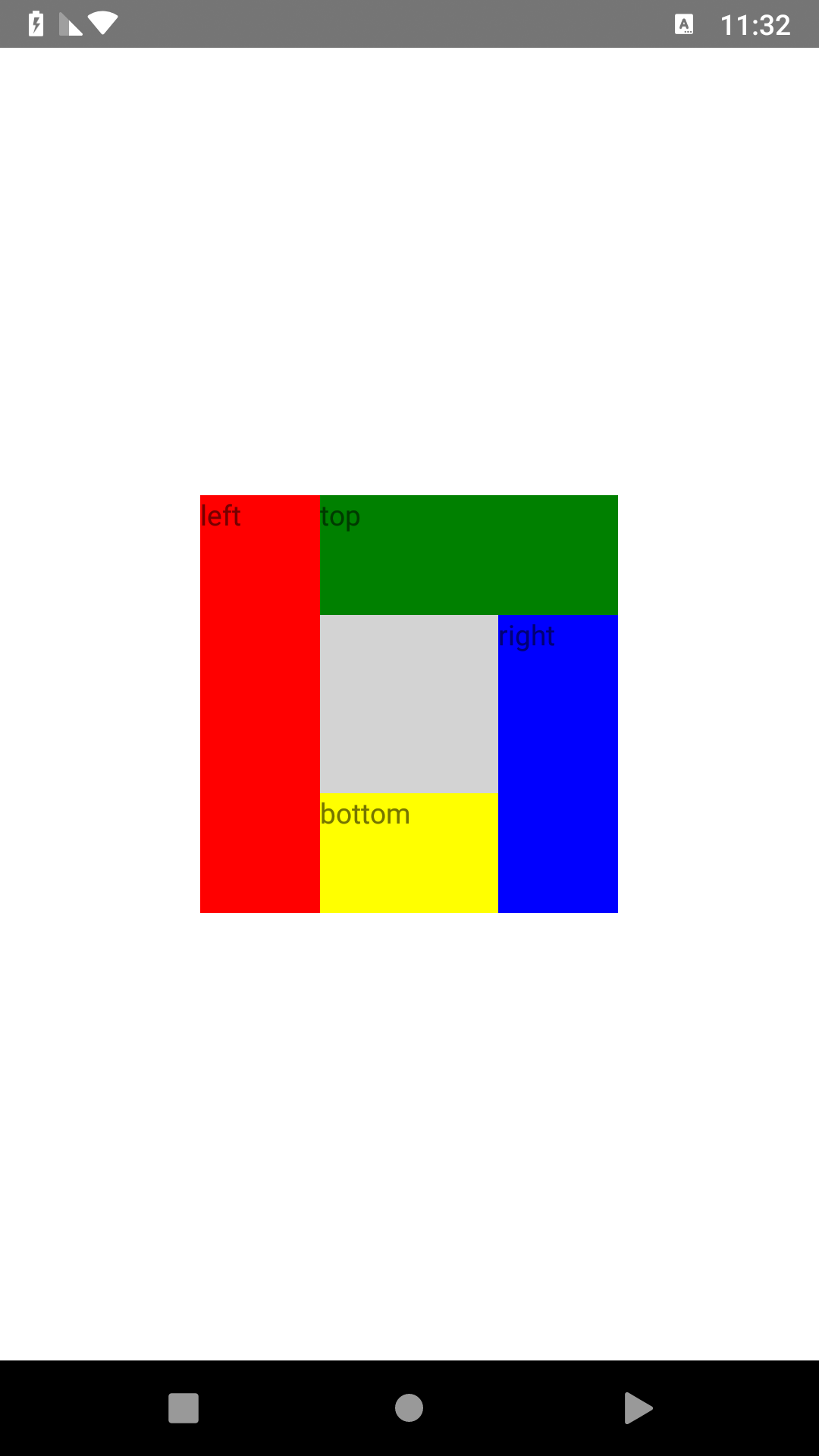 |
| DockLayout | 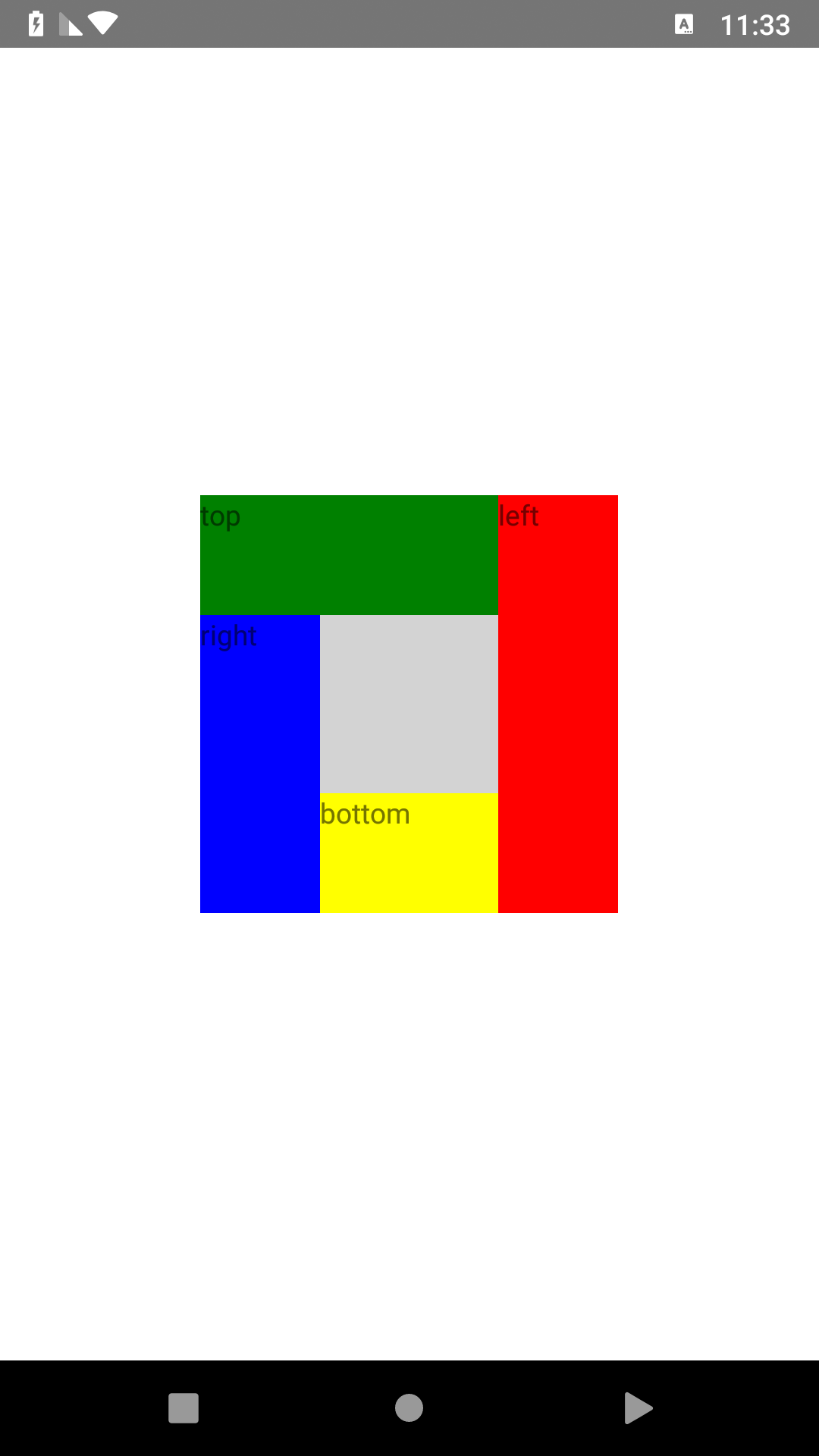 |
|
| 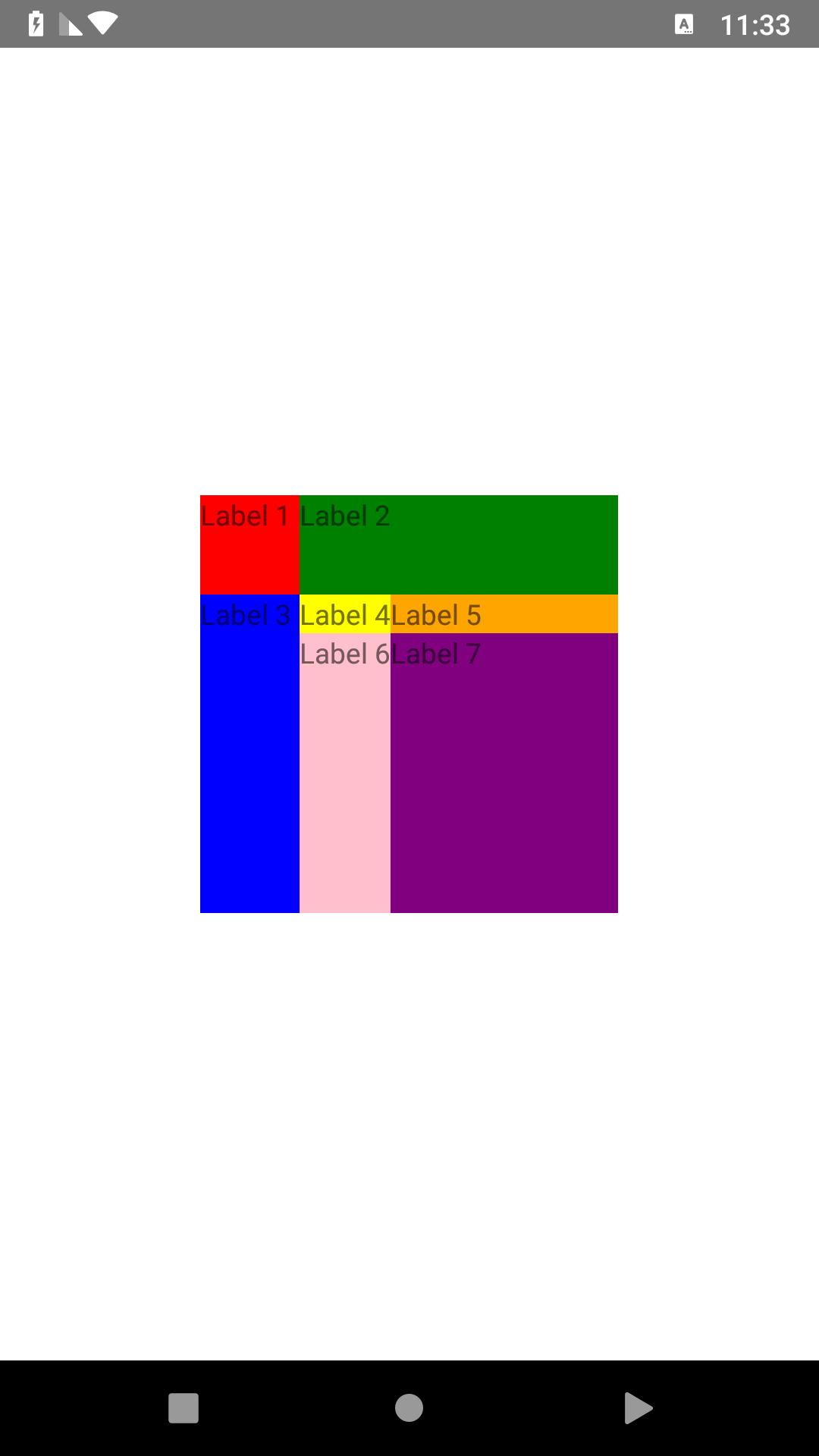 |
| GridLayout | 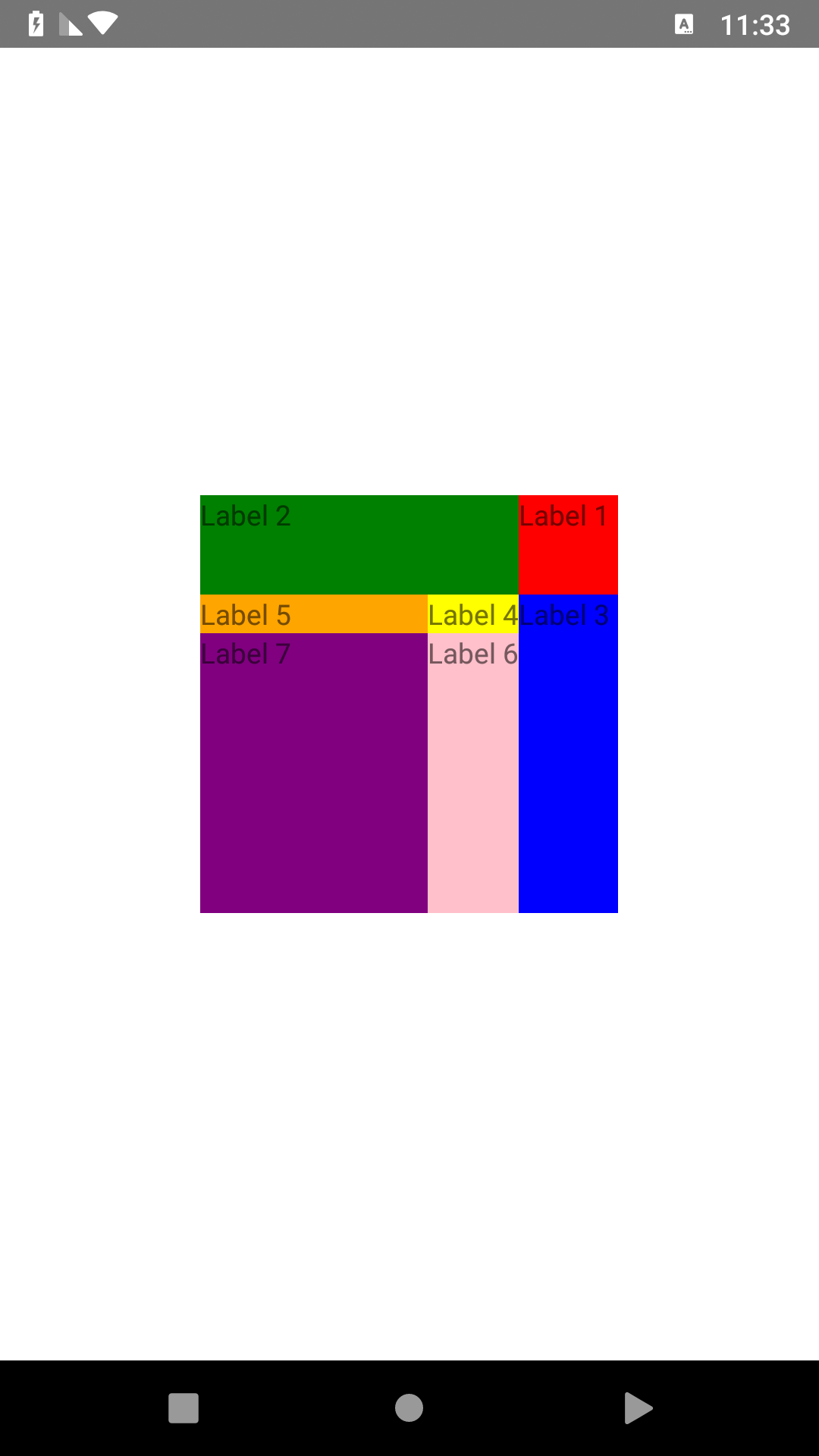 |
|
| 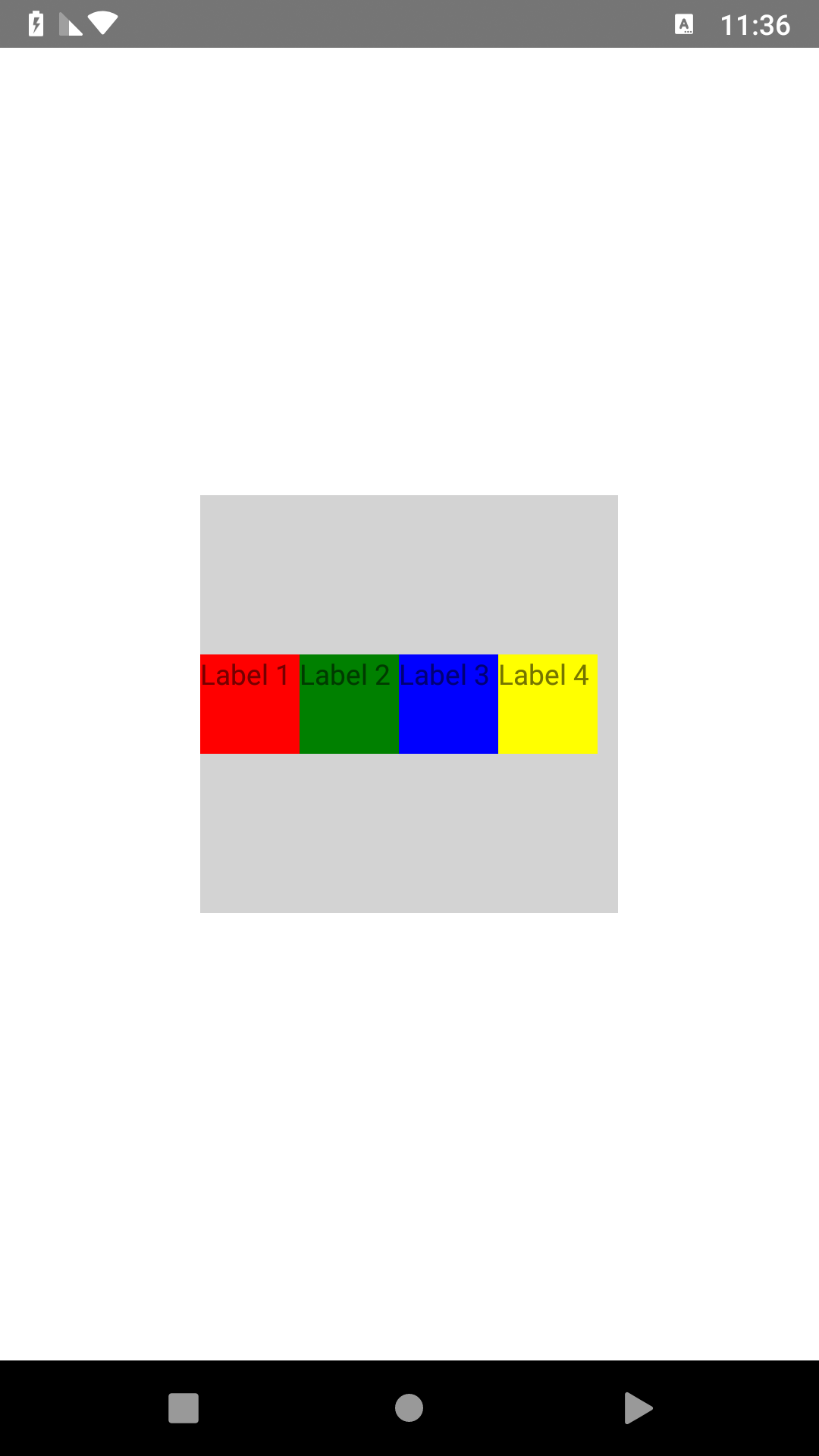 |
| StackLayout | 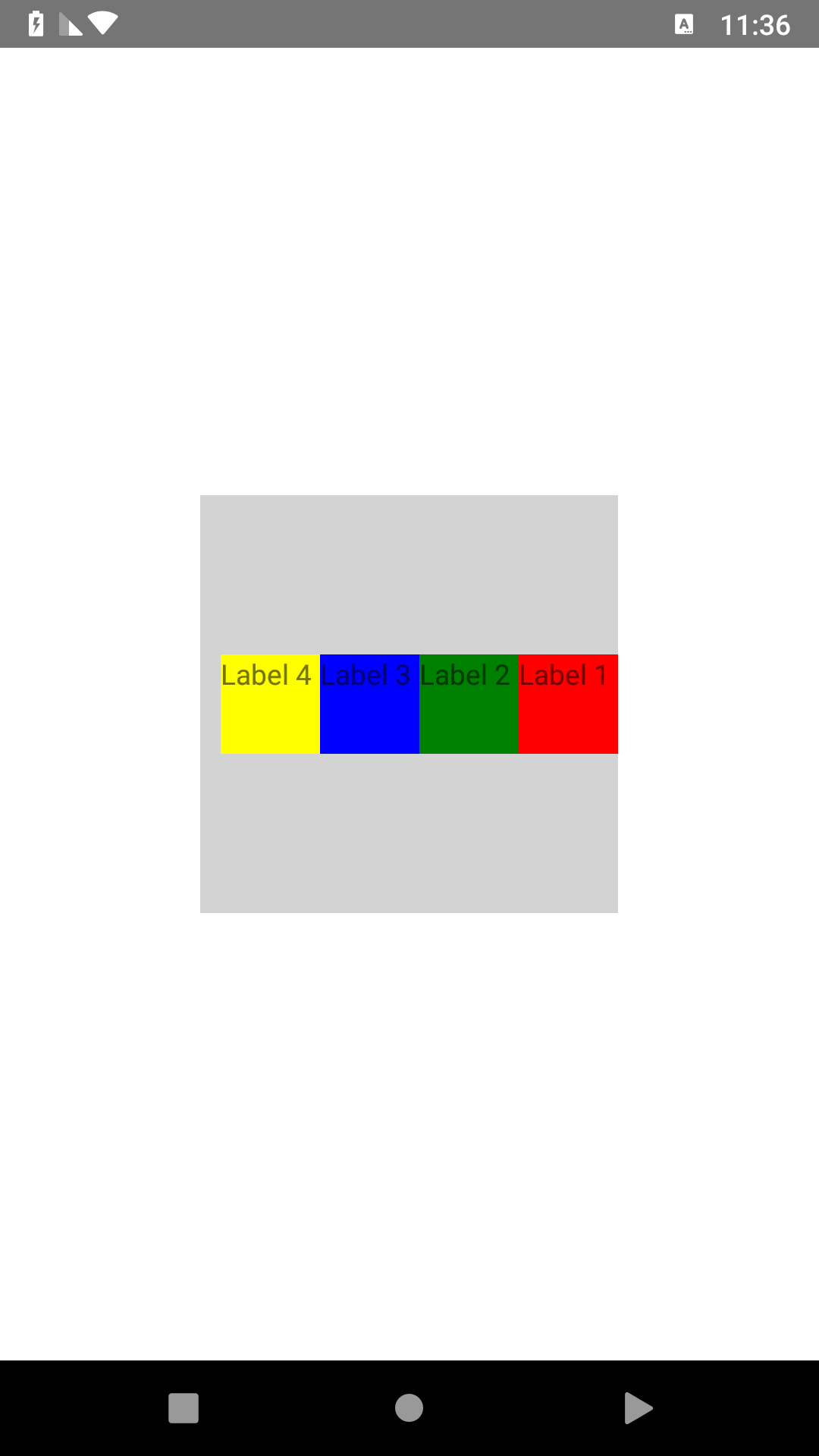 |
|
| 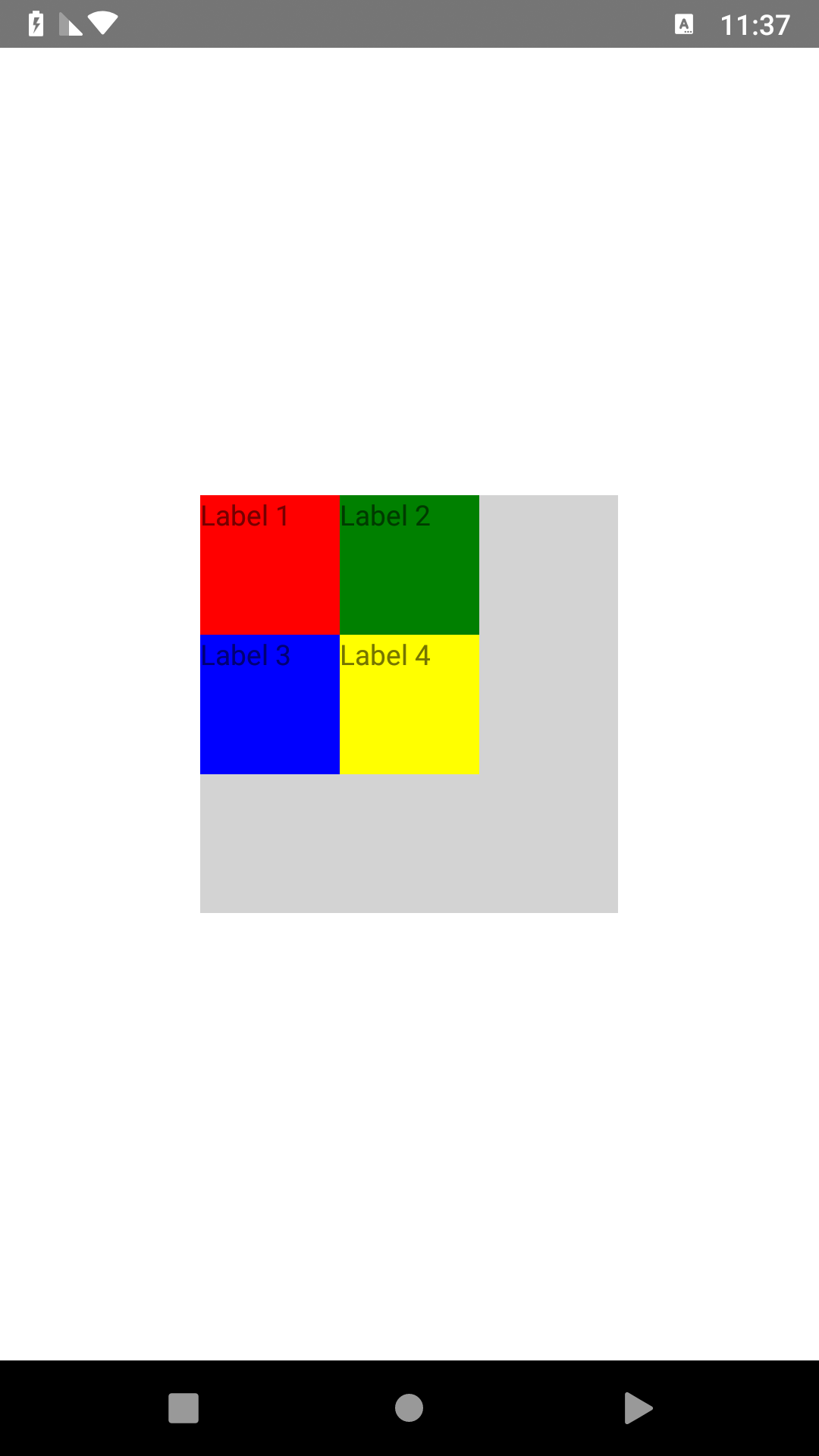 |
| WrapLayout | 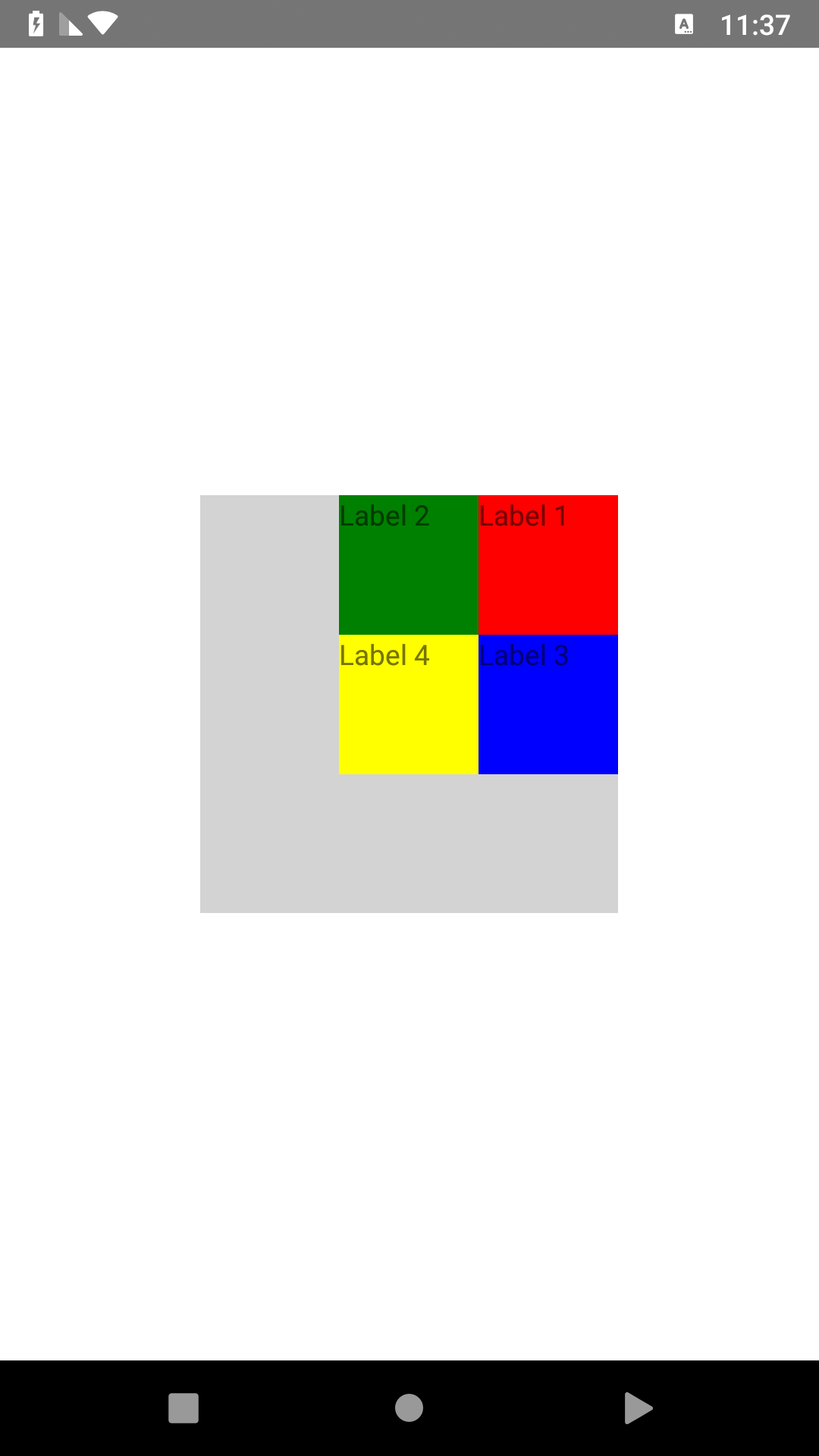 |
|Properties
| Name | Default | Description |
| :-- | :----- | :--------- |
| isRtl | true | isRtl use to change layout direction by default is true that mean layout from right to left but you can change it to false that change layout direction from left to right |CSS Properties
| Name | Default | Description |
| :-- | :----- | :--------- |
| direction | rtl | use to change layout direction by default is rtl that mean layout from right to left but you can change it to ltr that change layout to direction from left to right |How to use
declare plugin in XML then use it.
`xml
`For Angular/Vue 'registerElement
example:
register elements in app.module.ts
``ts`
import { registerElement } from "nativescript-angular/element-registry";
registerElement(
"RGridLayout",
() => require("@nativescript-rtl/ui").GridLayout
);
registerElement(
"RWrapLayout",
() => require("@nativescript-rtl/ui").WrapLayout
);
registerElement(
"RAbsoluteLayout",
() => require("@nativescript-rtl/ui").AbsoluteLayout
);
registerElement(
"RDockLayout",
() => require("@nativescript-rtl/ui").DockLayout
);
registerElement(
"RStackLayout",
() => require("@nativescript-rtl/ui").StackLayout
);
now you can use , RWrapLayout, RAbsoluteLayout, RDockLayout and RStackLayout in your angular project
example:
`xml``