@norce/react-scripts
v0.0.5
Create server-rendered universal JavaScript applications with no configuration
0/weekUpdated 3 weeks agoMITUnpacked: 91.4 KB
Published by jakobankarhem
npm install @norce/react-scripts !Razzle-status    
Universal JavaScript applications are tough to setup. Either you buy into a framework like Next.js or react-server, fork a boilerplate, or set things up yourself. Aiming to fill this void, Razzle is a tool that abstracts all complex configuration needed for SSR into a single dependency--giving you the awesome developer experience of create-react-app, but then leaving the rest of your app's architectural decisions about frameworks, routing, and data fetching up to you. With this approach, Razzle not only works with React, but also Reason, Elm, Vue, Angular, and most importantly......whatever comes next.
Razzle comes with the "battery-pack included":
* :fire: Universal Hot Module Replacement, so both the client and server update whenever you make edits. No annoying restarts necessary
* Comes with your favorite ES6 JavaScript goodies (through babel-preset-razzle)
* Comes with the same CSS setup as create-react-app
* Works with React, Preact, Elm, Reason-React, Inferno, and Rax as well as Angular and Vue if that's your thing
* Escape hatches for customization via .babelrc and razzle.config.js
* Jest test runner setup with sensible defaults via razzle test
Quick Start
``bash
npm install -g create-razzle-app
create-razzle-app my-app
cd my-app
npm start
`
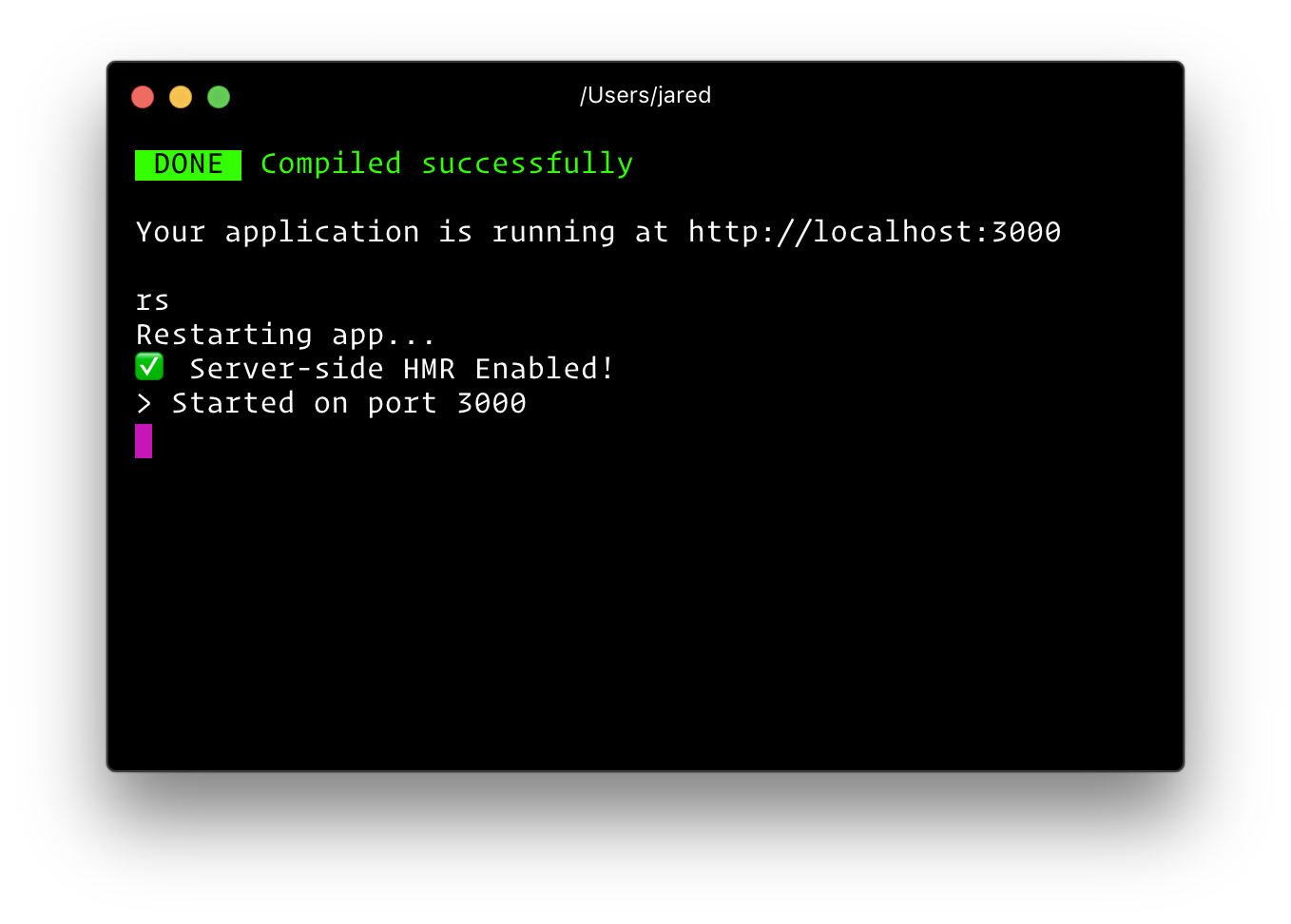
Then open http://localhost:3000/ to see your app. Your console should look like this:

That's it. You don't need to worry about setting up multiple webpack configs or other build tools. Just start editing src/App.js and go!
Below is a list of commands you will probably find useful.
$3
Runs the project in development mode.
You can view your application at http://localhost:3000
The page will reload if you make edits.
$3
Builds the app for production to the build folder.
The build is minified and the filenames include the hashes.
Your app is ready to be deployed!
$3
Runs the compiled app in production.
You can again view your application at http://localhost:3000
$3
Runs the test watcher (Jest) in an interactive mode.
By default, runs tests related to files changed since the last commit.
$3
To debug the node server, you can use razzle start --inspect. This will start the node server and enable the inspector agent. The =[host:port] is optional and defaults to =127.0.0.1:9229. For more information, see this.
$3
This is the same as --inspect, but will also break before user code starts. (to give a debugger time to attach before early code runs) For more information, see this.
$3
If your application is running, and you need to manually restart your server, you do not need to completely kill and rebundle your application. Instead you can just type rs and press enter in terminal.
- Quick Start
- npm start or yarn start
- npm run build or yarn build
- npm run start:prod or yarn start:prod
- npm test or yarn test
- [npm start -- --inspect=[host:port] or yarn start -- --inspect=[host:port]](#npm-start------inspecthostport-or-yarn-start------inspecthostport)npm start -- --inspect-brk=[host:port]
- [ or yarn start -- --inspect-brk=[host:port]](#npm-start------inspect-brkhostport-or-yarn-start------inspect-brkhostport)rs
-
- 
- Customization
- Plugins
- Using Plugins
- Writing Plugins
- Customizing Babel Config
- Extending Webpack
- CSS Modules
- Environment Variables
- Build-time Variables
- Runtime Variables
- Adding Temporary Environment Variables In Your Shell
- Windows (cmd.exe)
- Linux, macOS (Bash)
- Adding Environment Variables In
- What other files are can be used?
- How Razzle works (the secret sauce)
- Inspiration
- Author
- Contributors
Customization
$3
As of Razzle 2.0, you can add your plugins to modify your setup.
* TypeScript
* Vue
* Elm
* MDX
* See All
#### Using Plugins
You can use Razzle plugins by installing in your project and adding them to your razzle.config.js. See the README.md of the specific plugin, but generally speaking, the flow is something like...
`bash`
yarn add razzle-plugin-xxxx
`js`
//./razzle.config.js
module.exports = {
plugins: ['xxxx'],
};
#### Writing Plugins
Plugins are simply functions that modify and return Razzle's webpack config.
`js
'use strict';
module.exports = function myRazzlePlugin(config, env, webpack, options) {
const { target, dev } = env;
if (target === 'web') {
// client only
}
if (target === 'server') {
// server only
}
if (dev) {
// dev only
} else {
// prod only
}
// Do some stuff...
return webpackConfig;
};
`
$3
Razzle comes with most of ES6 stuff you need. However, if you want to add your own babel transformations, just add a .babelrc file to the root of your project.
`js`
{
"presets": [
"razzle/babel", // NEEDED
"stage-0"
],
"plugins": [
// additional plugins
]
}
A word of advice: the .babelrc file will replace the internal razzle babelrc template. You must include at the very minimum the default razzle/babel preset.
$3
You can also extend the underlying webpack config. Create a file called razzle.config.js in your project's root.
`js
// razzle.config.js
module.exports = {
modify: (config, { target, dev }, webpack) => {
// do something to config
return config;
},
};
`
A word of advice: razzle.config.js is an escape hatch. However, since it's just JavaScript, you can and should publish your modify function to npm to make it reusable across your projects. For example, imagine you added some custom webpack loaders and published it as a package to npm as my-razzle-modifictions. You could then write your razzle.config.js like so:
`
// razzle.config.js
const modify = require('my-razzle-modifictions');
module.exports = {
modify
}
`
Last but not least, if you find yourself needing a more customized setup, Razzle is _very_ forkable. There is one webpack configuration factory that is 300 lines of code, and 4 scripts (build, start, test, and init). The paths setup is shamelessly taken from create-react-app, and the rest of the code related to logging.
$3
Razzle supports CSS Modules using Webpack's css-loader. Simply import your CSS file with the extension .module.css and Razzle will process the file using css-loader.
`jsx
import React from 'react';
import styles from './style.module.css';
const Component = () =>
;export default Component;
`
Environment Variables
$3
The following environment variables are embedded during the build time.
* process.env.RAZZLE_PUBLIC_DIR: Path to the public directory.process.env.RAZZLE_ASSETS_MANIFEST
* : Path to a file containing compiled asset outputsprocess.env.REACT_BUNDLE_PATH
* : Relative path to where React will be bundled during development. Unless you are modifying the output path of your webpack config, you can safely ignore this. This path is used by react-error-overlay and webpack to power up the fancy runtime error iframe. For example, if you are using common chunks and an extra entry to create a vendor bundle with stuff like react, react-dom, react-router, etc. called vendor.js, and you've changed webpack's output to [name].js in development, you'd want to set this environment variable to /static/js/vendor.js. If you do not make this change, nothing bad will happen, you will simply not get the cool error overlay when there are runtime errors. You'll just see them in the console. Note: This does not impact production bundling.process.env.VERBOSE
* : default is false, setting this to true will not clear the console when you make edits in development (useful for debugging).process.env.PORT
* : default is 3000, unless changedprocess.env.HOST
* : default is 0.0.0.0
* : 'development' or 'production'
* : either 'client' or 'server'
* : Only in used in razzle build. You can alter the webpack.config.output.publicPath of the client assets (bundle, css, and images). This is useful if you plan to serve your assets from a CDN. Make sure to _include_ a trailing slash (e.g. PUBLIC_PATH=https://cdn.example.com/). If you are using React and altering the public path, make sure to also include the crossorigin attribute on your