@plurid/delog
v0.0.0-9TypeScript
Cloud Service for Centralized Logging
0/weekUpdated 2 years agoSEE LICENSE IN LICENSEUnpacked: 40.2 KB
Published by ly3xqhl8g9
npm install @plurid/delog


delog
Cloud Service for Centralized Logging
delog is a service or self-hosted logger.
delog is intended to be:
+ centralized, single logging space for multi-project/multi-package software systems;
+ log-based testing controller;
+ warn/error notifier.
delog has clients for:
+ [CLI][delog-client-cli];
+ [NodeJS][delog-client-javascript];
+ [Python][delog-client-python].
The [delog-server][delog-server] uses plurid to explore information as a 3D structure.
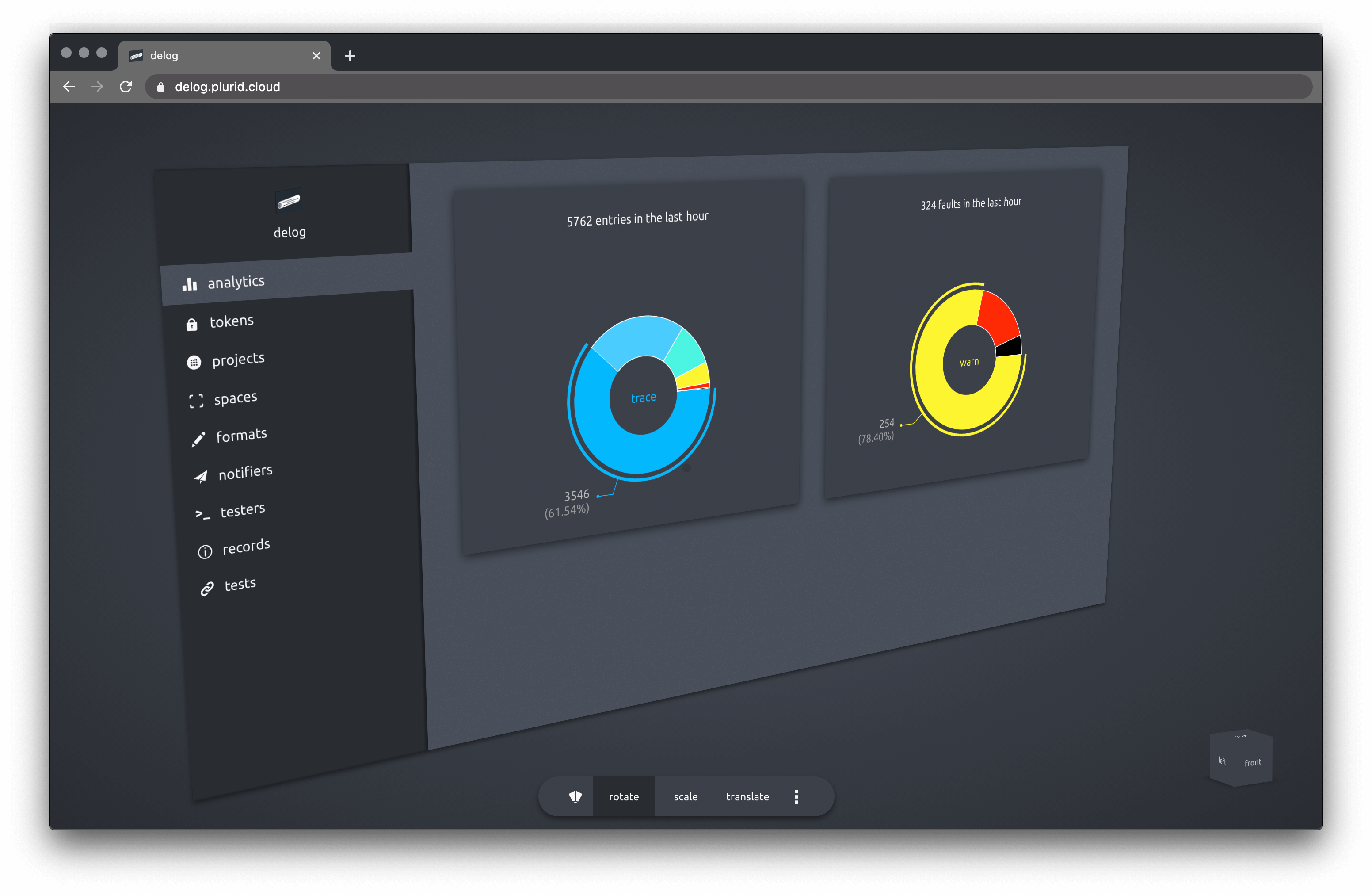
analytics
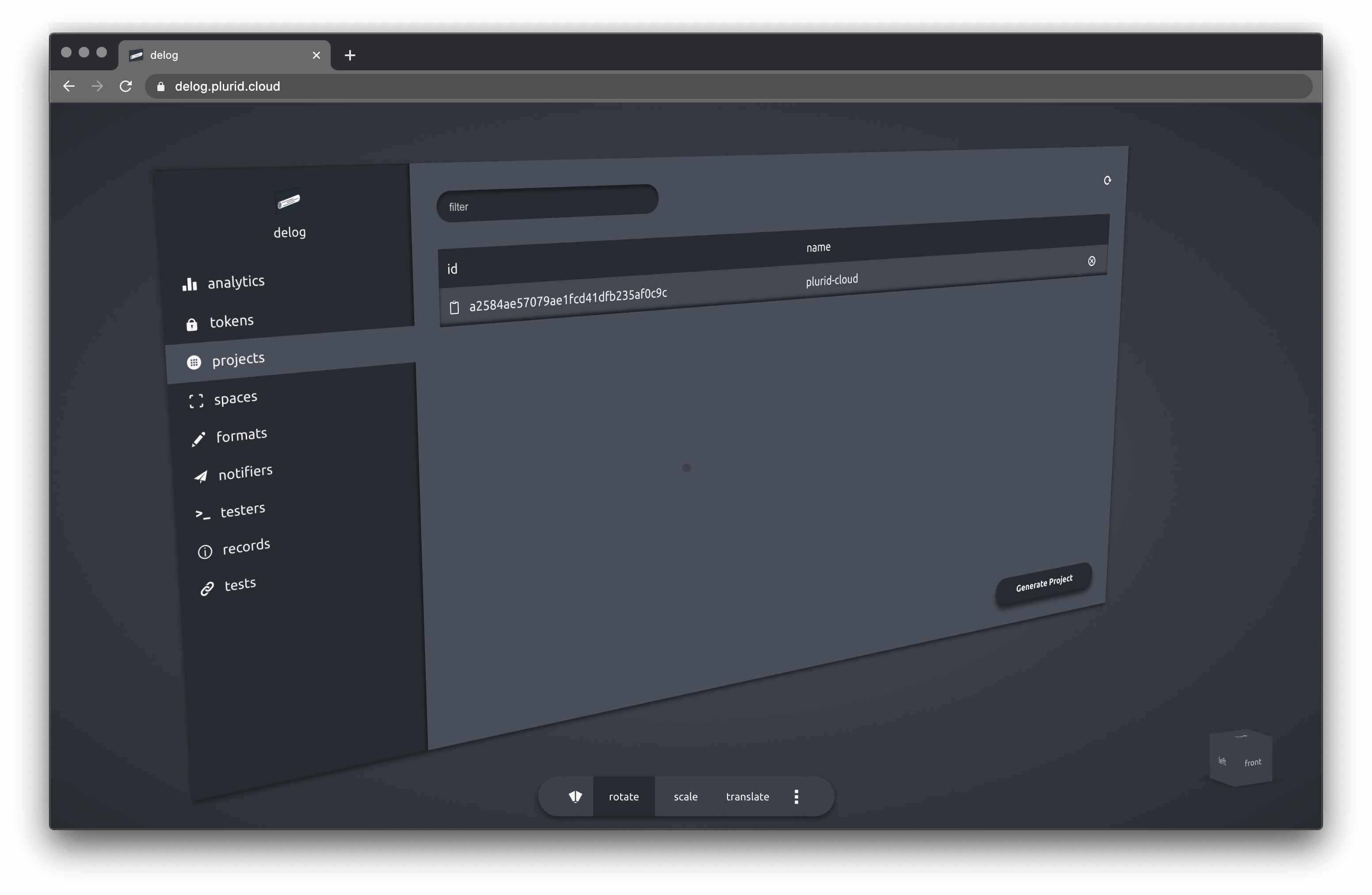
projects
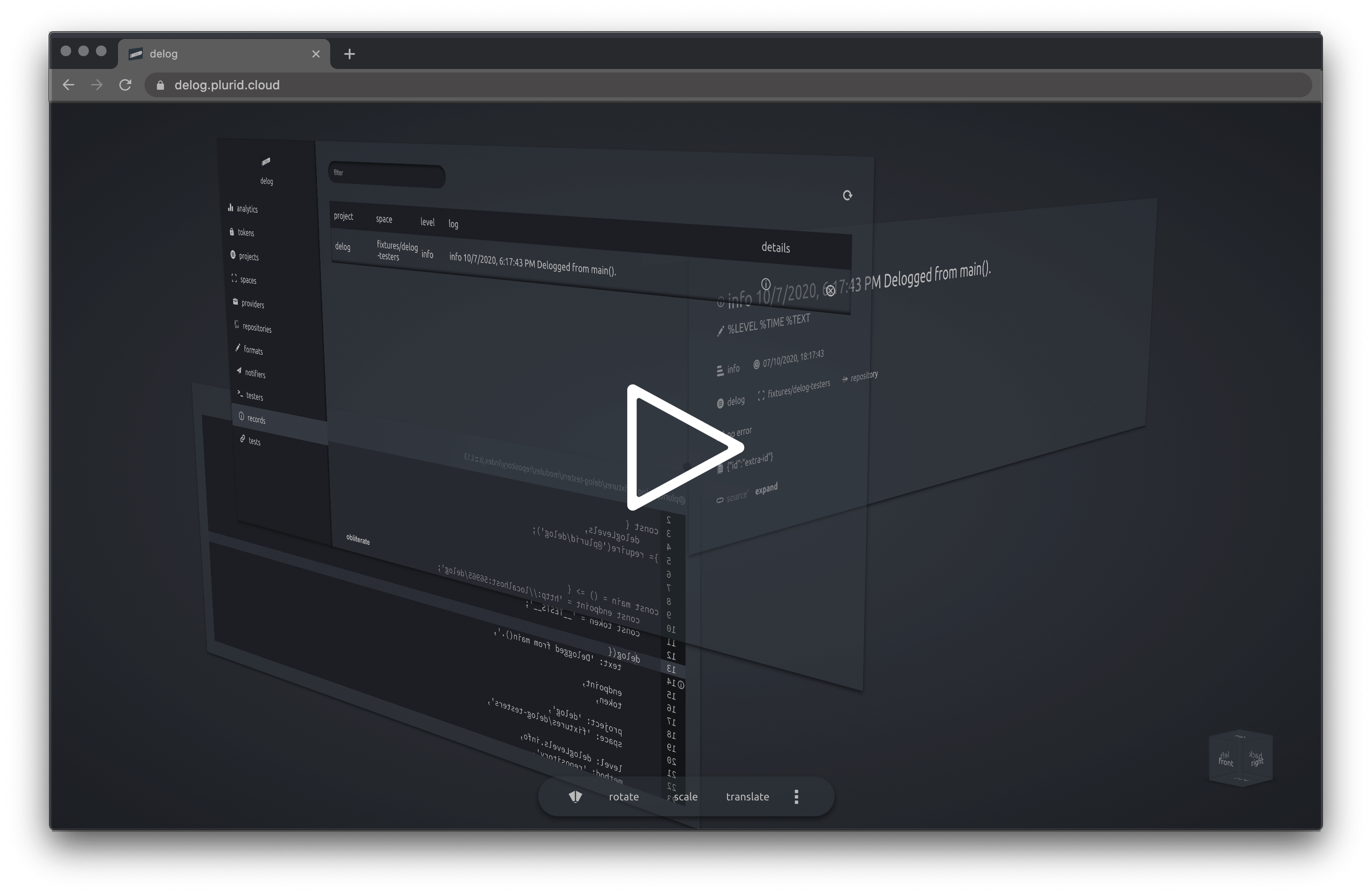
exploration to log source
$3
+ About
+ Client
+ Support
+ Configuration
+ Server
+ Building
+ Testing
+ Packages
+ Codeophon
About
delog acts as a central logging service. Once configured with a token, the delog client can point to the network endpoint, passing the token.
delog can also function as a log-based tester. The delog client is set in the testing mode and a delog client call will trigger a tester in the delog endpoint.
Client
$3
delog has client support for
+ [CLI][delog-client-cli]
+ [NodeJS][delog-client-javascript]
+ [Python][delog-client-python]
+ [Rust][delog-client-rust]
$3
The following environment variables can be set
``
// quiets the delog's error reporting
DELOG_QUIET = true | false
// any delog will be checked against this level
DELOG_GROUND_LEVEL = 0-7 | trace-fatal
// format string, default '%TIME %TEXT'
DELOG_FORMAT = string
// delog server endpoint
DELOG_ENDPOINT = string
// delog server token
DELOG_TOKEN = string
// project name
DELOG_PROJECT = string
// space name
DELOG_SPACE = string
// calling details
DELOG_CALL_CONTEXT = true | false
DELOG_REPOSITORY_PROVIDER = string
DELOG_REPOSITORY_NAME = string
DELOG_REPOSITORY_COMMIT = string
DELOG_REPOSITORY_BRANCH = string
DELOG_REPOSITORY_BASEPATH = string
`
Server
$3
`
docker build \
    -t delog-server \
    -f ./configurations/production.dockerfile \
    --build-arg PORT=56965 \
    --build-arg DELOG_ENDPOINT_GRAPHQL=/ \
    --build-arg DELOG_DATABASE_TYPE=mongo \
    --build-arg DELOG_LOG_LEVEL=0 \
    --build-arg DELOG_QUIET=false \
    --build-arg DELOG_CUSTOM_LOGIC_USAGE=false \
    --build-arg DELOG_PRIVATE_USAGE=true \
    --build-arg DELOG_PRIVATE_OWNER_IDENTONYM=identonym \
    --build-arg DELOG_PRIVATE_OWNER_KEY=key \
    --build-arg DELOG_PRIVATE_TOKEN=secret-token \
    --build-arg DELOG_MONGO_USERNAME=admin \
    --build-arg DELOG_MONGO_PASSWORD=1234 \
    --build-arg DELOG_MONGO_ADDRESS=localhost:56966 \
    --build-arg DELOG_MONGO_CONNECTION_STRING= \
    --build-arg DELOG_TEST_MODE=true \
    --build-arg DELOG_OPTIMIZATION_BATCH_WRITE_SIZE=1000 \
    --build-arg DELOG_OPTIMIZATION_BATCH_WRITE_TIME=2000 \
    .
Run the container with --network="host" if running the database on the same host.
`
docker run \
    --network="host" \
    -d delog-server
Or run on a custom port (8855)
`
docker run \
    -d -p 8855:56965 \
    delog-server
$3
The delog server can use MongoDB as a database. For testing purposes, mongo can run in a docker container.
`
docker pull mongo
`
docker run -d --name mongo-delog \
    -p 56966:27017 -e MONGO_INITDB_ROOT_USERNAME=admin \
    -e MONGO_INITDB_ROOT_PASSWORD=1234 mongo
Connect to the mongo instance with
`
mongodb://admin:1234@localhost:56966/?authSource=admin
to verify the connection.
Packages

[@plurid/delog-server][delog-server] • the server application
[delog-server]: https://github.com/plurid/delog/tree/master/packages/delog-server

[@plurid/delog-client-cli][delog-client-cli] • the Command-Line Interface client
[delog-client-cli]: https://github.com/plurid/delog/tree/master/packages/delog-client/delog-cli

[@plurid/delog-client-javascript][delog-client-javascript] • the NodeJS client
[delog-client-javascript]: https://github.com/plurid/delog/tree/master/packages/delog-client/delog-javascript

[@plurid/delog-client-python][delog-client-python] • the Python client
[delog-client-python]: https://github.com/plurid/delog/tree/master/packages/delog-client/delog-python

[@plurid/delog-client-rust][delog-client-rust] • the Rust` client
[delog-client-rust]: https://github.com/plurid/delog/tree/master/packages/delog-client/delog-rust