@react-three/csg
v4.0.0TypeScript
Constructive solid geometry for React
0/weekUpdated 10 months agoMITUnpacked: 1.6 MB
Published by Paul Henschel
npm install @react-three/csg
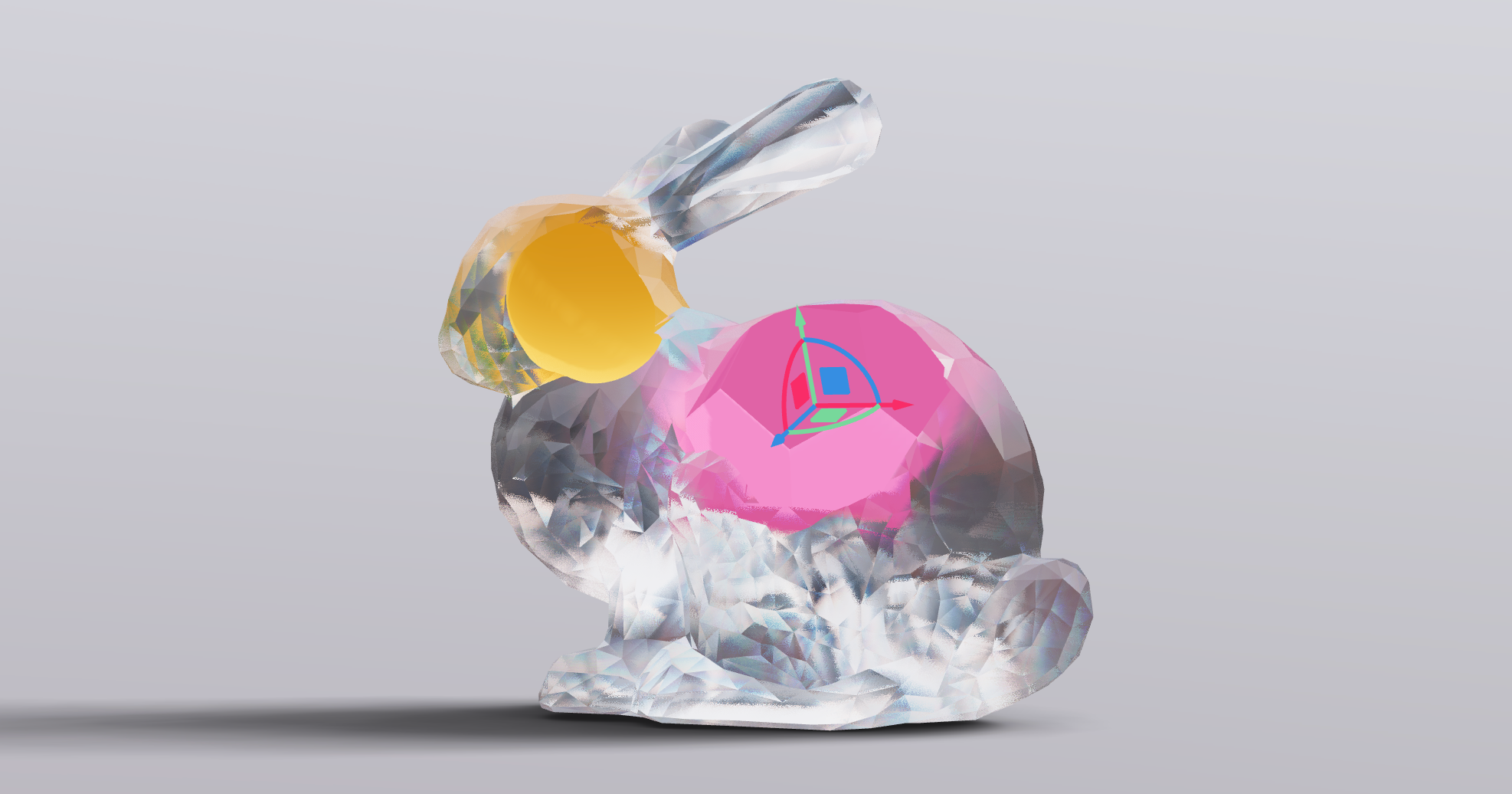



``shell`
yarn add @react-three/csg
Constructive solid geometry for React, a small abstraction around gkjohnson/three-bvh-csg.
Begin with a Geometry which is a regular THREE.BufferGeometry that you can pair with a mesh, or anything else that relies on geometry (physics rigid bodies etc).
`jsx
import { Geometry, Base, Addition, Subtraction, ReverseSubtraction, Intersection, Difference } from '@react-three/csg'
function Cross() {
return (
`
You must first give it a Base which is the geometry foundation for all ensuing operations. All operations within Geometry, including Base, behave like regular meshes. They all receive geometry (and optionally a material, see using-multi-material-groups), you can also nest, group and transform them.
`jsx`
Now you chain your operations, as many as you like, but keep in mind that order matters. The following operations are available:
- Addition adds the geometry to the previousSubtraction
- subtracts the geometry from the previousReverseSubtraction
- subtracts the previous geometry from the geometryIntersection
- is the overlap between the geometry and the previousDifference
- is the negative overlap between the geometry and the previous
`jsx`
)
}
#### A more complex example
`jsx`
function Shape() {
return (
{/* This will yield a regular THREE.BufferGeometry which needs to be paired with a mesh. /}
{/* The chain begins with a base geometry, where all operations are carried out on. /}
{/* Chain your boolean operations: Addition, Subtraction, Difference and Intersection. /}
{/* Geometry can be set by prop or by child, just like any regular
{/* Geometry is re-usable, form hierachies with previously created CSG geometries. /}
{/* Combining two boxes into a cross /}
{/* You can deeply nest operations. /}
)
}
#### Updating the operations and runtime usage
Call update() on the main geometry to re-create it. Keep in mind that although the base CSG implementation is fast, this is something you may want to avoid doing often or runtime, depending on the complexity of your geometry.
The following would allow the user to move a cutter around with the mouse.
`jsx
import { PivotControls } from '@react-three/drei'
function Shape() {
const csg = useRef()
return (
`
#### Using the context API
The useCSG hook exposes the update function, which can be used to update the geometry. This is useful when you want to update the geometry from a child component.
`jsx
const Shape = () => (
function Cutter() {
const { update } = useCSG()
return (
`
#### Using multi-material groups
With the useGroups prop you can instruct CSG to generate material groups. Thereby instead of ending up with a single clump of uniformly textured geometry you can, for instance, make cuts with different materials. Each operation now takes its own material! The resulting material group will be inserted into the mesh that carries the output operation.
`jsx`
function Shape() {
return (
{/* The base material. Again it can be defined by prop or by child. /}
{/* This cut-out will be blue. / }
{/* etc. /}
#### Showing the operations
The following will make all operations visible.
`jsx`
function Shape() {
return (
Whereas if you want to show only a single operation, you can do so by setting the showOperation prop on the root.
`jsx`
function Shape() {
return (
$3
`tsx
export type CSGGeometryProps = {
children?: React.ReactNode
/* Use material groups, each operation can have its own material, default: false /
useGroups?: boolean
/* Show operation meshes, default: false /
showOperations?: boolean
/* Re-compute vertx normals, default: false /
computeVertexNormals?: boolean
}
export type CSGGeometryApi = {
computeVertexNormals: boolean
showOperations: boolean
useGroups: boolean
update: () => void
}
export type CSGGeometryRef = CSGGeometryApi & {
geometry: THREE.BufferGeometry
operations: THREE.Group
}
``