Generates a co-occurrence matrix or a calendar chart using D3v4.
npm install @redsift/d3-rs-squaresd3-rs-squares easily generate either a co-occurrence matrix or a calendar chart.


View @redsift/d3-rs-squares on Codepen
import { chart } from "@redsift/d3-rs-squares";
let eml = chart.html();
...
var chart = require("@redsift/d3-rs-squares");
var eml = chart.html();
...
var data = [{}, {}, ...];
Between the two types the layout of the object varies:
For the calendar view the expected JSON object should be:
{
d: 1462057200000, // epoch timestamp in milliseconds
v: 10
}
For the co-occurrence matrix the expected JSON object should be:
{
x: 'key1',
y: 'key2',
z: 10 // number or object. To access object properties use zfield
}
|Name|Used In|Description|Transition|Preview
|----|--------|----------|----------|-------|
|classed|* |SVG custom class|N| |
|width, height| | Integer* Resize the chart height and width.|Y|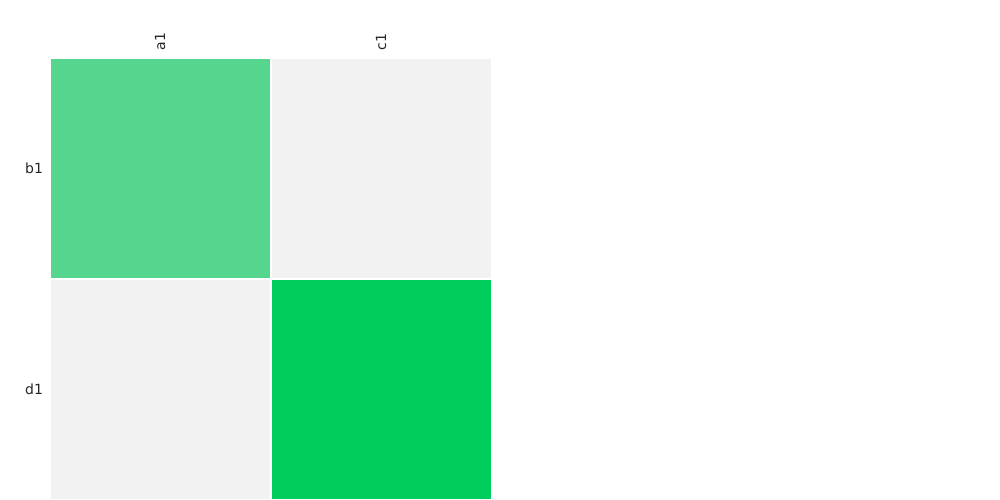
Examples: Bricks / CodePen
|size| | Integer* SVG container sizes|Y|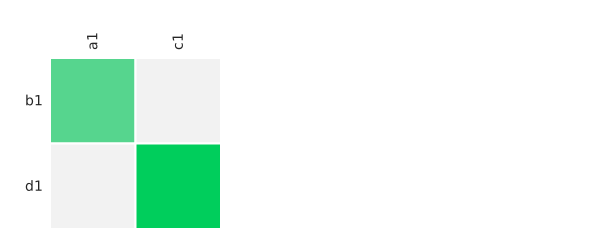
Examples: Bricks / CodePen
|scale| | Integer* SVG container sizes|Y|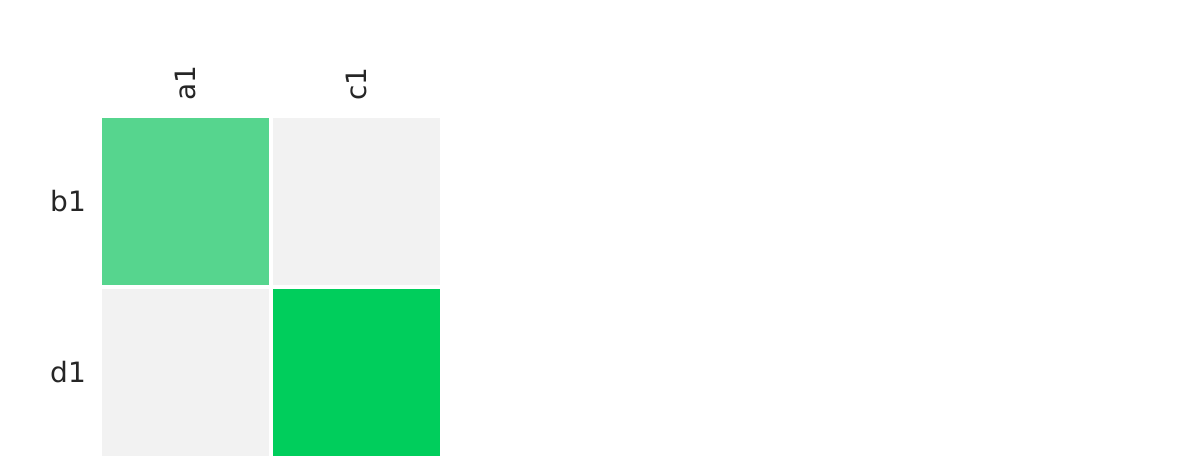
Examples: Bricks / CodePen
|style| | String* Custom CSS to inject into chart|N| |
|color| | String, Array* Color palette for the data. Available options from d3-rs-theme e.g. 'blue','green','aqua',... | Y| 
Examples: Bricks / CodePen
|theme| | String* 'light' (default) or 'dark' as described in d3-rs-theme | | 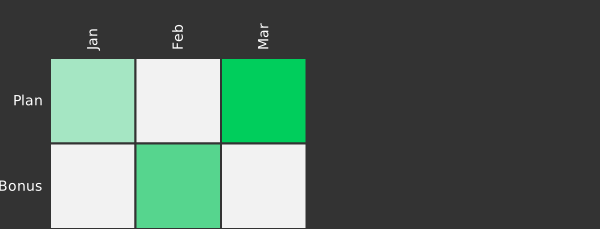
Examples: Bricks / CodePen
|inset| | Integer, Object* Provide additional margin for axis with long keys. Expected object structure {top: 0, bottom:10, left:10, right:0}| | 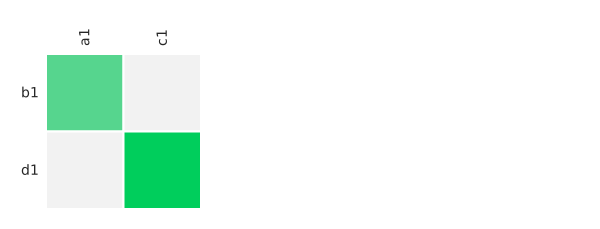
Examples: Bricks / CodePen
|zfield| matrix. |String* When z field is an object this parameter gives you the ability to use the value under a different key e.g. for {x:'',y:'',z:{prop1:''}} to use the value of the prop1 key pass the name of the key 'prop1' to the parameter| | Example: CodePen
|cellSize| | Integer* Get or override calculated size of cells | | Example: CodePen
|type| |'calendar.days', 'calendar.hours', 'matrix.cooc', 'matrix'(default)| | 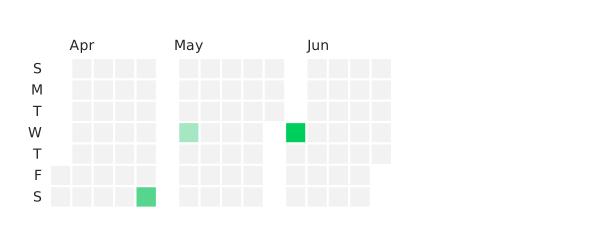
Examples: Calendar Bricks / Matrix Bricks / Matrix CodePen / Calendar CodePen
|minDate| 'calendar.days' | Timestamp Override the earliest day of the dataset | Y| 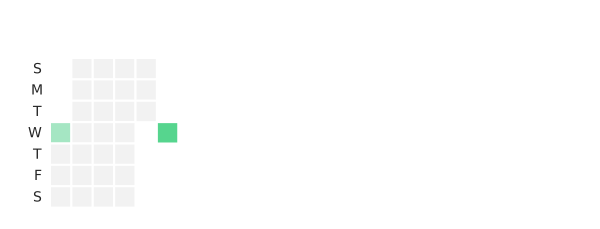
Examples: Bricks / CodePen
|maxDate| 'calendar.days' | Timestamp Override the latest day of the dataset | Y | 
Examples: Bricks / CodePen
|nice | 'calendar.days' | Boolean (deault: yes) Extend range of calendar to display whole months | N | Example: CodePen
|monthSeparation | 'calendar.days'| Boolean (deault: yes) Add extra space between months| N | 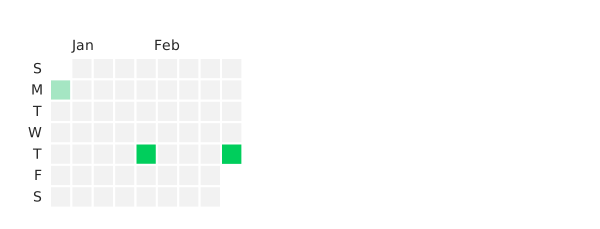
Examples: Bricks / CodePen
|starting| calendar. | String* First day of the week. Default is 'timeSunday' Available options: ('timeMonday', 'timeTuesday', ...) or the utc counterparts: ('utcMonday', 'utcTuesday', ...) based on the d3-time package| | 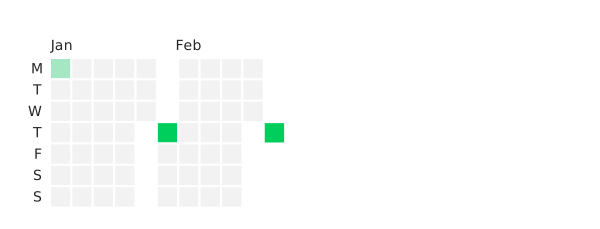
Examples: Bricks / CodePen
|rangeIndex, rangeValue| matrix | String, Function, Array ranges from d3-time#ranges (Milliseconds not supported) Custom ranges need to follow the d3-time#range paradigm. If an array is supplied first expected element is the range function and second a cardinality override of the range unit e.g. [d3.timeYear, 2] for a range of 2 years | | 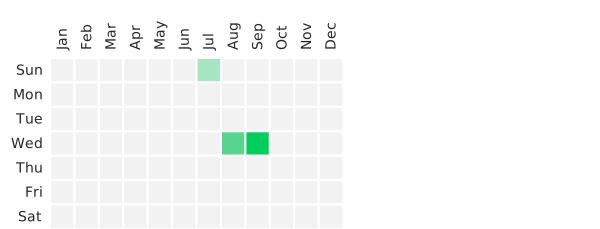
Examples: Bricks / CodePen
|intervalIndex, intervalValue| matrix | String, Array intervals from d3-time#intervals (Milliseconds not supported). For custom intervals an array is expected with the interval and range functions following the paradigm in d3-time e.g. [timeHour, timeHours] | | 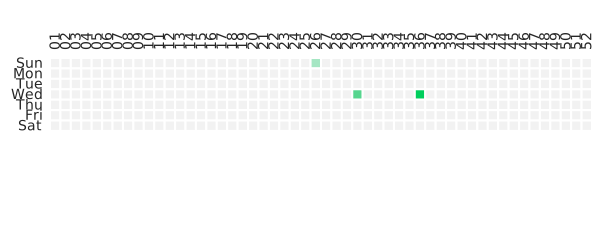
Examples: Bricks / CodePen
|onClick| |Function handler for a click event on the data series| |
\ In the default orientation \Index and \Value apply respectively to the the x and y* axis