@reyx/nestjs-redox
v0.0.17TypeScript
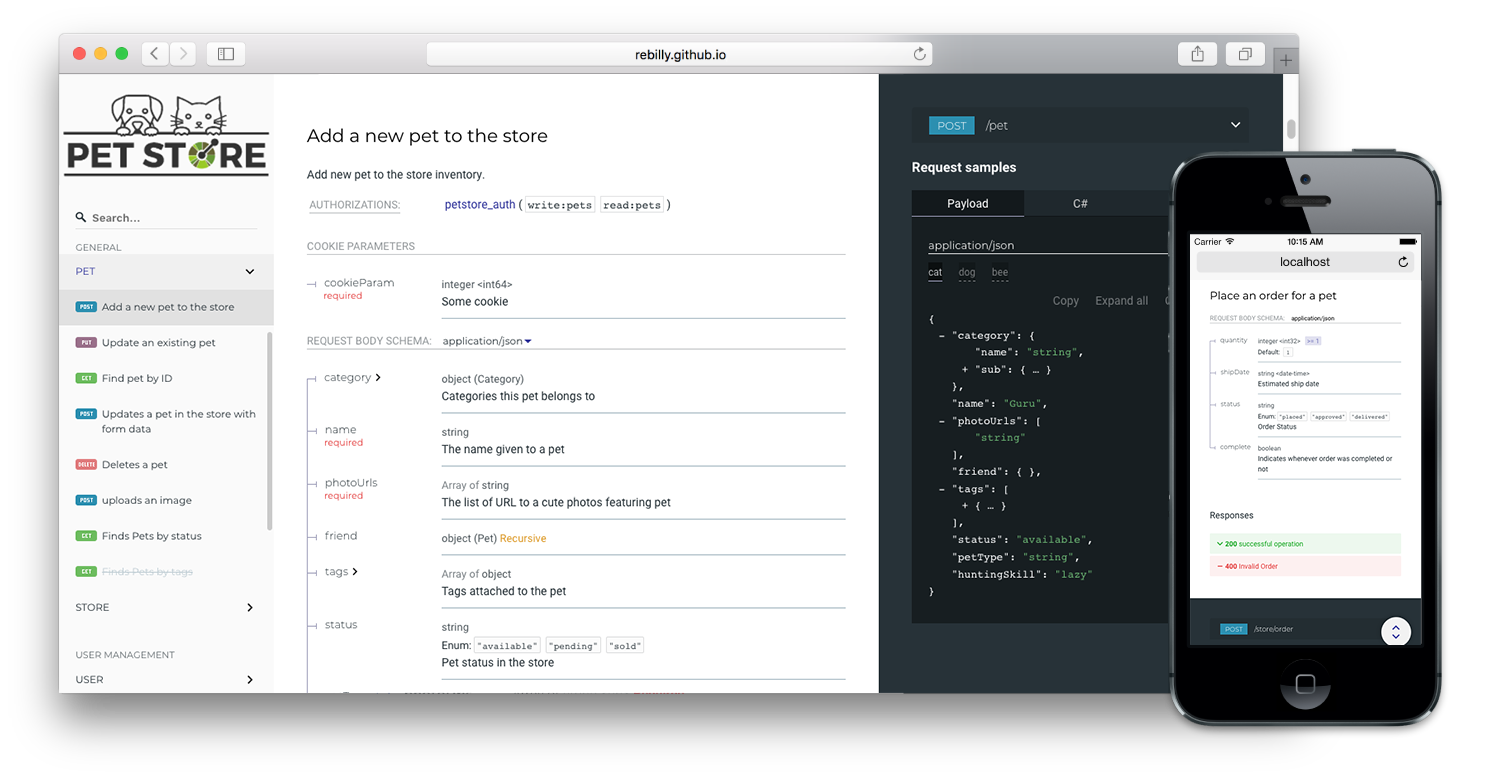
This NestJS module enables to auto-generate beautiful API docs using Swagger and Redoc. It supports NestJS 10, ExpressJS and Fastify.
0/weekUpdated 12 months agoMITUnpacked: 56.1 KB
Published by Regis Silva
NestJS-Redox 
This NestJS module enables to auto-generate beautiful API docs using Swagger and Redoc. It supports NestJS 10, ExpressJS and Fastify.
Features
- NestJS 10 support (NestJS 11 support coming soon)
- ExpressJS and Fastify support
- Multi-user auth basic support
- Option "standalone" for self hosted redoc bundles without requesting a CDN.
- Option to disable Google fonts
Using the "standalone" Option in combination with "disableGoogleFont" respects the user's privacy and allows to serve the API reference offline.
⭐️ If you like this package give it a star ;) ⭐️
Installation
npm install @reyx/nestjs-redox
$3
By default NestJSRedox automatically loads the redoc bundle from a CDN. If you want to host it yourself, install redoc via npm install redoc and set standalone in RedoxOptions parameter to true. An additional fix replaces the redoc logo URL with a local saved image.
See chapter "setup".
Setup
In your main.ts file, before calling app.listen() insert the module setup (Fastify example more below):
$3
``typescript
import { NestFactory } from '@nestjs/core';
import { DocumentBuilder, SwaggerModule } from '@nestjs/swagger';
import { NestjsRedoxModule, NestJSRedoxOptions, RedocOptions } from '@reyx/nestjs-redox';
import { AppModule } from './app/app.module';
async function bootstrap() {
const app = await NestFactory.create(AppModule);
// ...
const swaggerConfig = new DocumentBuilder()
.setTitle('NESTJS-REDOX API')
.setDescription('some description')
.setVersion('1.0.0')
.addBearerAuth()
.addSecurity('roles', {
type: 'http',
scheme: 'bearer',
})
.build();
const redocOptions: RedocOptions = {
requiredPropsFirst: true,
logo: {
url: 'https://redocly.github.io/redoc/petstore-logo.png',
},
theme: {
sidebar: {
width: '222px',
},
},
};
const redoxOptions: NestJSRedoxOptions = {
useGlobalPrefix: true,
disableGoogleFont: true,
standalone: true,
auth: {
enabled: true,
users: {
test123: 'test123',
test: 'test',
},
},
};
const document = SwaggerModule.createDocument(app, swaggerConfig, {
ignoreGlobalPrefix: false,
operationIdFactory: (controllerKey, methodKey) => methodKey,
});
NestjsRedoxModule.setup('reference', app, document, redoxOptions, redocOptions);
// ...
await app.listen(port);
}
bootstrap();
`
$3
`typescript
import { NestFactory } from '@nestjs/core';
import { FastifyAdapter, NestFastifyApplication } from '@nestjs/platform-fastify';
import { DocumentBuilder, SwaggerModule } from '@nestjs/swagger';
import { NestjsRedoxModule, NestJSRedoxOptions, RedocOptions } from '@reyx/nestjs-redox';
import { AppModule } from './app/app.module';
async function bootstrap() {
const app = await NestFactory.create
// ...
const swaggerConfig = new DocumentBuilder()
.setTitle('NESTJS-REDOX API')
.setDescription('some description')
.setVersion('1.0.0')
.addBearerAuth()
.addSecurity('roles', {
type: 'http',
scheme: 'bearer',
})
.build();
const redocOptions: RedocOptions = {
requiredPropsFirst: true,
theme: {
sidebar: {
width: '222px',
},
},
};
const redoxOptions: NestJSRedoxOptions = {
useGlobalPrefix: true,
disableGoogleFont: true,
standalone: true,
auth: {
enabled: true,
users: {
test123: 'test123',
test: 'test',
},
},
};
const document = SwaggerModule.createDocument(app, swaggerConfig, {
ignoreGlobalPrefix: false,
operationIdFactory: (controllerKey, methodKey) => methodKey,
});
NestjsRedoxModule.setup('reference', app, document, redoxOptions, redocOptions);
//...
await app.listen(port);
}
bootstrap();
`
⭐️ If you like this package give it a star ;) ⭐️
$3
For supported options see Options.
Changelog
See Changelog.
Development
Clone this repository and run npm install. You find the library under libs/reyx-nestjs-redox and the demo apps under apps/demo-expressor apps/demo-fastify. Please run npm run format before commiting and make sure to use valid commit messages (see chapter Contributing).
E2E Testing
Run npm run test` to run e2e tests.
Contributing
If you want to contribute please fork this repository and send a pull request. The commit messages must be formatted after the conventional changelog angular theme. Following scopes are allowed: "nestjs-redox", "demo-express", "demo-fastify" and "project" for changes that affect the whole project.