@rshaker/multiselect-blockly
v0.4.1TypeScript
Blockly plugin supporting multiple-selection of top-level blocks
31/weekUpdated 1 years agoMITUnpacked: 159.8 KB
Published by Ron Shaker
npm install @rshaker/multiselect-blocklymultiselect-blockly

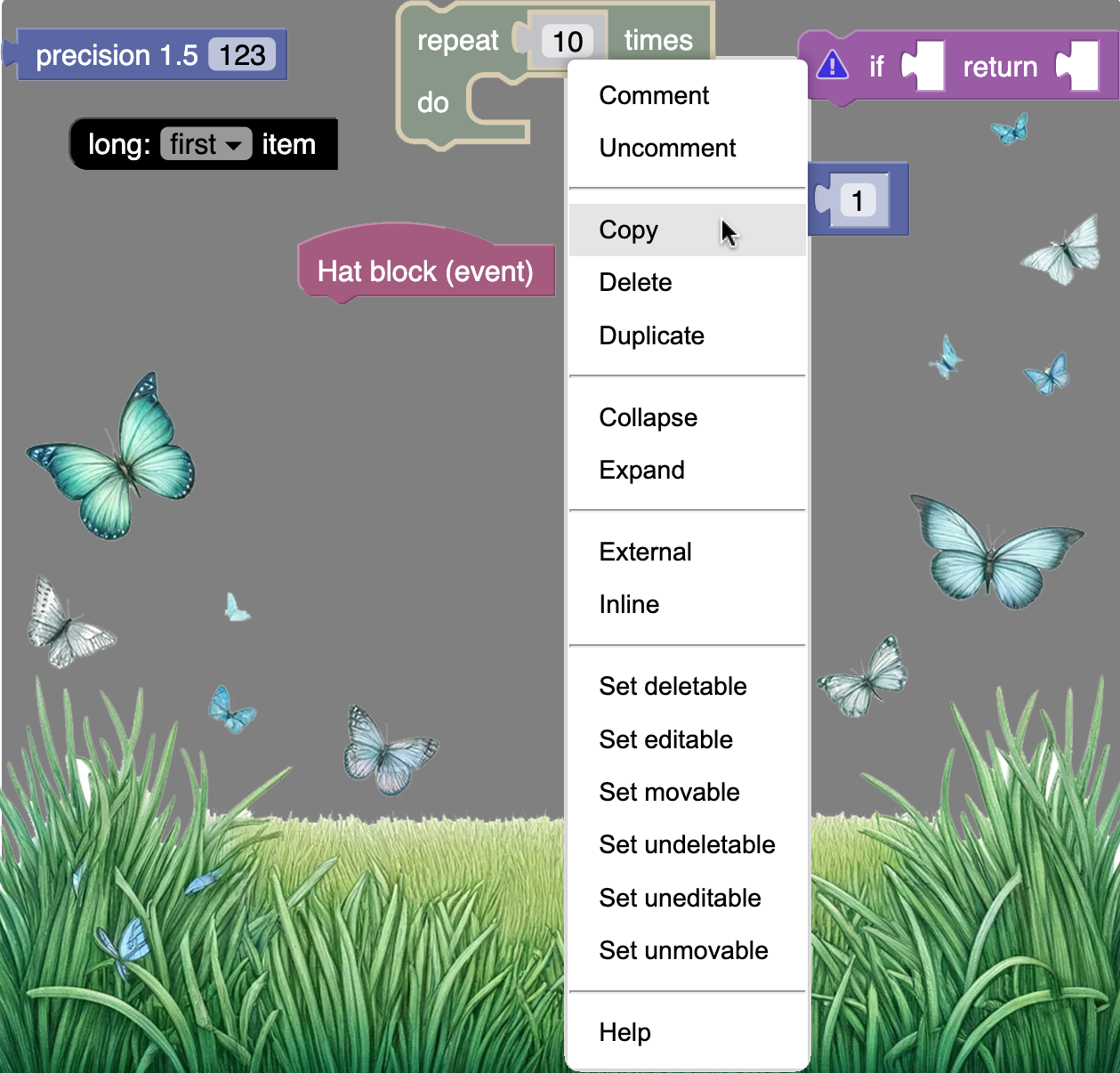
A Blockly plugin that allows for simultaneous selection and manipulation of multiple top-level blocks. Common operations include copy, paste, delete, duplicate, expand, collapse, inline, arrange--The usual Blockly actions, but for more than _one_ block. Block settings such as movable, editable, and deletable may also be toggled on or off using the the same set of context menu actions.
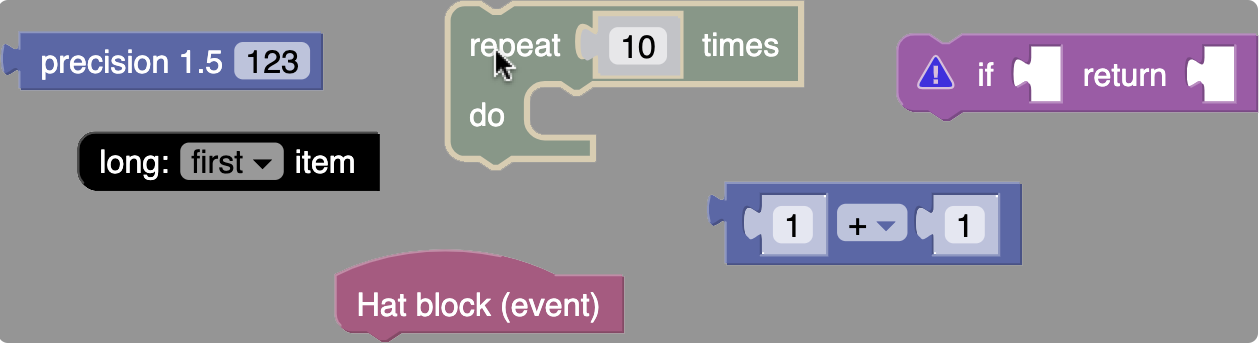
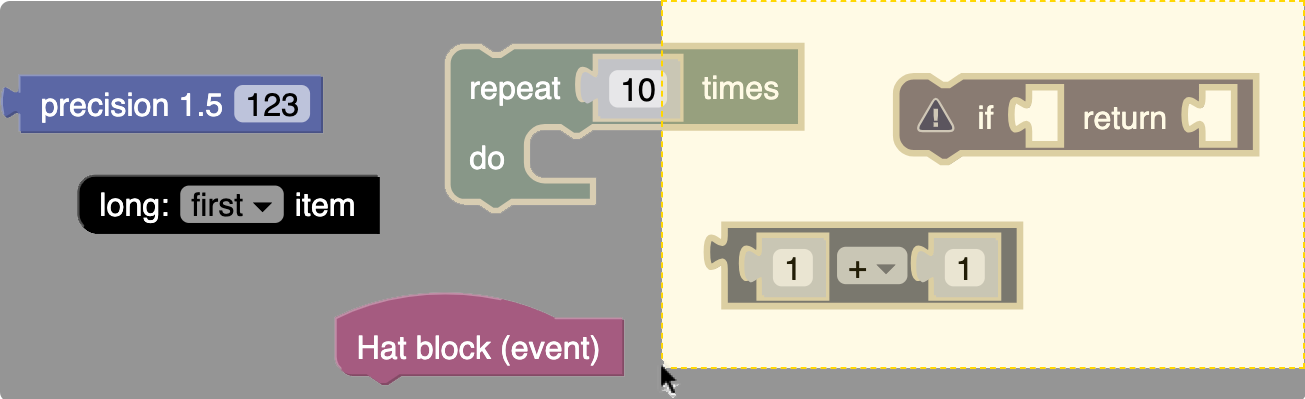
To activate multiselect mode, shift-click on a block _or_ use the rectangular selection tool (shift-click-drag on background). Selected blocks will appear grey. Clicking on the background or any unselected block will deactivate multiselect mode.
#### Shift-click
#### Rectangle selection
#### Customizable context menu
Installation
$3
``bash`
npm install @rshaker/multiselect-blockly
$3
`html`
Usage
The following examples show how to inject the plugin into a Blockly workspace.
$3
`js
import * as Blockly from "blockly/core";
import { MultiselectPlugin } from "@rshaker/multiselect-blockly";
const workspace = Blockly.getMainWorkspace();
const plugin = new MultiselectPlugin({}, workspace);
plugin.init();
`
See test/workspace/index.ts for a complete example, the live demo is here.
$3
`html
``
See test/browser/unpkg-plugin.html for a complete example, the live demo is here.
Compatibility
This plugin is currently compatible only with the most recent versions of Chrome. I hope to add testing for Edge, Safari and Firefox shortly, this package is still under active development, expect instability and bugs.
License
MIT