@tencentcloud/chat
v3.6.5TypeScript
Tencent Cloud Chat SDK for Web/Mini Program/uni-app/React Native/Donut
2.7K/weekUpdated 3 days agoISCUnpacked: 1.6 MB
Published by Tencent Cloud Terminal R&D Center
npm install @tencentcloud/chatOfficial JavaScript SDK for Tencent Cloud Chat
About Tencent Cloud Chat
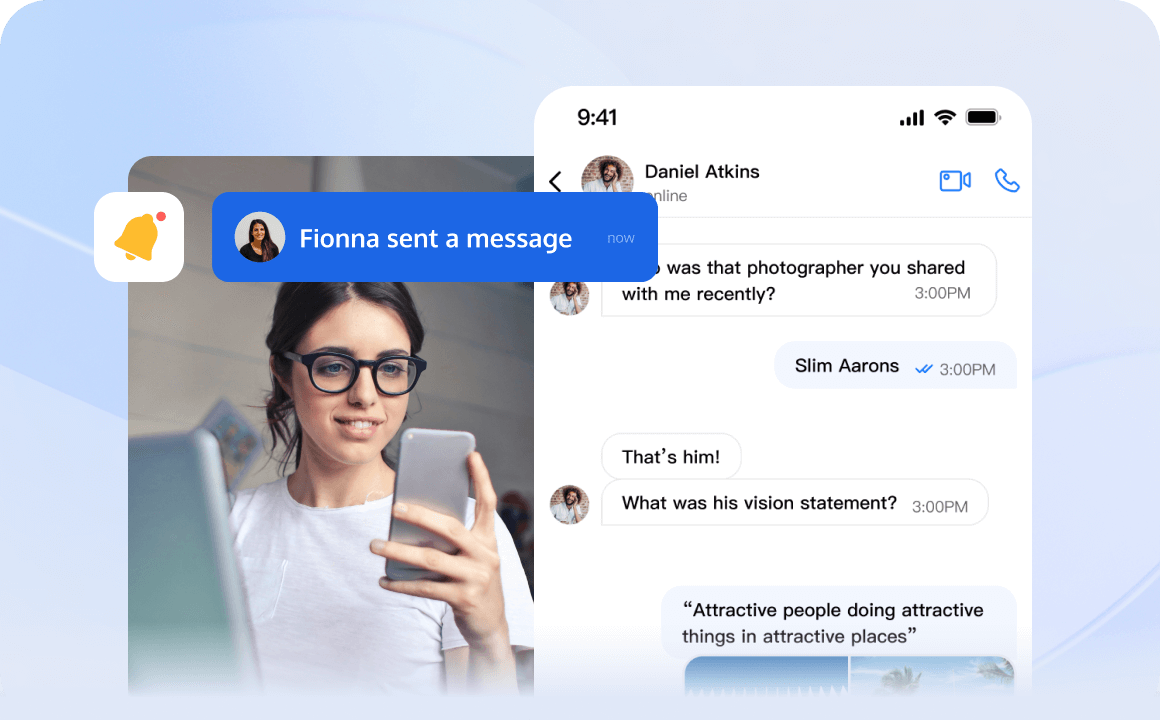
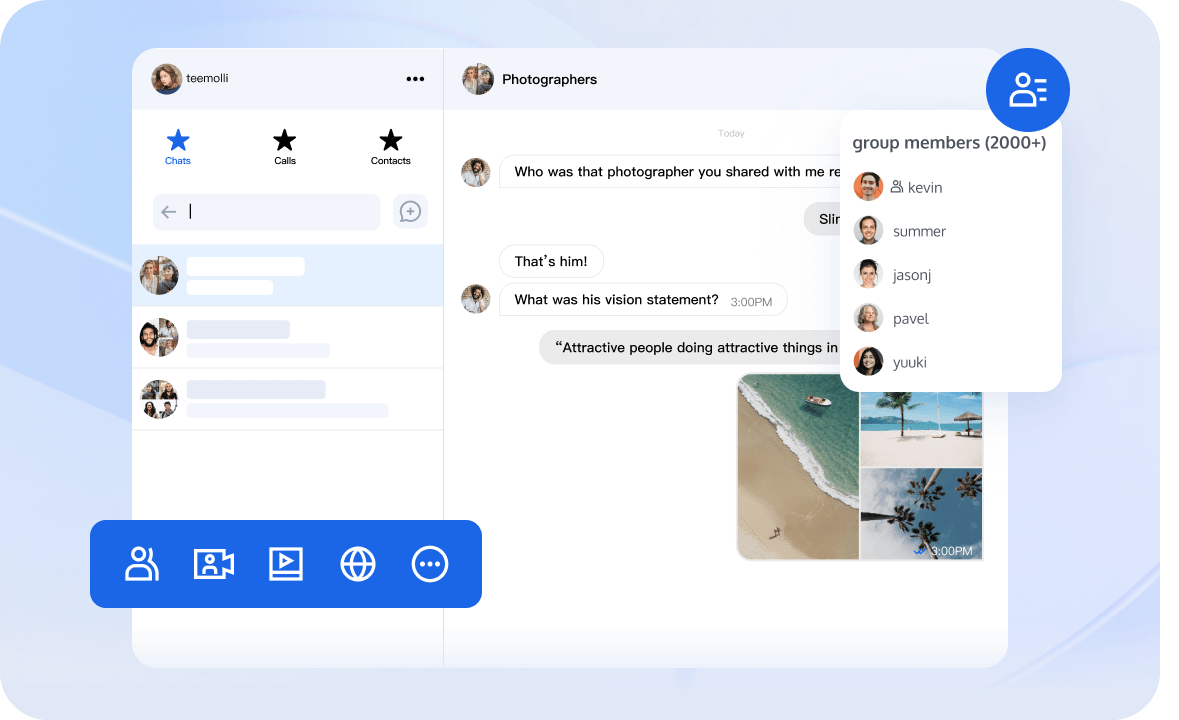
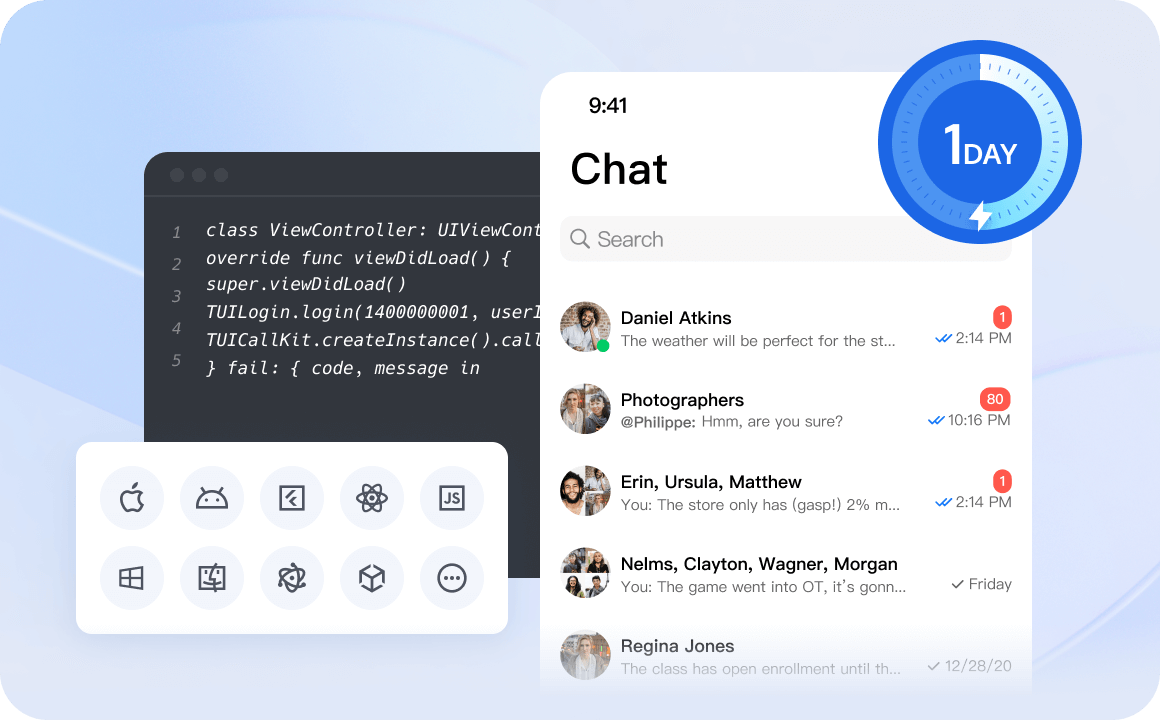
Tencent Cloud Chat provides globally interconnected chat APIs, multi-platform SDKs, and UIKit components to help you quickly bring messaging capabilities such as one-to-one chat, group chat, chat rooms, and system notifications to your applications and websites.
Benefits
$3
$3
$3
👉🏻 Free Demo
Global Compliance Certifications
 |  |  |  |  |
 |  |  |  |  |
Core Capabilities
- 1 Billion+ Monthly active users
- 550 Billion+ Daily peak messages
- 100,000+ Customers worldwid
- 99.99% Message success rate
Use Cases
$3
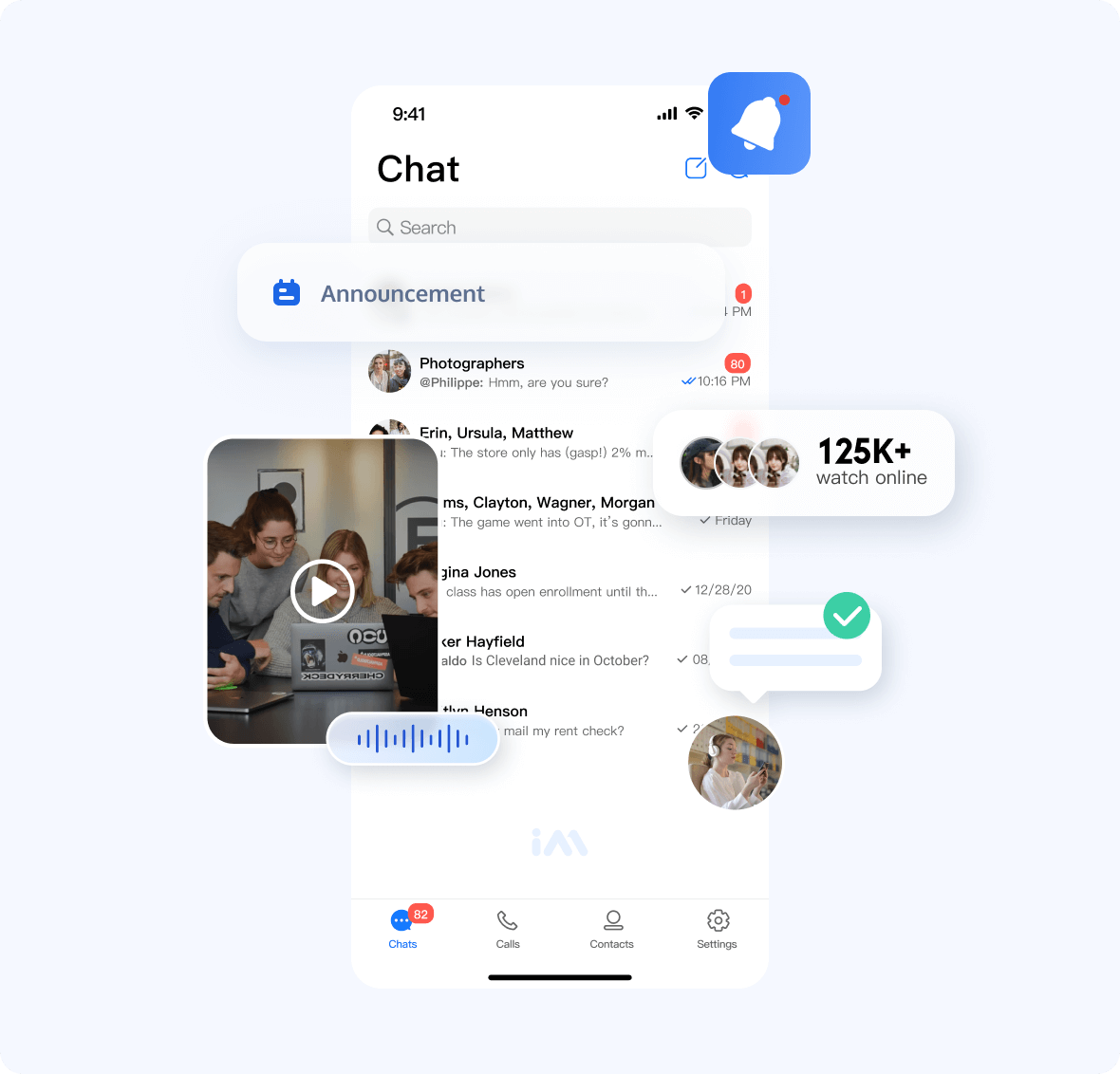
Build real-time community interactions in your app using a simple chat API.
✓Various message types ✓Announcement ✓Group chat
$3
Welcome a large audience to your immersive live show using a simple chat API.
✓Unlimited participants ✓Interactive live streaming ✓Online chat

$3
Bridge the limitless virtual and physical worlds using simple chat SDKs.
✓Chat in metaverse ✓User profile and management ✓Immersive interactions

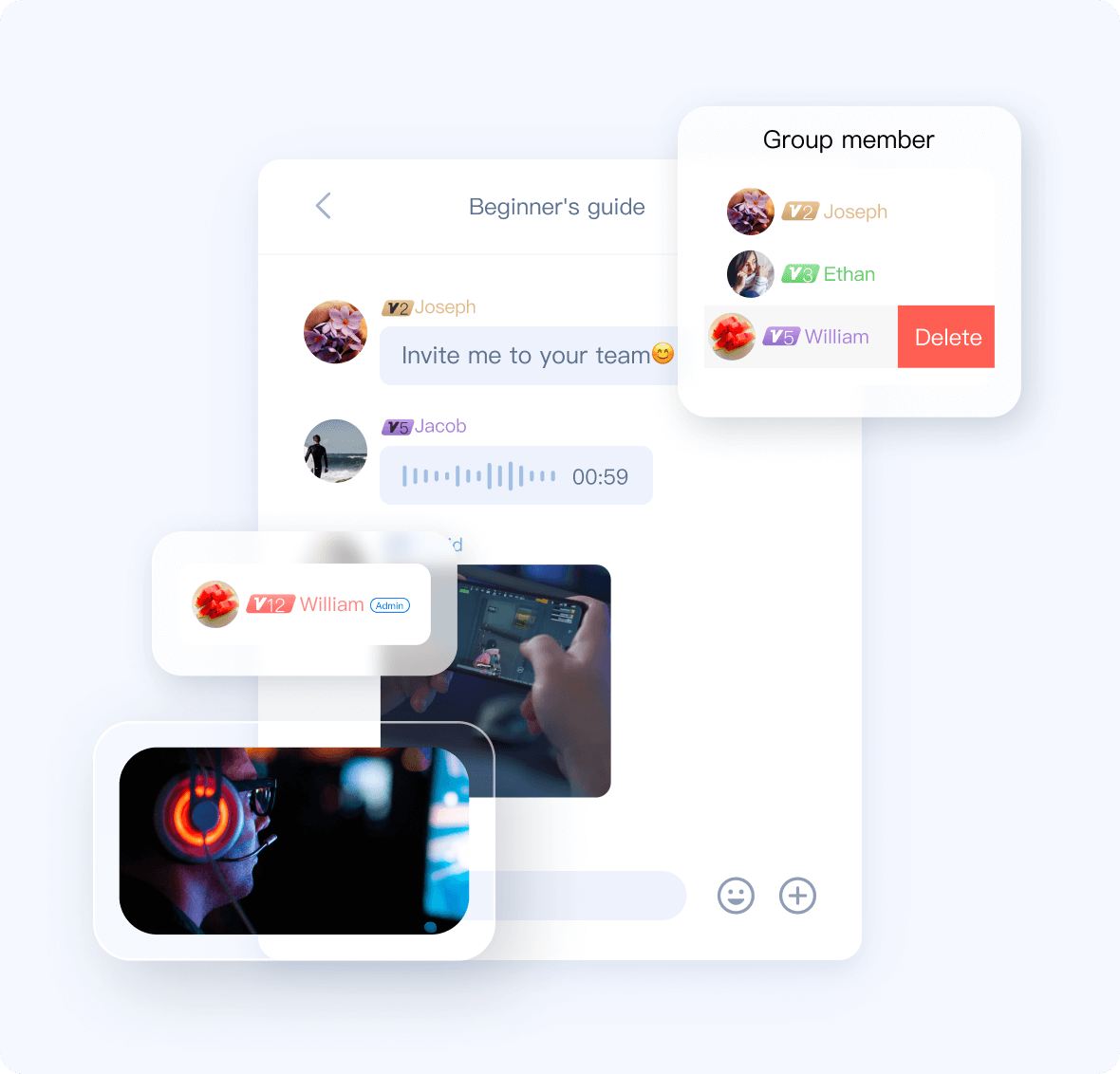
$3
Intensify gaming with real-time chat engagement using a simple chat API.
✓Chat in game ✓Global message access ✓User profile and management
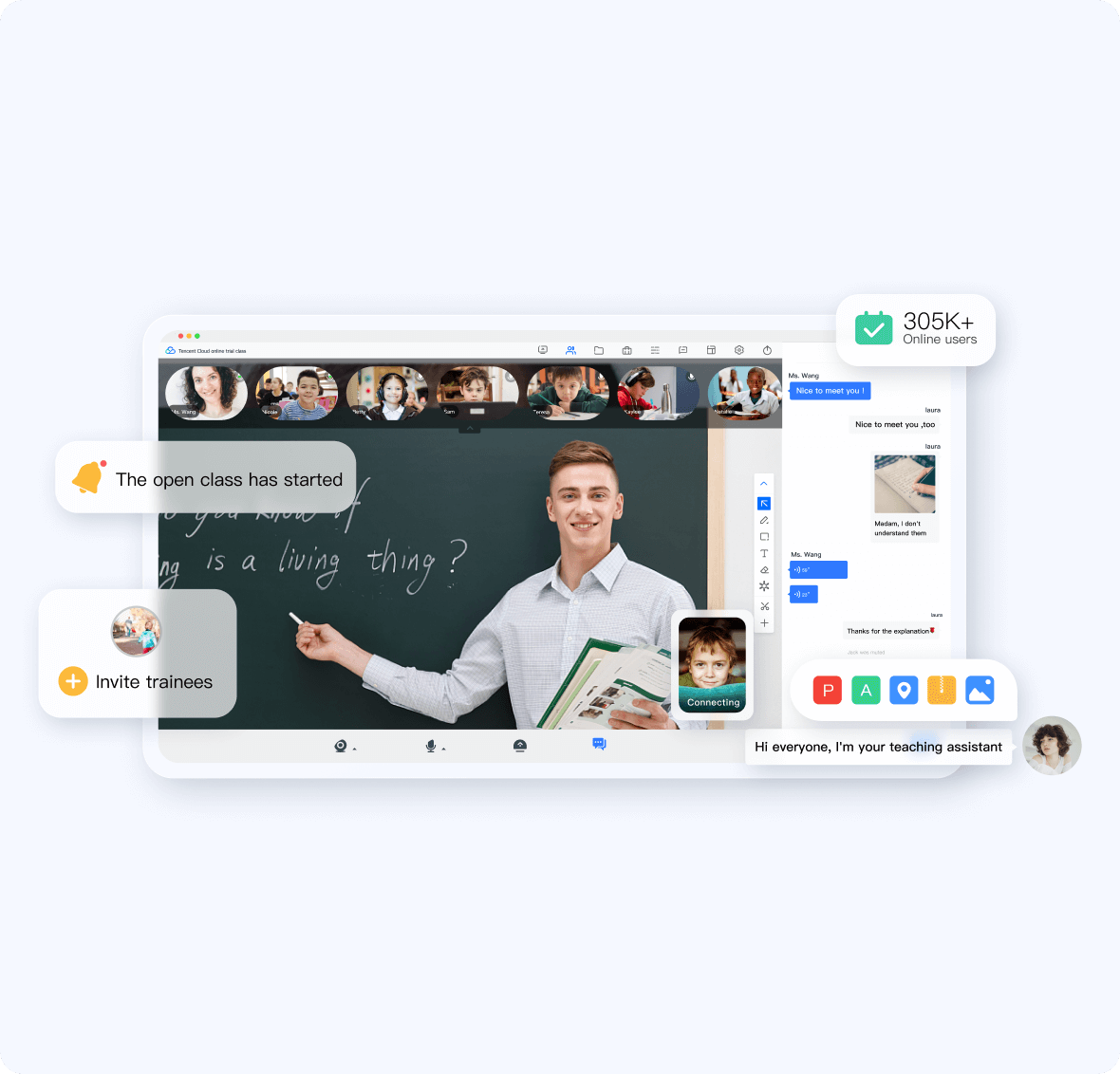
$3
Create interactive virtual classrooms with real-time chat experiences using simple chat SDK and API.
✓Class start notifications ✓Student management ✓Class messages
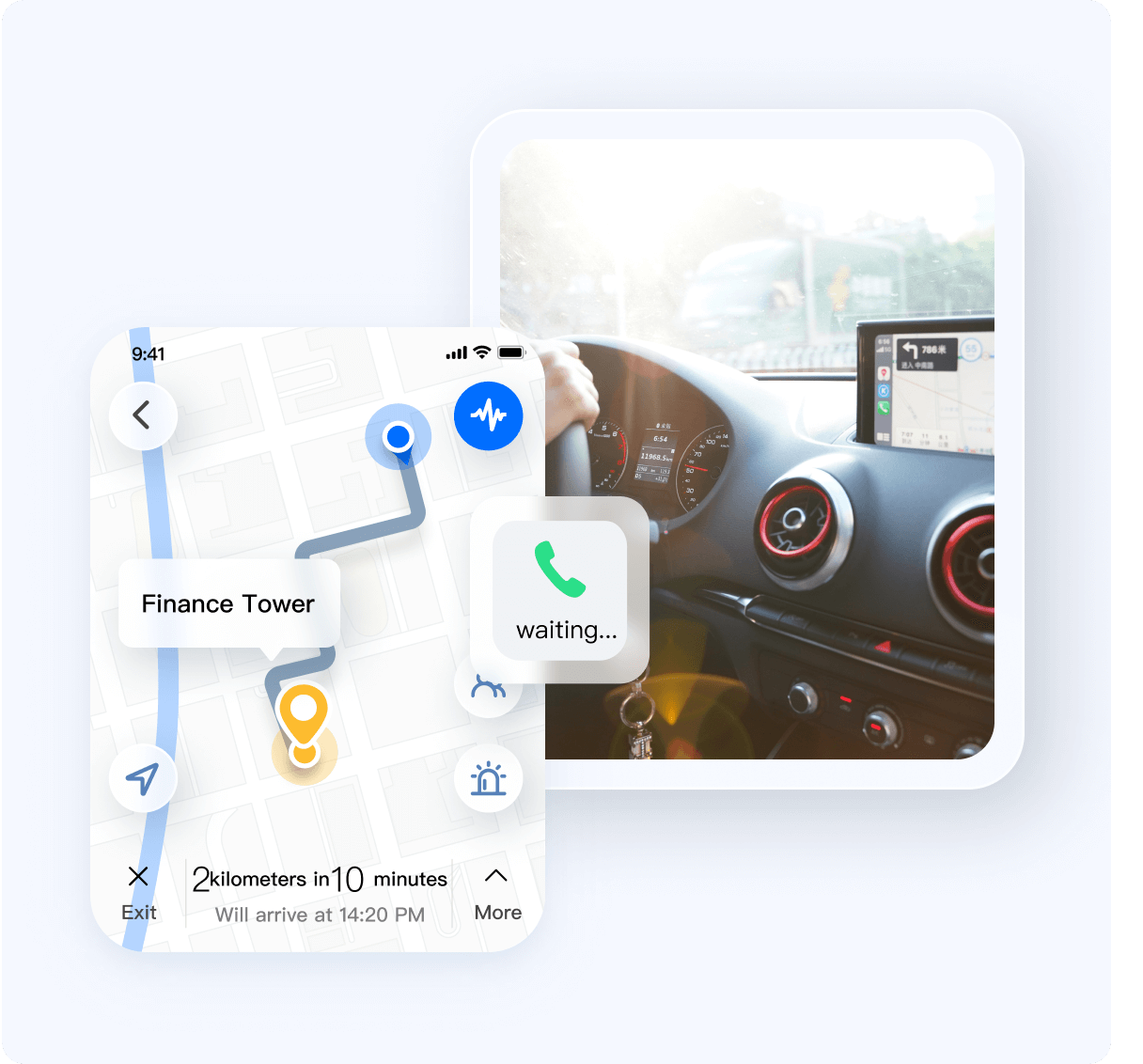
$3
Resolve order issues with in-app conversations quickly, with simple SDK and API.
✓Customer service support ✓Order cancellations minimization ✓Social features
Installation
``javascript`
npm install @tencentcloud/chat --save
// The upload plugin is required to send messages such as images and files.
npm install tim-upload-plugin --save
Getting started
`javascript
import TencentCloudChat from '@tencentcloud/chat';
import TIMUploadPlugin from 'tim-upload-plugin';
// Create an SDK instance.
// The TencentCloudChat.create() method returns the same instance for the same SDKAppID.chat
// The SDK instance is usually represented by .0
let chat = TencentCloudChat.create({
SDKAppID: 0 // Replace with the SDKAppID of your Chat app during access.
});
// Common level. You are advised to use this level during connection as it covers more logs.
chat.setLogLevel(0);
// Release level, at which the SDK outputs important information.
// You are advised to use this log level in a production environment.
// chat.setLogLevel(1);
// Register the Tencent Cloud Chat upload plugin.
chat.registerPlugin({'tim-upload-plugin': TIMUploadPlugin});
`
Sending your first message
$3
UserSig is a password used to log in to Tencent Cloud Chat. It is the ciphertext obtained after data such as UserID is encrypted. This document describes how to generate a UserSig.
$3
`javascript
// This event is triggered when the SDK enters the ready state.
// When SDK is ready, the access side can call SDK APIs such as the message sending API to use various features of the SDK
let onSdkReady = function(event) {
// Now you can create a message instance and send it.
};
chat.on(TencentCloudChat.EVENT.SDK_READY, onSdkReady);
let onMessageReceived = function(event) {
// A newly pushed one-to-one message, group message, group tip, or group system notification is received. You can traverse event.data to obtain the message list and render it to the UI.
// event.name - TencentCloudChat.EVENT.MESSAGE_RECEIVED
// event.data - An array that stores Message objects - [Message]
};
chat.on(TencentCloudChat.EVENT.MESSAGE_RECEIVED, onMessageReceived);
`
$3
`javascript`
let promise = chat.login({userID: 'your userID', userSig: 'your userSig'});
promise.then(function(imResponse) {
console.log(imResponse.data); // Login successful
if (imResponse.data.repeatLogin === true) {
// Indicates that the account has logged in and that the current login will be a repeated login.
console.log(imResponse.data.errorInfo);
}
}).catch(function(imError) {
console.warn('login error:', imError); // Error information
});
After successful login, to call APIs that require authentication, such as sendMessage, you must wait until the SDK enters the ready state (you can obtain the status of the SDK by listening to the TencentCloudChat.EVENT.SDK_READY event.
$3
`javascript`
let message = chat.createTextMessage({
to: 'user1',
conversationType: TencentCloudChat.TYPES.CONV_C2C,
payload: {
text: 'Hello Tencent!'
},
// Message custom data (saved in the cloud, will be sent to the peer end, and can still be pulled after the app is uninstalled and reinstalled)
// cloudCustomData: 'your cloud custom data'
});
$3
`javascript``
let promise = chat.sendMessage(message);
promise.then(function(imResponse) {
// The message is sent successfully.
console.log(imResponse);
}).catch(function(imError) {
// The message fails to be sent.
console.warn('sendMessage error:', imError);
});
Contact Us
Join a Tencent Cloud Chat developer group for Reliable technical support & Product details & Constant exchange of ideas.
- Telegram group (EN): join
- WhatsApp group (EN): join
- Telegram group (ZH): join
- WhatsApp group (ZH): join
Supported Browsers
| Browser | Supported versions |
| ---- | ---- |
| Chrome | 16 or higher |
| Edge | 13 or higher |
| Firefox | 11 or higher |
| Safari | 7 or higher |
| Internet Explorer | 10 or higher |
| Opera | 12.1 or higher |
| iOS Safari | 7 or higher |
| Android Browswer | 4.4 (Kitkat) or higher |