@thi.ng/hdom
v9.4.101TypeScript
Lightweight vanilla ES6 UI component trees with customizable branch-local behaviors
0/weekUpdated yesterdayApache-2.0Unpacked: 126.8 KB
Published by Karsten Schmidt
npm install @thi.ng/hdom!@thi.ng/hdom

!npm downloads

> [!NOTE]
> This is one of 214 standalone projects, maintained as part
> of the @thi.ng/umbrella monorepo
> and anti-framework.
>
> 🚀 Please help me to work full-time on these projects by sponsoring me on
> GitHub. Thank you! ❤️
**Update 12/2022: This package is considered completed and no longer being
updated with new features. Please consider using
@thi.ng/rdom
instead...**
- About
- Status
- Support packages
- Related packages
- Blog posts
- Installation
- Dependencies
- Usage examples
- Minimal example #1: Local state, RAF update
- Minimal example #2: Reactive, push-based state & update
- Minimal example #3: Immutable app state & interceptors
- Minimal example #4: Canvas scene tree / branch-local behavior
- API
- The hdom data flow
- Nested arrays
- Attribute objects
- Pure functions and/or closures
- Iterators
- Interface support
- Component objects with life cycle methods
- Event & state handling options
- Event listener options
- Reusable components
- Usage details
- start()
- Selective updates
- renderOnce()
- HDOMOpts config options
- HDOMImplementation interface
- normalizeTree()
- diffTree()
- createTree()
- hydrateTree()
- User context
- value attribute handling
- Behavior control attributes
- \_\_impl
- \_\_diff
- \_\_normalize
- \_\_release
- \_\_serialize
- \_\_skip
- Benchmarks
- Authors
- License
About
Lightweight vanilla ES6 UI component trees with customizable branch-local behaviors.
Lightweight UI component tree definition syntax, DOM creation and
differential updates using only vanilla JS data structures (arrays,
iterators, closures, attribute objects or objects with life cycle
functions, closures). By default targets the browser's native DOM, but
supports other arbitrary target implementations in a branch-local
manner, e.g. to define scene graphs for a canvas
element
as part of the normal UI tree.
Benefits:
- Use the full expressiveness of ES6 / TypeScript to define user interfaces
- No enforced opinion about state handling, very flexible
- Clean, functional component composition & reuse, optionally w/ lazy
evaluation
- No source pre-processing, transpiling or string interpolation
- Less verbose than HTML / JSX, resulting in smaller file sizes
- Supports arbitrary elements (incl. SVG), attributes and events in
uniform, S-expression based syntax
- Supports branch-local custom update behaviors & arbitrary (e.g.
non-DOM) target data structures to which tree diffs are applied to
- Component life cycle methods & behavior control attributes
- Suitable for server-side rendering and then "hydrating" listeners and
components with life cycle methods on the client side
- Can use JSON for static components (or component templates)
- Optional dynamic user context injection (an arbitrary object/value
passed to all component functions embedded in the tree)
- Default implementation supports CSS conversion from JS objects for
style attribs (also see:
@thi.ng/hiccup-css)
- Auto-expansion of embedded values / types which implement the IToHiccup or
IDeref
interfaces (e.g. atoms, cursors, derived views, streams etc.)
- Fast (see benchmark examples below)
- Only ~6.2KB gzipped
Status
COMPLETED - no further development planned
Search or submit any issues for this package
Support packages
- @thi.ng/hdom-canvas - @thi.ng/hdom component wrapper for declarative canvas scenegraphs
- @thi.ng/hdom-components - Raw, skinnable UI & SVG components for @thi.ng/hdom
- @thi.ng/hdom-mock - Mock base implementation for @thi.ng/hdom API
Related packages
- @thi.ng/rdom - Lightweight, reactive, VDOM-less UI/DOM components with async lifecycle and @thi.ng/hiccup compatible
$3
- How to UI in 2018
- Of umbrellas, transducers, reactive streams & mushrooms (Pt.1)
Installation
``bash`
yarn add @thi.ng/hdom
ESM import:
`ts`
import * as hdom from "@thi.ng/hdom";
Browser ESM import:
`html`
You can use the
create-hdom-app project
generator to create one of several pre-configured app skeletons using
features from @thi.ng/atom, @thi.ng/hdom, @thi.ng/interceptors &
@thi.ng/router. Presets using @thi.ng/rstream for reactive state
handling will be added in the future.
`bash
yarn create hdom-app my-app
cd my-app
yarn install
yarn start
`
Package sizes (brotli'd, pre-treeshake): ESM: 3.52 KB
Dependencies
- @thi.ng/api
- @thi.ng/checks
- @thi.ng/diff
- @thi.ng/equiv
- @thi.ng/errors
- @thi.ng/hiccup
- @thi.ng/logger
- @thi.ng/prefixes
Note: @thi.ng/api is in _most_ cases a type-only import (not used at runtime)
Usage examples
38 projects in this repo's
/examples
directory are using this package:
| Screenshot | Description | Live demo | Source |
|:-------------------------------------------------------------------------------------------------------------------------------------|:---------------------------------------------------------------------------------|:------------------------------------------------------------|:-----------------------------------------------------------------------------------------|
| | Minimal demo using interceptors with an async side effect | Demo | Source |
|  | 2D transducer based cellular automata | Demo | Source |
| | BMI calculator in a devcards format | Demo | Source |
| 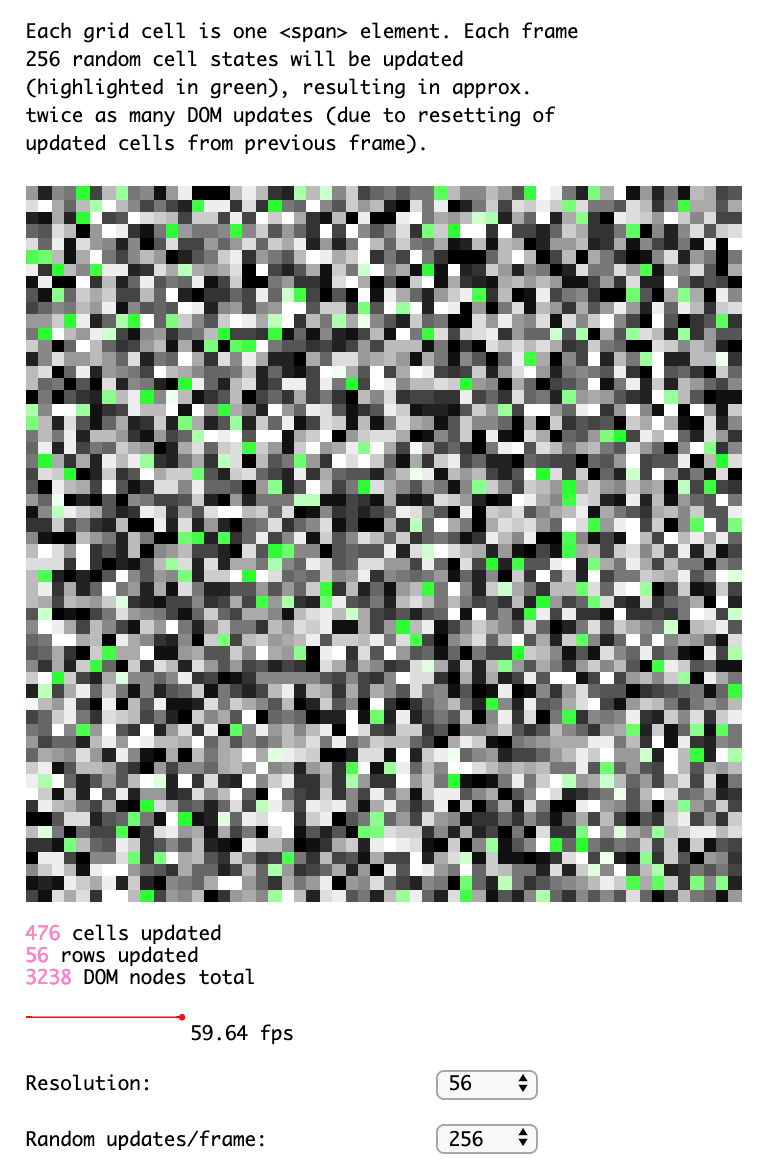 | hdom update performance benchmark w/ config options | Demo | Source |
| 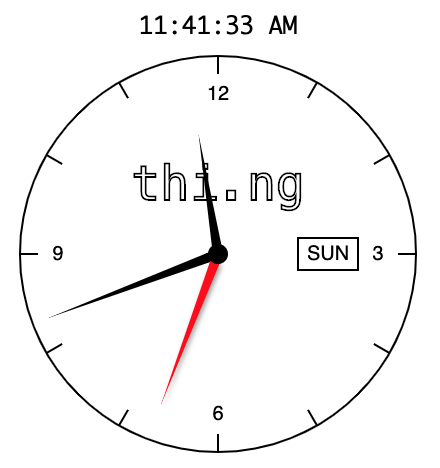 | Realtime analog clock demo | Demo | Source |
|  | 2D Bezier curve-guided particle system | Demo | Source |
|  | Various hdom-canvas shape drawing examples & SVG conversion / export | Demo | Source |
| | Custom dropdown UI component for hdom | Demo | Source |
| | Custom dropdown UI component w/ fuzzy search | Demo | Source |
| | Using custom hdom context for dynamic UI theming | Demo | Source |
| | Using hdom in an Elm-like manner | Demo | Source |
| | Higher-order component for rendering HTML strings | Demo | Source |
| | Isolated, component-local DOM updates | Demo | Source |
| | UI component w/ local state stored in hdom context | Demo | Source |
| | Skipping UI updates for selected component(s) | Demo | Source |
| | Skipping UI updates for nested component(s) | Demo | Source |
| | Example for themed components proposal | Demo | Source |
| 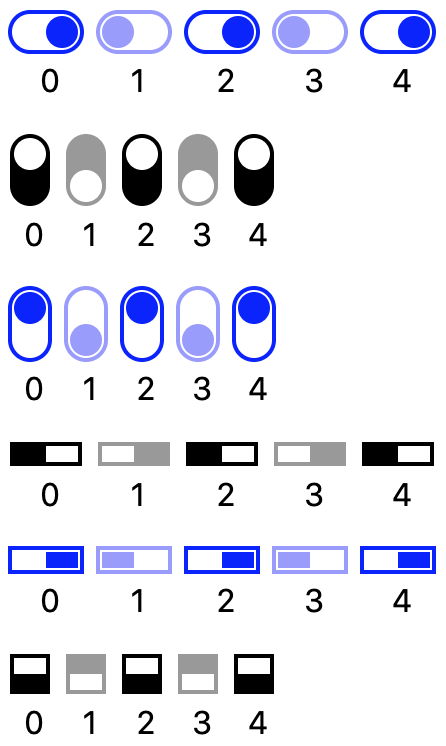 | Customizable slide toggle component demo | Demo | Source |
| | Hiccup / hdom DOM hydration example | Demo | Source |
| 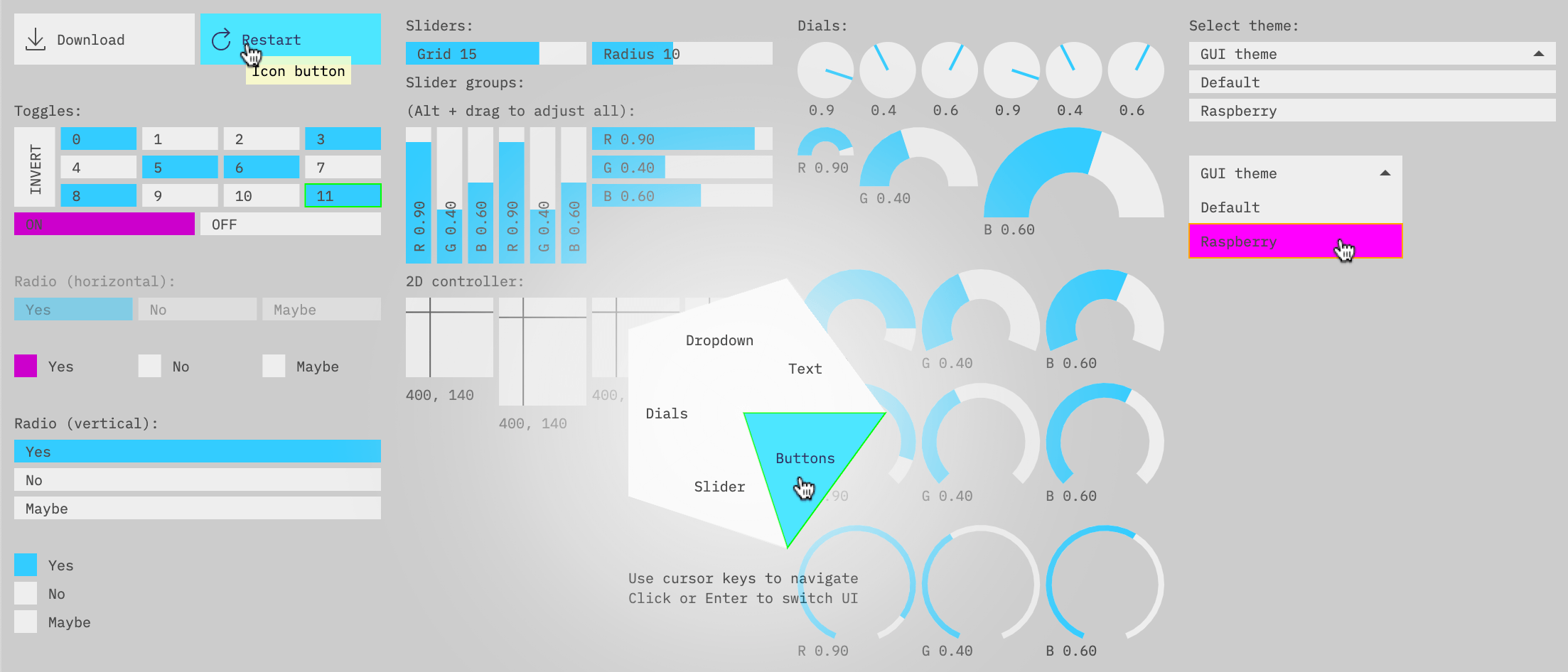 | Canvas based Immediate Mode GUI components | Demo | Source |
| | Event handling w/ interceptors and side effects | Demo | Source |
|  | Animated sine plasma effect visualized using contour lines | Demo | Source |
| 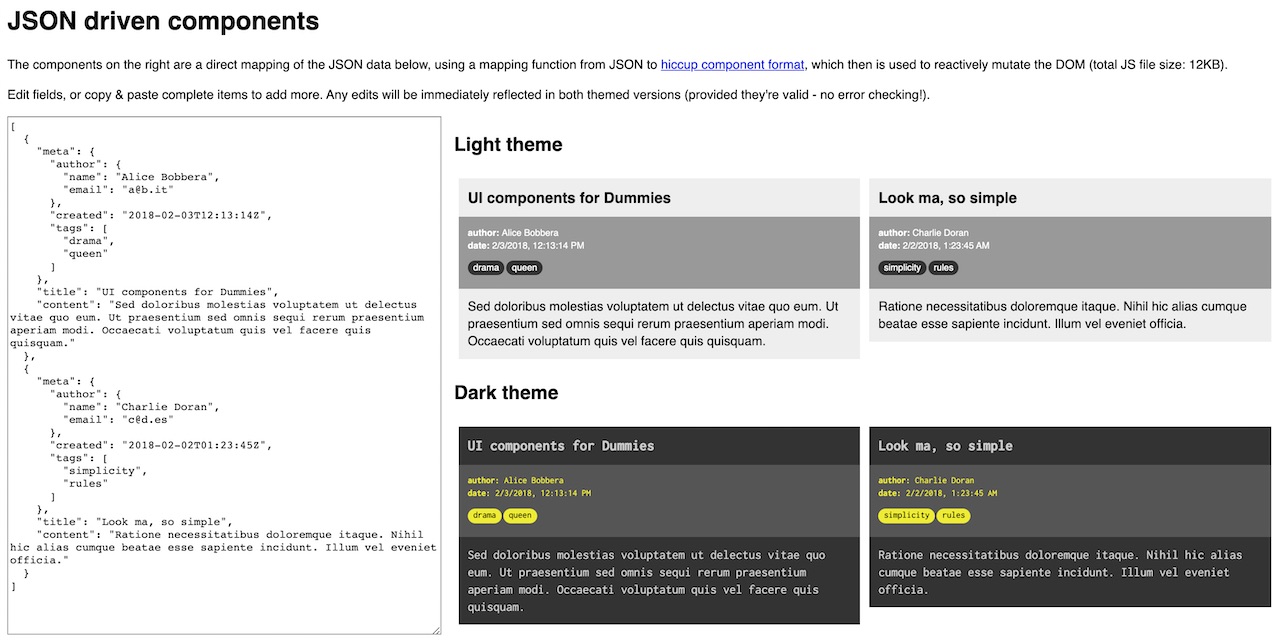 | Transforming JSON into UI components | Demo | Source |
| | Basic SPA example with atom-based UI router | Demo | Source |
| 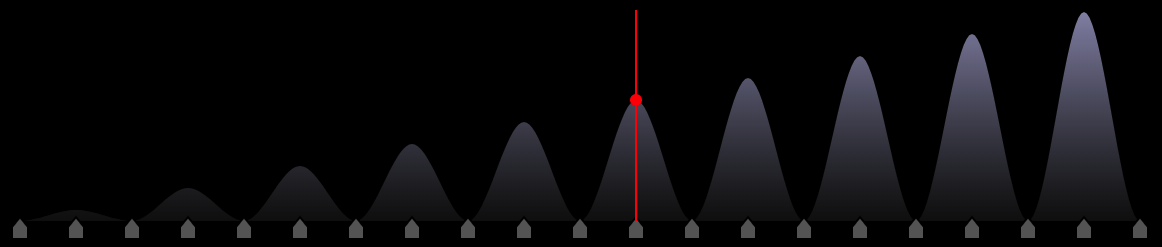 | Unison wavetable synth with waveform editor | Demo | Source |
| 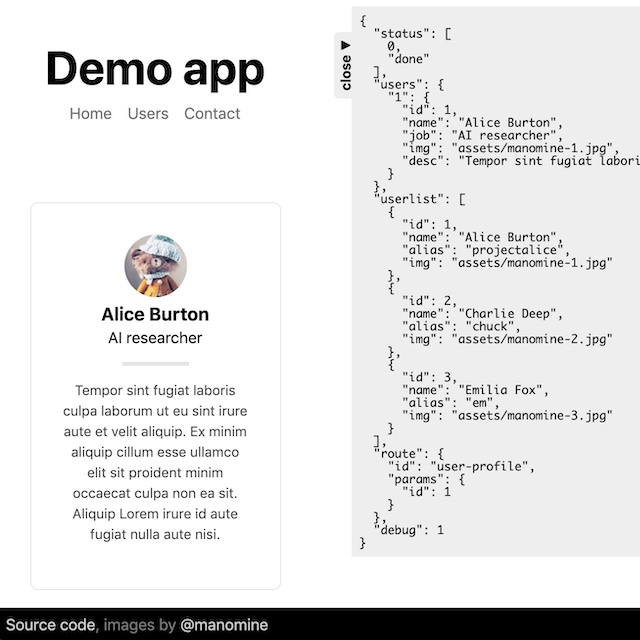 | Complete mini SPA app w/ router & async content loading | Demo | Source |
| 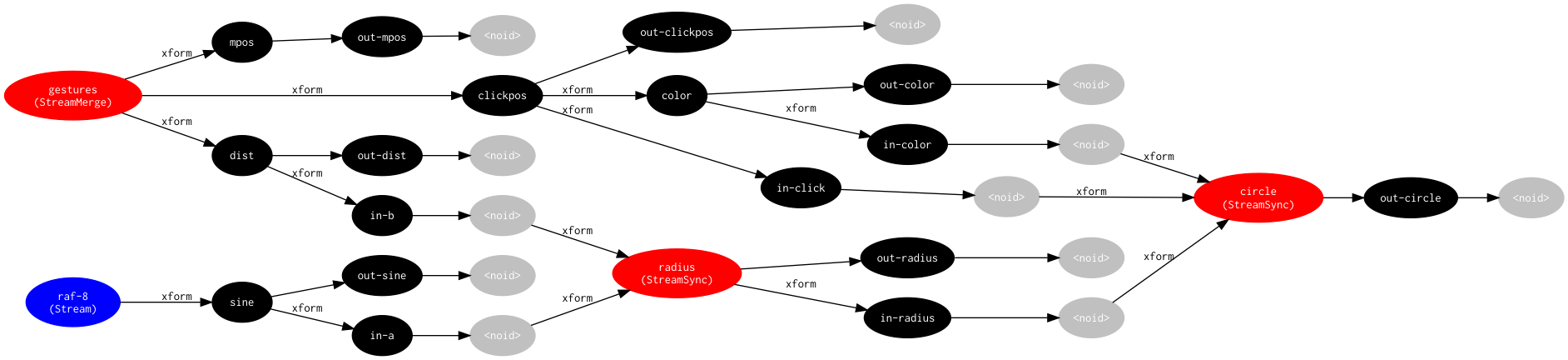 | Minimal rstream dataflow graph | Demo | Source |
| 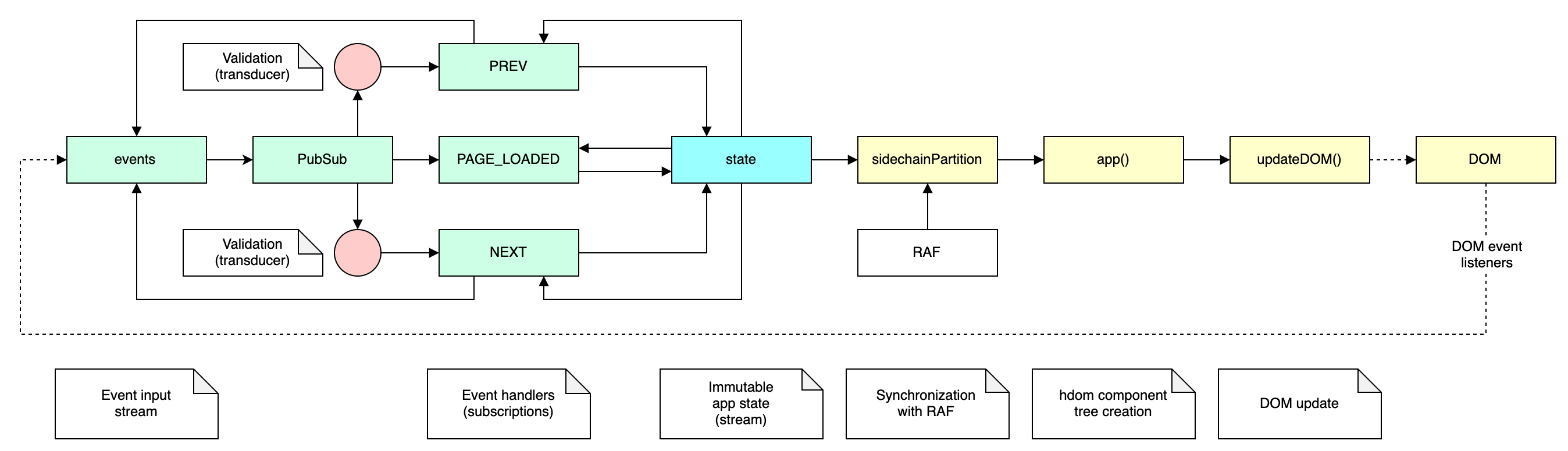 | Minimal demo of using rstream constructs to form an interceptor-style event loop | Demo | Source |
| 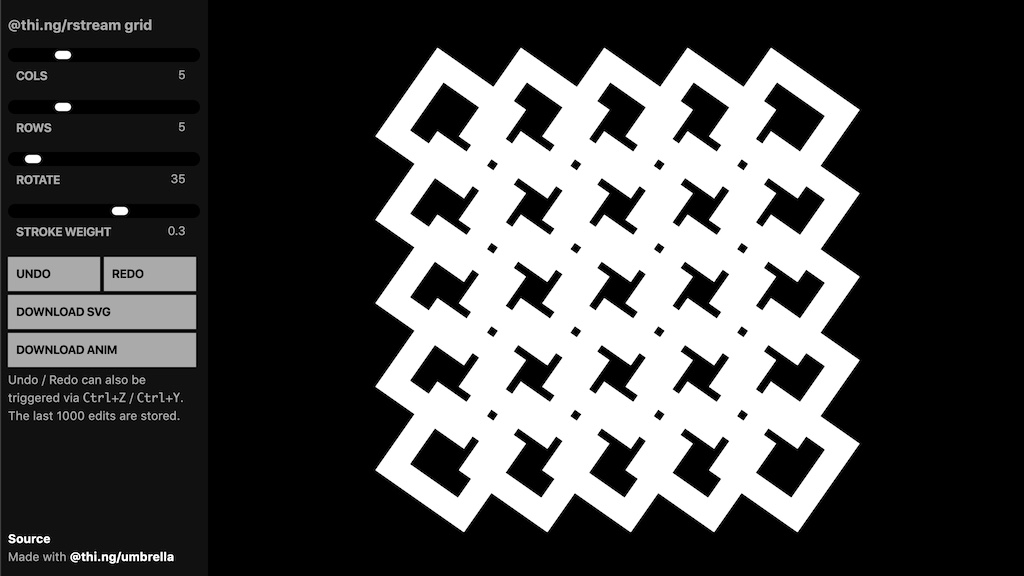 | Interactive grid generator, SVG generation & export, undo/redo support | Demo | Source |
| 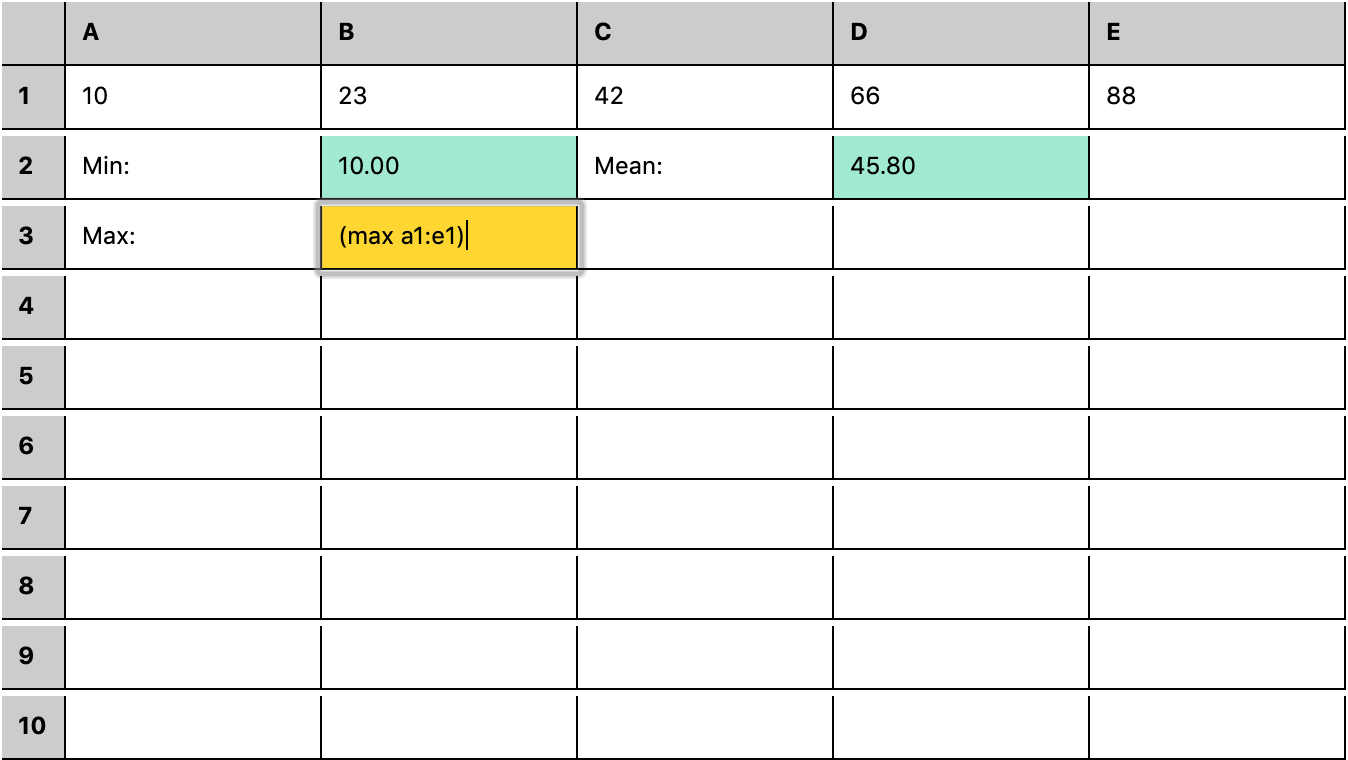 | rstream based spreadsheet w/ S-expression formula DSL | Demo | Source |
| 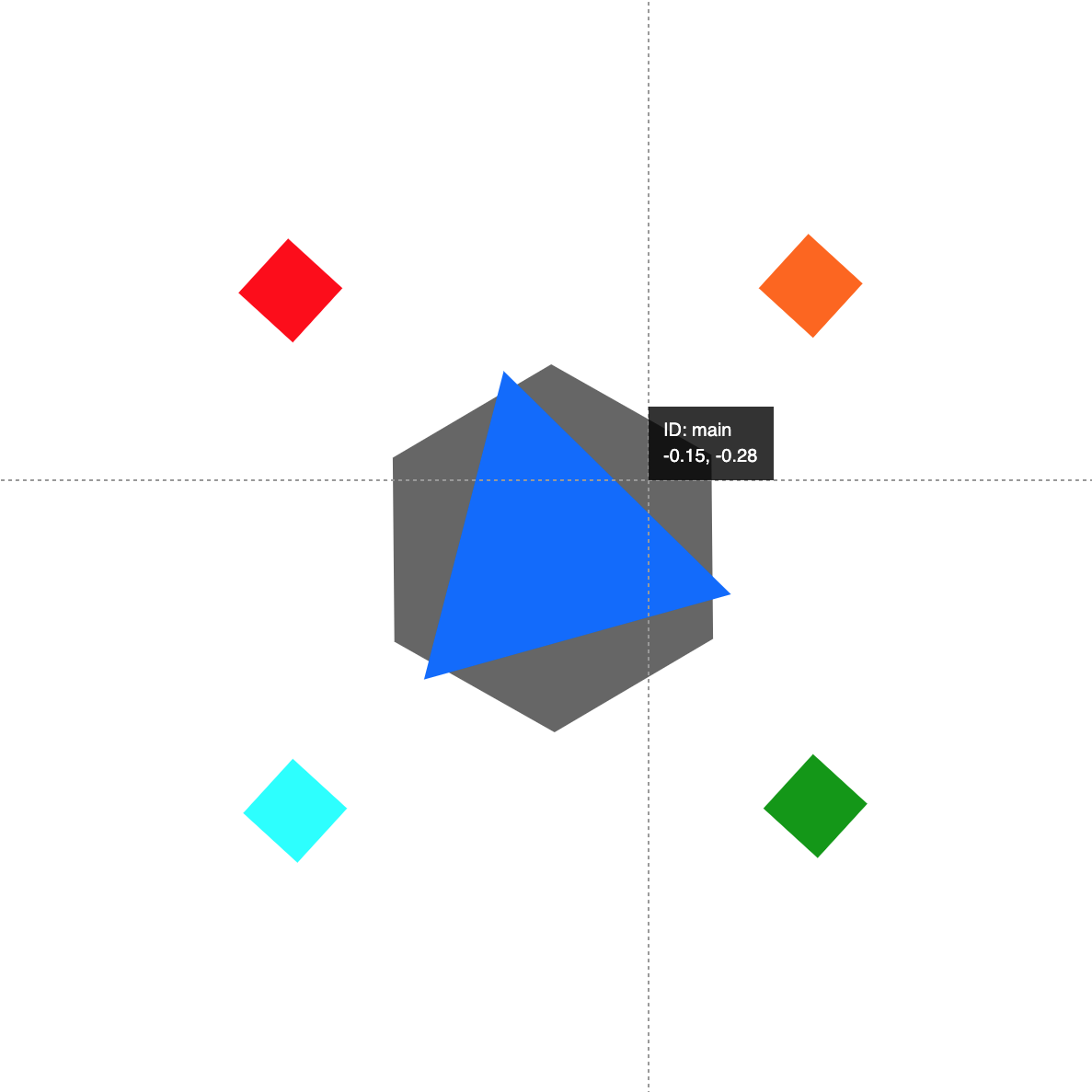 | 2D scenegraph & shape picking | Demo | Source |
|  | 2D scenegraph & image map based geometry manipulation | Demo | Source |
|  | Entity Component System w/ 100k 3D particles | Demo | Source |
| 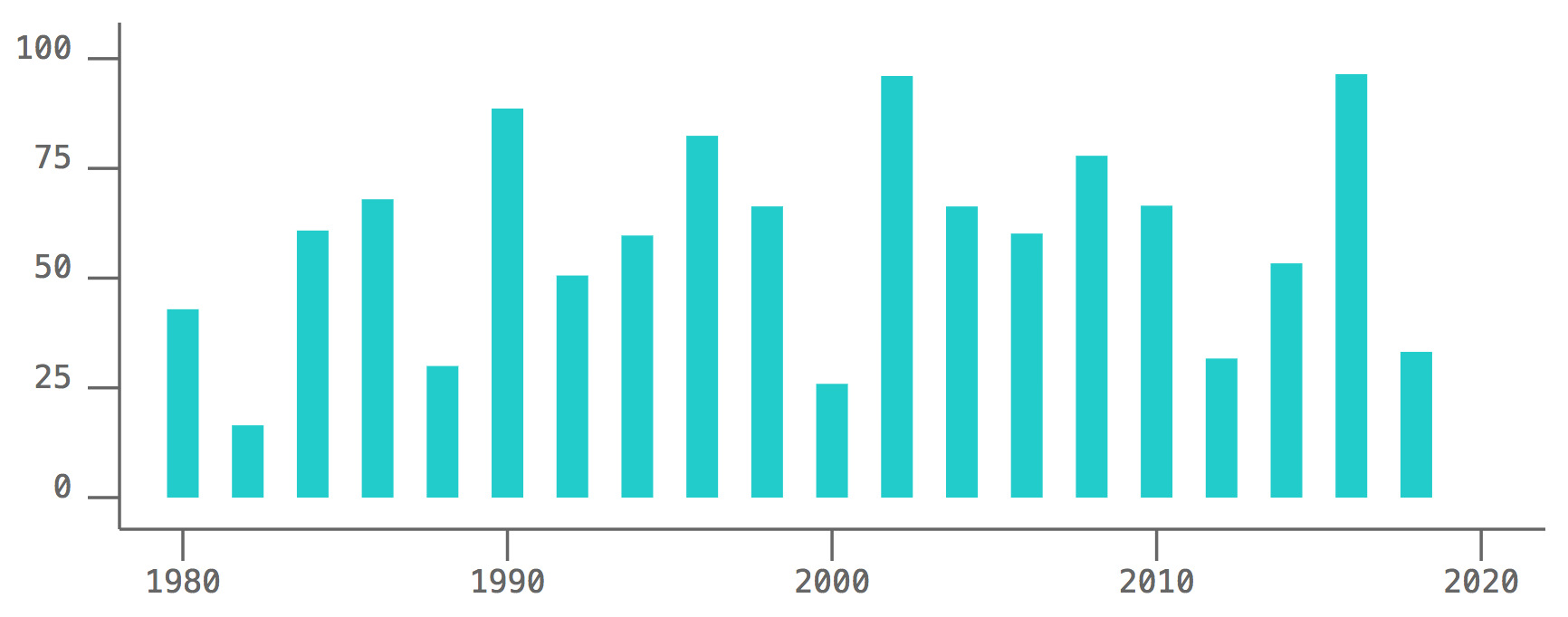 | Simplistic SVG bar chart component | Demo | Source |
| 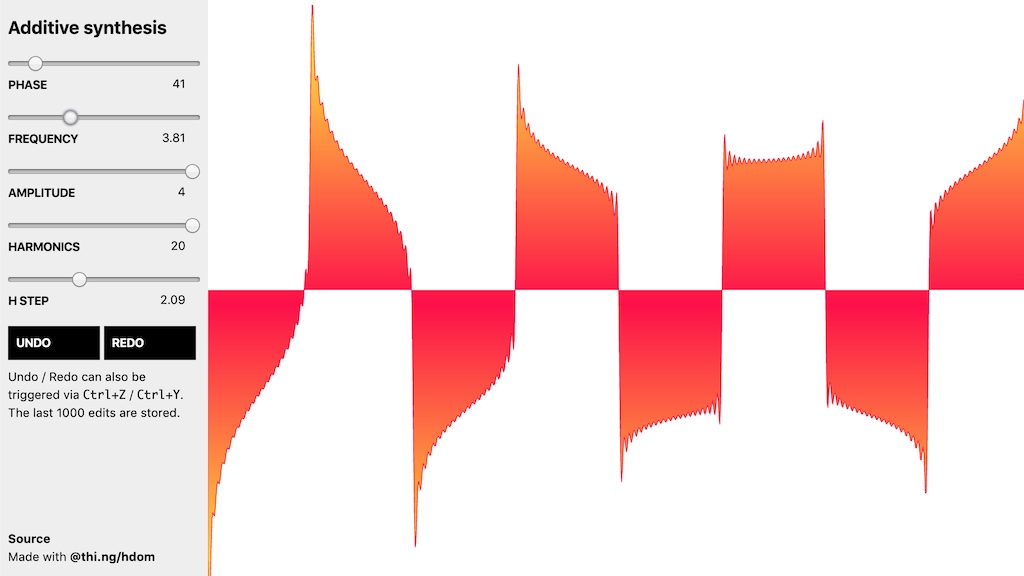 | Additive waveform synthesis & SVG visualization with undo/redo | Demo | Source |
|  | hdom based slide deck viewer & slides from my ClojureX 2018 keynote | Demo | Source |
| 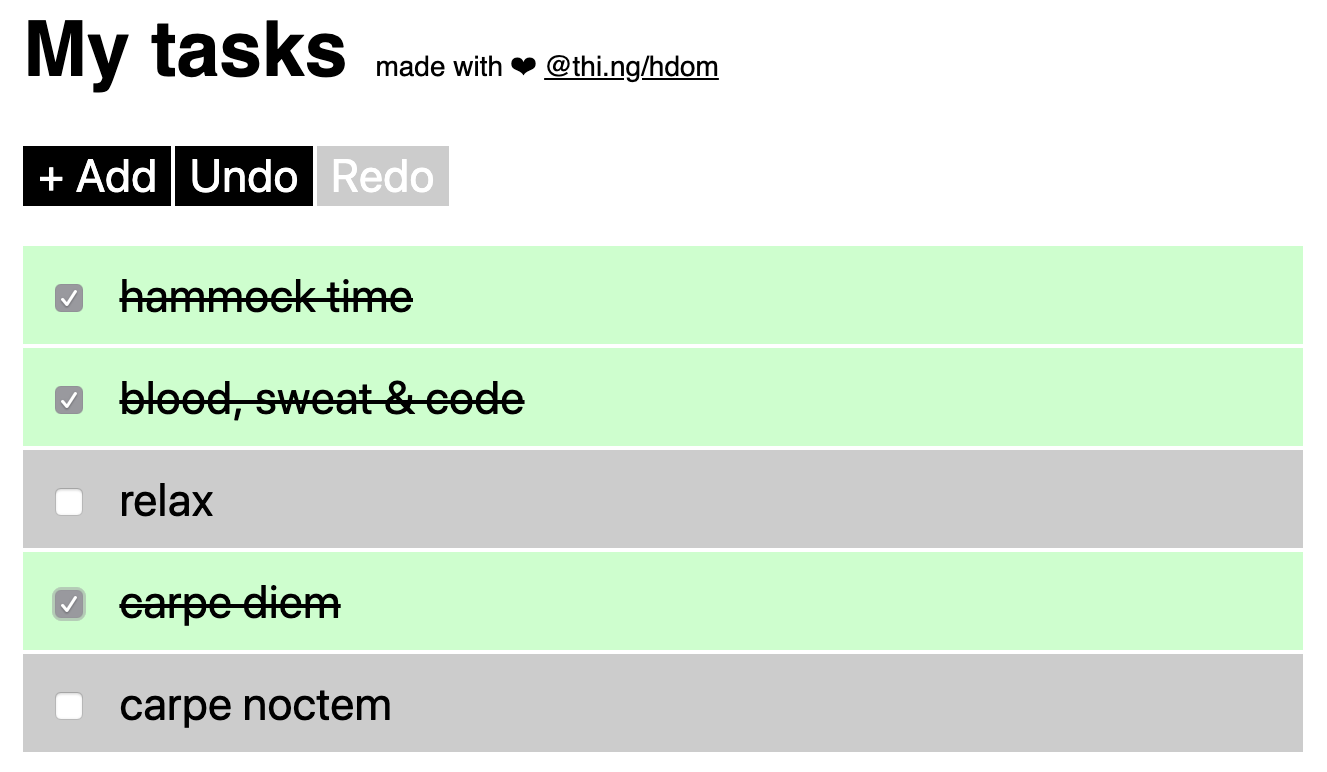 | Obligatory to-do list example with undo/redo | Demo | Source |
| 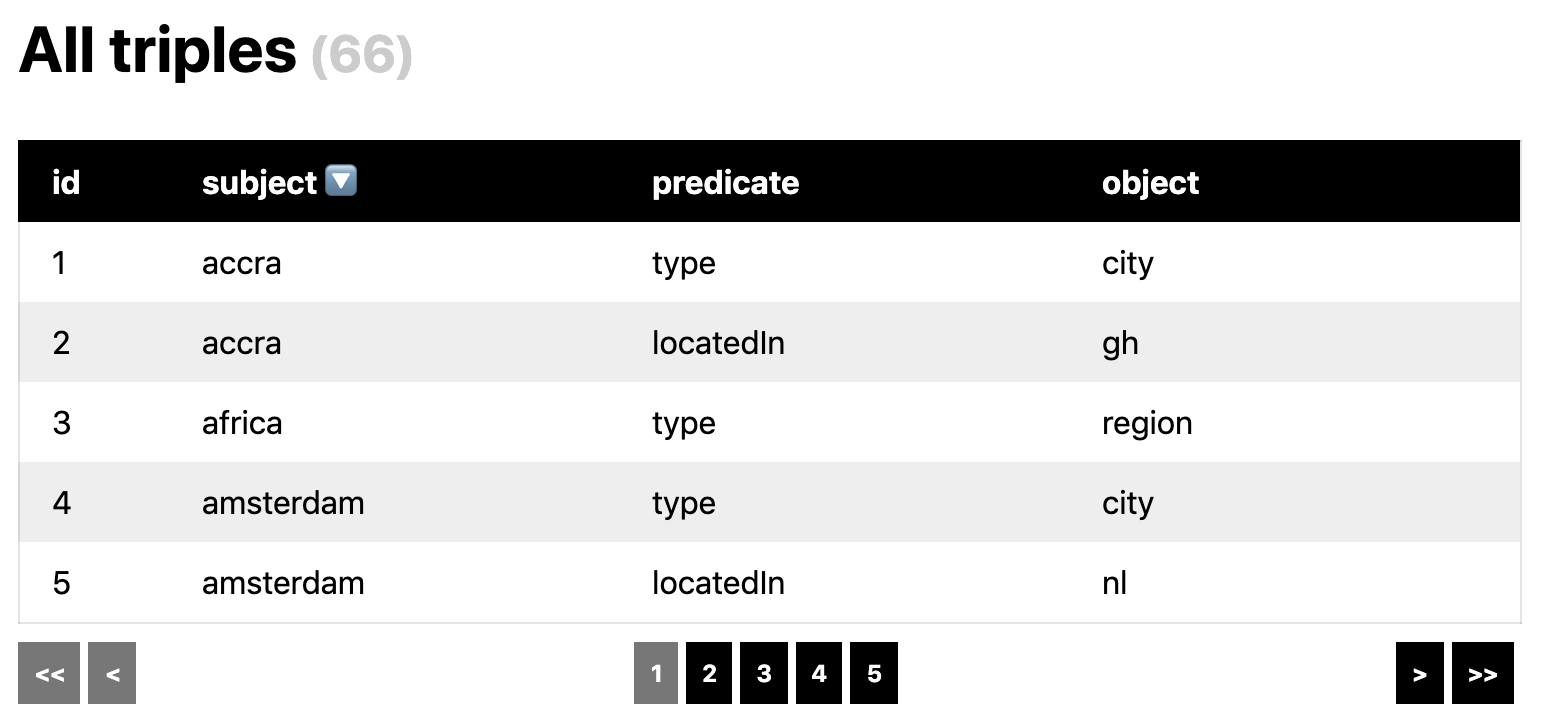 | Triple store query results & sortable table | Demo | Source |
$3
`ts
import { start, renderOnce } from "@thi.ng/hdom";
// stateless component w/ params
// the first arg is an auto-injected context object
// (not used here, see dedicated section in readme further below)
const greeter = (_, name) => ["h1.title", "hello ", name];
// component w/ local state
const counter = (i = 0) => {
return () => ["button", { onclick: () => (i++) }, clicks: ${i}];
};
const app = () => {
// initialization steps
// ...
// root component is just a static array
return ["div#app", [greeter, "world"], counter(), counter(100)];
};
// start RAF update & diff loop
start(app(), { root: document.body });
// alternatively create DOM tree only once
renderOnce(app(), { root: document.body });
`
Alternatively, use the same component for browser or server side HTML
serialization (Note: does not emit attributes w/ functions as values,
e.g. a button's onclick attrib).
`ts
import { serialize } from "@thi.ng/hiccup";
console.log(serialize(app()));
//
hello world
`
$3
This example uses
@thi.ng/rstream
for reactive state values and the
@thi.ng/transducers-hdom
support library to perform push-based DOM updates (instead of regular
diffing via RAF).
ts
import { fromInterval, stream, sync } from "@thi.ng/rstream";
import { updateDOM } from "@thi.ng/transducers-hdom";
import { map, scan, count } from "@thi.ng/transducers";// root component function
const app = ({ ticks, clicks }) =>
["div",
${ticks} ticks & ,
["a",
{ href: "#", onclick: () => clickStream.next(0)},
${clicks} clicks]
];// transformed stream to count clicks
const clickStream = stream().transform(scan(count(-1)));
// seed
clickStream.next(0);
// stream combinator
// waits until all inputs have produced at least one value,
// then updates whenever either input has changed
sync({
// streams to combine & synchronize
src: {
ticks: fromInterval(1000),
clicks: clickStream,
},
}).transform(
// transform tuple into hdom component
map(app),
// apply hdom tree to real DOM
updateDOM({ root: document.body })
);
`$3
This example uses
@thi.ng/interceptors
for state & event handling and to skip DOM updates completely if not
needed.
Live demo |
Source code (extended version)
ts
import { Atom } from "@thi.ng/atom";
import { start } from "@thi.ng/hdom";
import { choices } from "@thi.ng/transducers";
import * as icep from "@thi.ng/interceptors";// infinite iterator of random color choices
const colors = choices(["cyan", "yellow", "magenta", "chartreuse"]);
// central app state (initially empty)
const state = new Atom({});
// event bus & event handlers / interceptors
// each handler produces a number of effects (incl. state updates)
// see @thi.ng/interceptors for more details
const bus = new icep.EventBus(state, {
// initializes app state
"init": () => ({
[icep.FX_STATE]: { clicks: 0, color: "grey" }
}),
// composed event handler
// increments
clicks state value and
// delegates to another event
"inc-counter": [
icep.valueUpdater("clicks", (x: number) => x + 1),
icep.dispatchNow(["randomize-color"])
],
// sets colors state value to a new random choice
"randomize-color": icep.valueUpdater(
"color", () => colors.next().value
)
});// start hdom update loop
start(
// this root component function will be executed via RAF.
// it first processes events and then only returns an updated
// component if there was a state update...
// DOM update will be skipped if the function returned null
({ bus, state }) => bus.processQueue() ?
["button",
{
style: {
padding: "1rem",
background: state.value.color
},
onclick: () => bus.dispatch(["inc-counter"])
},
clicks: ${state.value.clicks}] :
null,
// hdom options, here including an arbitrary user context object
// passed to all components
{ ctx: { state, bus } }
);// kick off
bus.dispatch(["init"]);
`$3
This example uses the
@thi.ng/hdom-canvas
component to support the inclusion of (virtual / non-DOM targets) shape
elements as part of the normal HTML component tree. A description of the
actual mechanism can be found further below and in the hdom-canvas
readme. In short, all canvas child elements will be translated into
canvas API draw calls.
Related examples:
ts
import { start } from "@thi.ng/hdom";
import { canvas } from "@thi.ng/hdom-canvas";start(() =>
["div",
["h1", "Hello hdom"],
// the hdom-canvas component injects a custom branch-local
// implementation of the
HDOMImplementation interface
// so that one can define virtual child elements representing
// shapes which will not become DOM nodes, but are translated
// into canvas API draw calls
[canvas, { width: 300, height: 300 },
["g", { stroke: "none", translate: [50, 50] },
["circle", { fill: "red" },
[0, 0], 25 + 25 Math.sin(Date.now() 0.001)],
["text", { fill: "#fff", align: "center", baseline: "middle" },
[0, 0], "Hello"]
]
]
]
);
`API
$3
The usual hdom update process is as follows: First the user app creates
an up-to-date UI component tree, which is then passed to hdom, will be
normalized (expanded into a canonical format) and then used to
recursively compute the minimal edit set of the difference to the
previous DOM tree.
Important:
- hdom uses a RAF render loop only by default, but is in absolutely no
way tied to this (see
@thi.ng/transducers-hdom
for a possible alternative)
- hdom uses the browser DOM only by default, but supports custom target
implementations, which can modify other target data structures. These
custom implementations can be triggered on branch-local basis in the
tree
- hdom NEVER tracks the real DOM, only its own trees (previous & current)
- hdom can be used without diffing, i.e. for compact, one-off DOM
creation (see
)The syntax is inspired by Clojure's
Hiccup and
Reagent projects, which themselves
were influenced by prior art by Phil
Wadler
at Edinburgh University, who pioneered this approach in Lisp back in
1999. hdom offers several additional features to these established
approaches.
hdom components are usually nested, vanilla ES6 data structures without
any custom syntax, organized in an S-expression-like manner. This makes
them very amenable to being constructed inline, composed, transformed or
instrumented using the many ES6 language options available.
$3
No matter what the initial supported input format was, all components /
elements will eventually be transformed into a tree of nested arrays.
See
normalizeTree() further down for details.The first element of each array is used as tag and if the 2nd
element is a plain object, it will be used to define arbitrary
attributes and event listeners for that element. All further elements
are considered children of the current element.
Emmet-style tags with ID and/or classes are supported.
`ts
["section#foo.bar.baz",
["h3", { class: "title" }, "Hello world!"]]
`Equivalent HTML:
html
`$3
Attributes objects are optional, but if present always given as the 2nd
element in an element array and are used to define arbitrary attributes,
CSS properties and event listeners. The latter always have to be
prefixed with
and their values always must be functions
(naturally). CSS props are assigned to the style attribute, but given
as JS object.`ts
["a", {
href: "#",
onclick: (e) => (e.preventDefault(), alert("hi")),
style: {
background: "#000",
color: "#fff",
padding: "1rem",
margin: "0.25rem"
}
}, "Say Hi"]
`html
Say Hi
`With the exception of event listeners (which are always functions),
others attribute values can be functions too and if so will be called
with the entire attributes object as sole argument and their return
value used as actual attribute value. Same goes for CSS property
function values (which receive the entire
object). In both
cases, this supports the creation of derived values based on other
attribs:`ts
const btAttribs = {
// event handlers are always standard listener functions
onclick: (e)=> alert(e.target.id),
// these fns receive the entire attribs object
class: (attr) => bt bt-${attr.id},
href: (attr) => #${attr.id},
};// reuse attribs object for different elements
["div",
["a#foo", btAttribs, "Foo"],
["button#bar", btAttribs, "Bar"]]
`html
`$3
ts
// inline definition
["ul#users", ["alice", "bob", "charlie"].map((x) => ["li", x])]// reusable component
const unorderedList = (_, attribs, ...items) =>
["ul", attribs, ...items.map((x)=> ["li", x])];
[unorderedList, { id: "users"}, "alice", "bob", "charlie"]
`html
- alice
- bob
- charlie
`Functions used in the "tag" (head) position of an element array are
treated as delayed execution mechanism and will only be called and
recursively expanded during tree normalization with the remaining array
elements passed as arguments. These component functions also receive an
arbitrary user context object (not used for these
examples here) as additional first argument.
ts
const iconButton = (_, icon, onclick, label) =>
["a.bt", { onclick }, ["i", {class: fas fa-${icon}}], label];const alignButton = (_, type) =>
[iconButton,
align-${type}, () => alert(type), type];["div",
{ style: { padding: "1rem" } },
[alignButton, "left"],
[alignButton, "center"],
[alignButton, "right"]]
`html
`Functions in other positions of an element array are also supported but
only receive the optional user context object as attribute.
ts
const now = () => new Date().toLocaleString();["footer", "Current date: ", now]
`html
`$3
ES6 iterables are supported out of the box and their use is encouraged
to avoid the unnecessary allocation of temporary objects caused by
chained application of
to transform raw state values into
components. However, since iterators can only be consumed once, please
see this issue
comment
for potential pitfalls.The
@thi.ng/transducers
package provides 130+ functions to create, compose and work with
iterator based pipelines. These are very powerful & handy for component
construction as well!
`ts
import { map, range } from "@thi.ng/transducers";// map() returns an iterator
["ul", map((i) => ["li", i + 1], range(3))]
`html
- 1
- 2
- 3
`$3
or
or interfaces will be auto-expanded during tree normalization.This currently includes the following types from other packages in this
repo, but also any user defined custom types:
ts
import { serialize } from "@thi.ng/hiccup";class Foo {
constructor(val) {
this.value = val;
}
deref() {
return ["div.deref", this.value];
}
}
// unlike
deref(), the toHiccup() method
// receives current user context as argument
// (see section further below)
class Bar {
constructor(val) {
this.value = val;
} toHiccup(ctx) {
return ["div.hiccup", ctx && ctx.foo, this.value];
}
}
// to demonstrate usage of the user context we're using
// @thi.ng/hiccup's serialize() function here, which too
// supports user context handling, but produces an HTML string
serialize(
["div", new Foo(23), new Bar(42)],
// global user context with theming rules
// here only use tachyons css classes, but could be anything...
{
foo: { class: "bg-lightest-blue navy pa2 ma0" }
}
);
`html
23
42
`$3
Most components can be succinctly expressed via the options discussed so
far, though for some use cases we need to get a handle on the actual
underlying DOM element and can only fully initialize the component once
it's been mounted etc. For those cases components can be specified as
classes or plain objects implementing the following interface:
ts
interface ILifecycle {
/**
* Component init method. Called with the actual DOM element,
* hdom user context and any other args when the component is
* first used, but after render() has been called once
* already AND all of the components children have been realized.
* Therefore, if any children have their own init lifecycle
* method, these hooks will be executed before that of the parent.
*/
init?(el: Element, ctx: any, ...args: any[]); /**
* Returns the hdom tree of this component.
* Note: Always will be called first (prior to
init/release)
* to obtain the actual component definition used for diffing.
* Therefore might have to include checks if any local state
* has already been initialized via init. This is the only
* mandatory method which MUST be implemented.
*
* render is executed before init because normalizeTree()
* must obtain the component's hdom tree first before it can
* determine if an is necessary. init itself will be
* called from diffTree, createDOM or hydrateDOM() in a later
* phase of processing.
*
* render should ALWAYS return an array or another function,
* else the component's init or release fns will NOT be able
* to be called later. E.g. If the return value of render
* evaluates as a string or number, the return value should be
* wrapped as . If no init or release are
* used, this requirement is relaxed.
*/
render(ctx: any, ...args: any[]): any; /**
* Called when the underlying DOM of this component is removed
* (or replaced). Intended for cleanup tasks.
*/
release?(ctx: any, ...args: any[]);
}
`When the component is first used the order of execution is:
->
init. The release method is only called when the component has been
removed / replaced (basically, if it's not present in the new tree
anymore). **The release implementation should NOT manually call
release() on any children, since that's already been handled by hdom's
diffTree().**Any remaining arguments are sourced from the component call site as
this simple example demonstrates:
`ts
import { start } from "@thi.ng/hdom";// wrap in closure to allow multiple instances
const canvas = () => {
return {
init: (el, ctx, { width, height }, msg, color = "red") => {
const c = el.getContext("2d");
c.fillStyle = color;
c.fillRect(0, 0, width, height);
c.fillStyle = "white";
c.textAlign = "center";
c.fillText(msg, width / 2, height / 2);
},
render: (ctx, attribs) => ["canvas", attribs],
};
};
// usage scenario #1: static component
// inline initialization is okay here...
start(
[canvas(), { width: 100, height: 100 }, "Hello world"],
);
// usage scenario #2: dynamic component
// in this example, the root component itself is given as function,
// which is evaluated each frame.
// since
canvas() is a higher order component it would produce
// a new instance with each call. therefore the canvas instance(s)
// need to be created beforehand...
const app = () => {
// pre-instantiate canvases
const c1 = canvas();
const c2 = canvas();
// return actual root component function
return () =>
["div",
// use canvas instances
[c1, { width: 100, height: 100 }, "Hello world"],
[c2, { width: 100, height: 100 }, "Goodbye world", "blue"]
];
};start(app());
`$3
Since this package is purely dealing with the translation of component
trees, any form of state / event handling or routing required by a full
app is out of scope. These features are provided by the following
packages and can be used in a mix & match manner. Since hdom components
are just plain functions/arrays, any solution can be used in
general.
- @thi.ng/atom
- @thi.ng/interceptors
- @thi.ng/router
- @thi.ng/rstream
- @thi.ng/rstream-gestures
- @thi.ng/rstream-graph
- @thi.ng/transducers
- @thi.ng/transducers-hdom
$3
As noted further above, event listeners for an element/component are
specified as part of the attribute object and are always using the
prefix for their attribute name (e.g. ). The value of these
attributes is usually just the listener function. However, if custom
listener options are required (e.g. passive or non-capturing events),
the listener need to be specified as an tuple of [listeners, options],
like so:`ts
["canvas", {
width: 500,
height: 500,
// touchstart event listener
ontouchstart: [
// actual listener function
(e) => ...,
// listener options (see standard addEventListener() for ref)
{ passive: true }
]
}]
`The listener options can be either a boolean or an object with these
keys:
-
-
- $3
A currently small (but growing) number of reusable components are
provided by these packages:
- @thi.ng/hdom-canvas
- @thi.ng/hdom-components
- @thi.ng/hiccup-svg
$3
Even though the overall approach should be obvious from the various
examples in this document, it's still recommended to also study the
@thi.ng/hiccup
reference to learn more about other possible syntax options to define
components. Both projects started in early 2016 and have somewhat
evolved independently, however should be considered complementary.
$3
Params:
-
-
- Main user function. For most use cases, this function should be the only
one required in user code. It takes an hiccup tree (array, function or
component object w/ life cycle methods) and an optional object of DOM
update
options
(also see section below), as well as an optional
.
If the latter is not given, the
DEFAULT_IMPL will be used, which
targets the browser DOM. Unless you want to create your own custom
implementation, this should never be changed.Starts RAF update loop, in each iteration first normalizing given tree,
then computing diff to previous frame's tree and applying any changes to
the real DOM. The
ctx option can be used for passing arbitrary config
data or state down into the hiccup component tree. Any embedded
component function in the tree will receive this context object as first
argument, as will life cycle methods in component objects. See context
description further below.#### Selective updates
No updates will be applied if the current hiccup tree normalizes to
undefined or null, e.g. a root component function returning no
value. This way a given root component function can do some state
handling of its own and implement fail-fast checks and determine that no
DOM updates are necessary, saving effort re-creating a new hiccup tree
and request skipping DOM updates via this convention. In this case, the
previous DOM tree is kept around until the root function returns a valid
tree again, which then is diffed and applied against the previous tree
kept, as usual. Any number of frames may be skipped this way. This
pattern is often used when working with the @thi.ng/interceptors
EventBus.Important: Unless the
hydrate option is enabled, the parent
element given is assumed to have NO children at the time when start()
is called. Since hdom does NOT track the real DOM, the resulting changes
will result in potentially undefined behavior if the parent element
wasn't empty. Likewise, if is enabled, it is assumed that an
equivalent DOM (minus listeners) already exists (i.e. generated via SSR)
when start() is called. Any other discrepancies between the
pre-existing DOM and the hdom trees will cause undefined behavior.start returns a function, which when called, immediately cancels the
update loop.$3
One-off hdom tree conversion & target / DOM application. Takes same args
as
start(), but performs no diffing and only creates or hydrates
target (DOM) once. The given tree is first normalized and no further
action will be taken, if the normalized result is null or undefined.$3
Config options object passed to hdom's
start(), renderOnce() or
@thi.ng/transducers-hdom's
updateDOM():-
root: Root element or ID (default: "app")
- ctx: Arbitrary user context object, passed to all component
functions embedded in the tree (see below)
- autoDerefKeys: Attempts to auto-expand/deref the given keys in the
user supplied context object (ctx option) prior to each tree
normalization. All of these values should implement the thi.ng/api
IDeref interface (e.g. atoms, cursors, views, rstreams etc.). This
feature can be used to define dynamic contexts linked to the main app
state.
- keys: If true (default), each elements will receive an
auto-generated key attribute (unless one already exists).
- span: If true (default), all text content will be wrapped in
elements. Spans will never be created inside