@web-comp/json-viewer
v1.0.2
Console like JSON Viewer template.
0/weekUpdated 3 years agoISCUnpacked: 12.1 KB
Published by sudobird
npm install @web-comp/json-viewerJSON Viewer
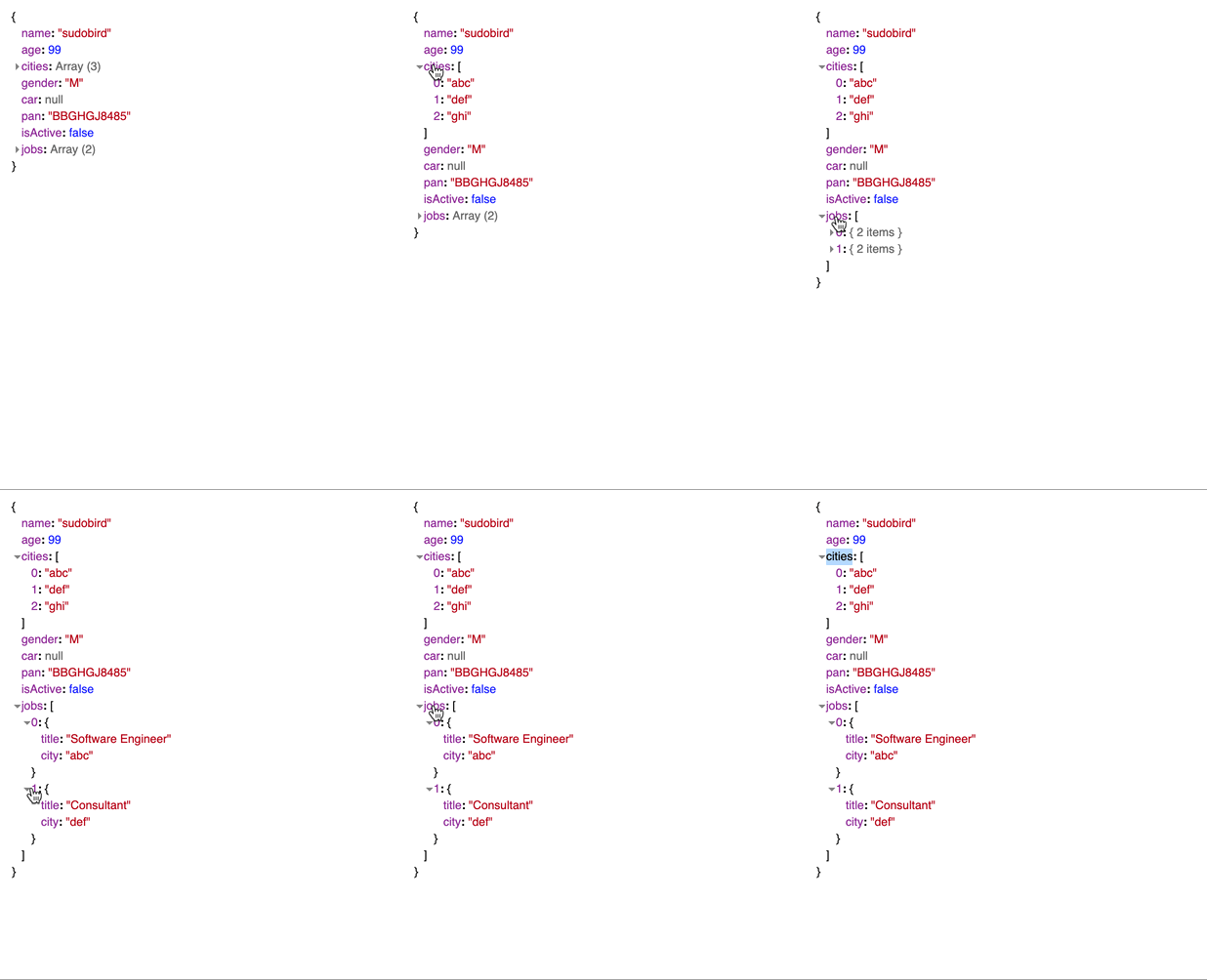
Collapsible JSON viewer in tree format with console like UI.
$3
``
npm install @web-comp/core
npm install @web-comp/json-viewer
> json viewer depends on @web-comp/core to work.$3
import '@web-comp/core';
import '@web-comp/json-viewer';
template:
// container div
JS -
const element = document.getElementById("myjson");
const jsonData = {name: 'sudobird', ........};      // json array or object
element.setConfig({data: jsonData});
$3
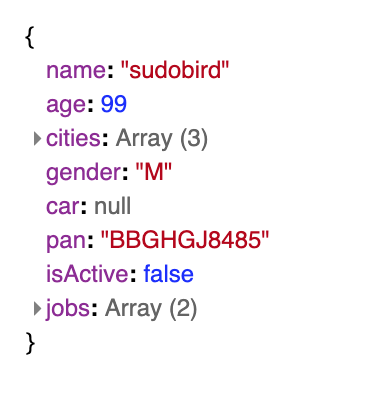
const jsonData = {
    name: "sudobird",
    age: 99,
    cities: ['abc', 'def', 'ghi'],
    gender: 'M',
    car: null,
    pan: 'BBGHGJ8485',
    isActive: false,
    jobs: [
        {title: 'Software Engineer', city: 'abc'},
        {title: 'Consultant', city: 'def'},
    ]
}
Usage with Angular:
- npm install @web-comp/core @web-comp/json-viewer`
- set schemas: [CUSTOM_ELEMENTS_SCHEMA]` in the module.
- import core module and json-viewer module.
`
import '@web-comp/core';
import '@web-comp/json-viewer';
@ViewChild('jsonview') jsonview;
....
const jsonData = {....} // your json
this.jsonview.nativeElement.setConfig({data: jsonData});
Usage with React:
Install and import modules (core and json viewer)
import '@web-comp/core';
import '@web-comp/json-viewer';
// in JS
componentDidMount() {
    this.jsonRef.current.setConfig({data: });
}