A vue component with number animation
npm install animated-number-vue!npm  
> A simple vue animated number for Vue2, using anime.
> Live demo here
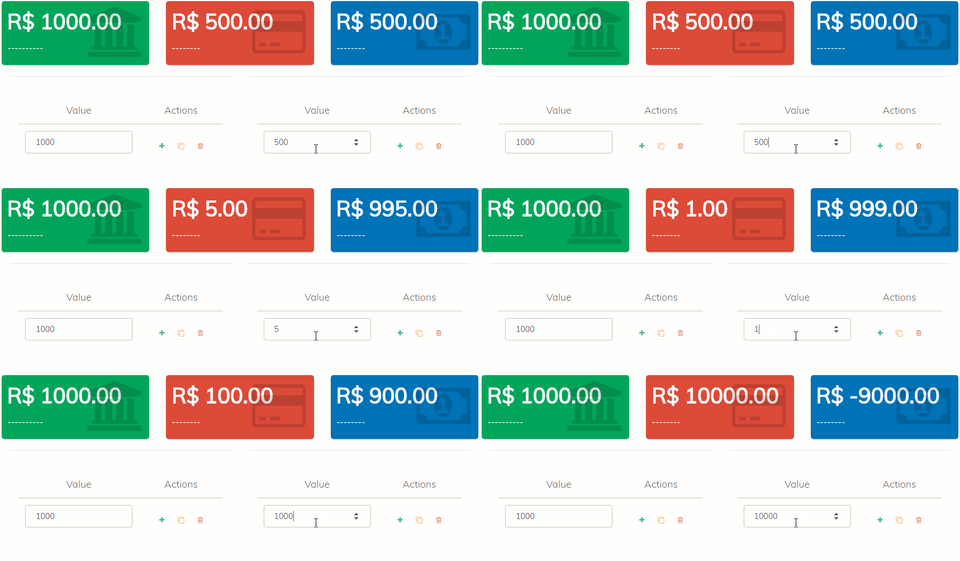
``bash`
$ npm install animated-number-vueOR
$ yarn add animated-number-vue
`vue`
:formatValue="formatToPrice"
:duration="300"
/>
View demo here

Following props are used while initialization
> Note : Only value is a required prop. Others are optional
| Prop Name | Type | Description |
| --------------------- | ----------------- | ---------------------------------------------------------------------------------------------- |
| value (required) | [ Number, String] | number that will be animated |(optional)
| duration | Number | the duration of animation |(optional)
| round | Number | remove decimals by rounding the value |(optional)
| delay | Number | the delay of animation |(optional)
| easing | String | you can found all valid values here |
#### Callbacks props
Execute a function at the beginning, during or when an animation or timeline is completed.
| Names | Types | Arguments | Info |
| ----------- | -------- | ------------------ | -------------------------------------------------- |
| formatValue | Function | value Number | A function that will manipulate the animated value |Object
| update | Function | animation | Called at time = 0 |Object
| run | Function | animation | Called after delay is finished |Object
| begin | Function | animation | Called after animation delay is over |Object
| complete | Function | animation | Called only after all the loops are completed |
formatValue() is used to format the animatedValue.
update() is called on every frame while the instance is playing.
begin() is called once after the delay is finished.
Check if the animation has begun with myAnimation.began, return true or false.
run() is called every frame after the delay is finished.
complete()` is called once after the animation is finished.