asciidoc-link-check
v1.0.18
Checks if all hyperlinks in an asciidoc file are alive(or dead).
96/weekUpdated 1 years agoMITUnpacked: 18.6 KB
Published by Gaurav Nelson
npm install asciidoc-link-check🚨 Maintenance notice (November 2023)This action is now in maintenance only mode. I am working on a new tool similar to this action but one that reduces false positives and includes the most requested features. I am currently working on developing and testing Linkspector, and I hope to release it soon. In the meantime, I'll support this utility in maintenance-only mode as I want to focus more on Linkspector. I appreciate your understanding and patience. If you're interested in Linkspector, follow its progress on its GitHub repository. Thank you for using this action, and I hope you will enjoy Linkspector when it is ready. |
asciidoc-link-check
(Based on markdown-link-check module)
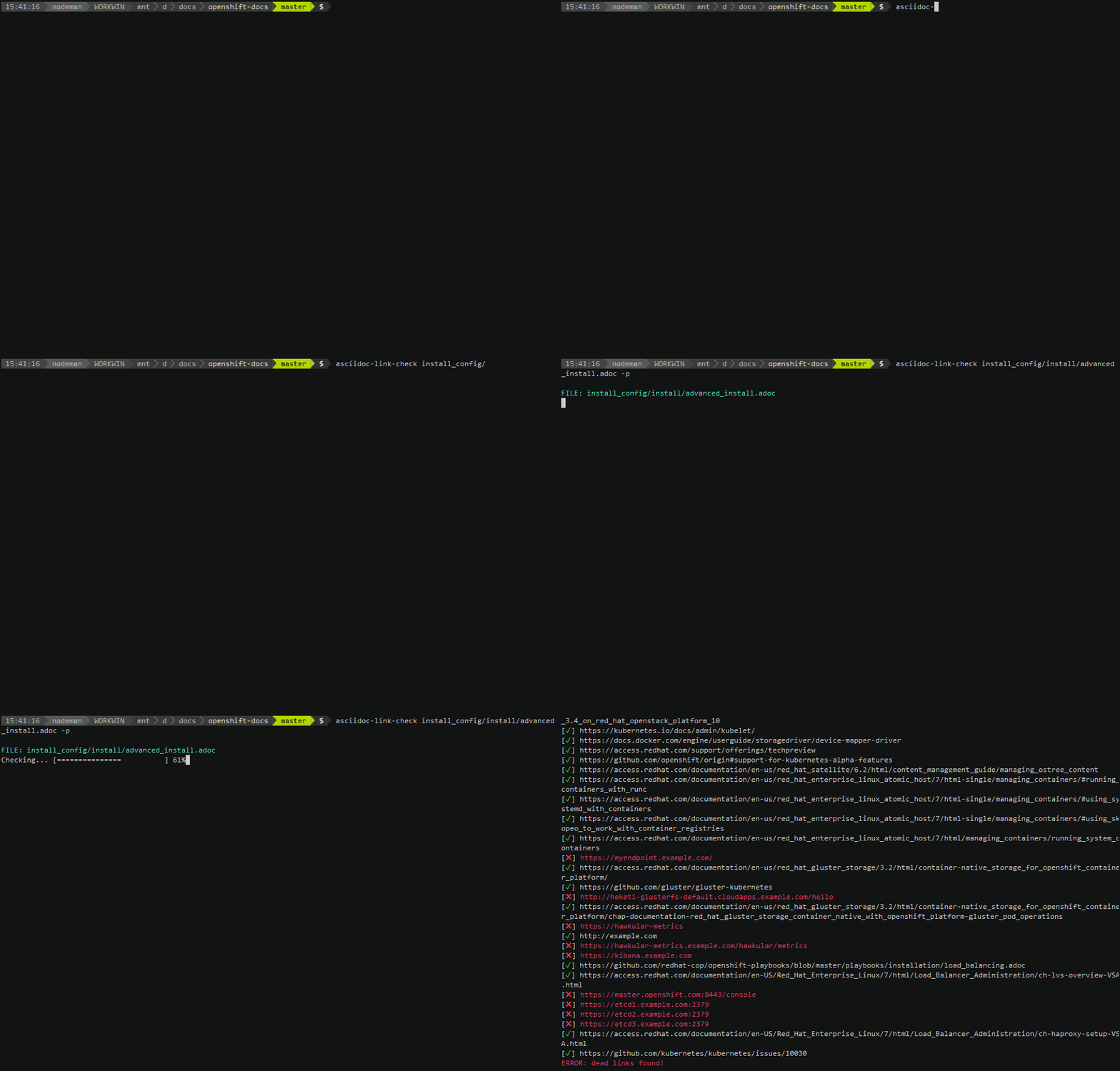
Local Installation
==================
Install with npm run:
`` bash`
npm install -g asciidoc-link-check
Usage
-----
(Optional) Use the -p or --progress switch to view progress.
$3
` bash`
asciidoc-link-check README.adoc --progress
$3
` bash`
asciidoc-link-check https://github.com/gaurav-nelson/asciidoc-link-check/blob/master/README.adoc
$3
` bash`
cat
$3
Check recursively in the current directory:
` bash`
find . -name \*.adoc -exec asciidoc-link-check -p {} \;
Check recursively in the other directories:
` bash`
find
$3
1. Create a JSON config file containing ignore patterns:
`json
{
"ignorePatterns": [
{ "pattern": "^https://192.17" },
{ "pattern": "^https://www.google" }
]
}
`
1. Use the config file option:
asciidoc-link-check README.adoc -c
> NOTE
>
> To see other options that asciidoc-link-check supports, seemarkdown-link-check
>
> config file format at https://github.com/tcort/markdown-link-check#config-file-format
Using in your node project
--------------------------
To add the module to your project, run:
` bash`
npm install --save asciidoc-link-check
Docker Run
==================
1. Clone the repository:
git clone https://github.com/gaurav-nelson/asciidoc-link-check.git
2. Open the repository directory:
cd asciidoc-link-check
3. Build a Docker image:
docker build --tag asciidoc-link-check .
4. Add current directory with your test.adoc file as read only volume to thedocker run
command:
docker run -v ${PWD}:/tmp:ro --rm -i asciidoc-link-check /tmp/test.adoc
API
===
Use the following function:
` javascript`
asciidocLinkCheck(asciidoc, [opts], callback)
Accepts a string containing asciidoc formatted text and a callback function,callback
extracts all links and checks if they are alive or dead. Then calls the function with (err, results).
- opts optional objects
- ignorePatterns: An array of objects of regular expressions patterns.
Examples
========
JavaScript
----------
` javascript
'use strict';
var asciidocLinkCheck = require('asciidoc-link-check');
asciidocLinkCheck('xref:https://www.google.com[Google]', function (err, results) {
if (err) {
console.error('Error', err);
return;
}
results.forEach(function (result) {
console.log('%s is %s', result.link, result.status);
});
});
``