atft
v1.6.5TypeScript
Ready-to-use Angular components for Three.js, see https://makimenko.github.io/angular-template-for-threejs/.
0/weekUpdated 2 years agoMITUnpacked: 2.2 MB
Published by Mihails Akimenko
npm install atft
!CI build status


Angular Template For Three.js (atft)
Leverage Three.js in your Angular app using simple components:
``
html
positionX=20 [positionY]=50 [positionZ]=50>
`
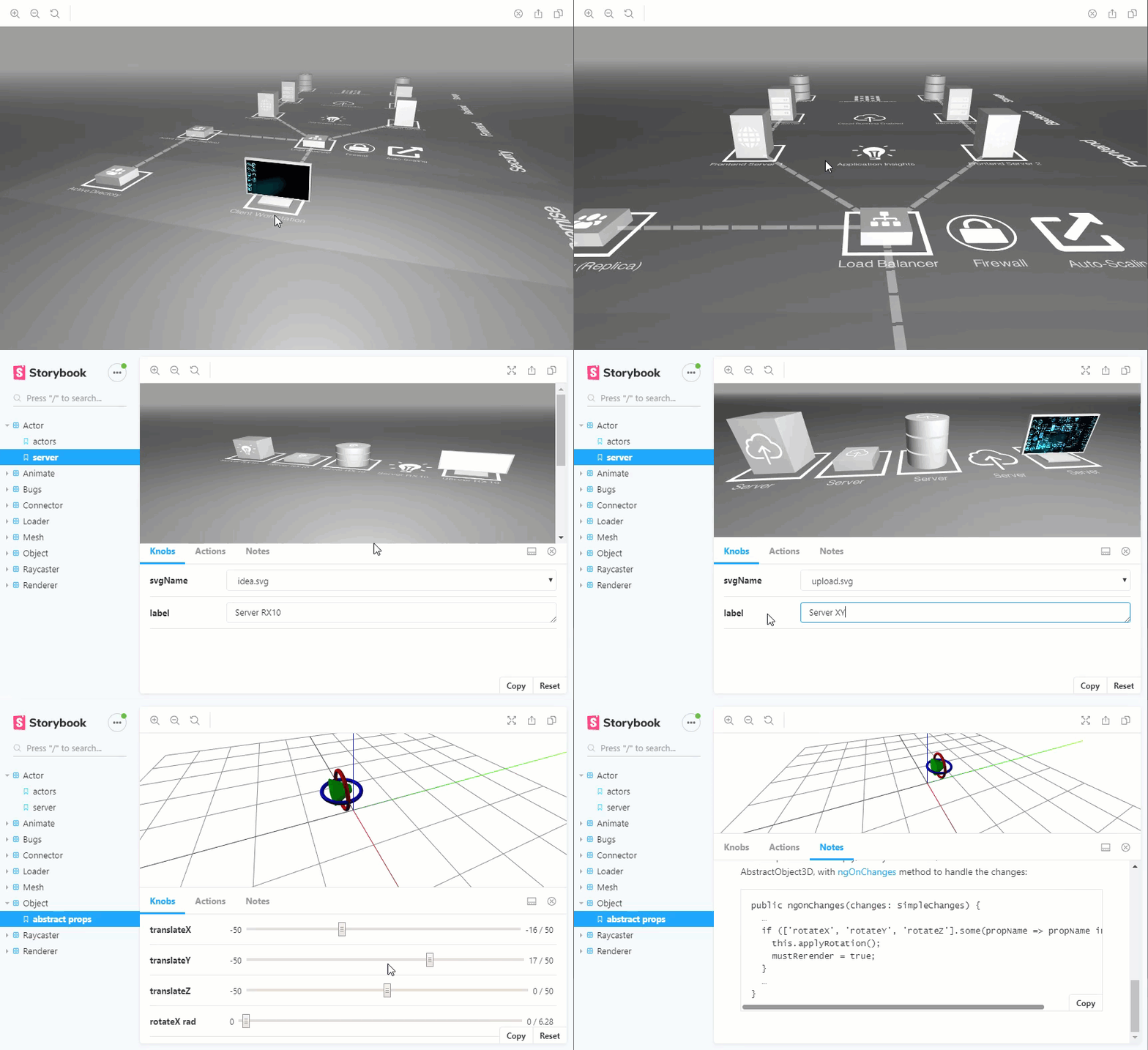
Storybook
Explore provided Angular components in isolation!
Click below to see the demo in a web browser:
Goals of _this_ repo
- Implement npm atft library
- Bindings for Three.js
- SceneComponent with basic usage of scene, camera, lights, helpers, renderer
- Integrated Three.js examples as components (e.g. OrbitControls, OBJLoader, ObjectLoader)
- Develop and test library components in isolation via Storybook
Usage in your Angular project
1. Set up an Angular project and install dependencies:
`
   npm i three dagre atft yaml --save

   npm i @types/dagre @types/three --save-dev
`
2. Import library into your module:
`typescript
import { AtftModule } from 'atft';
...
imports: [
...
AtftModule
]
...
`
3. Use atft library components in src/app.component.html:
`html
[positionX]=20 [positionY]=50 [positionZ]=50>
`
4. (optionally) if you want to fit 3D scene canvas into entire screen (horizontally and vertically):


in src/styles.css:
`css
html, body {
height: 100%;
margin: 0;
}
`
in src/app/app.component.css:
`css
:host {
height: 100%;
display: flex;
}
`
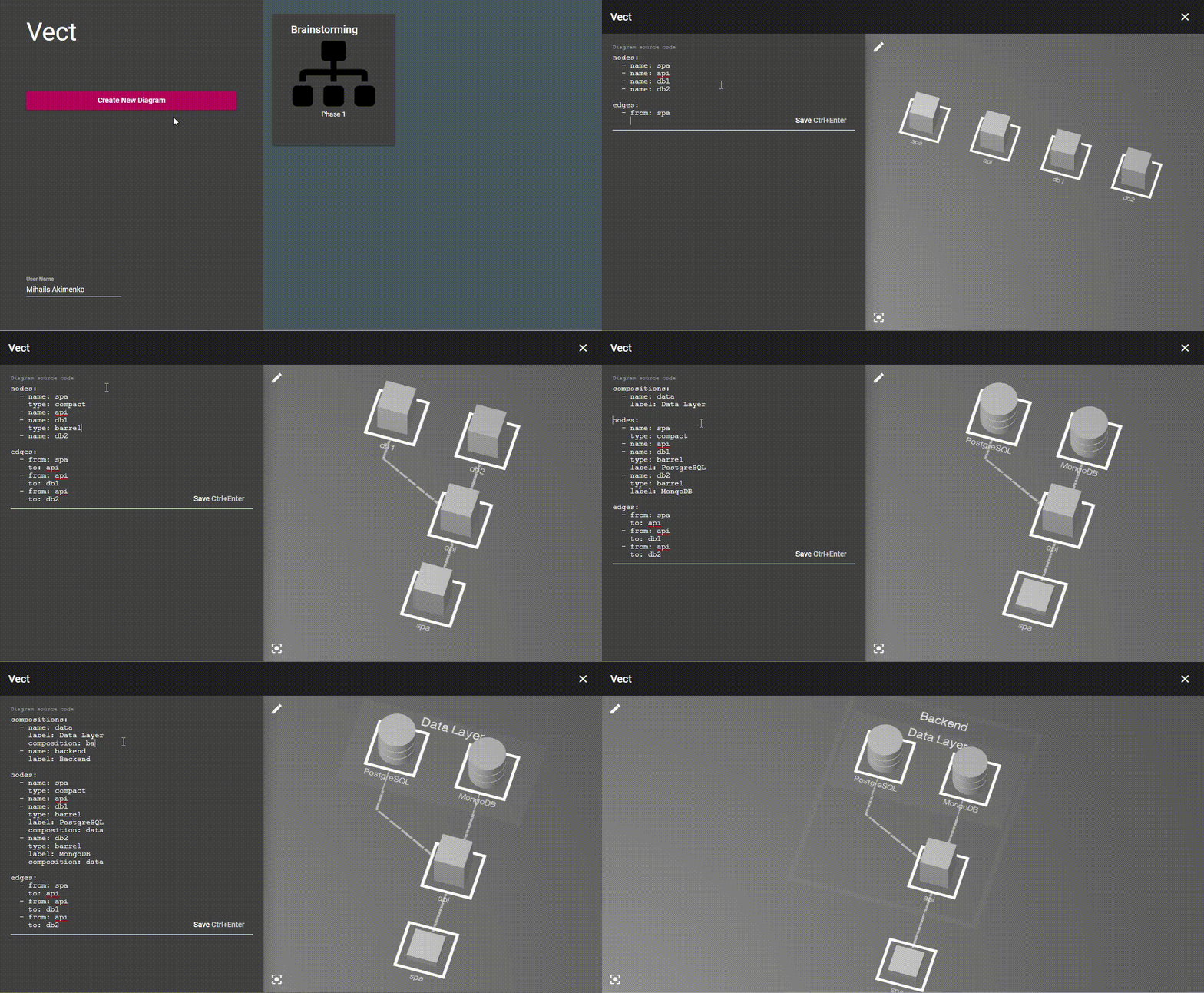
Used by
Sample vect project, which is based on atft library:
Development
$3
1. git clone https://github.com/makimenko/angular-template-for-threejs.git
2. npm install
3. ng build atft
$3


-
npm test
$3


Run and watch locally:
npm run storybook
Our storybook config is in ./storybook and our stories in ./src/stories.
See the official Storybook.js documentation for more information.
$3
For mode details see API documentation
$3
- Follow Conventional Commits.
- See standard-version guidelines for release and changelog update.
To automatically generate changelog and bump atft version:
`
npm run release
``
$3
-
 ComFreek
-
 makimenko
_Feel free to join us! Just submit your ideas via pull-requests :)_