brave-search-mcp
v2.0.1
MCP Server that uses Brave Search API to search for images, general web search, video, news and points of interest.
0/weekUpdated 5 days agoGPL-3.0-or-laterUnpacked: 15.8 MB
Published by mike.chao.one@gmail.com
npm install brave-search-mcpBrave Search MCP Server
An MCP Server implementation that integrates the Brave Search API, providing, Web Search, Local Points of Interest Search, Video Search, Image Search and News Search capabilities
Features
- Web Search: Perform a regular search on the web
- Image Search: Search the web for images.
- News Search: Search the web for news
- Video Search: Search the web for videos
- Local Points of Interest Search: Search for local physical locations, businesses, restaurants, services, etc
Tools
- brave_web_search
- Execute web searches using Brave's API
- Inputs:
- query (string): The term to search the internet for
- count (number, optional): The number of results to return (max 20, default 10)
- offset (number, optional, default 0): The offset for pagination
- freshness (enum, optional): Filters search results by when they were discovered
- The following values are supported
- pd: Discovered within the last 24 hours.
- pw: Discovered within the last 7 Days.
- pm: Discovered within the last 31 Days.
- py: Discovered within the last 365 Days
- YYYY-MM-DDtoYYYY-MM-DD: Custom date range (e.g., 2022-04-01to2022-07-30)
- brave_image_search
- Get images from the web relevant to the query
- Inputs:
- query (string): The term to search the internet for images of
- count (number, optional): The number of images to return (max 50, default 10)
- brave_news_search
- Searches the web for news
- Inputs:
- query (string): The term to search the internet for news articles, trending topics, or recent events
- count (number, optional): The number of results to return (max 20, default 10)
- offset (number, optional, default 0): The zero-based offset for pagination (max 9)
- freshness (enum, optional): Filters search results by when they were discovered
- The following values are supported
- pd: Discovered within the last 24 hours.
- pw: Discovered within the last 7 Days.
- pm: Discovered within the last 31 Days.
- py: Discovered within the last 365 Days
- YYYY-MM-DDtoYYYY-MM-DD: Custom date range (e.g., 2022-04-01to2022-07-30)
- brave_local_search
- Search for local businesses, services and points of interest
- REQUIRES subscription to the Pro api plan for location results
- Falls back to brave_web_search if no location results are found
- Inputs:
- query (string): Local search term
- count (number, optional): The number of results to return (max 20, default 5)
- offset (number, optional, default 0): The zero-based offset for pagination (max 9)
- brave_video_search
- Search the web for videos
- Inputs:
- query: (string): The term to search for videos
- count: (number, optional): The number of videos to return (max 20, default 10)
- offset (number, optional, default 0): The zero-based offset for pagination (max 9)
- freshness (enum, optional): Filters search results by when they were discovered
- The following values are supported
- pd: Discovered within the last 24 hours.
- pw: Discovered within the last 7 Days.
- pm: Discovered within the last 31 Days.
- py: Discovered within the last 365 Days
- YYYY-MM-DDtoYYYY-MM-DD: Custom date range (e.g., 2022-04-01to2022-07-30)
OpenAI Apps & MCP Apps Support
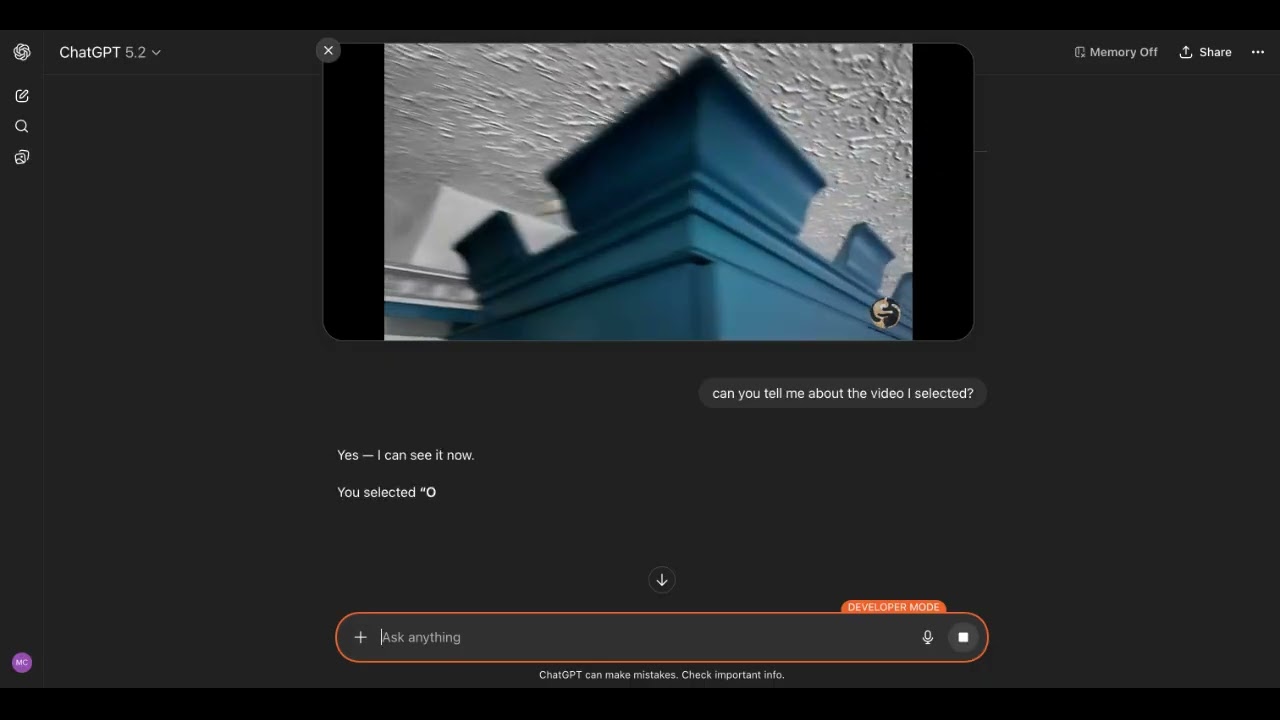
▶️ Click to watch the demo video
There is now support for OpenAI Apps and MCP Apps in this MCP Server. When UI mode is enabled for each tool there is a corresponding UI widget that let's you control what gets added to the model's context. See the directions in usage with ChatGPT section.
Configuration
$3
1. Sign up for a Brave Search API account
2. Choose a plan (Free tier available with 2,000 queries/month)
3. Generate your API key from the developer dashboard
$3
By default the MCP server runs in stdio mode.
``bash`
BRAVE_API_KEY="your_key_here" npx -y brave-search-mcp
To enable Streamable HTTP mode:
`bash`
BRAVE_API_KEY="your_key_here" npx -y brave-search-mcp --http
By default the server listens on port 3001.
The URL is:
`
http://0.0.0.0:3001/mcp
$3
When running in HTTP mode, the following environment variables are supported:
- BRAVE_API_KEY (required): Brave Search API key.PORT
- (optional): HTTP port (default: 3001).HOST
- (optional): Interface to bind to (default: 0.0.0.0).ALLOWED_HOSTS
- (optional): Comma-separated list of allowed hostnames for Host header validation.ALLOWED_HOSTS=localhost,127.0.0.1,my-app.ngrok-free.app
- Example:
- Use hostnames only (no scheme/path), e.g. not https://my-app.ngrok-free.app/mcp
Examples:
`bash`Local only
HOST=127.0.0.1 ALLOWED_HOSTS=localhost,127.0.0.1 BRAVE_API_KEY="your_key_here" npx -y brave-search-mcp --http
`bash`Local with ngrok tunnel
HOST=127.0.0.1 ALLOWED_HOSTS=localhost,127.0.0.1,my-app.ngrok-free.app BRAVE_API_KEY="your_key_here" npx -y brave-search-mcp --http --ui
$3
The Brave Search MCP Server can be used with the web UI of ChatGPT. It takes a few steps.
#### 1. Enable Developer Mode in ChatGPT
Settings → Apps → Advanced settings → Developer mode
Additional instructions here
#### 2. Run the Brave Search MCP in HTTP mode and UI mode
`bash`
BRAVE_API_KEY="your_key_here" npx -y brave-search-mcp --http --ui
#### 3. Create a local tunnel to expose the MCP Server to ChatGPT
Sign up and configure ngrok, the free plan works.
`bash`
ngrok http 3001
Take note of the forwarding URL.
`bash`
...
Forwarding https://john-joe-asdf.ngrok-free.dev -> http://localhost:3001
...
#### 4. Add Brave Search MCP as a Connector to ChatGPT
Click Apps
Click Create Apps
Fill out the form using the URL from step 3 as the MCP Server URL, but add /mcp.
`
https://john-joe-asdf.ngrok-free.dev/mcp
For Authentication, select 'No Auth'
Tick the checkbox for 'I understand and want to continue'
Then click Create.
#### 5. Using the Brave Search MCP Server
In the ChatGPT UI, click the '+' button, scroll to '...more', select the newly created Brave Search app, and enter your query.
$3
For Claude Code users, run this command:
Windows:
`bash`
claude mcp add-json brave-search '{"command":"cmd","args":["/c","npx","-y","brave-search-mcp"],"env":{"BRAVE_API_KEY":"YOUR_API_KEY_HERE"}}'
Linux/macOS:
`bash`
claude mcp add-json brave-search '{"command":"npx","args":["-y","brave-search-mcp"],"env":{"BRAVE_API_KEY":"YOUR_API_KEY_HERE"}}'
Replace YOUR_API_KEY_HERE with your actual Brave Search API key.
$3
#### MCP Bundle (MCPB)
1. Download the mcpb file from the Releases
2. Open it with Claude Desktop
or
Go to File -> Settings -> Extensions and drag the .mcpb file to the window to install it
#### Docker
1. Clone the repo
2. Docker build
`bash`
docker build -t brave-search-mcp:latest -f ./Dockerfile .
3. Add this to your claude_desktop_config.json:
`json`
{
"mcp-servers": {
"brave-search": {
"command": "docker",
"args": [
"run",
"-i",
"--rm",
"-e",
"BRAVE_API_KEY",
"brave-search-mcp"
],
"env": {
"BRAVE_API_KEY": "YOUR API KEY HERE"
}
}
}
}
#### NPX
Add this to your claude_desktop_config.json:
`json`
{
"mcp-servers": {
"brave-search": {
"command": "npx",
"args": [
"-y",
"brave-search-mcp"
],
"env": {
"BRAVE_API_KEY": "YOUR API KEY HERE"
}
}
}
}
$3
Add this to librechat.yaml
`yaml``
brave-search:
command: sh
args:
- -c
- BRAVE_API_KEY=API KEY npx -y brave-search-mcp
Contributing
Contributions are welcome! See CONTRIBUTING.md for development setup, monorepo structure, and release instructions.
Disclaimer
This library is not officially associated with Brave Software. It is a third-party implementation of the Brave Search API with a MCP Server.
License
This project is licensed under the GNU General Public License v3.0 - see the LICENSE file for details.