circle-progress-bar
v1.0.0
Circle Progress Bar
0/weekUpdated 3 years ago
Published by Nikitchenko Sergey
npm install circle-progress-barCircle Progress Bar
A distinctive feature is the possibility of setting a conical gradient for progress bar.
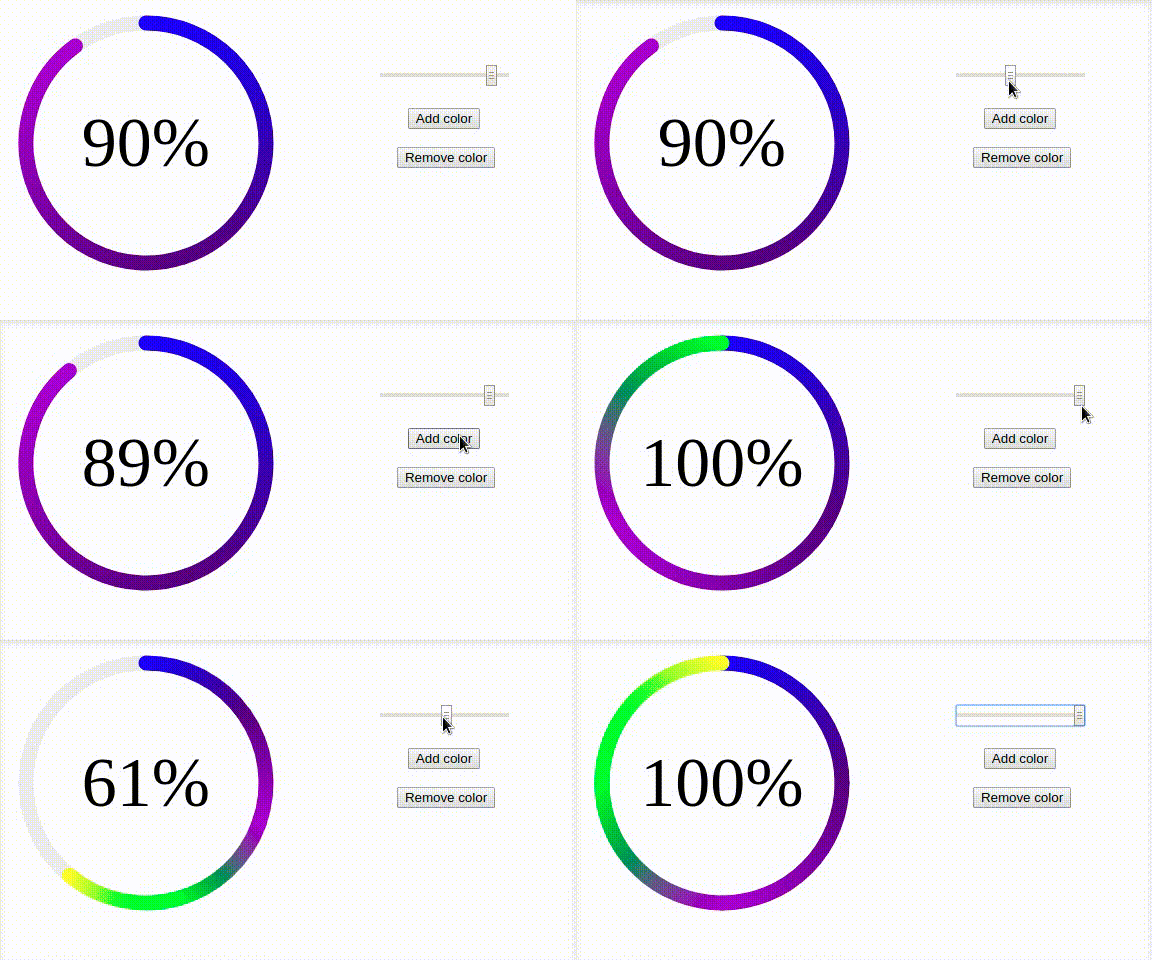
View live Demo: http://nikitchenko.ru/circle-progress-bar/
#### Features:
* Any number of colors
* Possibility to setup animation and sizes
* Possibility to control from api methods
* Events
Usage Instructions
1. Link file:
``
2. Add Markup
3. Init progress bar
var canvas = document.getElementById('canvas');
var circleProgressBar = new CircleProgressBar(canvas, {
    colors: ['#0000FF', '#4B0082', '#9400D3']
});
// set initial value
circleProgressBar.setValue(0.9);
Options
| Option | Default | Description |
| --- | --- | --- |
| | canvas.width / 2 | X position of circle |
| y | canvas.heigth / 2| Y position of circle |
| colors | ['#9400D3', '#4B0082', '#0000FF']| List of colors for gradient |
| radius | 120| Radius of circle |
| lineWidth | 15| Line width |
| frameInterval | 10| Interval of rendering circle animation |
| frameStep | 0.1| Step of arc length for one frame |
| startPosition | -(Math.PI / 2)| Start position of circle arc |
| lineCap | round| Value of canvas.context.lineCap |
| trackLineColor | #eee| Color of track line. Set null for remove it. |
| maxColorsCountByValue | { 0.05: 2,0.2: 2,0.3: 3, 0.4: 4, 0.6: 5 }| Max colors in gradient by value |Methods
| Method | Params | Description |
| --- | --- | --- |
| setValue | int | Setting value and drawing |
| getValue | | Getting value |
| setOptions | Object | Setting options |
| draw | | Draw progress bar for current value and options |
| clear | | Clear progress bar from canvas |Events
| Event | Description |
| --- | --- |
| circleProgressBar.afterDraw | After drawing. e.detail.self - current instance |
| circleProgressBar.afterFrameDraw` | After drawing frame. e.detail.self - current instance, e.detail.progress - progress of drawing |