Module to create yarn like steps for your cli app
npm install cli-stepThis module makes it super simple to show animated steps on the terminal and also track the time spent to perform those steps.
> Highly inspired by yarn
Below is the output of couple of examples of what you can do with cli-step.
#### Yarn style output
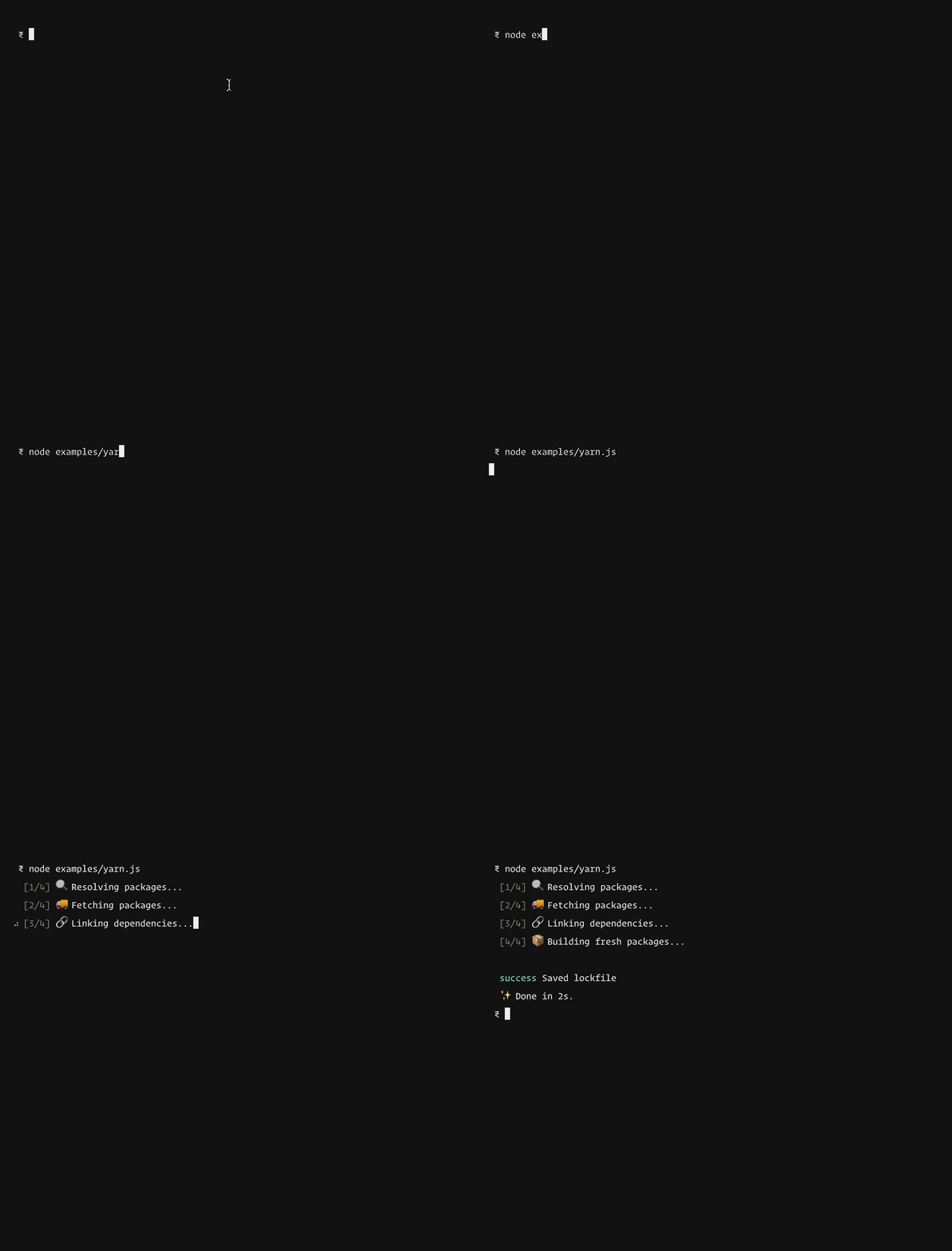
#### Publish to npm
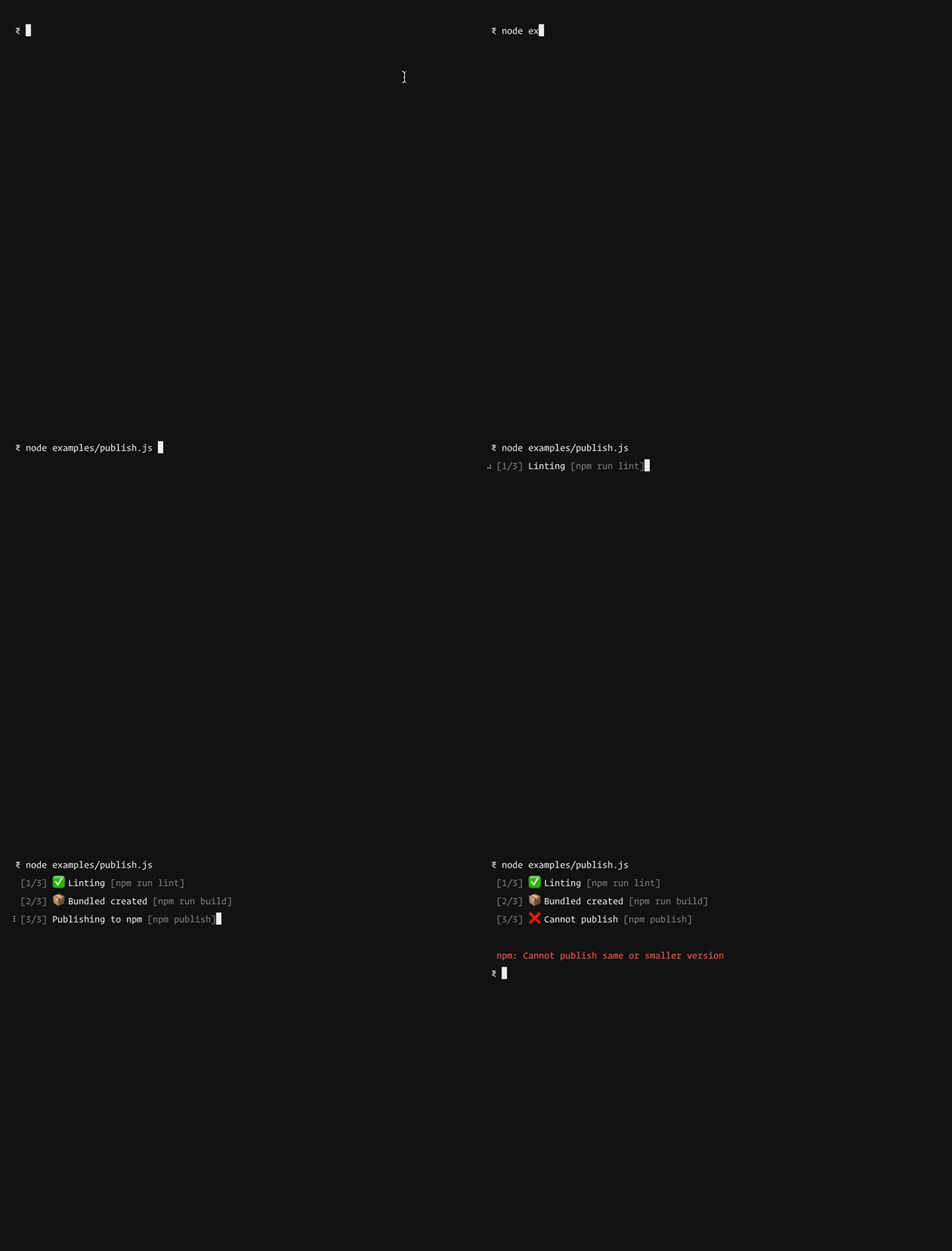
Grab it from npm.
``bash
npm i cli-step
js
const Steps = require('cli-step')const totalNumberOfSteps = 4
const steps = new Steps(totalNumberOfSteps)
const step1 = steps
.advance('Resolving packages', 'mag')
.start()
// perform your task
step1.stop()
const step2 = steps
.advance('Fetching packages', 'truck')
.start()
// peform next task
step2.stop()
`Note 🗒️
Cli steps doesn't gives you any functionality on how to perform certain actions, it's just a module to show animated steps of the tasks you are executing.
So think of it as the UI layer for your command line app.
Why? 🤷♂️
1. To produce consistent output
2. Everyone loves emoji's
3. Record time taken to perform all the steps.
API 👇🏻
Here's the list of methods you can call to tweak the output.
#### advance(text, emoji, helpLabel)
- text ( String ) [required]
The text to be printed on the terminal. It is required
- emoji (String) [optional]
Emoji to be printed just before the text. The emoji name must one of the available emojis from this list
- helpLabel (String) [optional]
The help label to be printed in DIM color. For example showing the command used to execute the task
js
const steps = new Steps(4)
const stepInstance = steps.advance(text, emoji, helpLabel)
`#### startRecording
Optionally, you can start recording the time which can later be used to know the time taken to execute all the tasks. Used in yarn example
js
const steps = new Steps(4)
steps.startRecording()// perform all tasks
const nanoSeconds = steps.stopRecording()
`#### stopRecording
Used to stop recording the time. The return value is the time spent between
and stopRecording in nano seconds.
A single step ☝️
Everytime you call
advance it returns an instance of the step class, which can be used to tweak the output, complete a step and so on.`js
const step1 = steps.advance('Linting...', null, 'npm run lint')step1.start() // start the animation
try {
// perform task
step1.success('Successfully linted', 'white_check_mark')
} catch (error) {
step1.error('Unable to lint', 'x')
}
`#### start
The start method starts the animation for a given step.
js
step.start()
`#### success(text, emoji)
- text ( String ) [optional]
Optionally change the text on step completion
- emoji (String) [optional]
Optionally change the emoji on step completion
js
step1.complete()// or change text
step1.complete('Success')
// or change text and emoji
step1.complete('Success', 'white_check_mark')
`#### error(text, emoji)
- text ( String ) [optional]
Optionally change the text on error
- emoji (String) [optional]
Optionally change the emoji on error
js
step1.error()// or change text
step1.error('Ohh no!')
// or change text and emoji
step1.error('Ohh no!', 'x')
`#### stop()
Same as
and complete but instead doesn't accept any params and just stops the animation.#### update(text)
- text ( String ) [required]
Update the step text during animation.
`js
step1.start()// after a while
step1.update('Changing the text')
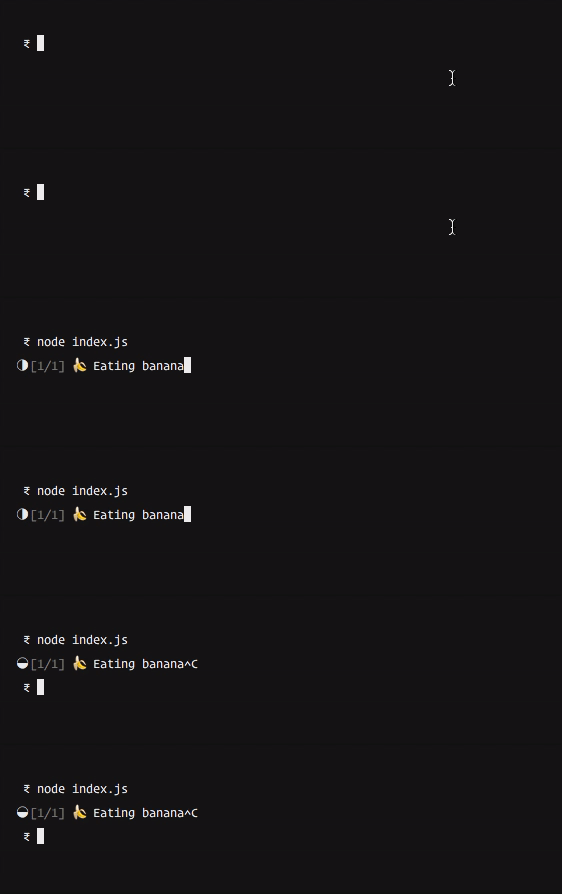
`Spinner 🤸♂️
The cli-spinner module is used to show the loading icon. You can tweak the behaviour by accessing the
property on the step instance.`js
const Steps = require('cli-step')
const steps = new Steps(1)const step = steps.advance('Eating banana', 'banana')
// update the spinner string
step.spinner.setSpinnerString(10)
// start animation
step.start()
``
The module is possible because of
- cli-spinner
- node-emoji
- colors
- yarn