cordova-plugin-googlemaps
v2.7.1
Google Maps native SDK for Android and iOS, and Google Maps JavaScript API v3 for browser.
0/weekUpdated 2 years agoApache-2.0Unpacked: 8.7 MB
Published by Masashi Katsumata, Hirbod Mirjavadi
npm install cordova-plugin-googlemapsCordova GoogleMaps plugin for Android, iOS and Browser v2.7.1
| Download | Build test (multiple_maps branch)|
|----------|---------------------------|
|  | |
This plugin displays Google Maps in your application.
This plugin uses these libraries for each platforms:
- Android : Google Maps Android API
- iOS : Google Maps SDK for iOS
- Browser : Google Maps JavaScript API v3
Both PhoneGap and Apache Cordova are supported.
Android, iOS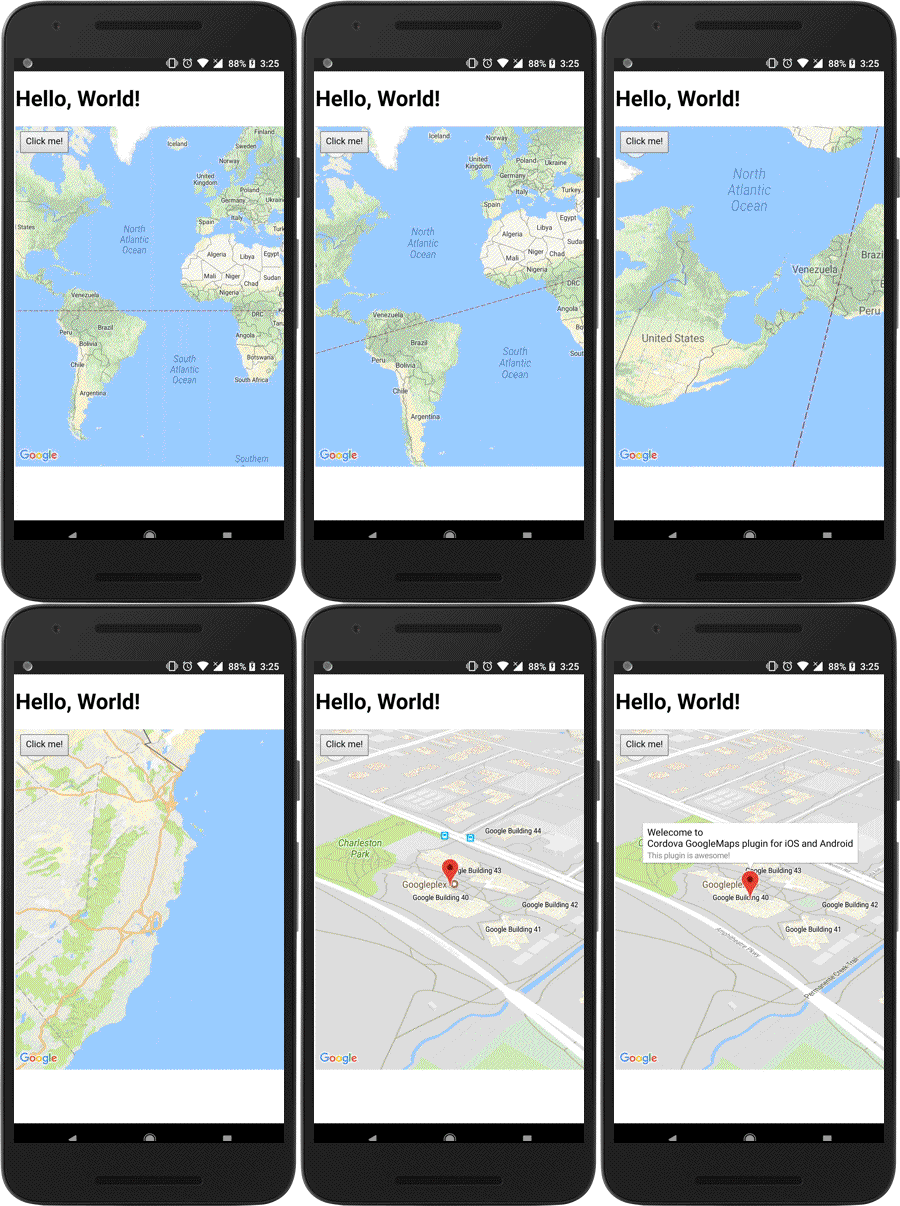 | Browser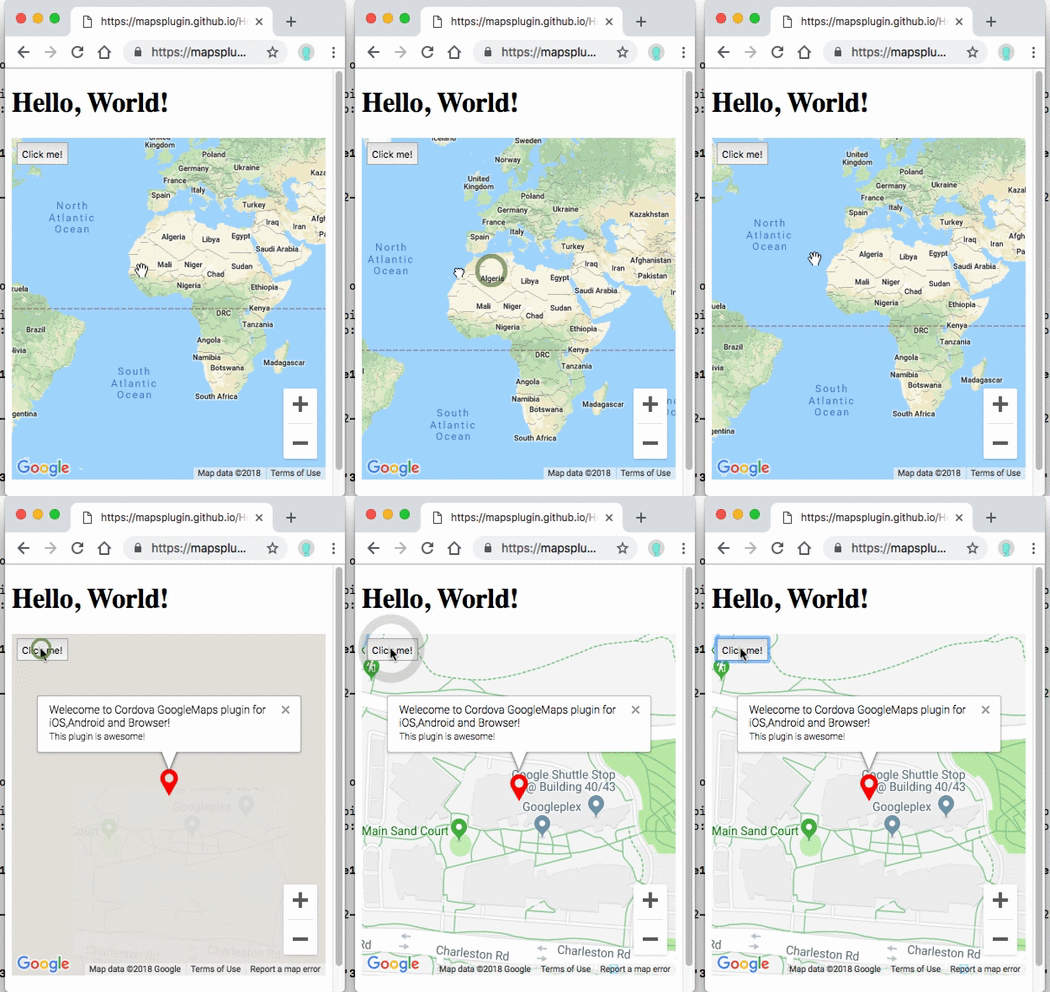 |
-----
Guides
- How to generate API keys?
- Hello, World
- Hello, World (with PhoneGap Build)
- Trouble shootings
Quick install
``
$> cordova plugin add cordova-plugin-googlemaps
Then set your Google Maps API keys into your config.xml (Android / iOS).
`xml`
For browser platform,
`jsAPI_KEY_FOR_BROWSER_RELEASE
// If your app runs this program on browser,
// you need to set and API_KEY_FOR_BROWSER_DEBUG
// before
  //
// API_KEY_FOR_BROWSER_RELEASE for protocolhttp:
// API_KEY_FOR_BROWSER_DEBUG for protocol
//
plugin.google.maps.environment.setEnv({
'API_KEY_FOR_BROWSER_RELEASE': '(YOUR_API_KEY_IS_HERE)',
'API_KEY_FOR_BROWSER_DEBUG': '' // optional
});
// Create a Google Maps native view under the map_canvas div.
var map = plugin.google.maps.Map.getMap(div);
`
PhoneGap Build settings
`xml
`
Install optional variables (config.xml)
-  PLAY_SERVICES_VERSION = (15.0.1)
The Google Play Services SDK version.
_You need to specify the same version number with all other plugins._
Check out the latest version here.
-  ANDROID_SUPPORT_V4_VERSION = (27.1.1)
This plugin requires the Android support library v4.
_The minimum version is 24.1.0._
Check out the latest version here.
-  LOCATION_WHEN_IN_USE_DESCRIPTION
This message is displayed when your application requests LOCATION PERMISSION for only necessary times.
-  LOCATION_ALWAYS_USAGE_DESCRIPTION
This message is displayed when your application requests LOCATION PERMISSION for always.
---------------------------------------------------------------------------------------------------------
Please support this plugin activity.
In order to keep this plugin as free, please consider to donate little amount for this project.

---------------------------------------------------------------------------------------------------------
Release Notes
- v2.7.1
- Fix: (iOS) UiWebView references present in v2.7.0
- v2.7.0
- Re-adoption: cordova-plugin-googlemaps-sdk dependency
- Important update: No longer support UIWebView on iOS. WKWebView only.map.stopAnimation()
- Fix: (iOS) Can't load image files from local host on ionic 4 / 5
- Update: (Android) prevent null pointer error in AsyncLoadImage.java
- Fix: Css animation interference when call setDiv and there is a push/pop page
- Fix: (Android/iOS/Browser) KML parser crash
- Fix: flickering and wrong rendering of some DOM elements
- Add:
    - Fix: can't remove map while map.animateCamera() is running
    - Update: (Android) Increase cache memory size
    - Update: (Android/iOS) Danish localization
    - Fix: (Android) Prevent resize event after
- Fix: (Android/iOS) Can not interactive with the map inside
---------------------------------------------------------------------------------------------------------
Demos

---------------------------------------------------------------------------------------------------------
Documentation
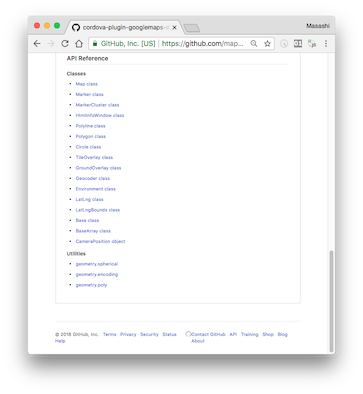
https://github.com/mapsplugin/cordova-plugin-googlemaps-doc/blob/master/v2.6.0/README.md
Quick examples
 Map |
|
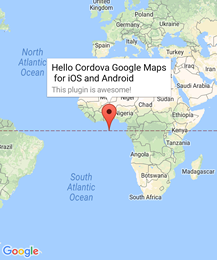 Marker |
|
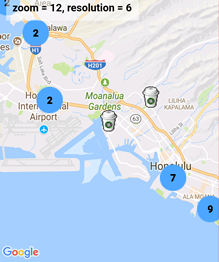 MarkerCluster |
|
 HtmlInfoWindow |
|
 Circle |
|
 Polyline |
|
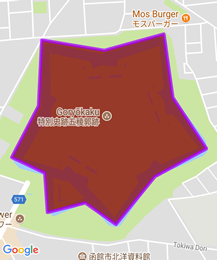 Polygon |
|
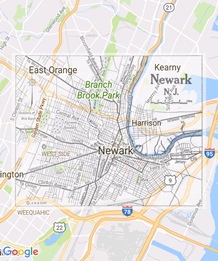 GroundOverlay |
|
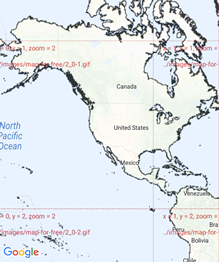 TileOverlay |
|
 KmlOverlay |
|
 Geocoder |
|
 poly utility |
|
 encode utility |
|
 spherical utility |
|
 Location service |
|
 StreetView |
|
---------------------------------------------------------------------------------------------------------
$3
Google Maps JavaScript API v3 works on any platforms,
but it does not work if device is offline.
This plugin uses three different APIs:
- Android : Google Maps Android API
- iOS : Google Maps SDK for iOS
- Browser : Google Maps JavaScript API v3
In Android and iOS applications, this plugin displays native Google Maps views, which is faster than Google Maps JavaScript API v3.
And it even works if the device is offline.
In Browser platform, this plugin displays JS map views (Google Maps JavaScript API v3).
It should work as PWA (progressive web application), but the device has to be online.
In order to work for all platforms, this plugin provides own API instead of each original APIs.
You can write your code similar to the Google Maps JavaScript API v3.
Feature comparison table
| | Google Maps JavaScript API v3 | Cordova-Plugin-GoogleMaps(Android,iOS)| Cordova-Plugin-GoogleMaps(Browser) |
|----------------|-----------------------------------|---------------------------------------|---------------------------------------|
|Rendering system| JavaScript + HTML | JavaScript + Native API's | JavaScript |
|Offline map | Not possible | Possible (only your displayed area) | Not possible |
|3D View | Not possible | Possible | Not possible |
|Platform | All browsers | Android and iOS applications only | All browsers |
|Tile image | Bitmap | Vector | Bitmap |
Class comparison table
| Google Maps JavaScript API v3 | Cordova-Plugin-GoogleMaps |
|-----------------------------------|---------------------------------------|
| google.maps.Map | Map |
| google.maps.Marker | Marker |
| google.maps.InfoWindow | Default InfoWindow, and HtmlInfoWindow|
| google.maps.Circle | Circle |
| google.maps.Rectangle | Polygon |
| google.maps.Polyline | Polyline |
| google.maps.Polygon | Polygon |
| google.maps.GroundOverlay | GroundOverlay |
| google.maps.ImageMapType | TileOverlay |
| google.maps.MVCObject | BaseClass |
| google.maps.MVCArray | BaseArrayClass |
| google.maps.Geocoder | plugin.google.maps.geocoder |
| google.maps.geometry.spherical | plugin.google.maps.geometry.spherical |
| google.maps.geometry.encoding | plugin.google.maps.geometry.encoding |
| google.maps.geometry.poly | plugin.google.maps.geometry.poly |
| (not available) | MarkerCluster |
| google.maps.KmlLayer | KmlOverlay |
| (not available) | LocationService |
| google.maps.StreetView | StreetView :sparkles: |
| google.maps.Data | (not available) |
| google.maps.DirectionsService | (not available) |
| google.maps.DistanceMatrixService | (not available) |
| google.maps.TransitLayer | (not available) |
| google.maps.places.* | (not available) |
| google.maps.visualization.* | (not available) |
$3
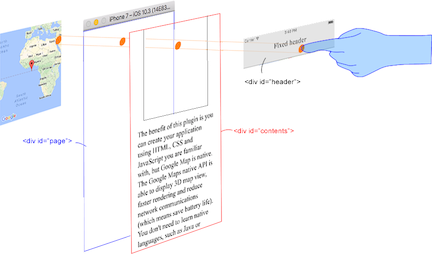
This plugin generates native map views, and puts them under the browser.
The map views are not HTML elements. This means that they are not a
 or anything HTML related.
But you can specify the size and position of the map view using its containing .This plugin changes the background to
transparent in your application.
Then the plugin detects your touch position, which is either meant for the native map or an html element`(which can be on top of your map, or anywhere else on the screen).

The benefit of this plugin is the ability to automatically detect which HTML elements are over the map or not.
For instance, in the image below, say you tap on the header div (which is over the map view).
The plugin will detect whether your tap is for the header div or for the map view and then pass the touch event appropriately.
This means you can use the native Google Maps views similar to HTML elements.
---------------------------------------------------------------------------------------------------------
Official Communities
- Gitter : (managed by @Hirbod)
https://gitter.im/nightstomp/cordova-plugin-googlemaps