cordova-plugin-taptic-engine
v2.2.0
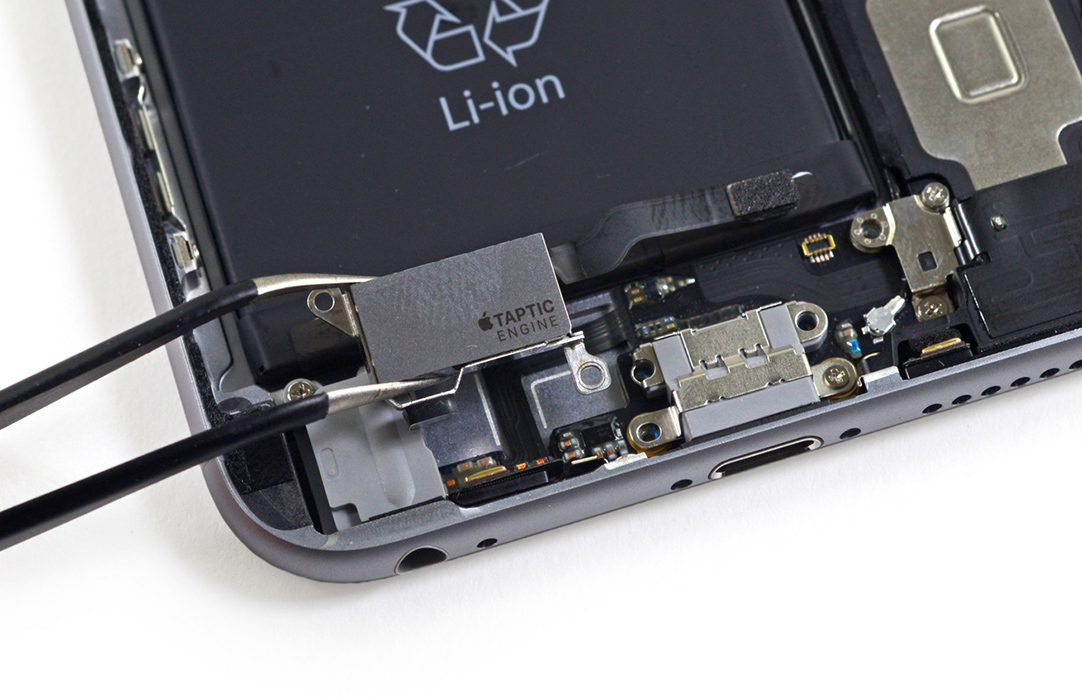
Use Apple's Taptic Engine to vibrate your iPhone 6s (or up) in a variety of ways.
1.2K/weekUpdated 3 years agoMITUnpacked: 26.5 KB
Published by Eddy Verbruggen
npm install cordova-plugin-taptic-engineTaptic Engine Cordova plugin
by Eddy Verbruggen
Try before you "buy"
The awesome Untappd app has a bunch of haptic feedback, powered by this plugin! 🍻
Supported platforms
* Official API: iPhone 7 / 7 Plus or newer
* Unofficial API: iPhone 6s / 6s Plus or newer
* Requires Xcode 8 or newer to build
Installation
Latest stable version from npm:
``
$ cordova plugin add cordova-plugin-taptic-engine
Bleeding edge version from Github:
`
$ cordova plugin add https://github.com/EddyVerbruggen/cordova-plugin-taptic-engine
TapticEngine.js is brought in automatically.TapticEngine
It adds a global object which you can use to interact with the plugin.
Usage
Check the demo code for all the tricks in the book, or read on for some copy-pasteable samples.
Make sure to wait for deviceready before using any of these functions.
$3
It's recommended to use this API, but you're limited to iPhone 7 and higher.
As per Apples guidelines
there's no runtime way to determine if the device is capable of providing haptic feedback,
so the success callback will always be invoked. The only check I've added is for running
iOS < 10 or on the Simulator which both simply will never work, so those invoke the error callback.
_Bottom line: just use these awesome features and ignore the callbacks._
The API names are modeled after what Apple has called them:
#### selection
Use selection feedback generators to indicate a change in selection.
`js`
TapticEngine.selection();
#### notification
Use notification feedback generators to indicate successes, failures, and warnings.
`js`
TapticEngine.notification({
type: "error" // success | warning | error
});
#### impact
Use impact feedback generators to indicate that an impact has occurred.
For example, you might trigger impact feedback when a user interface object
collides with something or snaps into place.
`js`
TapticEngine.impact({
style: "heavy" // light | medium | heavy | rigid (iOS 13+) | soft (iOS 13+)
});
#### gestureSelection[start | changed | end]
The functions above are great for one-time events, not so much for gestures.
Say for instance you want to tie this plugin to a range slider, then you can
'start' the selection first, invoke 'changed' upon changes in the range (there may
be many during one gesture), then 'end' when the slider changes are done.
Tell the taptic engine that a gesture for a selection change is starting.
`js`
TapticEngine.gestureSelectionStart();
Tell the taptic engine that a selection changed during a gesture.
`js`
TapticEngine.gestureSelectionChanged();
Tell the taptic engine we are done with a gesture. This needs to be called lest resources are not properly recycled.
`js`
TapticEngine.gestureSelectionEnd();
$3
__BEWARE__ This uses an undocumented feature which may get your app rejected when reviewed by Apple.
People have used this approach __without problems__ though.
#### weakBoom
This triggers the same effect as the 'Peek' in 'Peek & Pop', a very brief vibration.
`js`
TapticEngine.unofficial.weakBoom(
function() {
// note that unsupported iOS devices like the simulator also end up here, at the moment
console.log("Boomed weakly, if available.");
}, function () {
console.log("You're running on Android. Meh.");
}
);
#### strongBoom
This triggers the 'Pop' effect of 'Peek & Pop', which is a bit more profound than the 'Peek' effect.
Codewise this is exactly the same as weakBoom, except for the function name of course.
#### burst
This triggers the 'Nope' effect you get when fi. force touching a home icon which doesn't have any action. It's a short burst of 3-ish 'weak booms'.
Codewise this is exactly the same as weakBoom and strongBoom, except for the function name of course.
Changelog
2.1.0 Max Lynch added gestureSelection
 methods. See the doc above why those matter!
* 2.0.1  A crash was fixed for iPhone 7 devices (official API), thanks Max Lynch!
 2.0.0  Added official API for iPhone 7. Moved the old API to
TapticEngine.unofficial.`. Requires Xcode 8 to build.* 1.0.0 Initial release, unofficial API only. Compatible with any Xcode version.