cortexso
v0.5.0-47TypeScript
Cortex is an openAI-compatible local AI server that developers can use to build LLM apps. It is packaged with a Docker-inspired command-line interface and a Typescript client library. It can be used as a standalone server, or imported as a library.
87/weekUpdated 1 years agoAGPL-3.0Unpacked: 1.2 MB
Published by Jan
Cortex
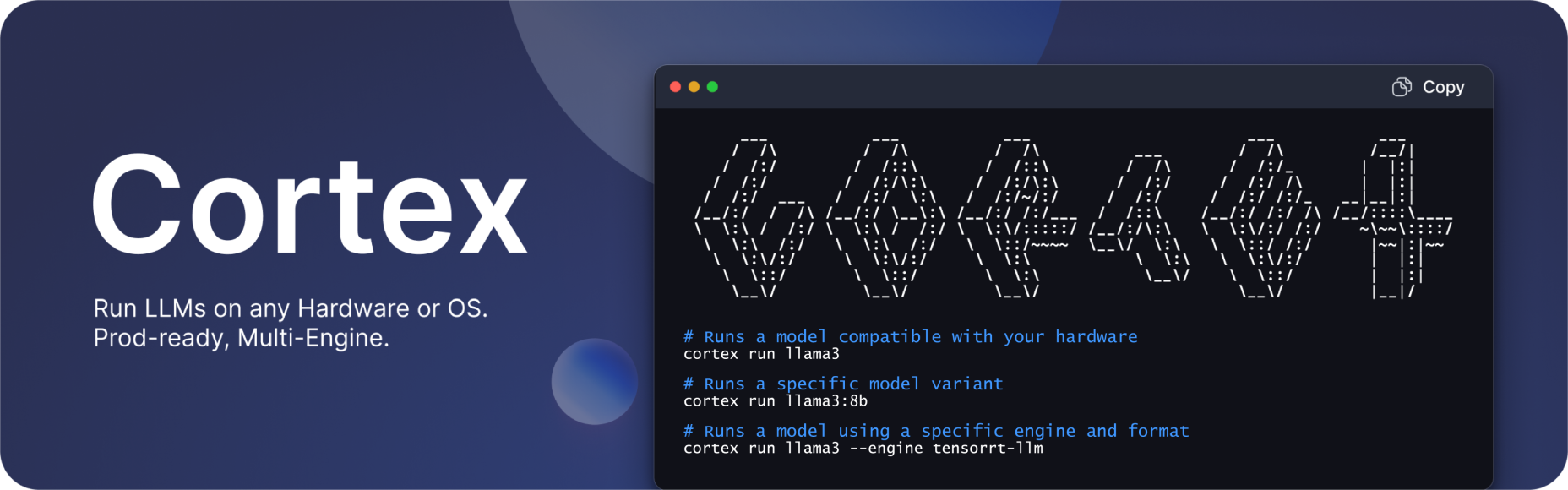
Documentation - API Reference
- Changelog - Bug reports - Discord
> ⚠️ Cortex is currently in Development: Expect breaking changes and bugs!
About
Cortex is an OpenAI-compatible AI engine that developers can use to build LLM apps. It is packaged with a Docker-inspired command-line interface and client libraries. It can be used as a standalone server or imported as a library.
Cortex Engines
Cortex supports the following engines:
-
cortex.llamacpp: cortex.llamacpp library is a C++ inference tool that can be dynamically loaded by any server at runtime. We use this engine to support GGUF inference with GGUF models. The llama.cpp is optimized for performance on both CPU and GPU.-
cortex.onnx Repository: cortex.onnx is a C++ inference library for Windows that leverages onnxruntime-genai and uses DirectML to provide GPU acceleration across a wide range of hardware and drivers, including AMD, Intel, NVIDIA, and Qualcomm GPUs.-
cortex.tensorrt-llm: cortex.tensorrt-llm is a C++ inference library designed for NVIDIA GPUs. It incorporates NVIDIA’s TensorRT-LLM for GPU-accelerated inference.Quicklinks
Quickstart
$3
- OS:
- MacOSX 13.6 or higher.
- Windows 10 or higher.
- Ubuntu 22.04 and later.
- Dependencies:
- Node.js: Version 18 and above is required to run the installation.
- NPM: Needed to manage packages.
- CPU Instruction Sets: Available for download from the Cortex GitHub Releases page.
- OpenMPI: Required for Linux. Install by using the following command:
``
bash
    sudo apt install openmpi-bin libopenmpi-dev
`> Visit Quickstart to get started.
$3
 bash
Install using NPM
npm i -g cortexso
Run model
cortex run mistral
To uninstall globally using NPM
npm uninstall -g cortexso
`$3
 bash
Install using Brew
brew install cortexso
Run model
cortex run mistral
To uninstall using Brew
brew uninstall cortexso
`
> You can also install Cortex using the Cortex Installer available on GitHub Releases.Cortex Server
bash
cortex serveOutput
Started server at http://localhost:1337
Swagger UI available at http://localhost:1337/api
`You can now access the Cortex API server at
,
and the Swagger UI at http://localhost:1337/api.Build from Source
To install Cortex from the source, follow the steps below:
1. Clone the Cortex repository here.
2. Navigate to the
cortex-js folder.
3. Open the terminal and run the following command to build the Cortex project:`bash
npx nest build
`4. Make the
executable:`bash
chmod +x '[path-to]/cortex/cortex-js/dist/src/command.js'
`5. Link the package globally:
bash
npm link
`Cortex CLI Commands
The following CLI commands are currently available.
See CLI Reference Docs for more information.
bash  serve               Providing API endpoint for Cortex backend.
  chat                Send a chat request to a model.
  init|setup          Init settings and download cortex's dependencies.
  ps                  Show running models and their status.
  kill                Kill running cortex processes.
  pull|download       Download a model. Working with HuggingFace model id.
  run [options]       EXPERIMENTAL: Shortcut to start a model and chat.
  models              Subcommands for managing models.
  models list         List all available models.
  models pull         Download a specified model.
  models remove       Delete a specified model.
  models get          Retrieve the configuration of a specified model.
  models start        Start a specified model.
  models stop         Stop a specified model.
  models update       Update the configuration of a specified model.
  benchmark           Benchmark and analyze the performance of a specific AI model using your system.
  presets             Show all the available model presets within Cortex.
  telemetry           Retrieve telemetry logs for monitoring and analysis.
  embeddings          Creates an embedding vector representing the input text.
  engines             Subcommands for managing engines.
  engines get         Get an engine details.
  engines list        Get all the available Cortex engines.
  engines init        Setup and download the required dependencies to run cortex engines.
  configs             Subcommands for managing configurations.
  configs get         Get a configuration details.
  configs list        Get all the available configurations.
  configs set         Set a configuration.
``Contact Support
- For support, please file a GitHub ticket.
- For questions, join our Discord here.
- For long-form inquiries, please email hello@jan.ai.