create-custom-command
v3.3.6
A CLI to create your own commands / Un CLI pour créer vos propres commandes
0/weekUpdated 3 years agoISCUnpacked: 2.6 MB
Published by Samuel Martineau
npm install create-custom-commandCreate-Custom-Command
  !Create-Custom-Command
Create-Custom-Command (EN)
Please note that I am not a native english speaker. Please make a GitHub issue if you see any grammar / spelling mistake. Most translations are done by _Google Translate_.
> A CLI to create your own commands
> Important: _This CLI has only been tested on Ubuntu 18.04 (LTS) with ZSH and MacOS Catalina with ZSH_
$3
$ npm i -g create-custom-command
$3
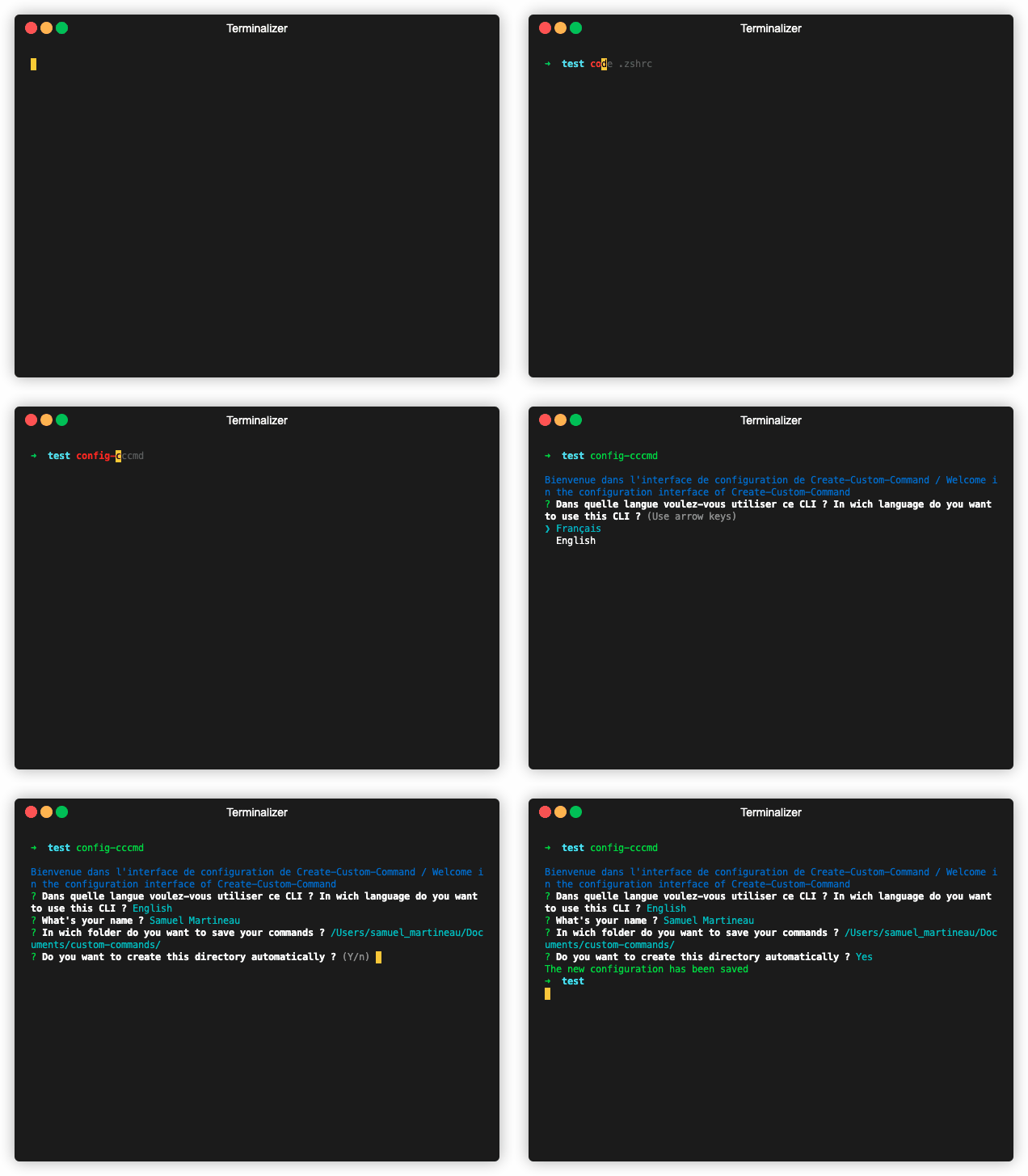
> The program will prompt you for your _name_ et your prefered language (_English_ / _French_)
$ config-cccmd
> To reset the configuration, use $ reset-cccmd
$3
> To create a command
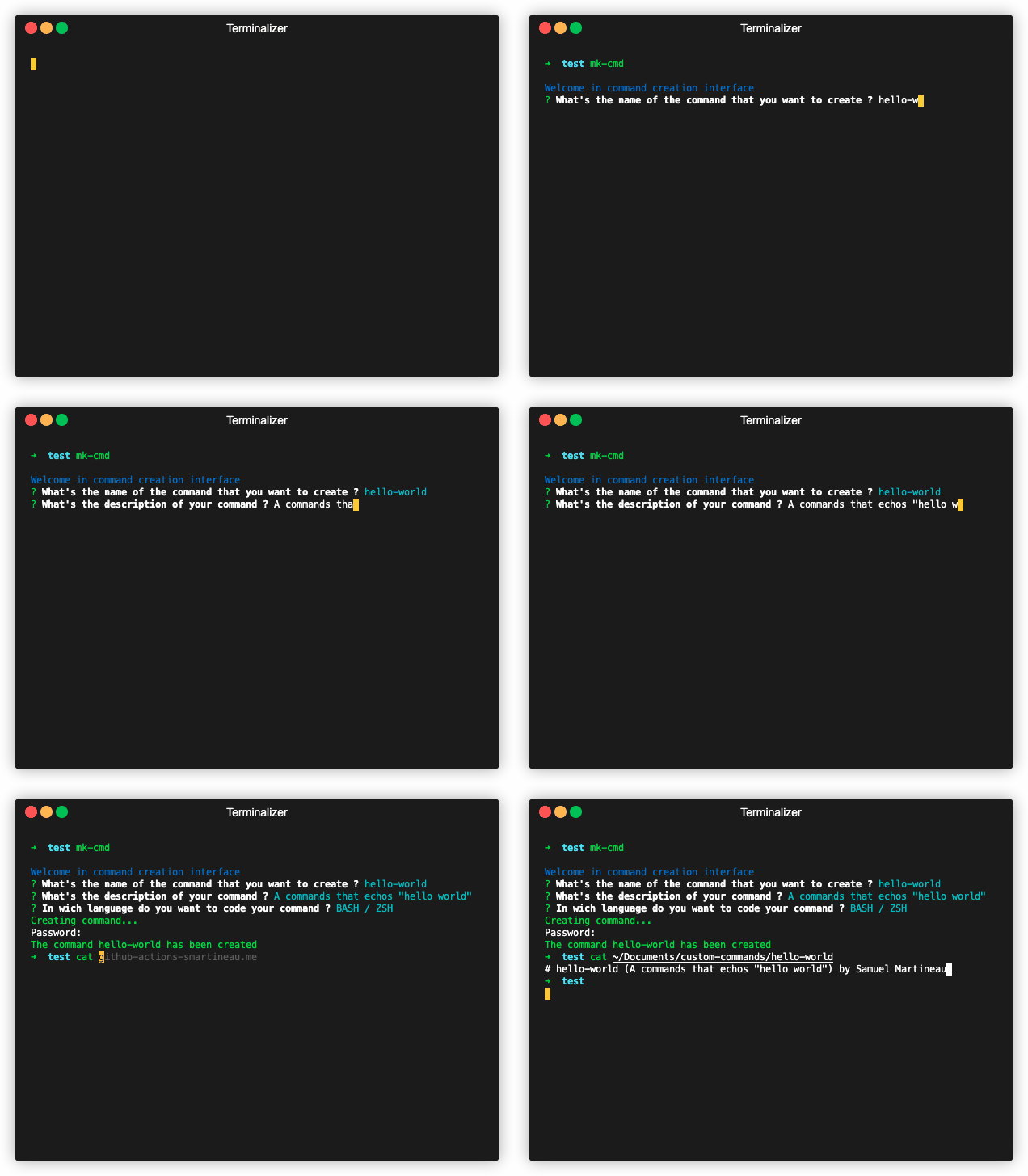
> The program will prompt you for the command's _name_, it's _description_ and the programming _language_ in which you want to code it (_BASH / ZSH_ ou _JS_)
$ mk-cmd
> To delete a command
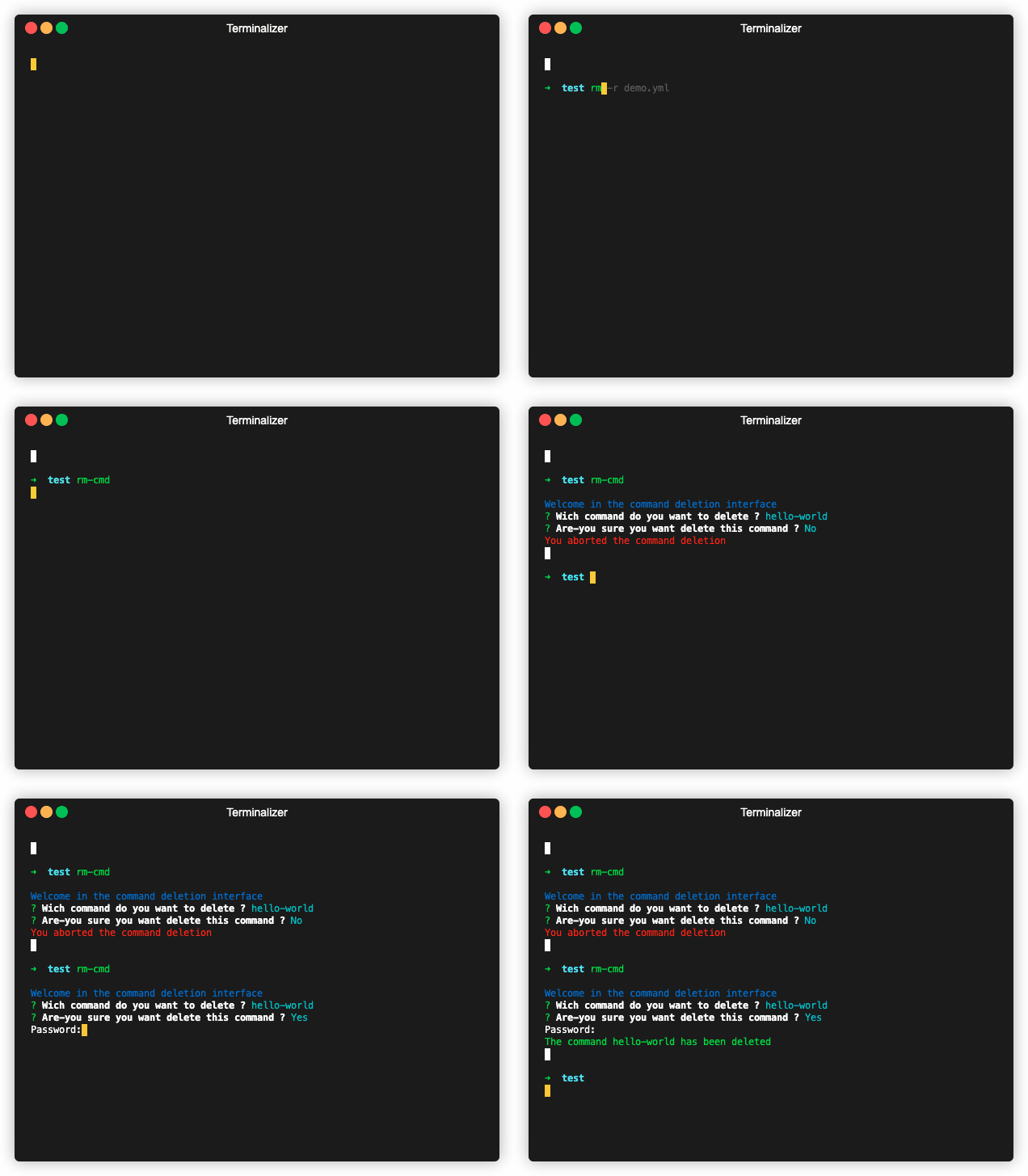
> The program will display the list of commands you have created and you will be able to select the one you want to delete
$ rm-cmd
Create-Custom-Command (FR)
> Un CLI pour créer vos propres commandes
> Important: _Ce CLI n'a été testé que sur Ubuntu 18.04 (LTS) avec ZSH et MacOS Catalina avec ZSH_
$3
$ npm i -g create-custom-command
$3
> Le programme va vous demander votre _nom_ et la _langue_ que vous préférez (_Français_ / _Anglais_)
$ config-cccmd
> Pour effacer la configuration de ce paquet, exécutez $ reset-cccmd
$3
> Pour créer une commande
> Le programme va vous demander le _nom_ de la commande, sa _description_ et le _language_ de programmation dans lequel vous voulez la codé (_BASH / ZSH_ ou _JS_)
$ mk-cmd
> Pour supprimer une commande
> Le programme va vous afficher la liste des commandes que vous avez créées et vous pourrez sélectionner celle que vous voulez supprimer
$ rm-cmd