create-nuxt4-saas-starter
v1.0.10
Scaffold a modern Nuxt 4 SaaS Starter
0/weekUpdated 3 weeks agoUnpacked: 10.9 KB
Published by bootssecurity
npm install create-nuxt4-saas-starterNuxt 4 SaaS Starter CLI
> This is the CLI installer for the Nuxt 4 SaaS Starter.
Quick Start
``bash`
npx create-nuxt4-saas-starter my-saas-app
---
Nuxt 4 SaaS Starter


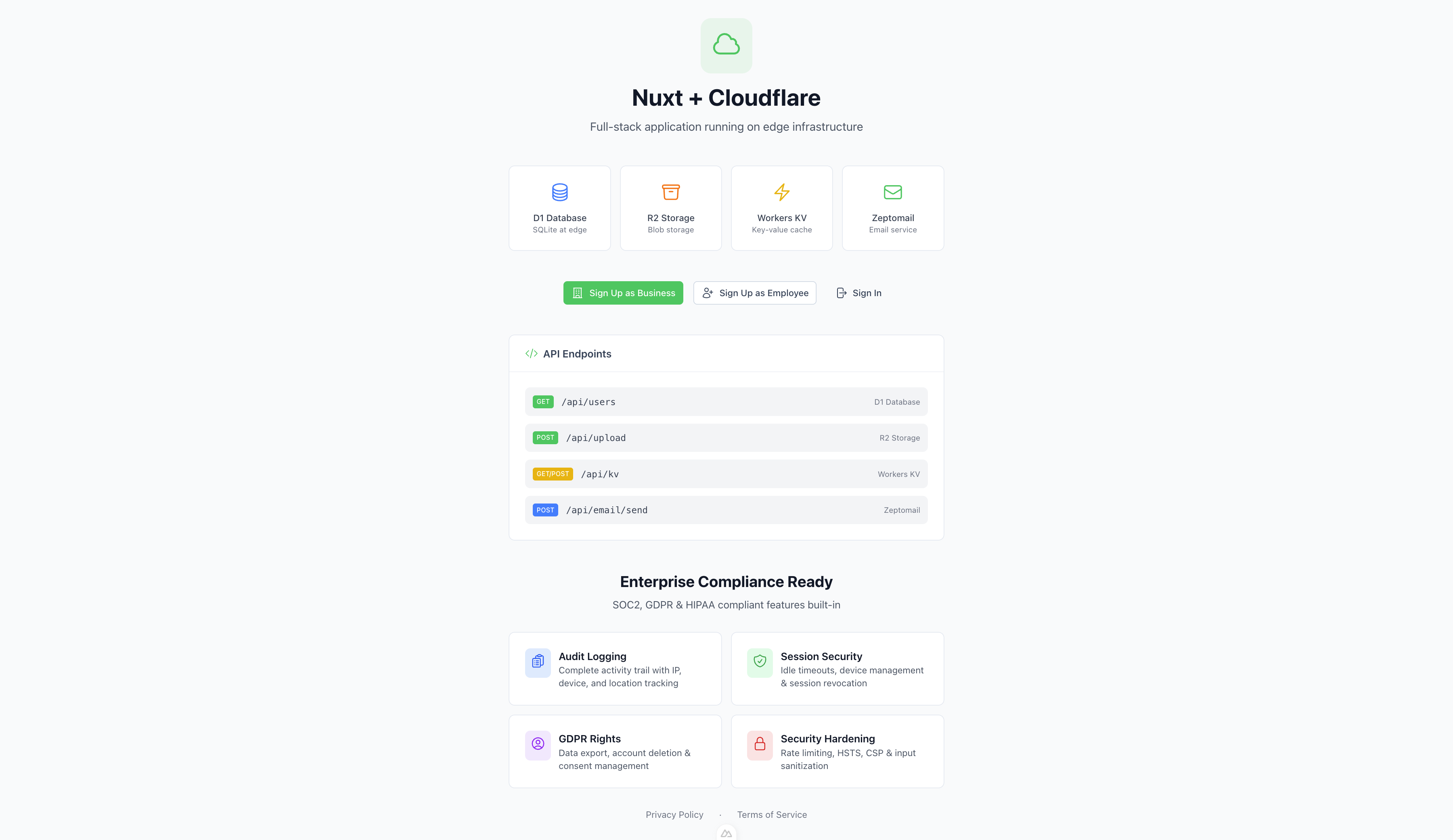
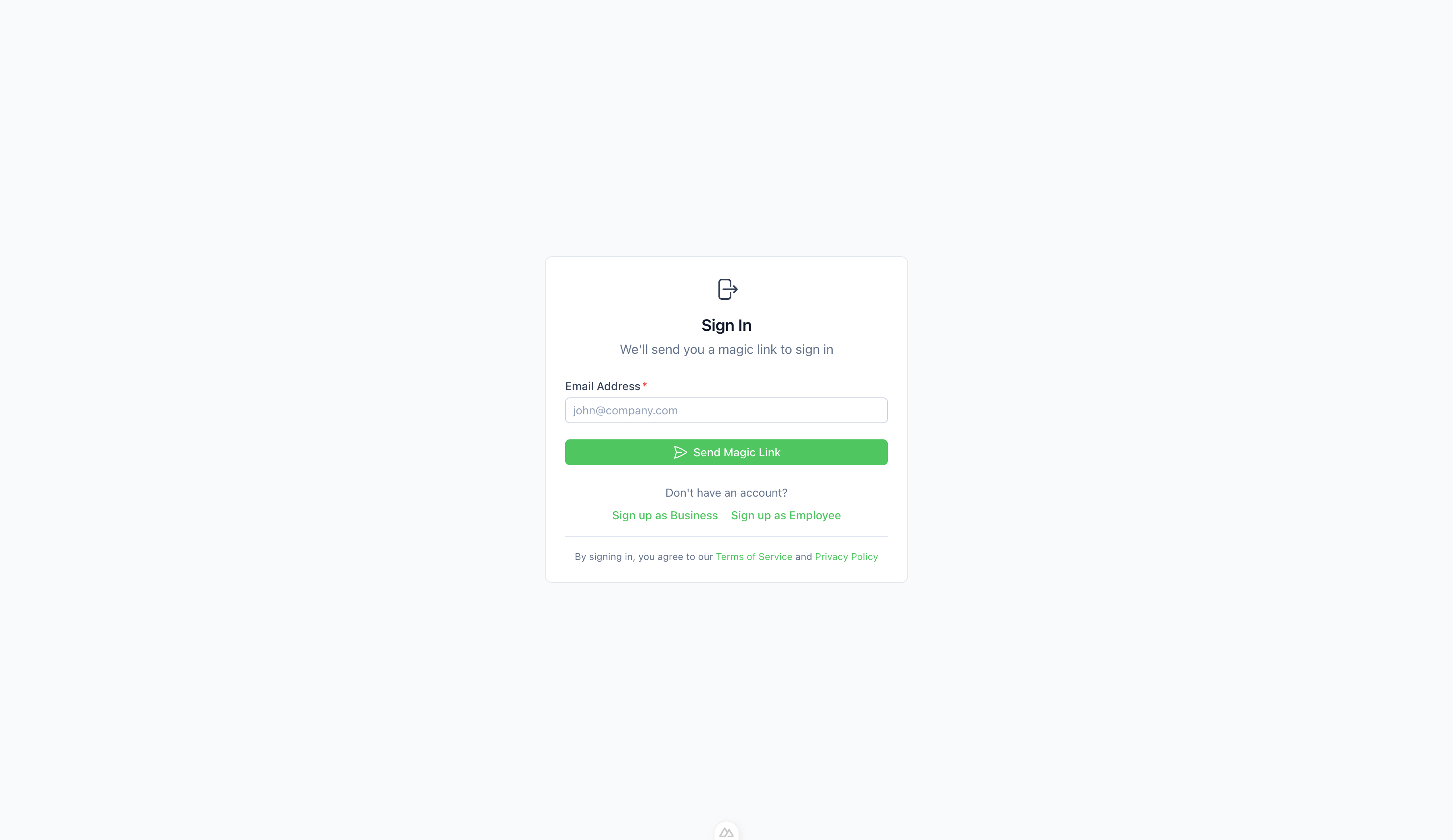
A structured, production-ready SaaS boilerplate built with Nuxt 4, NuxtHub, and Nuxt UI v4. Designed for speed, scalability, and ease of deployment to Cloudflare.
✨ Features
- Full-Stack Power: Built on Nuxt 4 with a server-first approach.
- Database: SQLite (D1) managed via Drizzle ORM for type-safe database interactions.
- Authentication: Secure, session-based authentication using Nuxt Auth Utils.
- UI Framework: Beautiful, accessible components with Nuxt UI v4 (Tailwind CSS under the hood).
- Serverless Ready: Pre-configured with NuxtHub for Cloudflare Workers (Blob Storage, KV, Database, Cache).
- Real-time Chat: End-to-end encrypted messaging with WebSocket support.
- Email: Transactional email support configured for ZeptoMail.
- Testing: Unit and integration testing setup with Vitest.
- Type Safety: End-to-end TypeScript support.
⚡ Detailed Features
$3
- Magic Link Auth: Passwordless login via email magic links with 15-minute expiry.
- Global API Authorization: All API routes are protected by default - explicit whitelist for public routes.
- Rate Limiting: Built-in rate limiting for sensitive endpoints (Login: 5/min, Signup: 3/min, Upload: 20/min).
- Timing Attack Prevention: Constant-time responses to prevent user enumeration attacks.
- Audit Logging: Comprehensive audit trails for all security-critical actions.
- Role-Based Access: Granular access control with admin, business_owner, and employee roles.
- Session Management: Secure session handling with device tracking and revocation.
- Security Headers: HSTS, CSP, X-Frame-Options, and other headers enabled by default.
- Bot Protection: Cloudflare Turnstile integration on all authentication forms.
$3
- Secure Upload: File type whitelist (images, PDF, CSV, JSON), 10MB size limit, business-scoped storage.
- Access Control: Files are automatically scoped to user's business - no cross-tenant access.
- Audit Trail: All file operations (upload, list, download) are logged.
$3
- End-to-End Encryption: All messages are encrypted client-side using RSA-OAEP key exchange and AES-GCM encryption.
- WebSocket Communication: Real-time message delivery via WebSocket connections.
- Read Receipts: Instant read status updates across all participants.
- Online Presence: Real-time online/offline status indicators.
- Unread Counts: Per-conversation unread message counts.
- Notification Sounds: Audio alerts for new messages.
$3
- Data Export: Full "Right to Access" (DSAR) support with JSON data export.
- Account Deletion: "Right to Erasure" with soft-delete and scheduled hard-delete.
- Consent Management: Granular consent preferences for marketing and analytics.
- Activity Logs: User-accessible security event history.
- Profile Management: Secure profile updates with strict input sanitization.
$3
- D1 Database: Serverless SQLite database with Drizzle ORM.
- NuxtHub Integration: Native support for Cloudflare KV, Blob Storage, and Cache.
- Input Validation: Robust validation using Zod and custom sanitizers.
🛠 Tech Stack
- Framework: Nuxt 4
- Language: TypeScript
- Database: SQLite (Cloudflare D1) via Drizzle ORM
- Styling: Tailwind CSS (via Nuxt UI)
- Deployment: Cloudflare Pages / Workers
- Package Manager: Bun (recommended) or npm/pnpm
🚀 Getting Started
$3
- Node.js (v18 or later)
- Bun (recommended) or npm/pnpm
$3
Option 1: CLI (Recommended)
Scaffold a new project in seconds:
`bash`
npx create-nuxt4-saas-starter my-saas-app
Option 2: Manual Clone
1. Clone the repository:
`bash`
git clone https://github.com/bootssecurity/nuxt4-saas-starter.git
cd nuxt-app
2. Install dependencies:
`bash`
bun install
# or
npm install
3. Setup Environment Variables:
Copy the example .env file and update it with your credentials.
`bash`
cp .env.example .env
Update the .env file with your specific configuration:
`bash`
# Cloudflare Turnstile (Get keys from Cloudflare Dashboard)
NUXT_PUBLIC_TURNSTILE_SITE_KEY=your-site-key
NUXT_TURNSTILE_SECRET_KEY=your-secret-key
Update other credentials (e.g., ZEPTOMAIL_API_KEY, NUXT_SESSION_PASSWORD).
$3
Start the development server:
`bash`
bun devor
npm run dev
Visit http://localhost:3000 to see your app running.
$3
To test the production build locally (simulating Cloudflare Pages environment):
`bash`
bun run build
npx wrangler pages dev dist
This ensures your app works exactly as it will on Cloudflare (including _worker.js and bindings).
🗄 Database
This project uses Drizzle ORM with SQLite.
$3
- Generate Migrations: Create SQL migrations based on your schema changes.
`bash`
bun db:generate
- Migrate Database: Apply migrations to your local or remote database (managed via NuxtHub in dev).
Note: In development with NuxtHub, migrations are often handled automatically or via the NuxtHub admin interface.
📦 Deployment
This project is configured for automated deployment to Cloudflare Pages using GitHub Actions.
👉 Read the Full Deployment Guide for step-by-step setup instructions.
$3
- Infrastructure: Cloudflare Pages + Workers (D1, KV, R2).
- Automation: Pushing to the main
 branch automatically builds and deploys.
- Secrets: Managed securely via Cloudflare Dashboard (not in git).$3
You can also deploy manually if needed:
`bash
bun run deploy
`🧪 Testing
Run the test suite using Vitest:
bash
Run all tests
bun testRun in watch mode
bun run test:watchRun with coverage
bun run test:coverage
`📂 Project Structure
-
: Frontend Vue components, pages, and layouts.
- server/: Backend API routes, database schema, and server utilities.
- server/database/schema.ts: Drizzle ORM schema definitions.
- server/api/: API endpoints.
- public/: Static assets.
- nuxt.config.ts`: Nuxt configuration.📚 Documentation
- Security Guide: Comprehensive security architecture and best practices.
- API Documentation: Detailed endpoint documentation with examples.
- Deployment Guide: Step-by-step deployment instructions.
📄 License
MIT License.