crux-lookup
v0.8.0TypeScript
A simple CLI utility for grabbing URL-/origin-level Core Web Vitals using the Chrome User Experience Report (CrUX) API
0/weekUpdated 3 years agoGPL-3.0-or-laterUnpacked: 15.6 KB
Published by Ilya Motamedi
npm install crux-lookupCrUX-Lookup
A simple CLI utility for grabbing URL-/origin-level Core Web Vitals histograms using the Chrome User Experience Report (CrUX) API. Results are returned visually or as unaltered JSON from the CrUX API.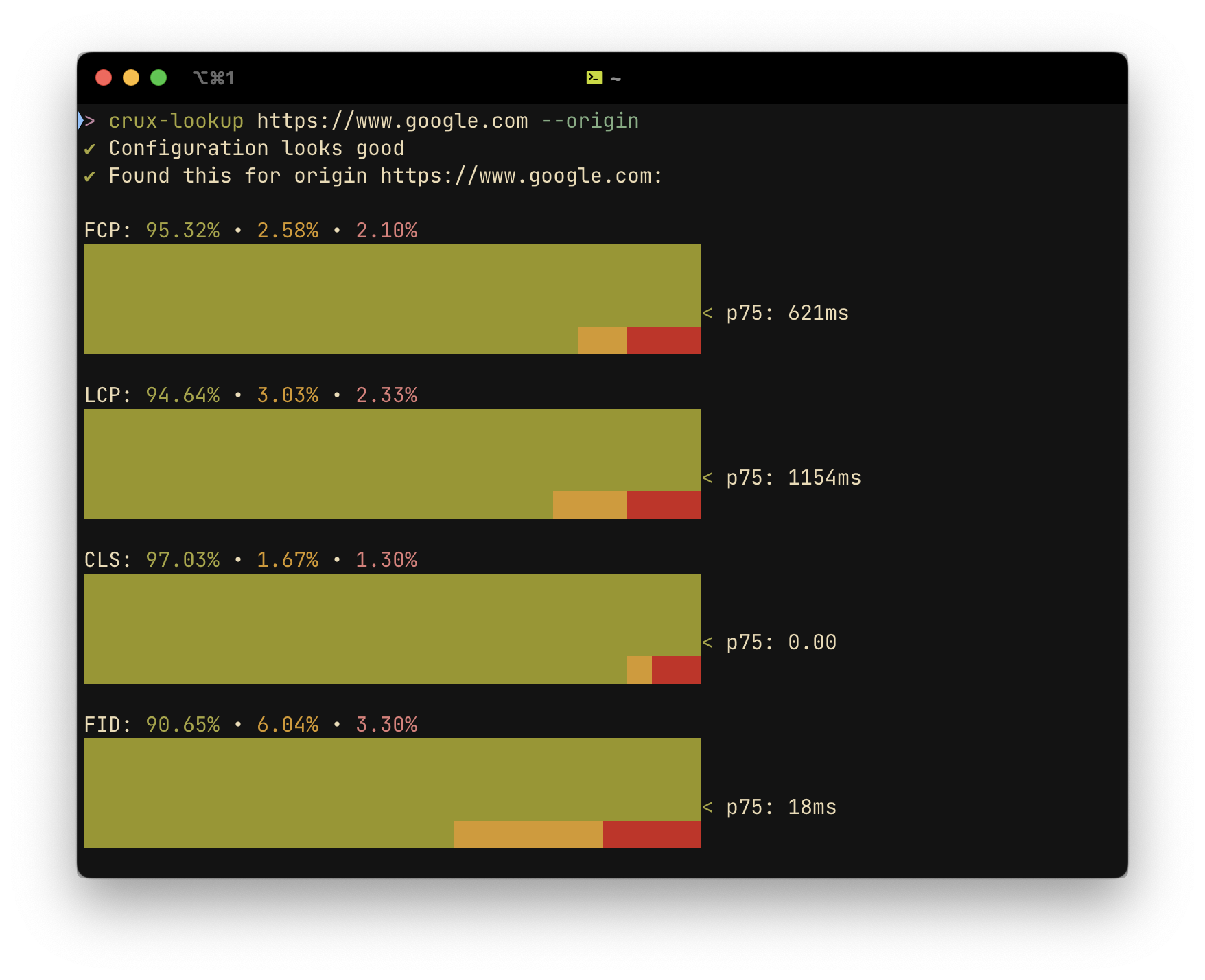
$3
crux-lookup is very quick, often returning results in under a second. If you just want to see some histograms for a given site or origin, it can save you a lot of time compared to more comprehensive tools like PSI and WebPageTest, which can take several minutes to generate and show their reports.
$3
1. Install the utility via NPM
``shell`
$ npm i -g crux-lookup
2. Add a CrUX API Key
You can get a (free) CrUX API key here.
`shell`
$ crux-lookup config --updateKey
3. Query a URL or origin
`shell`
$ crux-lookup https://www.google.com --origin # omit --origin to get results for the page at the submitted URL
$3
Viewing, removing or changing your stored API Key
`shell`
$ crux-lookup config # run without options to view the currently stored API key
Options:
- --updateKey Add/update a CrUX API key to use for queries--removeKey
- Remove stored CrUX API key from configuration
Looking up a URL or origin
`shell`
$ crux-lookup
Arguments:
- url URL for which to get CrUX record
Options:
- -r, --origin Look up the origin of the submitted URL-j, --json
- Output raw JSON from CrUX-o, --output
-