css-star-rating
v1.3.1
Css Star Rating is pure css component written in scss.
0/weekUpdated 3 years agoMITUnpacked: 223.3 KB
Published by Michael Hladky
npm install css-star-ratingCss Star Rating ⭐⭐⭐⭐⭐
#### ⭐ Css Star Rating is a pure css star rating plugin based on best practice UX/UI methods. ⭐
!License


Css Star Rating is written in scss and fully customizable over variables.
Easily compose your own rating component over a rich set of css modifiers for any kind of UI state.
Demo
Demos in the KSS style guide
Features
- [x] Written in scss
- [x] Customizable over variables
- [x] Flexbox layout
- [x] SVG icons
- [x] Icon fonts like fontawesome, ionicon...
- [x] Display rating over css class
- [x] Different Numbers of stars
- [x] Color of stars depend on rating
- [x] Half stars
- [x] Sizes
- [x] Star alignments
- [x] Static colors
- [x] Disabled mode
- [x] Star types
- [x] Label
- [x] Label positions
- [x] Animations
- [x] Directions
- [x] Themes
Browser support
| IE | Firefox | Chrome | Safari | Opera |
|--- |--- |--- |--- |---|
| 11 | 50 | 55 | 10 | 41 |
|  |
|  |
|  |
|  |
|  |
|
Related Projects
| Css | Angular1 (>=1.5)| Angular (>=10) |
|--- |--- |--- |
|  |
|  |
|  |
|
| Css Star Rating | Angular1 Star Rating | Angular Star Rating |
Demo
- [x] KSS documentation
Install
Get Css Star Rating:
- clone & build this repository
- download as .zip
- via npm: by running $ npm install css-star-rating from your console
Load library
``html`
Copy assets (optional)
If you want to use svg as icon type copy the
`star-rating.icons.svg` image form `node_modules/css-star-rating/images/star-rating.css` to your roots assets folder.
Usage
`html`
Css Modifiers
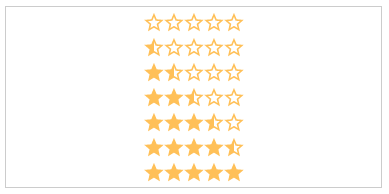
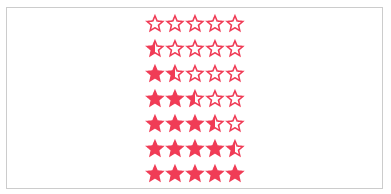
.value-[N]:
The actual star rating value. The color of the stars depends on the rating number
- .value-0
- .value-1
- .value-2
- .value-3
- .value-4
- .value-5
`html`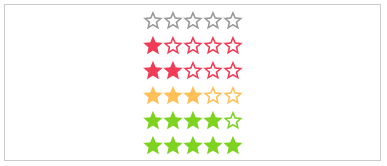
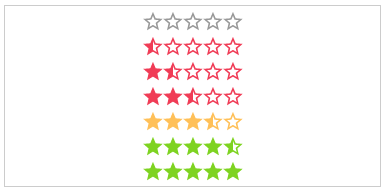
.half:
If set, every rating value will have a half star at the end.
- .half
`html`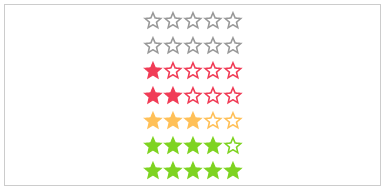
text:
The text next to the stars.
- (Just additional HTML)
`html`
.label-[VISIBILITY]:
The position of the label.
- .label-visible
- .label-hidden
`html`

.label-[POSITION]:
The position of the label.
- .label-top
- .label-right
- .label-bottom
- .label-left
`html`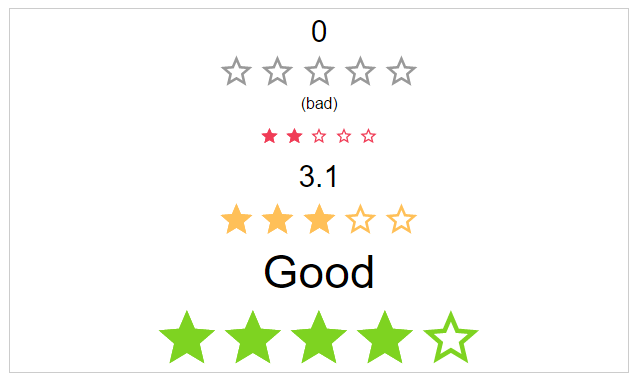
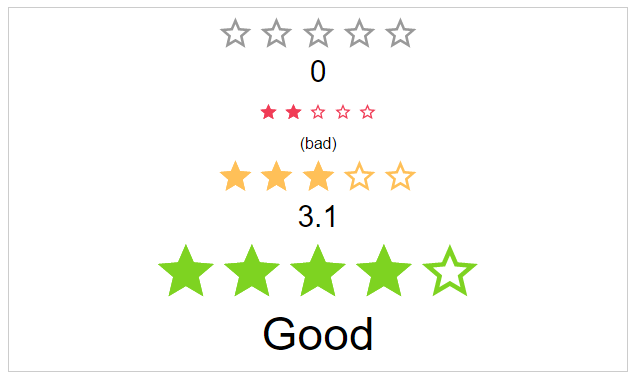

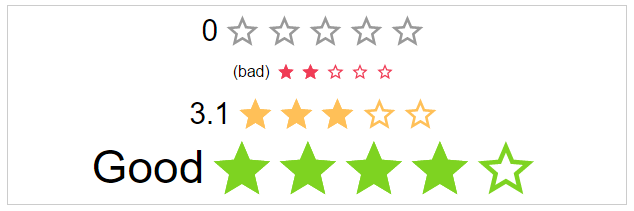
.space:
If the start use the whole space or not.
`html`


.[SIZE]:
The height and width of the stars.
- .small
- .medium
- .large
`html`


color-[COLOR_NAME]:
Static color of stars.
- .color-default
- .color-negative
- .color-ok
- .color-positive
`html`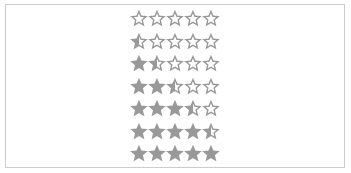
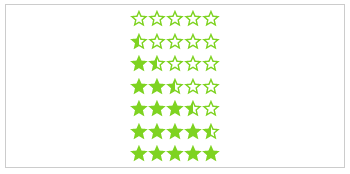
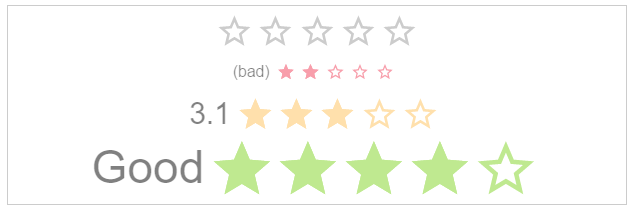
.disabled:
The click callback is disabled, colors are transparent
`html`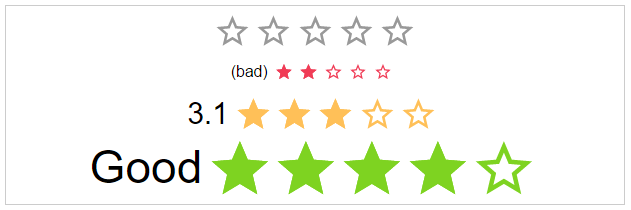
.direction-[DIRECTION]:
The direction of the stars and label.
- .direction-rtl
- .direction-ltr
`html`

.[ANIMATION_SPEED]:
The duration of the animation in ms.
- .immediately
- .noticeable
- .slow
html`


starType:
The type of start resource to use.
- .star-svg
- .star-icon (star character)
- .custom-icon (i.e. font-awesome)
`html`


Themes
As a bonus there are some themes as classes.
theme-[NAME]:
The type of start resource to use.
- .theme-google-places
- .theme-kununu
`html``