d3-force-boundary
v0.0.3
A d3 force for making nodes stay inside a boundary
0/weekUpdated 3 years agoBSD-3-ClauseUnpacked: 21.0 KB
Published by John Alexis Guerra Gómez
npm install d3-force-boundaryd3-force-boundary
# forceBoundary(x0, y0, x1, x1) <>

Creates a new positioning force that tries to keep elements inside a defined boundary defined by _x0_,_y0_ and _x1_,_y1_. This is useful when you want to guarantee that all nodes remain visible inside the visualization.
# boundary.strength([strength]) <>
If _strength_ is specified, sets the strength accessor to the specified number or function, re-evaluates the strength accessor for each node, and returns this force. The _strength_ determines how much to increment the node’s _x_- and _y_-velocity. For example, a value of 0.1 indicates that the node should move a tenth of the way from its current position to the closest point on the circle with each application. Higher values moves nodes more quickly to the target position, often at the expense of other forces or constraints. A value outside the range [0,1] is not recommended.
If _strength_ is not specified, returns the current strength accessor, which defaults to:
``js`
function strength() {
return 0.1;
}
The strength accessor is invoked for each node in the simulation, being passed the _node_ and its zero-based _index_. The resulting number is then stored internally, such that the strength of each node is only recomputed when the force is initialized or when this method is called with a new _strength_, and not on every application of the force.
If _x0_ is specified, sets the starting _x_-coordinate of the boundary as an accessor (can be a function). If _x0_ is not specified, returns the current starting _x_-coordinate of the boundary.
If _y0_ is specified, sets the starting _y_-coordinate of the boundary as an accessor (can be a function). If _y0_ is not specified, returns the current starting _y_-coordinate of the boundary.
If _x1_ is specified, sets the ending _x_-coordinate of the boundary as an accessor (can be a function). If _x_ is not specified, returns the current ending _x_-coordinate of the boundary.
If _y1_ is specified, sets the ending _y_-coordinate of the boundary as an accessor (can be a function). If _y1_ is not specified, returns the current ending _y_-coordinate of the boundary.
# boundary.border([border]) <>
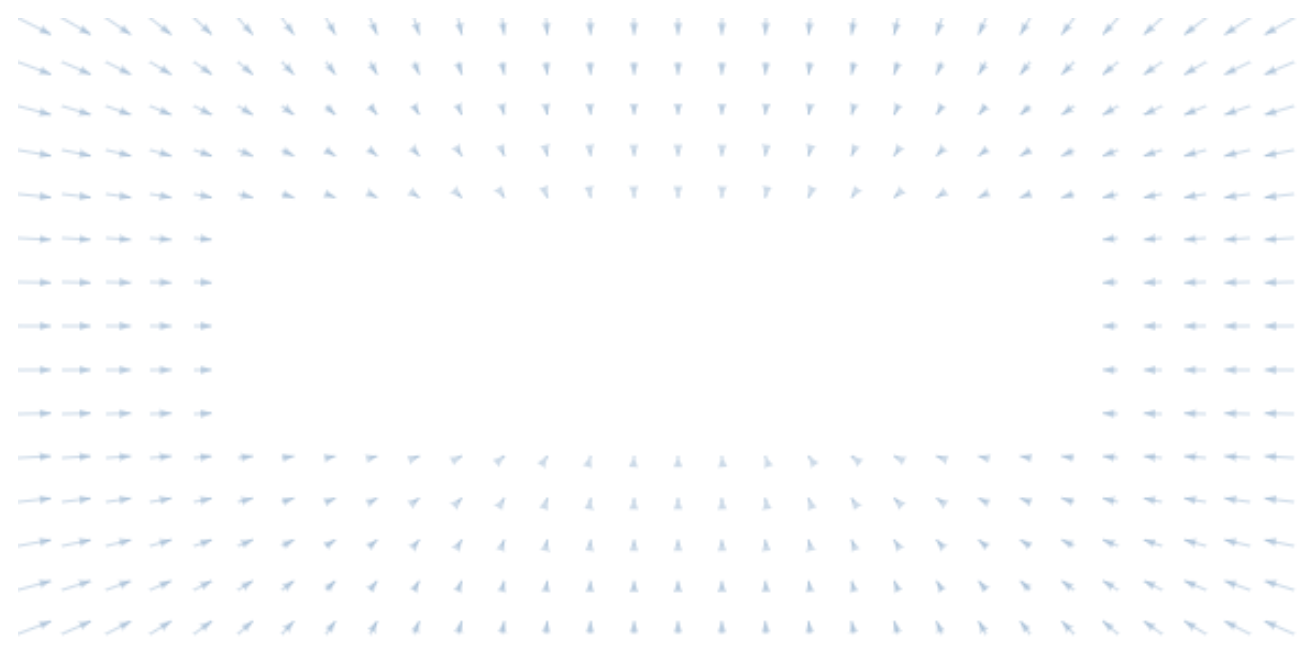
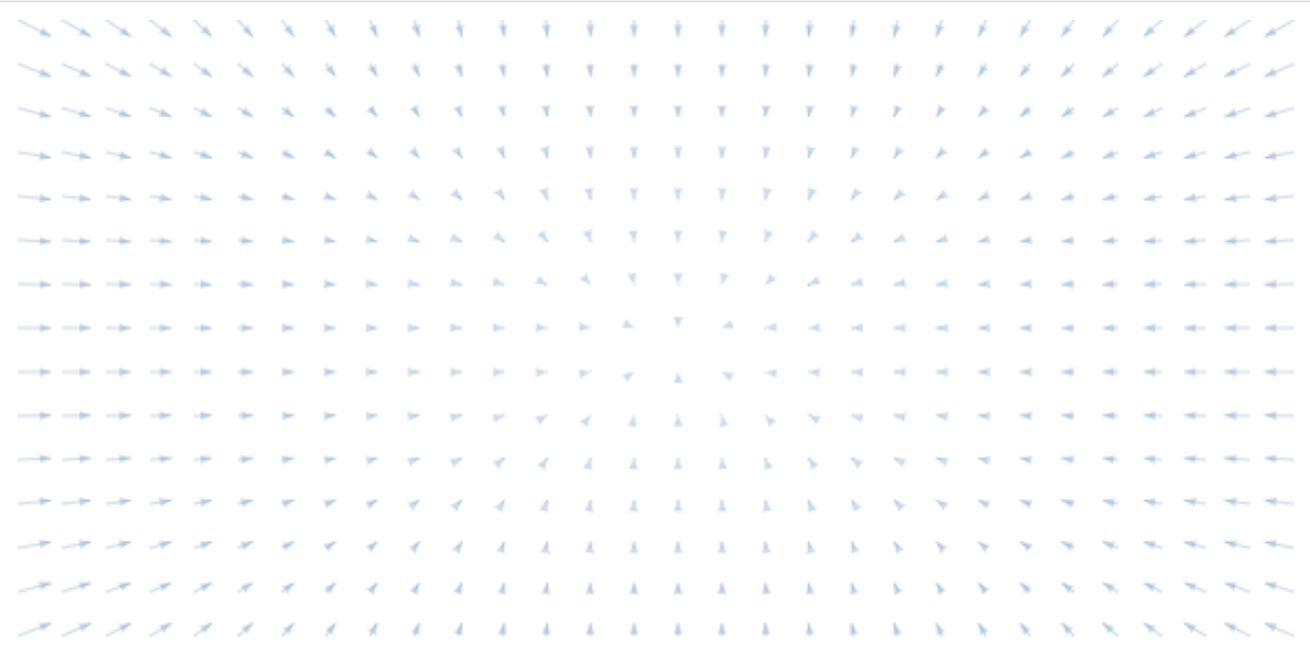
If _border_ is specified, the force would work only at a _border_ distance from the boundary. If _border_ is not specified, returns the current _border_ that defaults to the middle point of the border. Setting a border is useful when you only want to apply the force on the nodes that are reaching the boundary.
Boundary Forces with a border of 100 pixels
Boundary Forces with default border
# boundary.hardBoundary([hardBoundary]) <>
If _hardBoundary_ is specified and is a falsifiable value it will determine if the nodes are going to be forced to be inside the boundary. A false value will try to send the nodes inside the boundary, but won't force them. If _hardBoundary_ is not specified, returns the current _hardBoundary_ that defaults to true.
Installing
For the web
`html`
With modules
`
npm install d3-force-boundary