npm install directus-extension-masked-interface
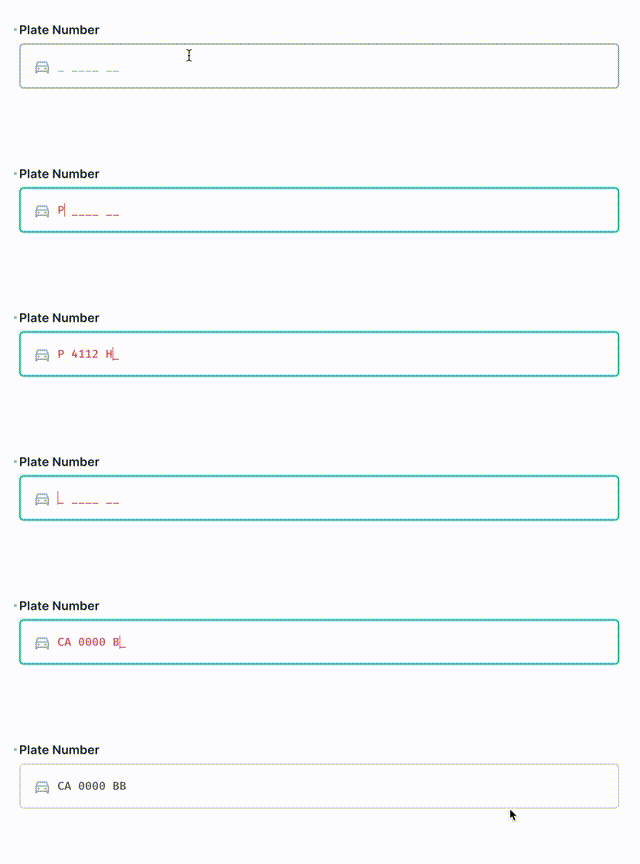
Input text string by template
In your Directus installation root
``bash`
npm install directus-extension-masked-interface
Restart directus
The interface extension uses string and numeric types.
1. Create new standard field with string type
2. For interface select Input Mask and pick a masking type.
Available masking types:
- Template - simplified templating pattern
- RegEx - uses regular expression for defining the pattern
- Presets
- URL
- Email
- IP Address (IPv4 templating pattern)
- MAC Address (MAC address template using :` as separators)
- VIN
- SIN
The extension utilizes InputMask by @RobinHerbots for masking library.