docmole
v0.4.4
Dig through any documentation with AI - MCP server for Claude, Cursor, and other AI assistants
29/weekUpdated 2 weeks agoMITUnpacked: 142.8 KB
Published by Vigtu
npm install docmole
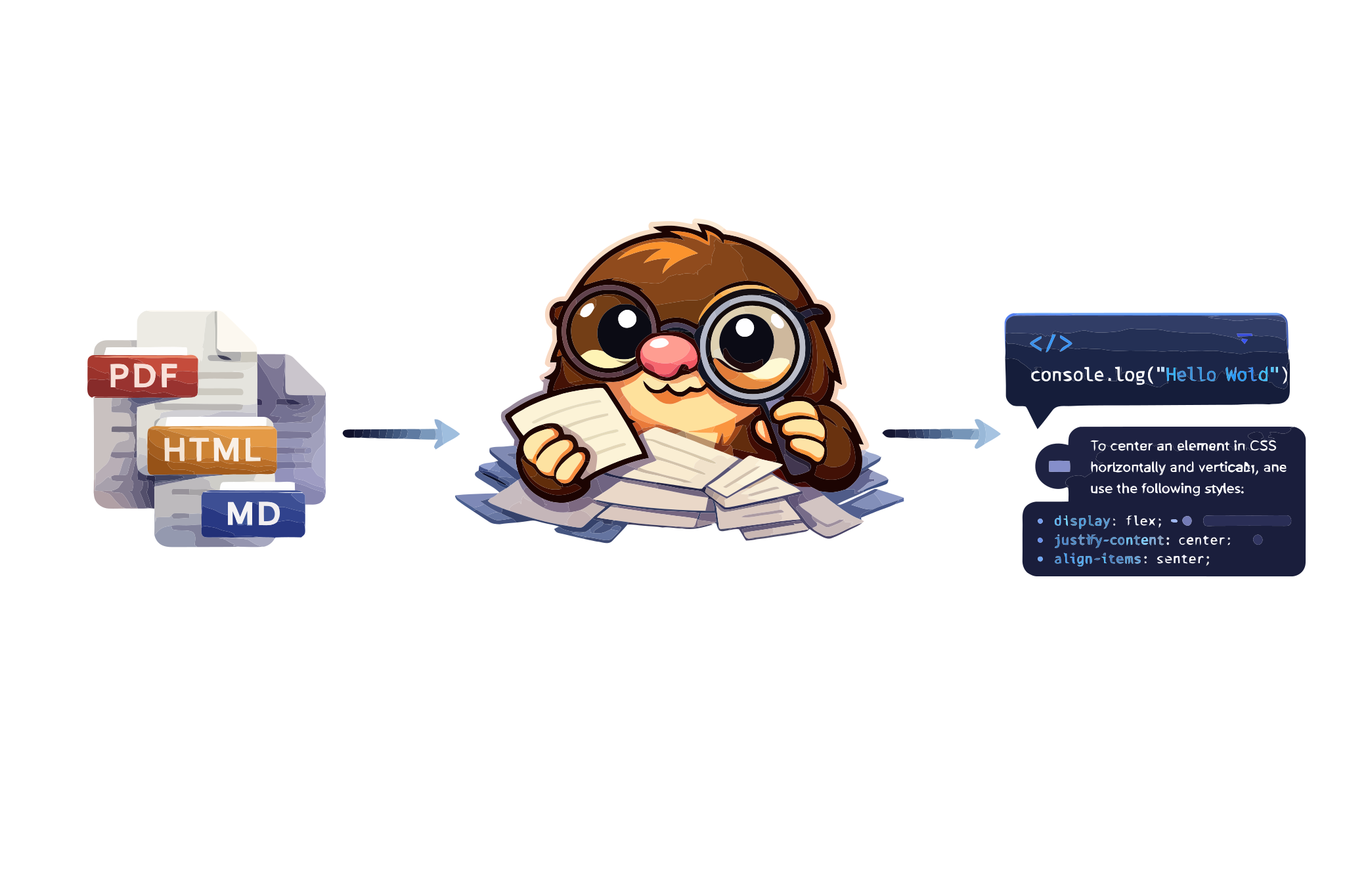
Docmole
Dig through any documentation with AI


Docmole is an MCP server that lets you query any documentation site from AI assistants like Claude, Cursor, or any MCP-compatible client. The mole digs through docs so you don't have to.
Features
* 🔍 Universal docs support — works with any documentation site
* 🏠 Self-hosted RAG — LanceDB vectors + OpenAI embeddings, no Python needed
* ⚡ Zero-setup mode — instant access to Mintlify-powered sites
* 🧠 Multi-turn conversations — remembers context across questions
* 🔗 WebFetch compatible — links converted to absolute URLs
* 🔌 MCP native — works with Claude, Cursor, and any MCP client
$3
* 🦙 Ollama support — fully local mode, no API keys needed
* 📄 Generic HTML extraction — support for non-Mintlify documentation sites
* 🔄 Incremental updates — only re-index changed pages
Installation
To use Docmole, run it directly with bunx (no install needed):
``bash`
bunx docmole --help
Or install globally:
`bash`
bun install -g docmole
Works on macOS, Linux and Windows. Requires Bun runtime.
Getting started
$3
Index and query any documentation site. Requires OPENAI_API_KEY.
`bashOne-time setup — discovers pages and builds vector index
bunx docmole setup --url https://docs.example.com --id my-docs
Start the MCP server
bunx docmole serve --project my-docs
`
Add to your MCP client:
json
{
  "mcpServers": {
    "my-docs": {
      "command": "bunx",
      "args": ["docmole", "serve", "--project", "my-docs"]
    }
  }
}
`$3
For sites with Mintlify AI Assistant — no API key needed:
bash
bunx docmole -p agno-v2
`json
{
"mcpServers": {
"agno-docs": {
"command": "bunx",
"args": ["docmole", "-p", "agno-v2"]
}
}
}
`CLI
Docmole has a built-in CLI for all operations:
bash
Mintlify mode (proxy to Mintlify API)
docmole -p Local RAG mode
docmole setup --url  --id
docmole serve --project
docmole list
docmole stop --project
`Run
for all options.How it works
`
┌─────────────┐     ┌─────────────┐     ┌──────────────────────┐
│ MCP Client  │────▶│   Docmole   │────▶│ Embedded: LanceDB    │
│ (Claude,    │◀────│ MCP Server  │◀────│ Mintlify: API proxy  │
│  Cursor...) │     └─────────────┘     └──────────────────────┘
└─────────────┘
Local RAG Mode: Crawls documentation, generates embeddings with OpenAI, stores in LanceDB. Hybrid search combines semantic and keyword matching.
Mintlify Mode: Proxies requests to Mintlify's AI Assistant API. Zero setup, instant results.
Known Mintlify Project IDs
| Documentation | Project ID |
|--------------|------------|
| Agno |
 |
| Resend |
resend |
| Mintlify | mintlify |
| Vercel | vercel |
| Upstash | upstash |
| Plain | plain |> Find more: Open DevTools → Network tab → use the AI assistant → look for
leaves.mintlify.com/api/assistant/{project-id}/messageConfiguration
| Environment Variable | Default | Description |
|---------------------|---------|-------------|
|
 | — | Required for local RAG mode |
|
DOCMOLE_DATA_DIR | ~/.docmole | Data directory for projects |$3
`
~/.docmole/
├── projects/
│   └── /
│       ├── config.yaml      # Project configuration
│       └── lancedb/         # Vector database
└── global.yaml              # Global settings
Documentation
See AGENT.md for detailed documentation including:
- Architecture details
- Backend implementations
- Enterprise deployment guides
Contributing
PRs welcome! See the contributing guide for details.
Acknowledgments
- Mintlify for amazing documentation tooling
- Anthropic for Claude and the MCP protocol
- LanceDB for the vector database
License
The Docmole codebase is under MIT license.