it's fork on docz-plugin-css. why: 1. update docz-core to latest. 2. ruleOpts not publish in offical package
npm install docz-plugin-css-tempDocz plugin to parse css files inside your documents
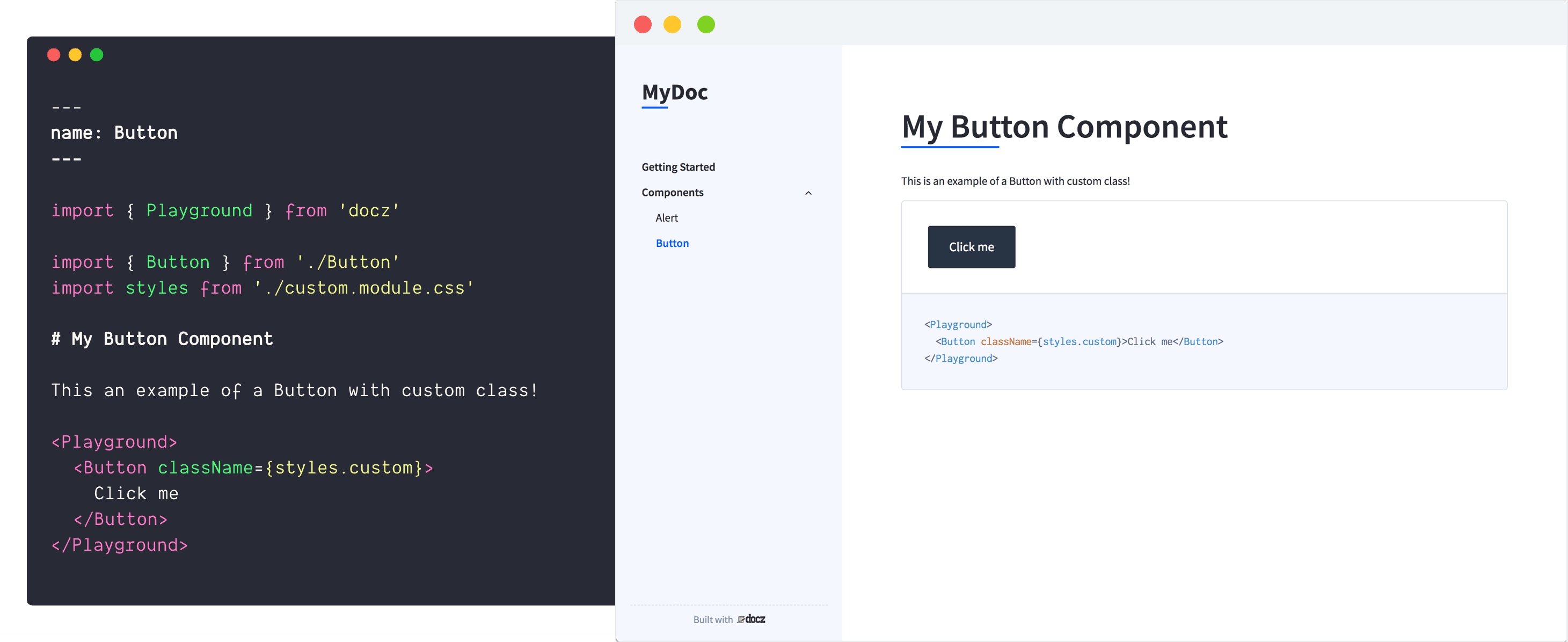
First of all, install plugin:
``bash`
$ yarn add docz-plugin-css --dev
After that, use the plugin on your doczrc.js:
`js
// doczrc.js
import { css } from 'docz-plugin-css'
export default {
plugins: [
css({
preprocessor: 'postcss',
cssmodules: true,
loaderOpts: {
/ whatever your preprocessor loader accept /
}
})
]
}
`
Do you can choose how preprocessor your bundler will use just by changing the preprocessor property at the plugin definition:
`js
// doczrc.js
import { css } from 'docz-plugin-css'
export default {
plugins: [
css({
preprocessor: 'sass'
})
]
}
`
To use css modules, just turn on cssmodules property on your project configuration:
`js
// doczrc.js
import { css } from 'docz-plugin-css'
export default {
plugins: [
css({
preprocessor: 'sass',
cssmodules: true
})
]
}
`
After that, to import styles from css modules, just use .module.{preprocessor-ext} on your files
`markdown
---
name: Button
----
import { Playground } from 'docz'
import { Button } from './Button'
import { styles } from './styles.module.css'
Example of Button component with custom class!
`
If you don't pass .module in front of the preprocessor extension, bundler will don't parse your css as cssmodule!
If in your project some places use both CSS modules and some place doesn't, you can leave out the cssmodules option so that webpack can determined by itself the correct way to load the CSS.
You can still use multiple pre-processor together in the same configuration:
`js
// doczrc.js
import { css } from 'docz-plugin-css'
export default {
plugins: [
css({ preprocessor: 'sass' }),
css({ preprocessor: 'stylus' }),
]
}
`
#### preprocessor
- Type: postcss | sass | less | stylus
- Default:
Use to define the preprocessor you want to use
#### cssmodules
- Type:
- Default:
Use this option if you want to use css modules
#### loaderOpts
- Type:
- Default:
Custom options passed on pre-processor loader configuration
#### cssOpts
- Type:
- Default:
Custom options passed on css-loader configuration
#### ruleOpts
- Type:
- Default:
Custom options passed on webpack rule configuration