file-icons-js
v1.1.0
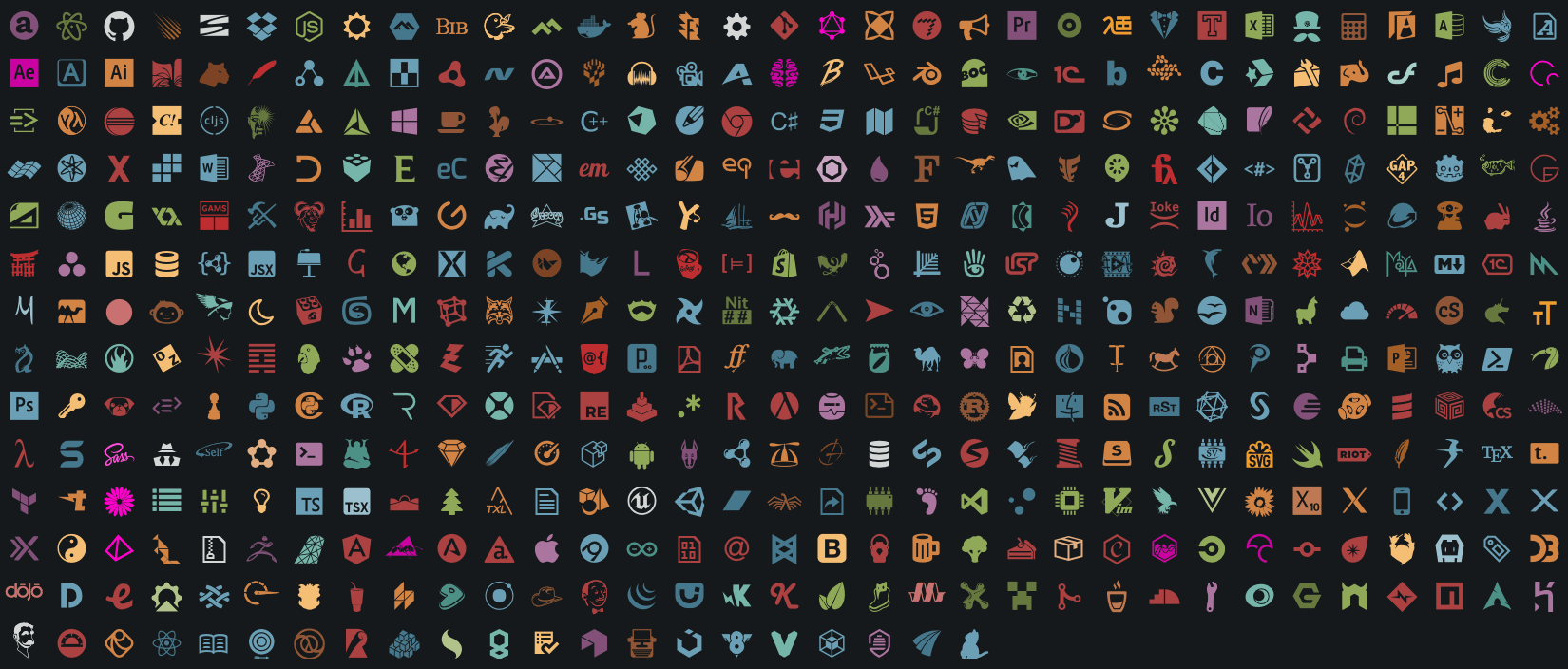
File specific icons for the browser from Atom File-icons, https://github.com/file-icons/atom
0/weekUpdated 3 years agoMITUnpacked: 536.7 KB
Published by Daniel Brooker.
npm install file-icons-js``
╭───────╮                    ╭────╮
│    ╭──╯╭───╮╭───╮╭──────╮  ├────┤╭──────╮╭──────╮╭────┬─╮╭──────╮
│    ╰──╮├───┤│   ││  ──  │  │    ││   ╭──╯│   ╭╮ ││      ││  ────┤
│    ╭──╯│   ││   ││      │  │    ││   ╰──╮│   ││ ││   ╭╮ ││      │
│    │   │   ││   ││  ────┤  │    ││      ││   ╰╯ ││   ││ │├────  │
╰────╯   ╰───╯╰───╯╰──────╯  ╰────╯╰──────╯╰──────╯╰───╯╰─╯╰──────╯
╭─╮  ╭─╮  ┬─╮         ┬  ╭─╮  ┬  ┬  ╭─╮  ╭─╮  ╭─╮  ┬─╮  ┬  ╭─╮  ╭┬╮
├┤   │ │  ├┬╯         │  ├─┤  ╰╮╭╯  ├─┤  ╰─╮  │    ├┬╯  │  ├─╯   │
┴    ╰─╯  ┴╰─       ╰─╯  ┴ ┴   ╰╯   ┴ ┴  ╰─╯  ╰─╯  ┴╰─  ┴  ┴     ┴
> File specific icons for the browser from Atom File-icons, https://github.com/file-icons/atom

Install
Use npm to install as follows,
`bash`
npm i websemantics/file-icons-js
Or, Bower,
`bash`
bower i websemantics/file-icons-js
Getting Started
Include css styles from css/style.css in the header of an html document.
Get an instance of FileIcons class,
`js`
var icons = window.FileIcons;
Get the class name of the icon that represent a filename (for example text-icon),
`js`
var filename = 'src/app.js';
var class_name = icons.getClass(filename);
You can also get a class name of the associated icon color,
`js`
var filename = 'README.md';
var class_name = icons.getClassWithColor(filename);
Use the class name to generate html, for example,
`js``
document.body.innerHTML = "$filename";
Resources
- Atom File Icons, file specific icons for improved visual grepping.
- Markdown Browser Plus, Github flavoured, local file browser for markdown docs.
Support
Need help or have a question? post at StackOverflow.
Please don't use the issue trackers for support/questions.
Star if you find this project useful, to show support or simply for being awesome :)
Contribution
Contributions to this project are accepted in the form of feedback, bugs reports and even better - pull requests.
License
MIT license Copyright (c) Web Semantics, Inc.