filepond-plugin-media-preview
v1.0.11
Media preview Plugin for FilePond
5.7K/weekUpdated 3 years agoMITUnpacked: 41.0 KB
Published by Niels Boogaard
npm install filepond-plugin-media-previewMedia Preview plugin for FilePond


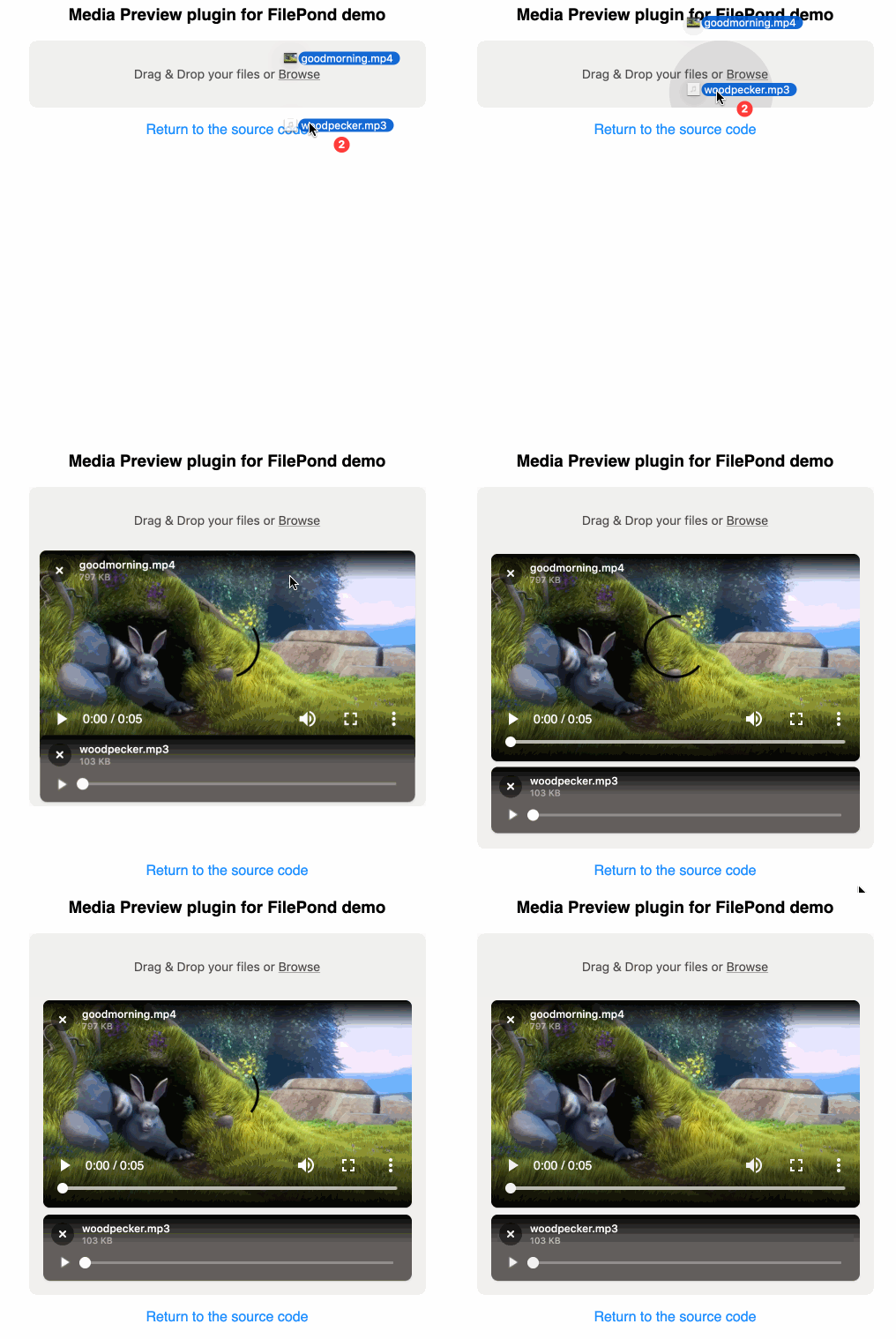
The Media Preview plugin will kick in automatically when the uploaded file is of type video or audio and render a preview player inside the file item.
Quick Start
Install using npm:
``bash`
npm install filepond-plugin-media-preview
Then import in your project:
`js`
import * as FilePond from 'filepond';
import FilePondPluginMediaPreview from 'filepond-plugin-media-preview';
Register the plugin:
`js`
FilePond.registerPlugin(FilePondPluginMediaPreview);
Create a new FilePond instance as normal.js
const pond = FilePond.create({
name: 'filepond'
});
// Add it to the DOM
document.body.appendChild(pond.element);
`
The preview will become active when uploading an video or audio file.
Configuration
Both the video and audio preview can be enabled or disabled. Use the following options:
`js`
const pond = FilePond.create({
name: 'filepond',
allowVideoPreview: true, // default true
allowAudioPreview: true // default true
});
Default styles
Be sure to include this lib's styles, by importing the minified css.
`
js
import 'filepond-plugin-media-preview/dist/filepond-plugin-media-preview.min.css';
``Demo
View the demo