filepond-plugin-pdf-preview
v1.0.4
Pdf preview Plugin for FilePond
0/weekUpdated 3 years agoMITUnpacked: 24.5 KB
Published by Adrian Glez
npm install filepond-plugin-pdf-previewPDF Preview plugin for FilePond


The PDF Preview plugin is an Extenxion of FilePond that will render a small preview when the uploaded file is of type PDF. It will use the browser native renderer.
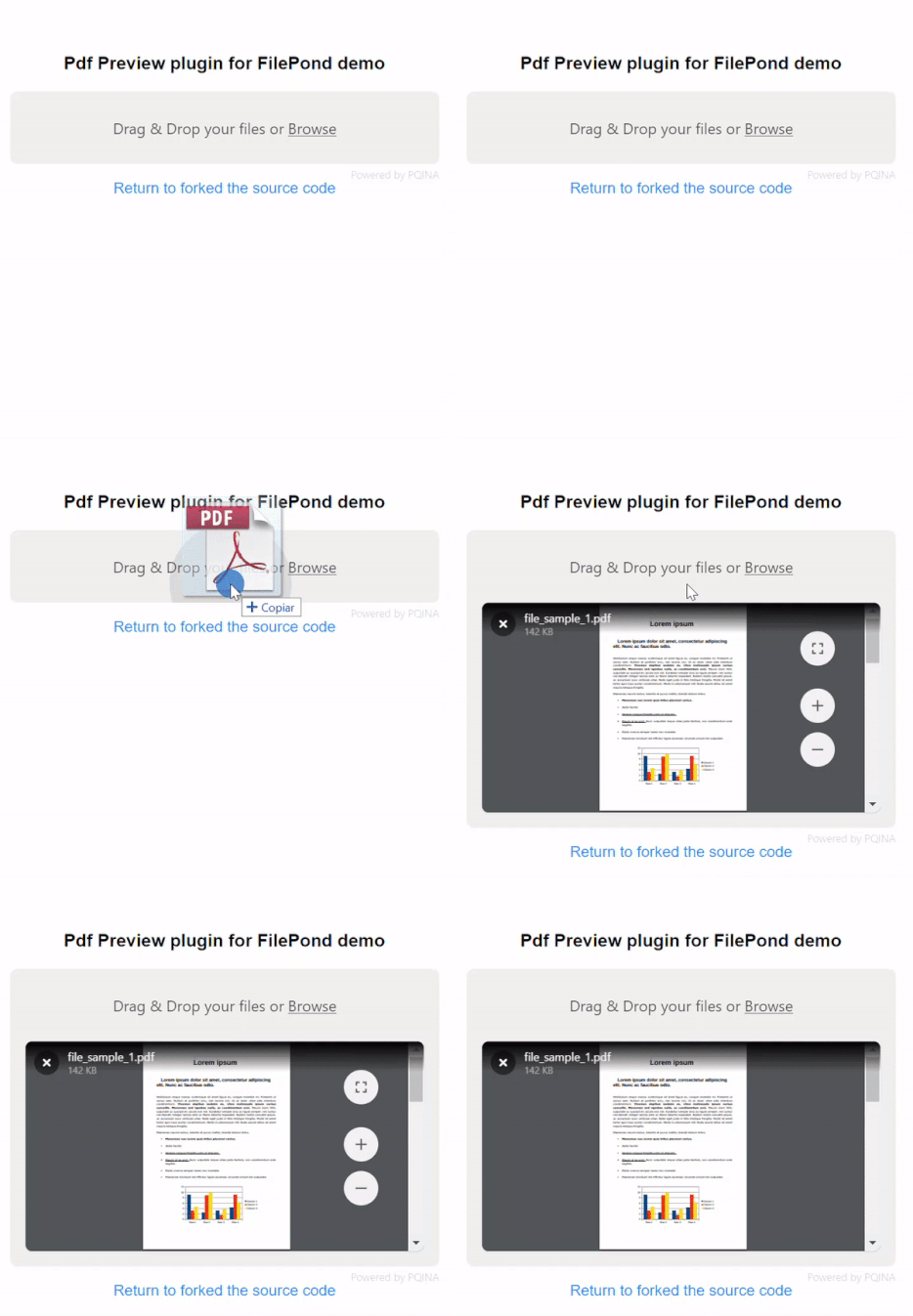
Quick Start
Install using npm:
``bash`
npm install filepond-plugin-pdf-preview
Or install using Yarn:
`bash`
yarn add filepond-plugin-pdf-preview
Or using a CDN refernce:
`js`
https://unpkg.com/filepond-plugin-pdf-preview/dist/filepond-plugin-pdf-preview.min.js
Then import in your project:
`js`
import * as FilePond from "filepond";
import FilePondPluginPdfPreview from "filepond-plugin-pdf-preview";
Or reference it by CDN
`html`
Register the plugin:
`js`
FilePond.registerPlugin(FilePondPluginPdfPreview);
Create a new FilePond instance as normal.
`js
const pond = FilePond.create({
name: "filepond",
});
// Add it to the DOM
document.body.appendChild(pond.element);
`
The preview will become active when uploading a PDF file.
Change the defaults
If you want you can change the defaults for this plugin
in the javascript
`js`
pond.setOptions({
allowPdfPreview: true,
pdfPreviewHeight: 320,
pdfComponentExtraParams: 'toolbar=0&view=fit&page=1'
});
or in the html with the 'data-' atributes in the html taghtml`
data-pdf-preview-height="320"
data-pdf-component-extra-params="toolbar=0&navpanes=0&scrollbar=0&view=fitH"
/>
Default styles
Be sure to include this lib's styles, by importing the minified css.
`js`
import "filepond-plugin-pdf-preview/dist/filepond-plugin-pdf-preview.min.css";
or by CDN
`html``