flipper-plugin-performance
v5.0.0
Inspect React Native performance with Flipper
0/weekUpdated 2 years agoMITUnpacked: 32.5 KB
Published by Joel Arvidsson
npm install flipper-plugin-performanceFlipper Performance Plugin
This is a plugin for the debug tool Flipper that provides a UI for visualizing performance tracing on a timeline and generic metrics.
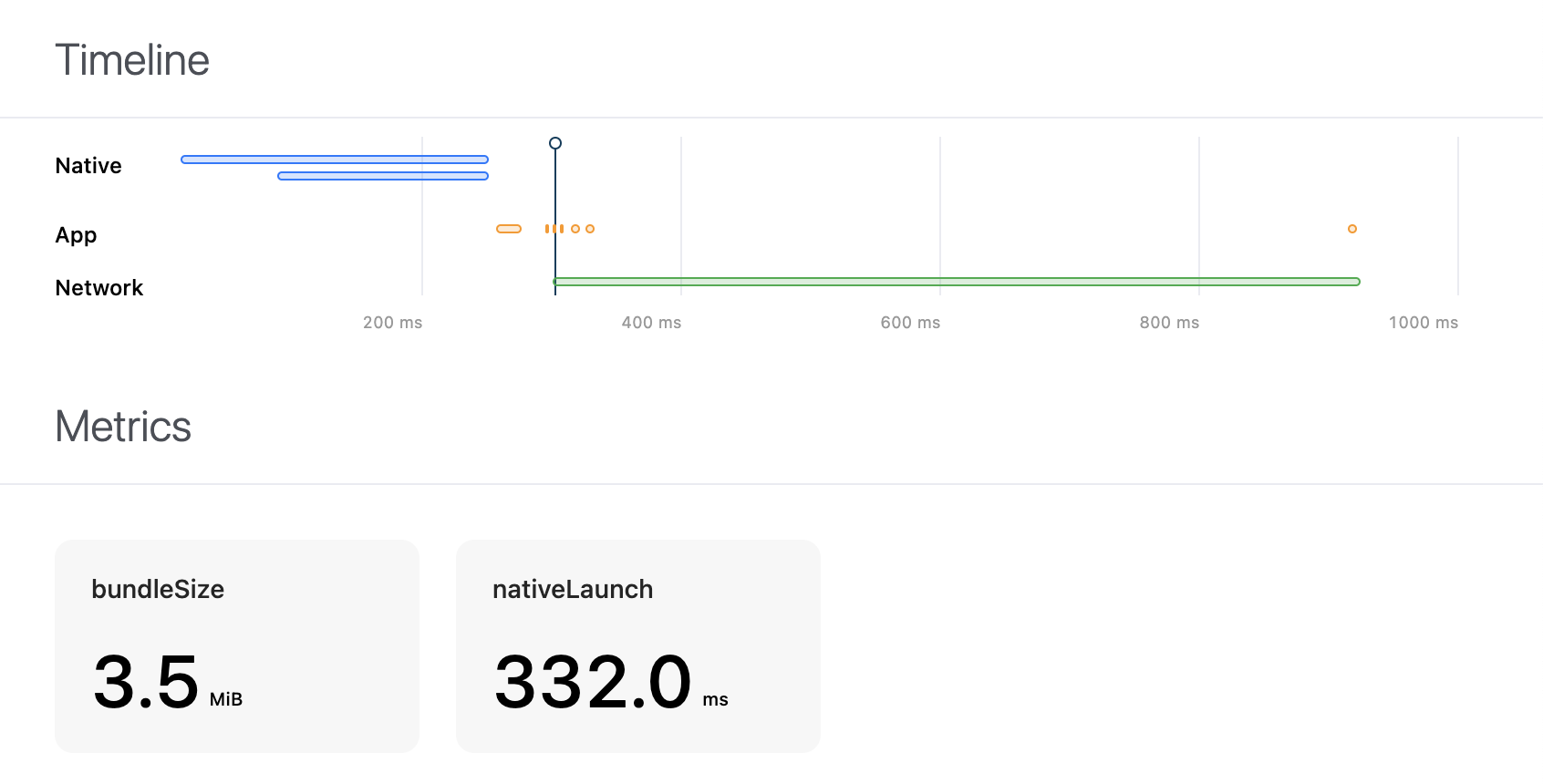
It can be used as a generic profiler, or used together with the react-native-performance library, where the react-native-performance-flipper-reporter acts as the middleman transforming and filtering the data collected into something suitable for visualization.
Setup
$3
1. Go to Manage Plugins by pressing the button in the lower left corner of the Flipper app, or in the View menu
2. Select Install Plugins and search for flipper-plugin-performance
3. Press the Install button
$3
#### Install dependencies
``bash`
yarn add react-native-performance react-native-flipper react-native-performance-flipper-reporter
#### Enable integration
`js``
// index.js
if (__DEV__) {
require('react-native-performance-flipper-reporter').setupDefaultFlipperReporter();
}
License
MIT © Joel Arvidsson 2021 – present