Set focus on DOM element adding overlay to the rest of the page
npm install focusable-elementFocusable  
=============

An awesome and lightweight library for performing spotlight in your DOM elements, setting an animated overlay to the rest of the page.
You can find a live demo here.


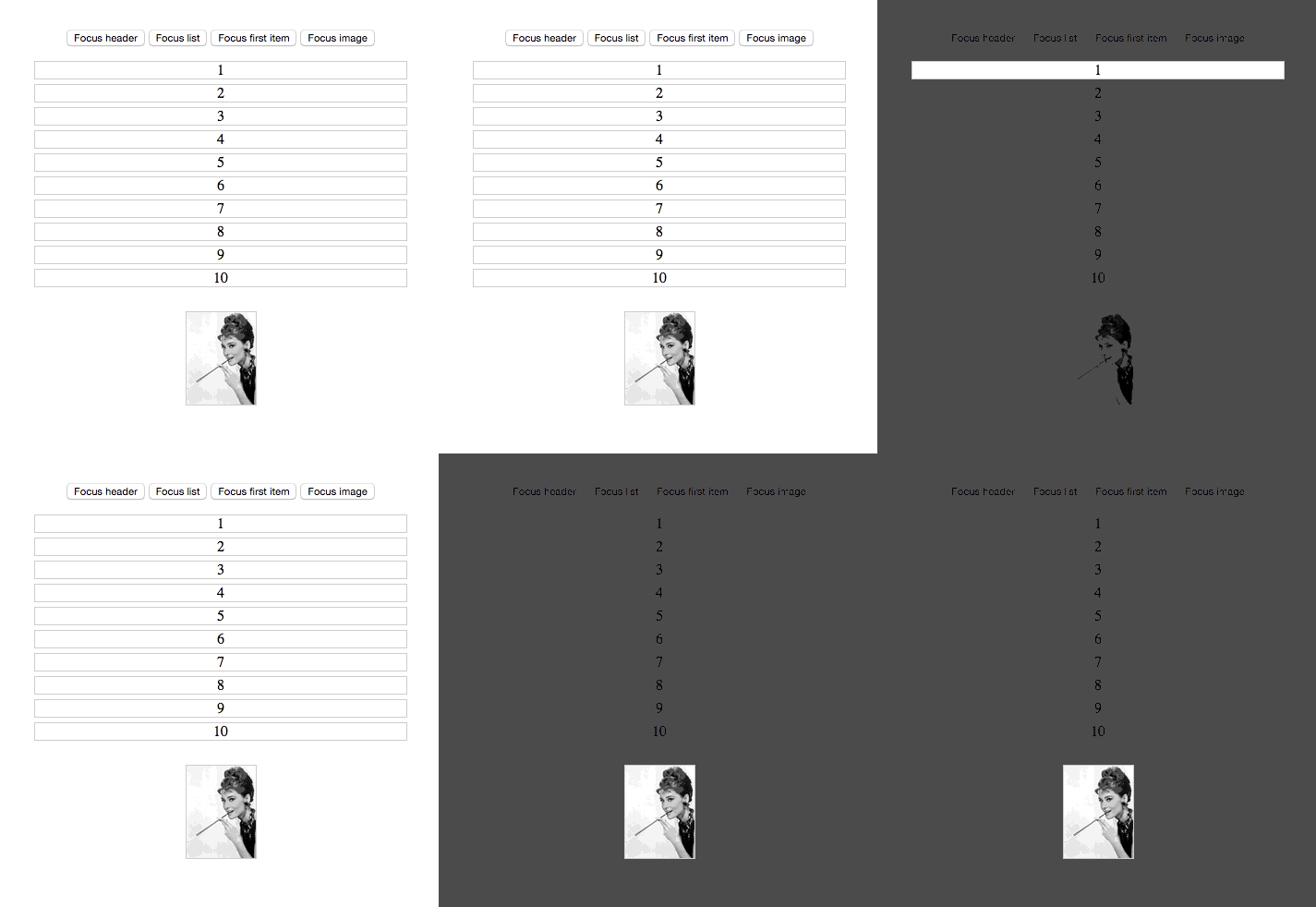
javascript
$('#my-element').setFocus(options);
`
###### Set spotlight (through library)
javascript
Focusable.setFocus($('#my-element'), options);
`
###### Refresh current focused element
javascript
Focusable.refresh();
`
###### Hide spotlight
javascript
Focusable.hide();
`
###### Get focused element
javascript
Focusable.getActiveElement();
`
###### Get options
javascript
Focusable.getOptions();
`###### Options
Property | Value | Default | Description
------------ | ------------- | ------------- | -------------
fadeDuration | Number | 700 | Duration of the overlay transition (milliseconds).
hideOnClick | Boolean | false | Hides the overlay when the user click into it.
hideOnESC | Boolean | false | Hides the overlay when the user press Esc.
findOnResize | Boolean | false | Refind the element in the DOM in case that the element don't still exists.
circle | Boolean | false | Have the spotlight in a circle shape
###### Runing tests
*
*
* See the result of testsuite in http://localhost:9092###### Dependencies
- jQuery
###### Contributing
0. Check open issues
1. Fork it
2. Create your feature branch (
)
3. Commit your changes (
git commit -am 'Add some feature')
4. Push to the branch (git push origin my-new-feature`)###### Author
You can follow me on Twitter - https://twitter.com/zzarcon