format-javascript-comment
v0.2.5
Format your JavaScript comments
0/weekUpdated 3 years agoMIT
Published by Jan Amann
npm install format-javascript-commentFormat JavaScript comment for Atom
> Reformats your multiline comments into beautiful, maximum 80 character long lines with minimum raggedness. ✨
What?
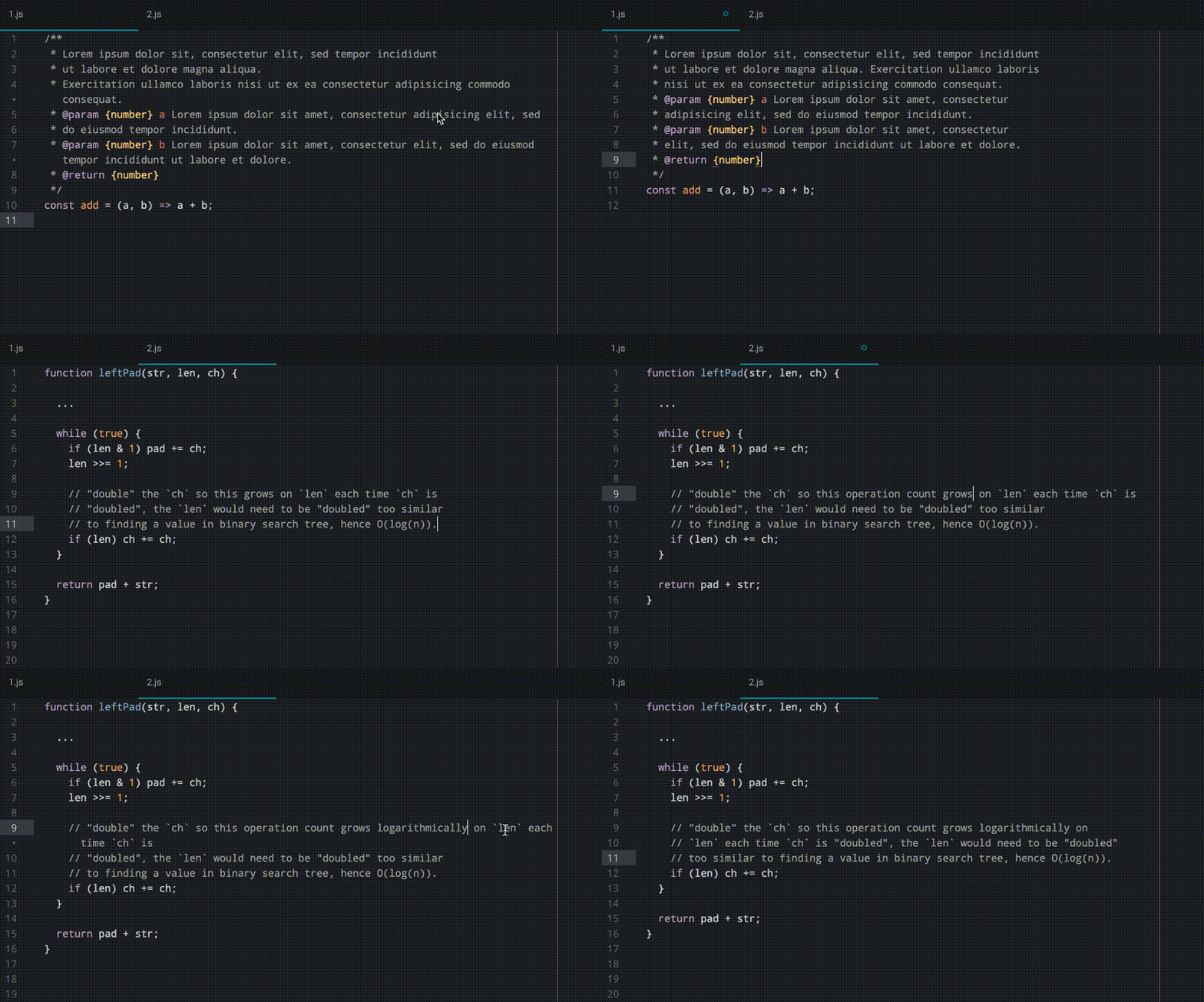
Features
- Single line comments (
// Whatever)- Multiline comments (
* Whatever)- JSDoc tags always start on a new line (
* @param {string} name Some description.)- If no selection is made, the selection is automatically created by examining the lines surrounding the cursor.
- If some selection is made, only the lines that are within the selection will be processed. However, lines can be selected partially.
- Completely empty comment lines will be preserved.
- Processing of multiple comments at once using multiple cursors.
How?
1. Install format-javascript-comment (either through the package manager or through
apm install format-javascript-comment).2. (Partially) select the lines the comment encompasses.
3. Open command palette (Cmd+Shift+P) and (partially) type "format comment".
4. Press enter.