gatsby-theme-waves
v0.1.6
Bring scrollytelling to your mdx.
26/weekUpdated 3 years agoMITUnpacked: 17.1 KB
Published by Rodrigo Pombo
npm install gatsby-theme-wavesGatsby Theme Waves
> Still experimental but you can give it a try
Bring scrollytelling to your mdx. Animate code, images, charts, maps and more as you scroll.
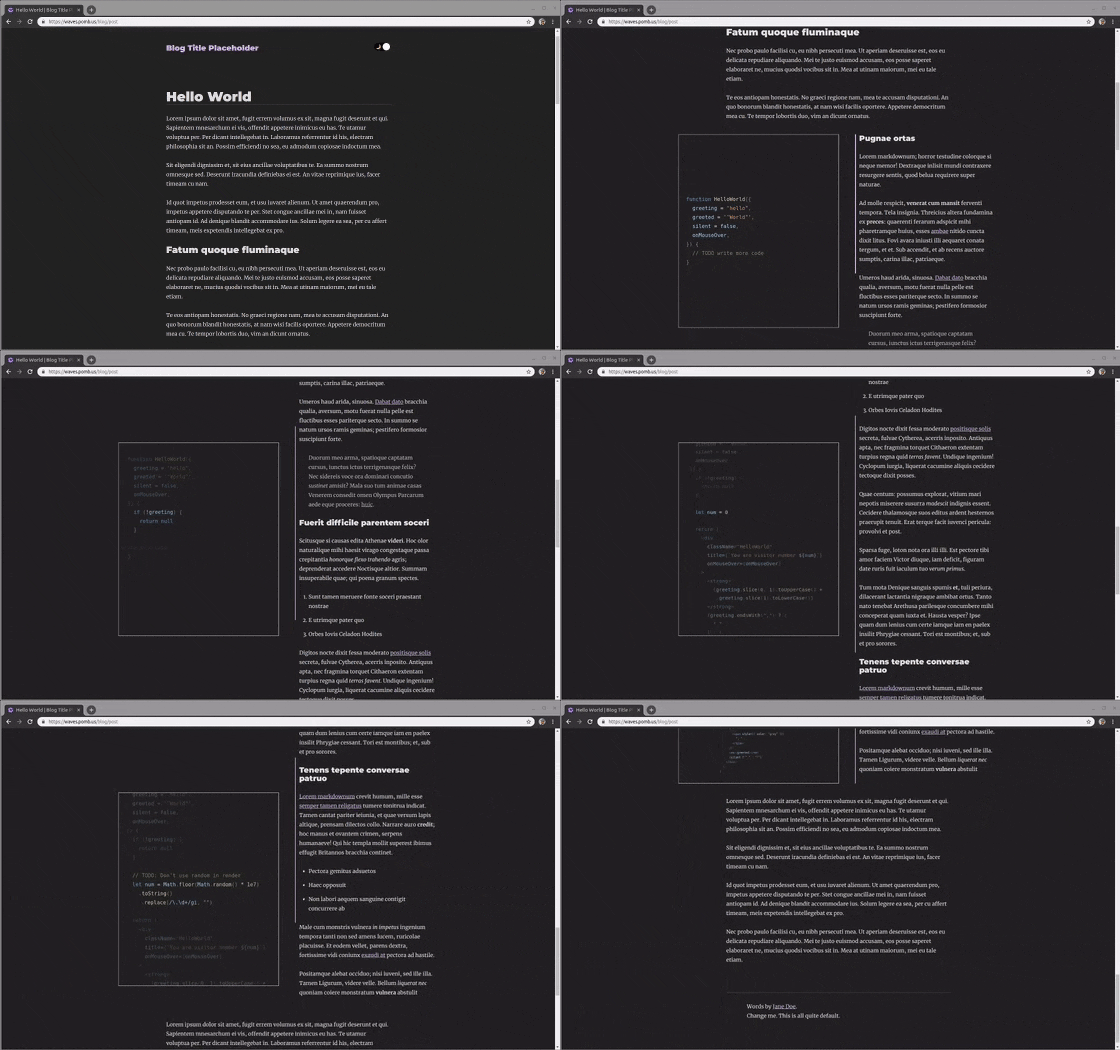
The MDX looks like this:
```md
import { CodeWave } from "gatsby-theme-waves"
`py`some code
Some markdown
`py`more code
More markdown
> and more
`py`and more
- ok
- that's enough
``
Installation
You need a Gatsby site with MDX. For example, this is how you add gatsby-theme-waves to a site that uses gatsby-theme-blog:
1. Install the theme (and deepmerge for merging the theme styles)
`sh`
npm install --save gatsby-theme-waves deepmerge
2. Add the theme to your gatsby-config.js (at the end of the plugin list just in case)
`js`
module.exports = {
plugins: [
"gatsby-theme-blog",
"gatsby-theme-waves", // <-- add this
],
}
3. Merge the styles: create or edit src/gatsby-plugin-theme-ui/index.js
`js
import wavesTheme from "gatsby-theme-waves/src/gatsby-plugin-theme-ui/index"
import blogTheme from "gatsby-theme-blog/src/gatsby-plugin-theme-ui/index"
import merge from "deepmerge"
export default merge(blogTheme, wavesTheme)
`
4) Import CodeWave and use it in any MDX file
``md
import { CodeWave } from "gatsby-theme-waves"
`py`
# some code
# Some markdown
`py`
# more code
More markdown
> and more
`py`
# and more
- ok
- that's enough
``
Your set up should look like this example.
$3
By default the lines that changed between two consecutive code blocks will be highlighted. You can change it to highlihgt the line (and columns) you want:
``md`js 1:3,6`
// highlihgts line 1,2,3 and 6
`js 5[1,3:6],8`
// highlihgts:
// columns 1,3,4,5 and 6 from line 5
// and line 8
Coming Soon
- Import code from files
- Better custom code syntax highligthing using theme-ui
- More waves
- More docs