grapesjs-plugin-filestack
v0.1.1
Enable Filestack uploader inside the Asset Manager
4.6K/weekUpdated 3 years agoBSD-3-Clause
Published by Artur Arseniev
npm install grapesjs-plugin-filestackGrapesJS Filestack
This plugin replaces the default file uploader with the one from Filestack
Demo: http://grapesjs.com/demo.html
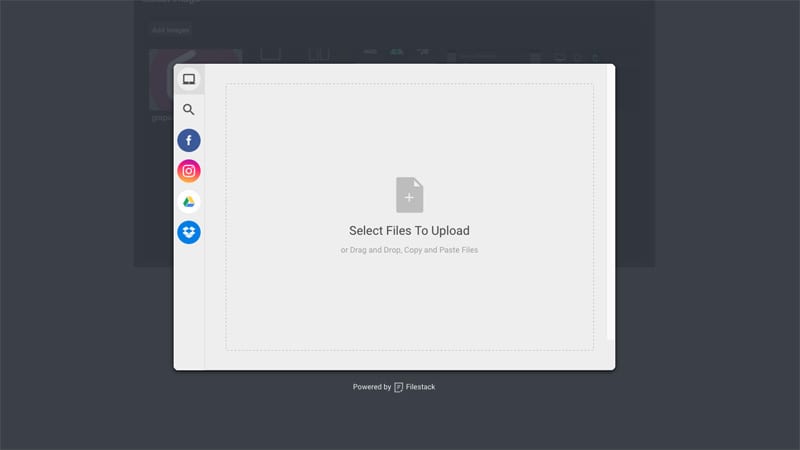
Summary
* Plugin
* Name: gjs-plugin-filestack
* Options:
* key Filestack's API key (required)
* btnEl Custom button element which triggers Filestack modal
* btnText Text for the button in case the custom one is not provided, default: Add images
filestackOpts Filestack's options, default: {accept: 'image/', maxFiles: 10}
* onComplete On complete upload callback, eg. onComplete: (blobs, assets) => {...}
blobs Array of Objects, eg. [{url:'...', filename: 'name.jpeg', ...}]
assets Array of inserted assets
Download
* npm i grapesjs-plugin-filestack
* Latest release link https://github.com/artf/grapesjs-plugin-filestack/releases/latest
Usage
``html
`
Development
Clone the repository
`sh`
$ git clone https://github.com/artf/grapesjs-plugin-filestack.git
$ cd grapesjs-plugin-filestack
Install it
`sh`
$ npm i
The plugin relies on GrapesJS via peerDependencies so you have to install it manually (without adding it to package.json)
`sh`
$ npm i grapesjs --no-save
Start the dev server
`sh``
$ npm start
License
BSD 3-Clause