hexo-theme-melody
v1.9.1
hexo-theme-melody hexo theme
0/weekUpdated 3 years agoUnpacked: 396.7 KB
Published by molunerfinn
npm install hexo-theme-melodyhexo-theme-melody





A simple & beautiful & fast theme for Hexo.
See demo:
- molunerfinn.com
- Elody's Blog
- zouyaoji's Blog
- flytreeleft's Blog
- 霪霖笙箫的博客
- upupming 的博客
- HibisciDai's blog
- 李牧羊
- DoubleFJ の Blog
- Inno’s Blog
- SpiffyEight77's Blog
- FoolのGarden
- 高可用可伸缩微服务架构
- Oolong Box
- Kiyoshi's Blog
- Sheey的小窝
- Ahuiyo の Blog
- XIAO Blog
- Moon's Blog
- cuteerhas
- 李林林的小站
- Sunshine
- 过客别墅
- jie wei
- Mandarin的日常
and more...
If you are using theme-melody and want to be shown to others like above (It will be stopped when the demo sites' number up to 25), please write down your site in this issue!
Documentation
Documentation is here. Now it supports en and zh-Hans.
If you meet problems using hexo-theme-melody, it's recommended to read FAQ & Documentation, most of your problems will be solved!
Changelogs
See releases.
Screenshots


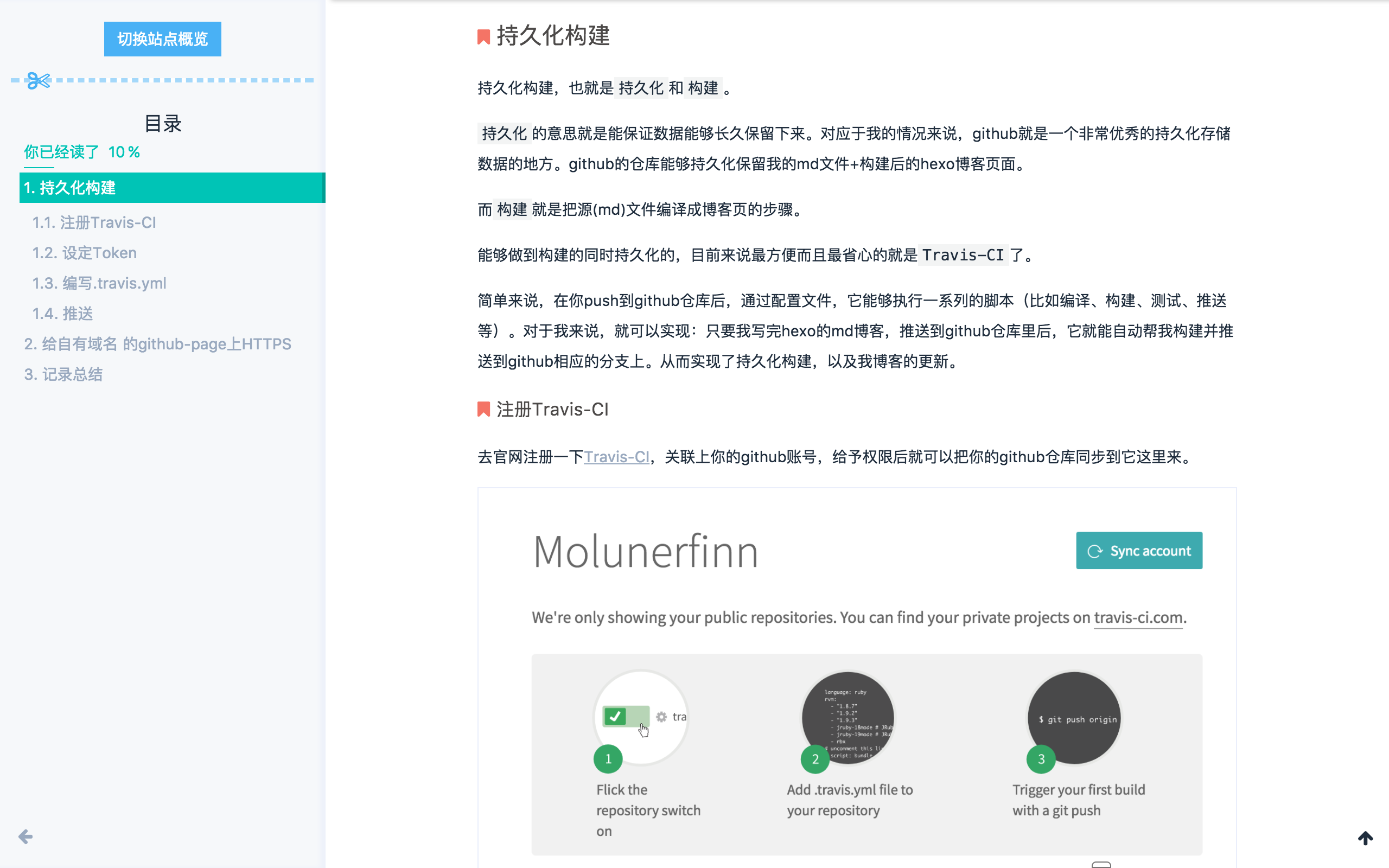

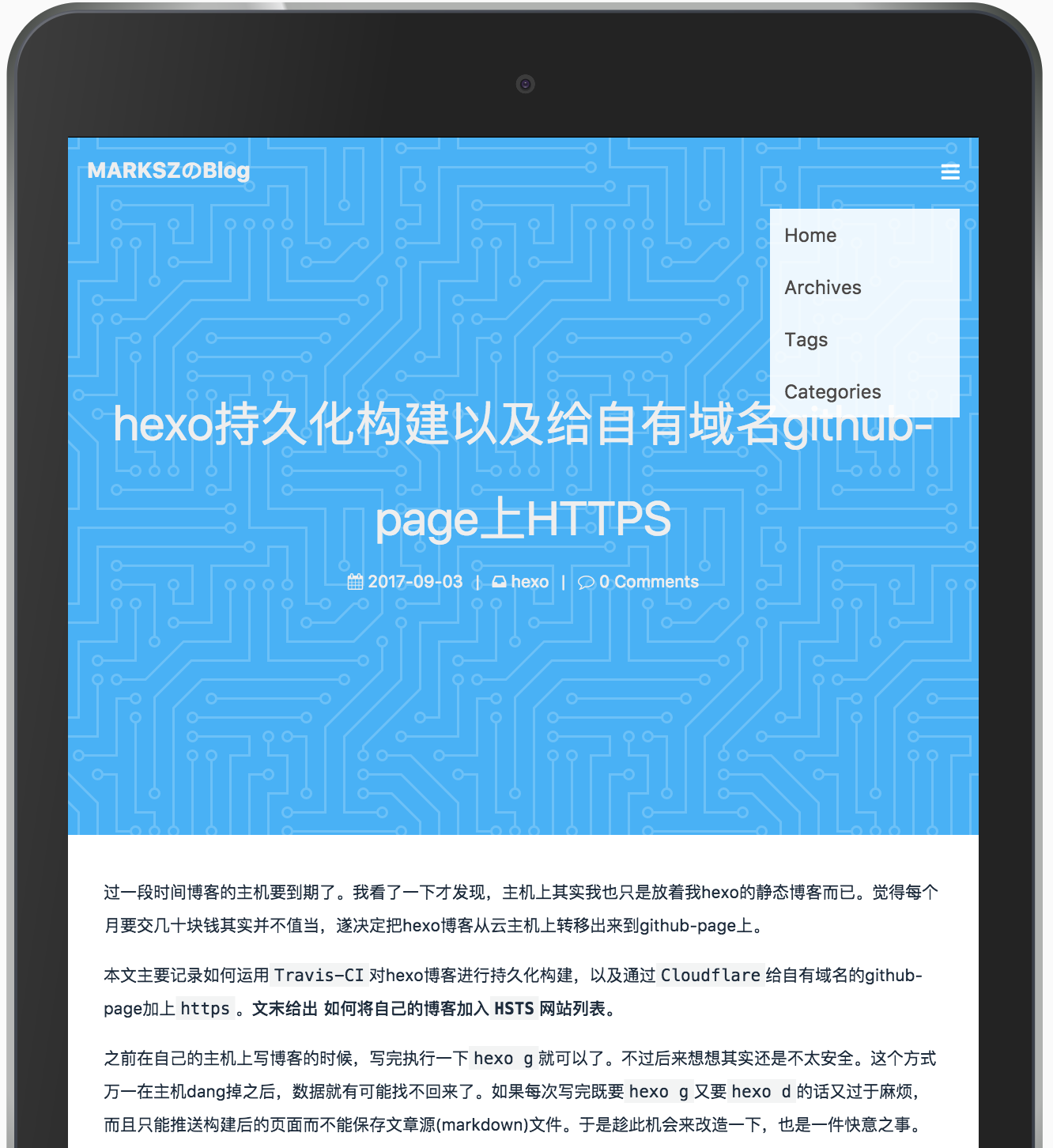
Installation
Notice: The installation method before and after hexo 5.0 version is different.
Hexo version < 5.0
Find your hexo work folder
``bash`
git clone -b master https://github.com/Molunerfinn/hexo-theme-melody themes/melody
If you don't have jade & stylus renderer, follow this:
`bash`
npm install hexo-renderer-pug hexo-renderer-stylus
In your hexo site's _config.yml, find the theme field, change it to melody:
`yaml`
theme: melody
Hexo version >= 5.0
`
npm install hexo-theme-melody
If you don't have jade & stylus renderer, follow this:
`bash`
npm install hexo-renderer-pug hexo-renderer-stylus
In your hexo site's _config.yml, find the theme field, change it to melody:
Configuration
Notice: The configuration file before and after hexo 5.0 version is different.
Hexo version < 5.0
For smoothly updating theme-melody, I recommend to create a config file named melody.yml in your hexo work folder's (Notice: not the theme-melody folder) source/_data folder(If it doesn't exist, create one)
Copy the contents of _config.yml to melody.yml. Now you can configure it by yourself and you can update theme-melody smoothly.
Hexo version >= 5.0
1. create a _config.melody.yml in your hexo work folder../node_modules/hexo-theme-melody/_config.yml
2. copy the contents of to _config.melody.yml
3. If you have used for a long time, and has a melody.yml above, please copy the contents of melody.yml to _config.melody.yml & remove melody.yml since it will be deprecated.
Now you can configure it by yourself and you can update theme-melody smoothly.
Update
Notice: The update method before and after hexo 5.0 version is different.
Hexo version < 5.0
Jump into the melody folder, just git pull is OK.
Hexo version >= 5.0
In your hexo work folder, just npm update hexo-theme-melody` is OK.
> For more details, please check documentation
Browser Support
IE >= 10
TODOS
- ~~Doc~~
- ~~Search~~ // Algolia support
- ~~Analysis~~ // Baidu & Google analytics support
- ~~MathJax~~ // MathJax support
- ~~i18n~~ // zh-Hans & en support
- ~~PWA~~ // v1.2 support
- Performance optimization
- ...
License
Copyright (c) 2017 Molunerfinn