homebridge-openwebif-tv
v5.1.3
Homebridge plugin to control Sat Receivers based on openWebIf api.
87/weekUpdated 2 weeks agoMITUnpacked: 166.8 KB
Published by grzegorz914
npm install homebridge-openwebif-tv
Homebridge OpenWebIf TV


Homebridge plugin for Sat Receivers based on the OpenWebIf API. Tested with VU+ Ultimo 4K, Formuler F4 Turbo.
Package Requirements
| Package | Installation | Role | Required |
| --- | --- | --- | --- |
| Homebridge | Homebridge Wiki | HomeKit Bridge | Required |
| Homebridge UI | Homebridge UI Wiki | Homebridge Web User Interface | Recommended |
| OpenWebIf TV | Plug-In Wiki | Homebridge Plug-In | Required |
Warning
* For plugin < v5.1.0 use Homebridge UI <= v5.5.0.
* For plugin >= v5.1.0 use Homebridge UI >= v5.13.0.
About The Plugin
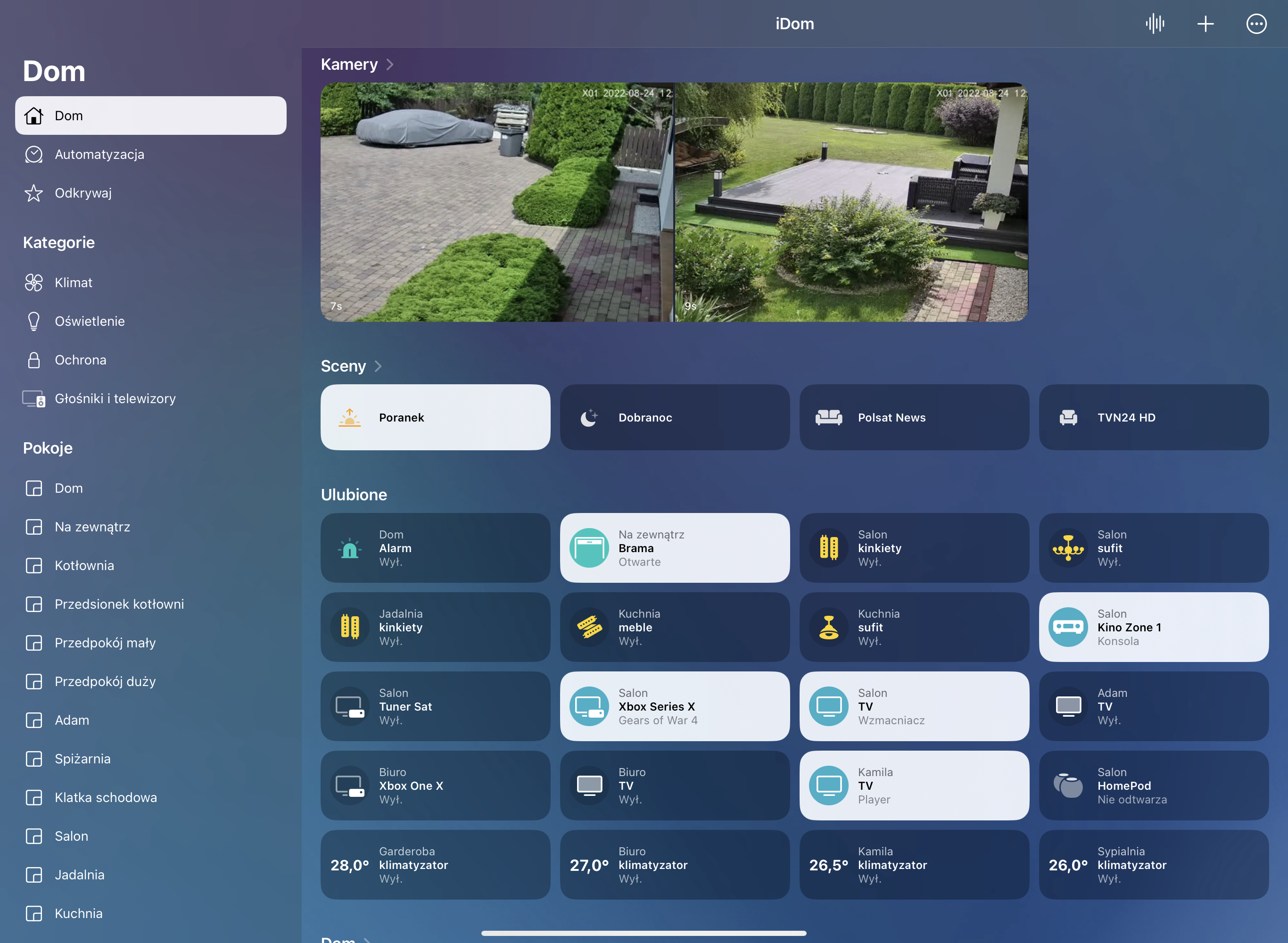
* Power ON/OFF short press tile in HomeKit app.
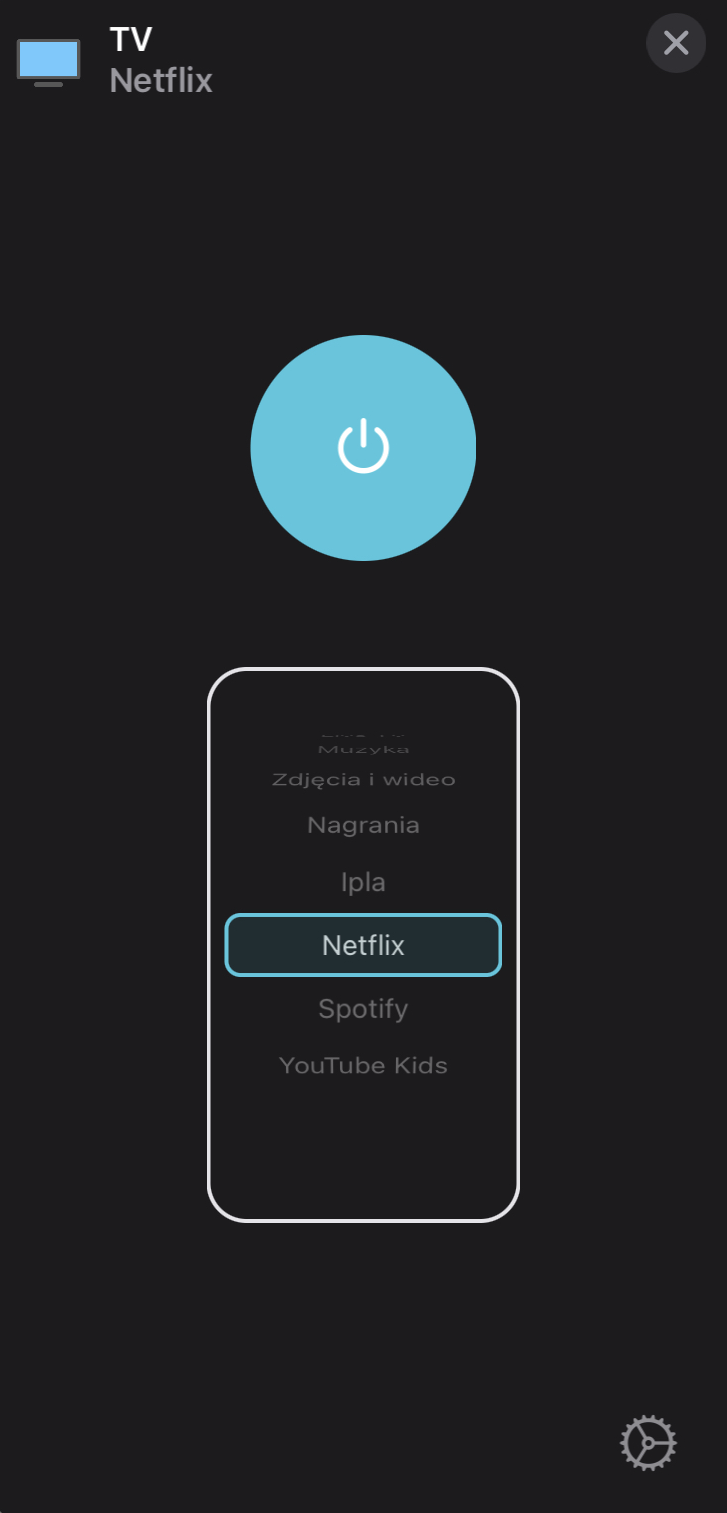
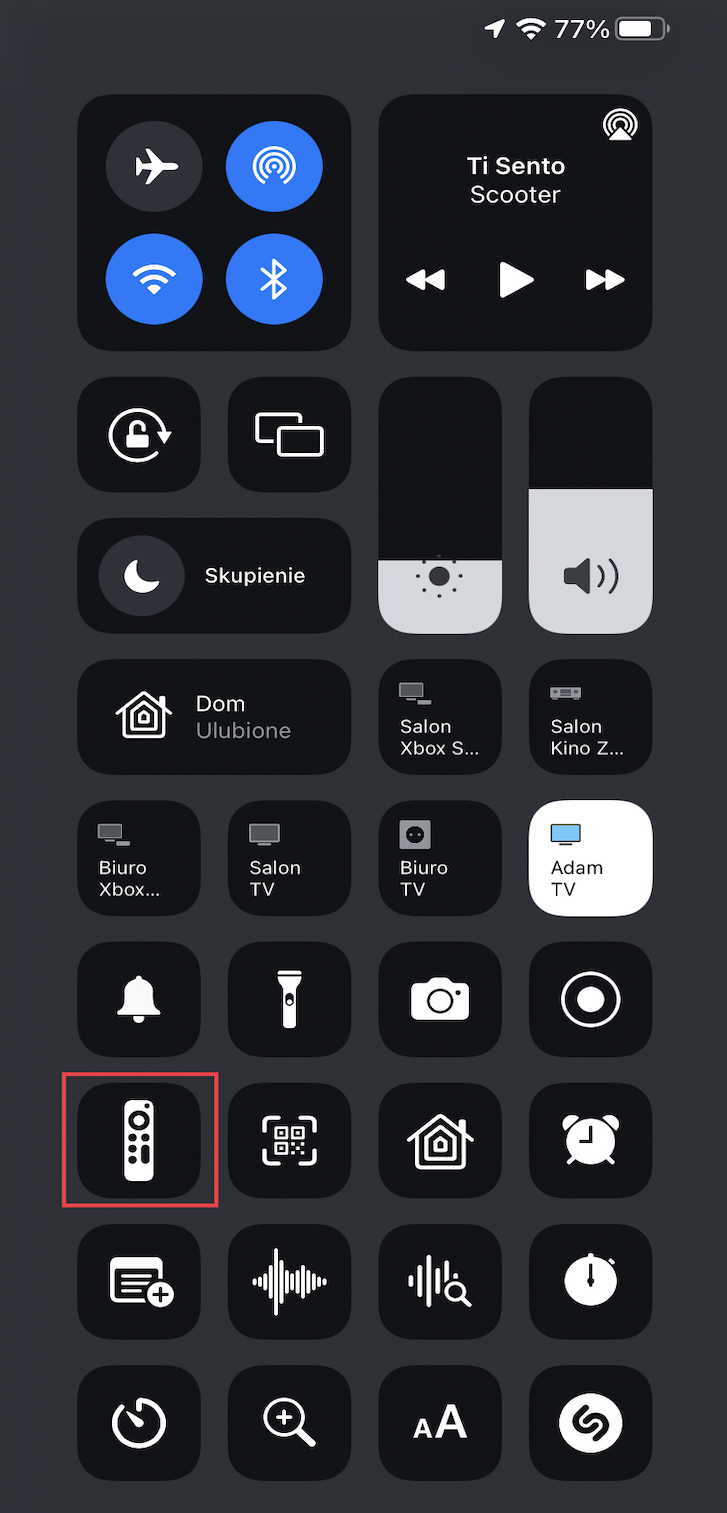
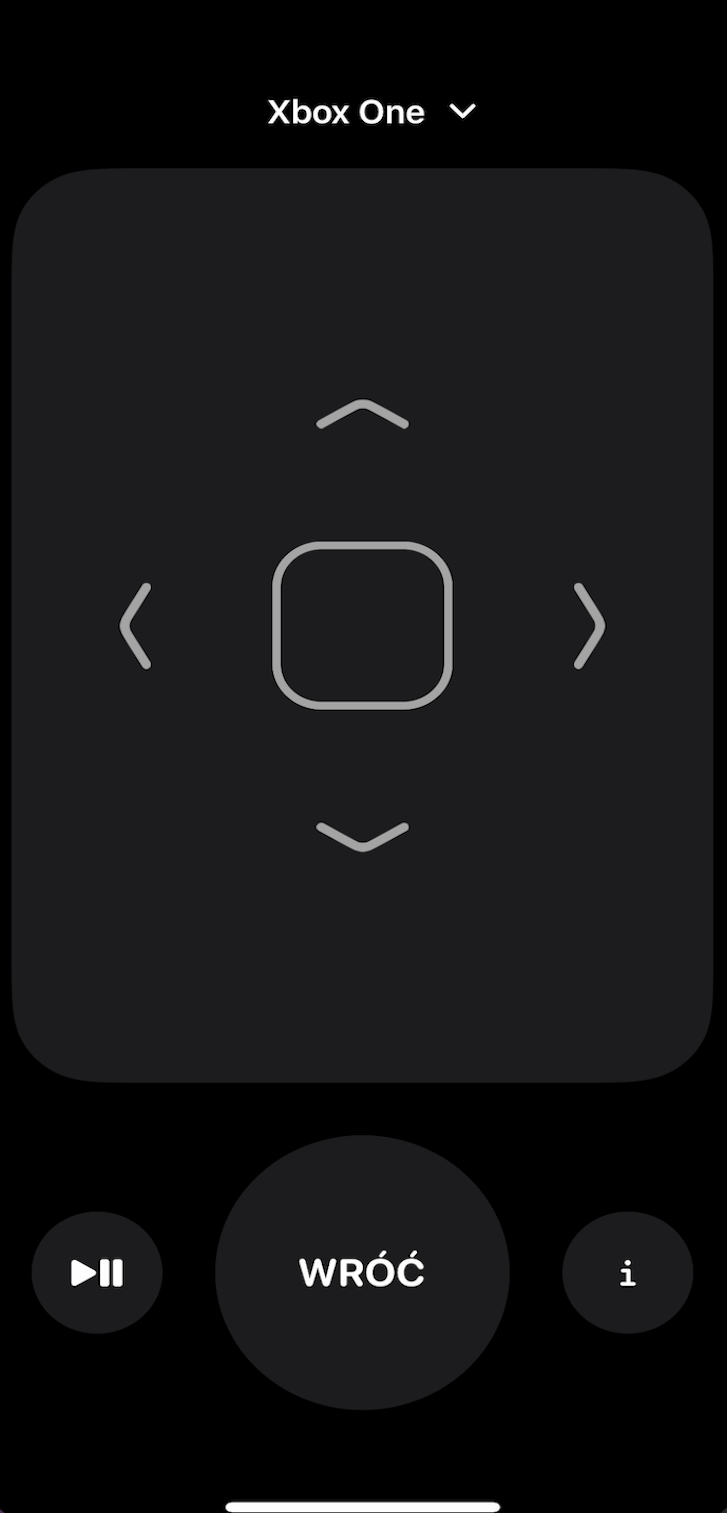
* RC/Media control is possible after you go to the RC app on iPhone/iPad.
* Speaker control is possible after you go to RC app on iPhone/iPad Speaker Service.
* Legacy Volume and Mute control is possible throught extra lightbulb/fan (slider).
* Channels can be changed using Channels selector in HomeKit.app, additionally can create separate tile.
* Siri can be used for all functions, some times need create legacy buttons/switches/sensors.
* Automations can be used for all functions, some times need create legacy buttons/switches/sensors.
* Support external integration MQTT.
$3
* Run this plugin as a Child Bridge (Highly Recommended), this prevent crash Homebridge if plugin crashes.
* Install and use Homebridge UI to configure this plugin.
* The sample-config.json can be edited and used as an alternative.
* Be sure to always make a backup copy of your config.json file before making any changes to it.
| Key | Description |
| --- | --- |
| name | Here set the accessory Name to be displayed in Homebridge/HomeKit. |
| host | Here set the Hsostname or Address IP of Sat Receiver.|
| port | Here set the Port of Sat Receiver. |
| displayType | Accessory type to be displayed in Home app: 0 - None/Disabled, 1 - Television , 2 - TV Set Top Box, 3 - TV Streaming Stick, 4 - Audio Receiver. |
| auth{} | Authorization object. |
| auth.enable | If enabled, authorizatins credentials will be used for login. |
| auth.user | Here set the authorization Username. |
| auth.passwd | Here set the authorization Password. |
| inputs{} | Inputs object. |
| inputs.getFromDevice | This function get channels by Bouquet direct from device, manually configured channels will be skipped. |
| inputs.displayOrder | Here choose display order of the channels list, 0 - None, 1 - Ascending by Name, 2 - Descending by Name, 3 - Ascending by Reference, 4 - Ascending by Reference. |
| inputs.bouquets[] | Inputs bouquets array. |
| inputs.bouquets[].name | Here set Bouquet Name which should be loaded from device, only first 90 services will be used. |
| inputs.bouquets[].displayType | Here choose display extra tile for all channels of this bouquet to be exposed in HomeKit app, possible 0 - None/Disabled, 1 - Outlet, 2 - Switch.|
| inputs.bouquets[].namePrefix | Here enable the accessory name as a prefix for extra tile channel name.|
| inputs.channels[] | Inputs channels array. |
| inputs.channels[].name | Here set Channel Name which should be exposed in the Homebridge/HomeKit. |
| inputs.channels[].reference | Here set Channel Reference. All can be found in homebridge_directory/openwebifTv/inputs_xxxx. |
| inputs.channels[].displayType | Here choose display extra tile for this channel to be exposed in HomeKit app, possible 0 - None/Disabled, 1 -Outlet, 2 - Switch.|
| inputs.channels[].namePrefix | Here enable the accessory name as a prefix for extra tile channel name.|
| buttons[] | Buttons array. |
| buttons[].displayType | Here choose display type in HomeKit app, possible 0 - None/Disabled, 1 - Outlet, 2 - Switch.|
| buttons[].name | Here set Button Name which You want expose to the Homebridge/HomeKit.|
| buttons[].mode | Here choose button mode, 0 - Live TV Channel, 1 - Remote Control. |
| buttons[].reference | Here set Reference, only for Live TV Channel mode, in other case leave empty. |
| buttons[].command | Here choose Remote Control command which will be assigned to the button. |
| buttons[].powerCommand | Here choose Power Control which will be assigned to the button. |
| buttons[].namePrefix | Here enable the accessory name as a prefix for button name.|
| sensors[] | Sensors array. |
| sensors[].displayType | Here choose the sensor type to be exposed in HomeKit app, possible 0 - None/Disabled, 1 - Motion Sensor, 2 - Occupancy Sensor, 3 - Contact Sensor. |
| sensors[].mode | Here choose the sensor mode, possible 0 - Channel, 1 - Power, 2 - Volume, 3 - Mute, 4 - Recording, 5 - Streaming, 6 - Play State. |
| sensors[].name | Here set own sensor Name which You want expose to the Homebridge/HomeKit. |
| sensors[].reference | Here set mode Reference like 1:0:1:3ABD:514:13E:820000:0:0:0:, sensor fired on switch to this reference. |
| sensors[].pulse | Here enable sensor pulse, sensor send pulse and fired on every value change of selected mode. |
| sensors[].namePrefix | Here enable the accessory name as a prefix for sensor name. |
| sensors[].level | Here set Level between 0-100, sensor fired on this level. |
| volume{} | Volume object. |
| volume.displayType | Here choice what a additional volume control mode You want to use 0 - None/Disabled, 1 - Lightbulb, 2 - Fan, 3 - TV Speaker (only hardware buttons on R.C. app), 4 - TV Speaker / Lightbulb, 5 - TV Speaker / Fan. |
| volume.name | Here set Your own volume control name or leave empty. |
| volume.namePrefix | Here enable the accessory name as a prefix for volume control name. |
| log{} | Log object. |
| log.deviceInfo | If enabled, log device info will be displayed by every connections device to the network. |
| log.sSuccess | If enabled, success log will be displayed in console. |
| log.info | If enabled, info log will be displayed in console. |
| log.warn | If enabled, warn log will be displayed in console. |
| log.error | If enabled, error log will be displayed in console. |
| log.debug | If enabled, debug log will be displayed in console. |
| infoButtonCommand | Here choose the function of I button in RC app. |
| refreshInterval | Here set the data refresh interval. |
| mqtt{} | MQTT object. |
| mqtt.enable | If enabled, MQTT Broker will start automatically and publish all awailable PV data. |
| mqtt.host | Here set the IP Address or Hostname for MQTT Broker. |
| mqtt.port | Here set the Port for MQTT Broker, default 1883. |
| mqtt.clientId | Here optional set the Client Id of MQTT Broker. |
| mqtt.prefix | Here set the Prefix for Topic or leave empty. |
| mqtt.auth{} | MQTT authorization object. |
| mqtt.auth.enable | Here enable authorization for MQTT Broker. |
| mqtt.auth.user | Here set the MQTT Broker user. |
| mqtt.auth.passwd | Here set the MQTT Broker password. |
$3
| Direction | Topic | Message | Payload Data |
| --- | --- | --- | --- |
| Publish | Info, State | {"inStandby": true, "volume": 100} | JSON object. |
| Subscribe | Set | {"Power": true} | JSON object. |
| Subscribe | Key | Value | Type | Description |
| --- | --- | --- | --- | --- |
| OpenWebIf | | | | |
| | Power | true, false | boolean | Power state. |
| | Channel | 1:0:1:3DD3:640:13E:820000:0:0:0: | string | Set channel. |
| | RcControl | 168 | string | Send RC command. |
| | Volume | 55 | integer | Set volume. |
| | Mute | true | boolean | Toggle mute. |