AI for your terminal. Uses Google and Stackoverflow to find how to do things on a Unix command line.
npm install how2
how2 finds the simplest way to do something in a unix shell.
It's like man, but you can query it in natural language. It uses a mix of AI code-completion and StackOverflow search.
It effectively replaces Chrome => New Tab => Google => Click on StackOverflow => Scroll Down to first answer.
Work in progress 🚧 🚧 🚧 Updates coming soon
Go to how2terminal.com for more info
brew tap how2terminal/how2
brew install how2
* With NPM:
npm install -g how2
if it gives you EACCES errors, you need to fix npm permissions. Or you can just use sudo npm install -g how2 if you don't care
* Ubuntu/Debian:
Download latest .deb and then run:
sudo dpkg i how2.deb
* Binaries:
Go to the latest release and download the binaries.
-s option instead, it will search StackOverflow for an answer.!how2 AI and StackOverflow mode
After that you can press SPACE to go to the interactive mode, where you can choose a different stackoverflow question/answer.
[//]: # (You can use -l lang to find answers for other languages:)
[//]: # (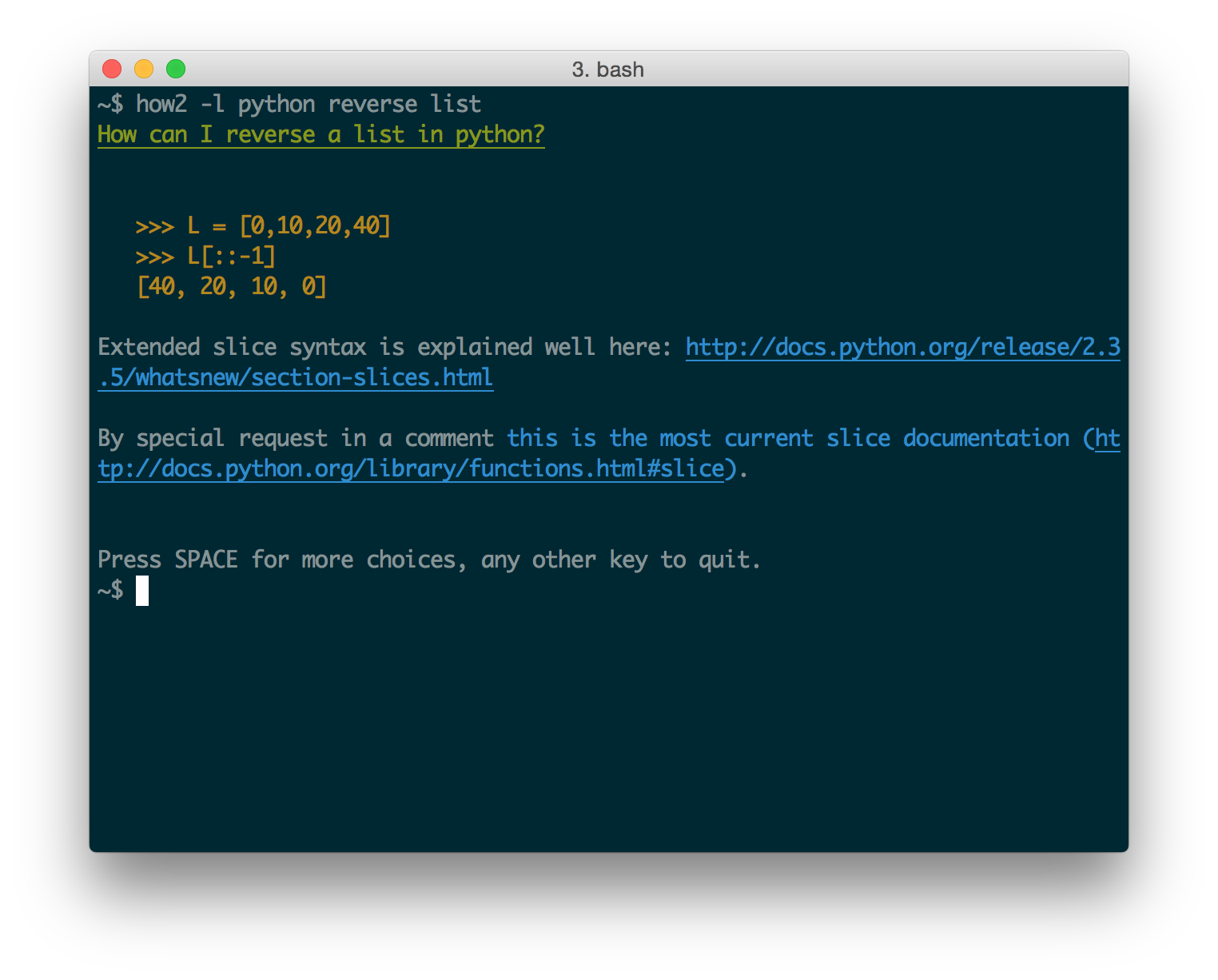)
-s to get the best answer on StackOverflow straight into- press "p" to just print out the selected answer (easier to copy-paste)
- use block-select: With Ubuntu try holding Ctrl+Alt before you select, or Alt+Cmd if you're in iTerm on Mac
(thanks to @danielkop for this suggestion).
HTTP_PROXY or HTTPS_PROXY environment variables.For example, you could alias the proxy settings in your ~/.bash_profile:
alias how2="HTTPS_PROXY='your_proxy:8888' how2"