html-hyperdrive
v0.0.15
CSS3D renderer for a dynamic, interactive flying space environment.
15/weekUpdated 3 years agoWTFPL
Published by manny404
npm install html-hyperdrive
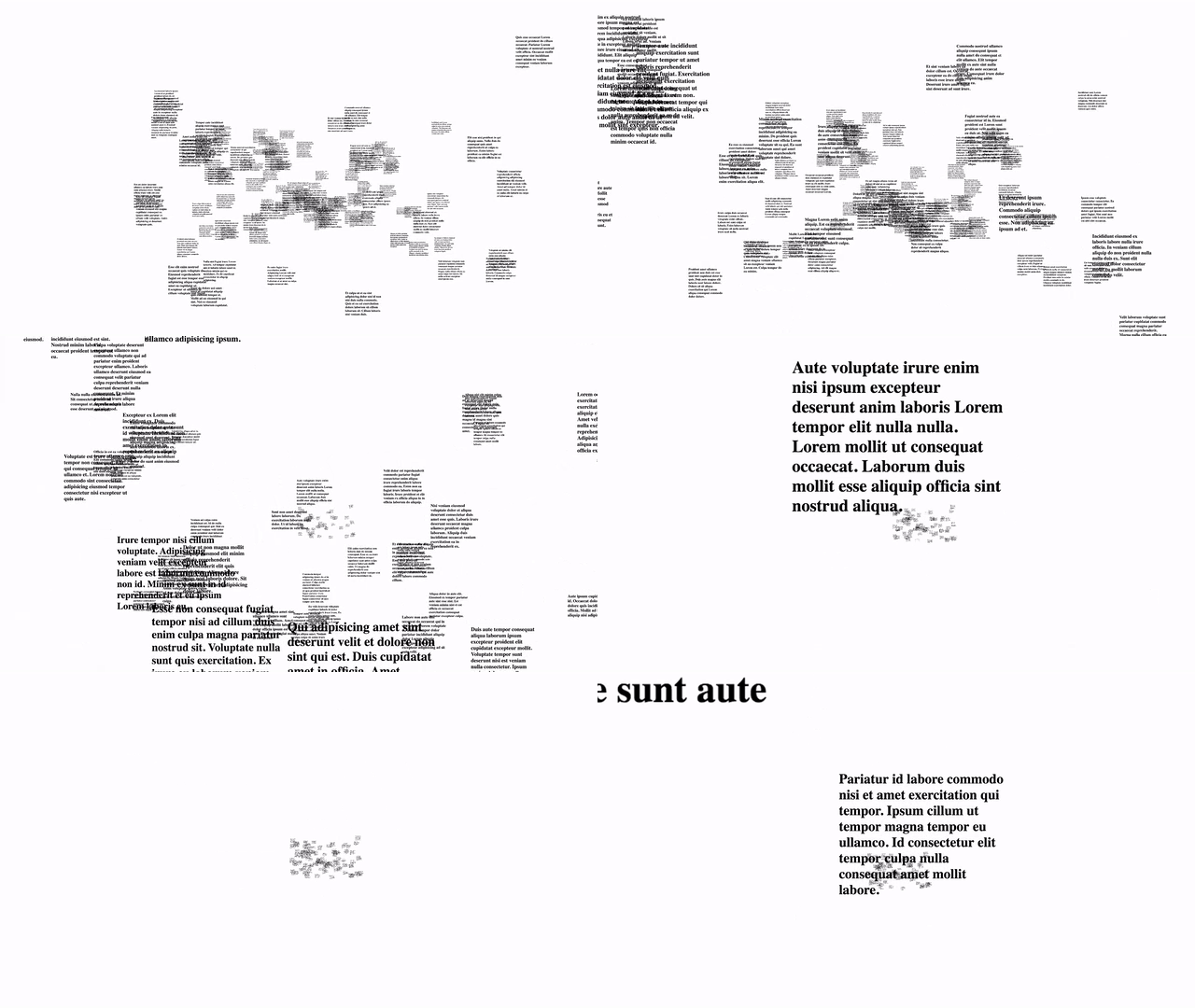
:zap: HTML Hyperdrive :zap:
__Work In Progress__
A utility library for creating spatial, interactive CSS3D experiences.
$3
See the example/index.js file for reference.
HTML Hyperdrive renders HML (Hyperdrive Markup Language), which is just HTML as a string with some configuration...
eg:
`` Body js
var HTMLHyperDrive = require('html-hyperdrive');
var htmlElms = [
{
style: {
height: '400px',
width: '300px',
},
html: 'Title
'
},
{
style: {
height: '400px',
width: '300px',
boxSizing: 'border-box',
},
html: 'Sub Title
'
},
{
style: {
height: '600px',
width: '800px',
},
html: '
}
];
var app = new HTMLHyperDrive(document.getElementById('container'), htmlElms);
app.startScene();
`
will render 3 stream elements with the provided styles (write in JS syntax), and markup.
$3
optionally, you can pass a config object as the 3rd parameter as so
`js`
var container = document.getElementById( ... );
var htmlElms = { ... };
var config = { ... };
var app = new HTMLHyperDrive(container, htmlElms, config);
Key | Description
:------- | :----------
moveSpeed | Speed for "automove". Default is 3
xRange | The range of possible x values (affects how close/far elements are from each other)
zDepth | The z depth of the total cluster of elements.
zoomInCb | Callback fired when an element is clicked and "zoomed" into. Will callback with the obj as first parameter.
zoomOutCb | Callback fired when body is clicked from "zoomed" state and return to all elements.
mountCb | Callback fired when an element is initially rendered into DOM. Will callback with the obj as first parameter.
#### Controls:
* s : start/stop auto drift esc` : zoom out of zoomed in view
*