httpyac
v6.16.7TypeScript
HTTP/REST CLI Client for *.http files
0/weekUpdated 10 months agoMITUnpacked: 1.3 MB
Published by weber.andreas
npm install httpyac
httpYac - Yet another Rest Client
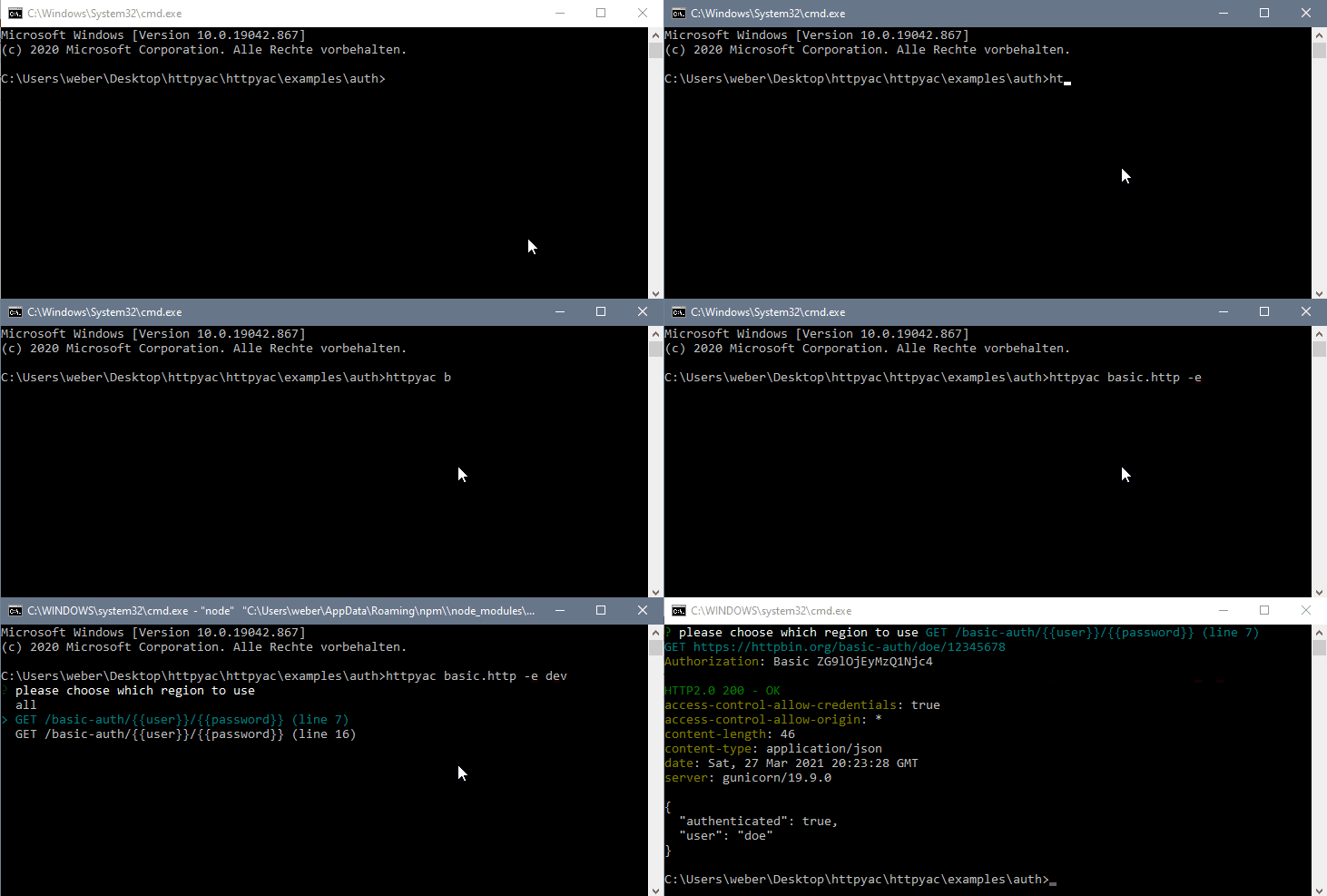
> httpyac CLI provides a command line interface to execute _.http and _.rest files. This can be used to quickly execute a single \*.http file, but also to execute all files in a folder. httpyac supports HTTP, Rest, GraphQL, WebSocket und gRPC Requests

Installation
``shell`
npm install -g httpyac
httpyac --version
or using docker
`shell`
docker run -it -v ${PWD}:/data ghcr.io/anweber/httpyac:latest --version
Commands
`shell
> httpyac --help
Usage: httpyac [options] [command]
httpYac - Quickly and easily send REST, SOAP, GraphQL and gRPC requests
Options:
-V, --version output the version number
-h, --help display help for command
Commands:
oauth2 [options] generate oauth2 token
send [options]
help [command] display help for command
`
`shell
> httpyac help send
Usage: httpyac send [options]
send/ execute http files
Arguments:
fileName path to file or glob pattern
Options:
-a, --all execute all http requests in a http file
--bail stops when a test case fails
-e, --env
--filter
--insecure allow insecure server connections when using ssl
-i --interactive do not exit the program after request, go back to selection
--json use json output
--junit use junit xml output
-l, --line
-n, --name
--no-color disable color support
-o, --output
Example
`http
@user = doe
@password = 12345678
GET https://httpbin.org/basic-auth/{{user}}/{{password}}
Authorization: Basic {{user}} {{password}}
``