insomnia-plugin-min-theme
v0.0.6
A minimal theme for Insomnia.
0/weekUpdated 1 years agoMITUnpacked: 91.1 KB
Published by Biguelini
npm install insomnia-plugin-min-theme

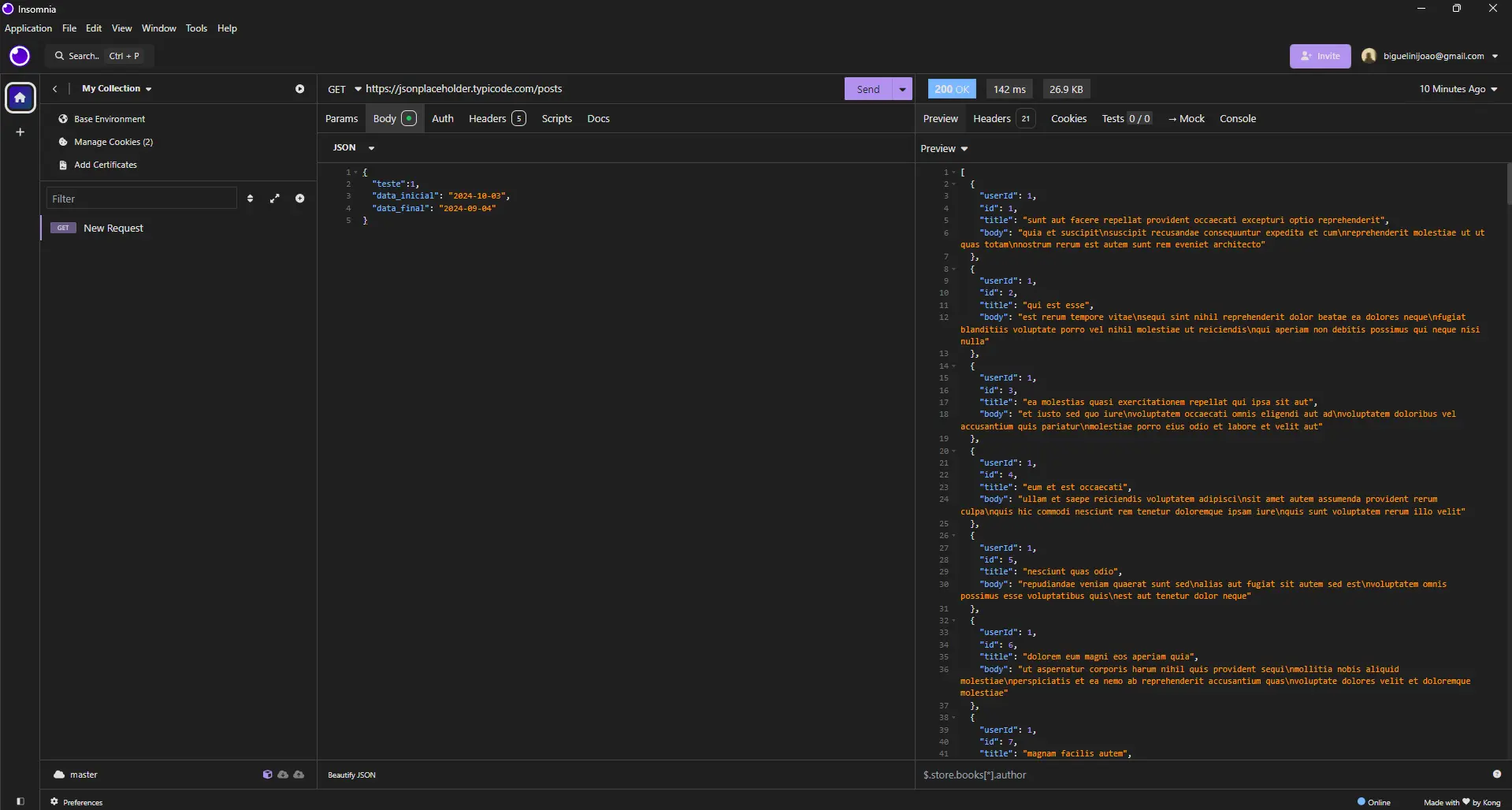
Min Theme for Insomnia
Preview
Usage
#### Install
1. In Insomnia, go to _Application_ and select _Preferences_
2. Click on _Plugins_
3. Paste insomnia-plugin-min-theme into the package name field
4. Click on _Install Plugin_
#### Activating theme
1. Go to _Application_ and select _Preferences_
2. Click on _Themes_
3. Select any Min color scheme to apply the theme