intro.js-fix-cozy
v2.9.5
Better introductions for websites and features with a step-by-step guide for your projects
0/weekUpdated 3 years agoAGPL-3.0Unpacked: 208.1 KB
Published by Cozy Cloud
npm install intro.js-fix-cozyIntro.js v2.9.3 with some fixes
> Better introductions for websites and features with a step-by-step guide for your projects.
__:warning: This is a fork from https://github.com/usablica/intro.js with a position fix suggested by @s00d in the pull request #876. As soon as this PR will be merged, this fork won't be necessary or may be used for another fix.__
Fork repository: https://github.com/cozy/intro.js
Where to get
You can obtain your local copy of Intro.js with ``
npm install intro.js-fix-cozy`:How to use
Intro.js can be added to your site in three simple steps:1) Include
intro.js and introjs.css (or the minified version for production) in your page. Use introjs-rtl.min.css for Right-to-Left language support.2) Add
data-intro and data-step to your HTML elements. To add hints you should use data-hint attribute.For example:
`html
``See all attributes here.
3) Call this JavaScript function:
javascript
introJs().start();
``Optionally, pass one parameter to
function to limit the presentation section.For example
introJs(".introduction-farm").start(); runs the introduction only for elements with class='introduction-farm'.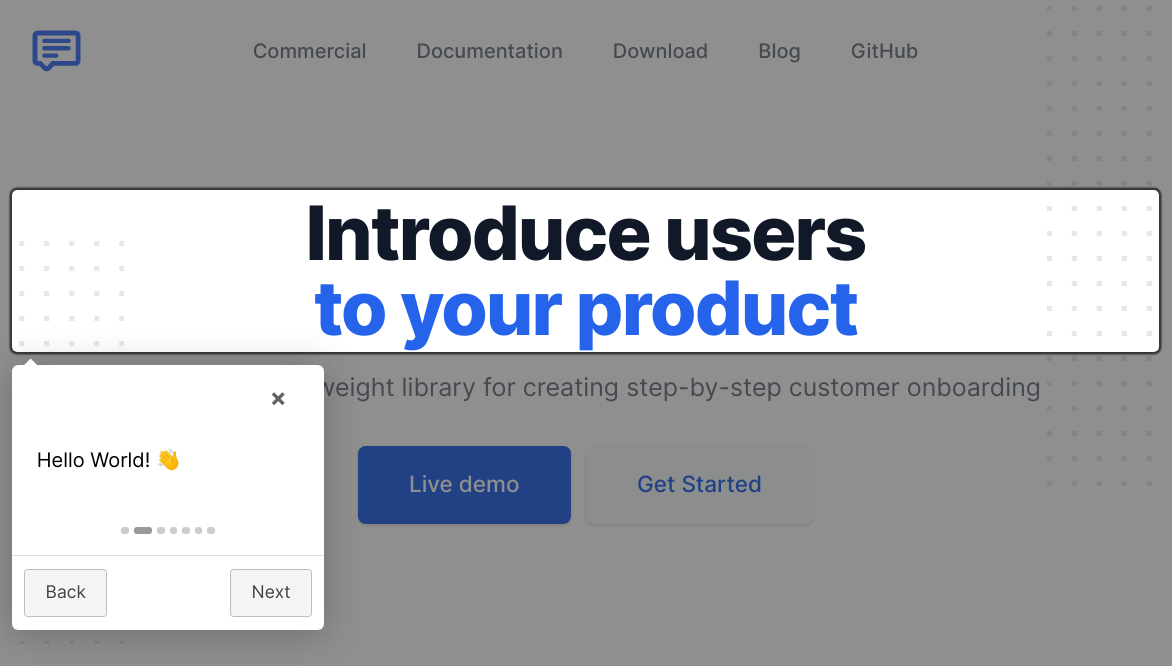
Documentation
Please visit Documentation.
Using with:
Intro.js has many wrappers for different purposes. Please visit Documentation for more info.
Build
First you should install
nodejs and npm, then first run this command: npm install` to install all dependencies.Now you can run this command to minify all static resources:
make build
Instant IntroJs
Want to learn faster and easier? Here we have Instant IntroJs, Packt Publishing.

Release History
Authors
Afshin Mehrabani
- Twitter
- Github
- Personal page
Benjamin J DeLong
- Twitter
- Github
- Personal page
Contributing
Support/Discussion
- Stackoverflow
License
$3
If you want to use Intro.js for a commercial application, theme or plugin the commercial license is the appropriate license. With this option, your source code is kept proprietary. Purchase a commercial license at introjs.com
$3
GNU AGPLv3