lamina
v1.2.2TypeScript
🍰 An extensable, layer based shader material for ThreeJS.
0/weekUpdated 7 months agoMITUnpacked: 330.9 KB
Published by Faraz Shaikh
npm install lamina
lamina
🍰 An extensible, layer based shader material for ThreeJS




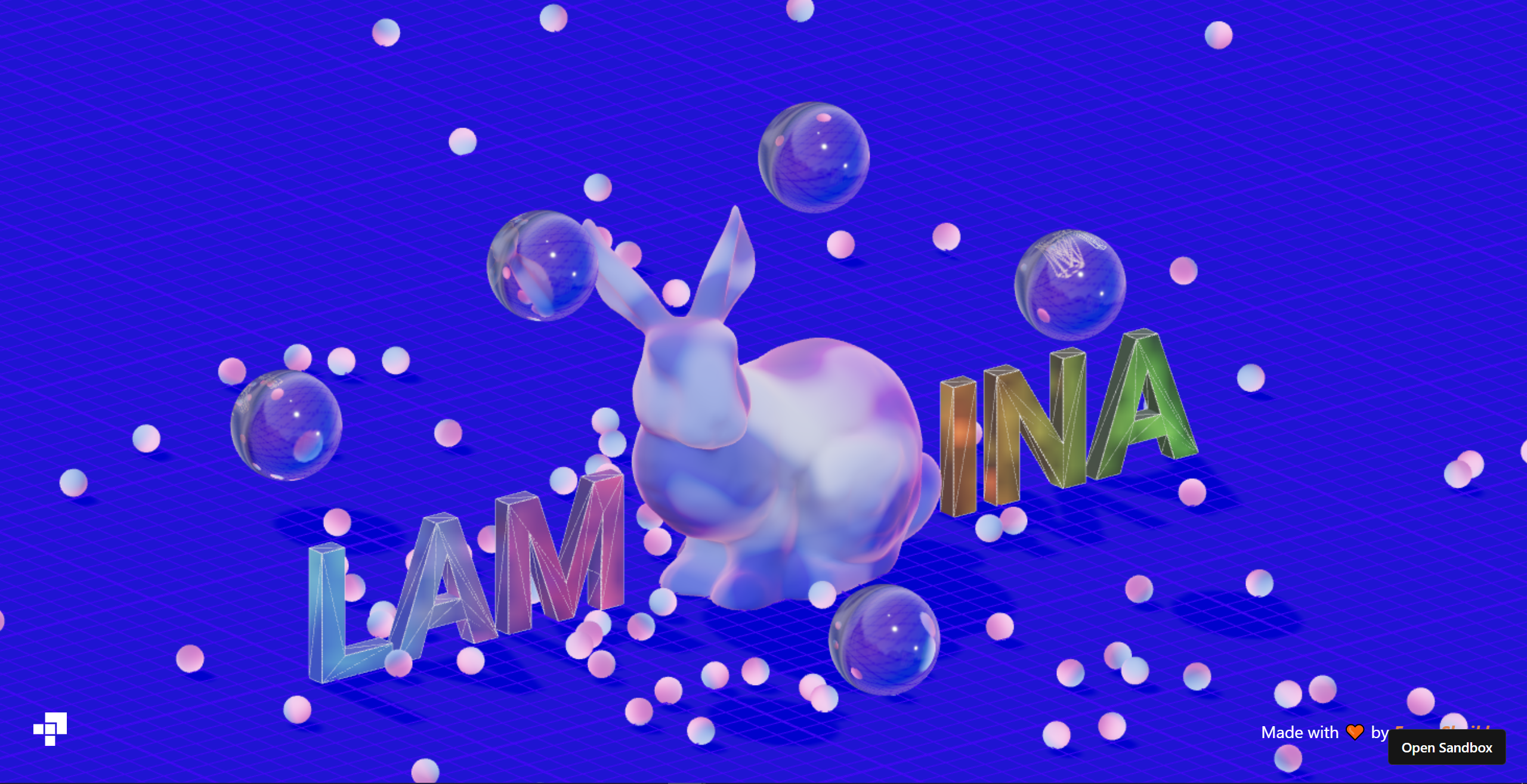

These demos are real, you can click them! They contain the full code, too. 📦 More examples here
Notice
_From @farazzshaikh_: Lamina has been archived as of April 5 2023.
This project needs maintainers and a good rewrite from scratch. Lamina does a lot of hacky processing to achieve its API goals. As time has gone by I have started to doubt if it’s worth it. These hacks make it unreliable, unpredictable and slow. Not to mentaion, quite convoluted to maintain and debug. There might be better APIs or implimentations for this kind of library but I currently do not have the bandwidth to dedicate to finding them. Perhaps in the future.
Lamina is built on top of three-custom-shader-material (CSM) and any effects that are achieved by lamina can be done with CSM in a predictable and performant manner albeit at a lower level.
Feel free to use Lamina, however, support will be lacking. If you'd like to resurrect this library, then feel free to reach out on our Discord and tag me (Faraz#9759).
---
lamina lets you create materials with a declarative, system of layers. Layers make it incredibly easy to stack and blend effects. This approach was first made popular by the Spline team.
``
jsx
import { LayerMaterial, Depth } from 'lamina'
function GradientSphere() {
return (
lighting="physical"
transmission={1}
>
colorB="#ffd0d0"
alpha={0.5}
mode="multiply"
near={0}
far={2}
origin={[1, 1, 1]}
/>
)
}
`
  Show Vanilla example


Lamina can be used with vanilla Three.js. Each layer is just a class.
`js
import { LayerMaterial, Depth } from 'lamina/vanilla'
const geometry = new THREE.SphereGeometry(1, 128, 64)
const material = new LayerMaterial({
color: '#d9d9d9',
lighting: 'physical',
transmission: 1,
layers: [
new Depth({
colorA: '#002f4b',
colorB: '#f2fdff',
alpha: 0.5,
mode: 'multiply',
near: 0,
far: 2,
origin: new THREE.Vector3(1, 1, 1),
}),
],
})
const mesh = new THREE.Mesh(geometry, material)
`
Note: To match the colors of the react example, you must convert all colors to Linear encoding like so:
`js
new Depth({
colorA: new THREE.Color('#002f4b').convertSRGBToLinear(),
colorB: new THREE.Color('#f2fdff').convertSRGBToLinear(),
alpha: 0.5,
mode: 'multiply',
near: 0,
far: 2,
origin: new THREE.Vector3(1, 1, 1),
}),
`
Layers


$3
LayerMaterial can take in the following parameters:
| Prop | Type | Default |
| ---------- | ----------------------------------------------------------------------- | ----------------- |
| name | string | "LayerMaterial" |
| color | THREE.ColorRepresentation \| THREE.Color | "white" |
| alpha | number | 1 |
| lighting | 'phong' \| 'physical' \| 'toon' \| 'basic' \| 'lambert' \| 'standard' | 'basic' |
| layers\* | Abstract[] | [] |
The lighting prop controls the shading that is applied on the material. The material then accepts all the material properties supported by ThreeJS of the material type specified by the lighting prop.
\* Note: the layers prop is only available on the LayerMaterial class, not the component. Pass in layers as children in React.
$3
Here are the layers that lamina currently provides
| Name | Function |
| ----------------------- | -------------------------------------- |
| Fragment Layers | |
| Color | Flat color. |
| Depth | Depth based gradient. |
| Fresnel | Fresnel shading (strip or rim-lights). |
| Gradient | Linear gradient. |
| Matcap | Load in a Matcap. |
| Noise | White, perlin or simplex noise . |
| Normal | Visualize vertex normals. |
| Texture | Image texture. |
| Vertex Layers | |
| Displace | Displace vertices using. noise |
See the section for each layer for the options on it.
$3
Lamina comes with a handy debugger that lets you tweek parameters till you're satisfied with the result! Then, just copy the JSX and paste!
Replace LayerMaterial with DebugLayerMaterial to enable it.
`jsx
colorB="#ffd0d0"
alpha={0.5}
mode="multiply"
near={0}
far={2}
origin={[1, 1, 1]}
/>
`
Any custom layers are automatically compatible with the debugger. However, for advanced inputs, see the Advanced Usage section.


$3


You can write your own layers by extending the
Abstract class. The concept is simple:
> Each layer can be treated as an isolated shader program that produces a vec4 color.
The color of each layer will be blended together using the specified blend mode. A list of all available blend modes can be found here
`ts
import { Abstract } from 'lamina/vanilla'
// Extend the Abstract layer
class CustomLayer extends Abstract {
// Define stuff as static properties!
// Uniforms: Must begin with prefix "u_".
// Assign them their default value.
// Any unifroms here will automatically be set as properties on the class as setters and getters.
// There setters and getters will update the underlying unifrom.
static u_color = 'red' // Can be accessed as CustomLayer.color
static u_alpha = 1 // Can be accessed as CustomLayer.alpha
// Define your fragment shader just like you already do!
// Only difference is, you must return the final color of this layer
static fragmentShader =
uniform vec3 u_color;
uniform float u_alpha;
// Varyings must be prefixed by "v_"
varying vec3 v_Position;
vec4 main() {
// Local variables must be prefixed by "f_"
vec4 f_color = vec4(u_color, u_alpha);
return f_color;
}
  // Optionally Define a vertex shader!

  // Same rules as fragment shaders, except no blend modes.

  // Return a non-projected vec3 position.

  static vertexShader =
// Varyings must be prefixed by "v_"
varying vec3 v_Position;
void main() {
v_Position = position;
return position * 2.;
}
  constructor(props) {

    // You MUST call
super with the current constructor as the first argument.
// Second argument is optional and provides non-uniform parameters like blend mode, name and visibility.
super(CustomLayer, {
name: 'CustomLayer',
...props,
})
}
}
`
👉 Note: The vertex shader must return a vec3. You do not need to set gl_Position or transform the model view. lamina will handle this automatically down the chain.
👉 Note: You can use lamina's noise functions inside of your own layer without any additional imports: lamina_noise_perlin(), lamina_noise_simplex(), lamina_noise_worley(), lamina_noise_white(), lamina_noise_swirl().
If you need a specialized or advance use-case, see the Advanced Usage section
$3
Custom layers are Vanilla compatible by default.
To use them with React-three-fiber, you must use the extend function to add the layer to your component library!
`jsx
import { extend } from "@react-three/fiber"
extend({ CustomLayer })
// ...
const ref = useRef();
// Animate uniforms using a ref.
useFrame(({ clock }) => {
ref.current.color.setRGB(
Math.sin(clock.elapsedTime),
Math.cos(clock.elapsedTime),
Math.sin(clock.elapsedTime),
)
})
color="green" // Uniforms can be set directly
alpha={0.5}
/>
`
Advanced Usage


For more advanced custom layers, lamina provides the
onParse event.
> This event runs after the layer's shader and uniforms are parsed.
This means you can use it to inject functionality that isn't by the basic layer extension syntax.
Here is a common use case - Adding non-uniform options to layers that directly sub out shader code.
`ts
class CustomLayer extends Abstract {
static u_color = 'red'
static u_alpha = 1
static vertexShader = ...
static fragmentShader =
// ...
float f_dist = lamina_mapping_template; // Temp value, will be used to inject code later on.
// ...
  // Get some shader code based off mapping parameter

  static getMapping(mapping) {

    switch (mapping) {

      default:

      case 'uv':

        return
some_shader_code
      case 'world':

        return
some_other_shader_code
    }

  }


  // Set non-uniform defaults.

  mapping: 'uv' | 'world' = 'uv'


  // Non unifrom params must be passed to the constructor

  constructor(props) {

    super(

      CustomLayer,

      {

        name: 'CustomLayer',

        ...props,

      },

      // This is onParse callback

      (self: CustomLayer) => {

        // Add to Leva (debugger) schema.

        // This will create a dropdown select component on the debugger.

        self.schema.push({

          value: self.mapping,

          label: 'mapping',

          options: ['uv', 'world'],

        })


        // Get shader chunk based off selected mapping value

        const mapping = CustomLayer.getMapping(self.mapping)


        // Inject shader chunk in current layer's shader code

        self.fragmentShader = self.fragmentShader.replace('lamina_mapping_template', mapping)

      }

    )

  }

}
`
In react...
`jsx
// ...
color="green"
alpha={0.5}
args={[mapping]} // Non unifrom params must be passed to the constructor using args
/>
`
Layers


Every layer has these props in common.


| Prop      | Type                      | Default                   |

| --------- | ------------------------- | ------------------------- |

|
mode | BlendMode | "normal" |
| name | string | |
| visible | boolean | true |
All props are optional.
$3
Flat color.
| Prop | Type | Default |
| ------- | ------------------------------------------ | ------- |
| color | THREE.ColorRepresentation \| THREE.Color | "red" |
| alpha | number | 1 |
$3
Visualize vertex normals
| Prop | Type | Default |
| ----------- | ----------------------------------------- | ----------- |
| direction | THREE.Vector3 \| [number,number,number] | [0, 0, 0] |
| alpha | number | 1 |
$3
Depth based gradient. Colors are lerp-ed based on mapping props which may have the following values:
- vector: distance from origin to fragment's world position.
- camera: distance from camera to fragment's world position.
- world: distance from fragment to center (0, 0, 0).
| Prop | Type | Default |
| --------- | ------------------------------------------ | ----------- |
| colorA | THREE.ColorRepresentation \| THREE.Color | "white" |
| colorB | THREE.ColorRepresentation \| THREE.Color | "black" |
| alpha | number | 1 |
| near | number | 2 |
| far | number | 10 |
| origin | THREE.Vector3 \| [number,number,number] | [0, 0, 0] |
| mapping | "vector" \| "camera" \| "world" | "vector" |
$3
Fresnel shading.
| Prop | Type | Default |
| ----------- | ------------------------------------------ | --------- |
| color | THREE.ColorRepresentation \| THREE.Color | "white" |
| alpha | number | 1 |
| power | number | 0 |
| intensity | number | 1 |
| bias | number | 2 |
$3
Linear gradient based off distance from start to end in a specified axes. start and end are points on the axes selected. The distance between start and end is used to lerp the colors.
| Prop | Type | Default |
| ---------- | ------------------------------------------ | --------- |
| colorA | THREE.ColorRepresentation \| THREE.Color | "white" |
| colorB | THREE.ColorRepresentation \| THREE.Color | "black" |
| alpha | number | 1 |
| contrast | number | 1 |
| start | number | 1 |
| end | number | -1 |
| axes | "x" \| "y" \| "z" | "x" |
| mapping | "local" \| "world" \| "uv" | "local" |
$3
Various noise functions.
| Prop | Type | Default |
| --------- | ------------------------------------------- | ----------- |
| colorA | THREE.ColorRepresentation \| THREE.Color | "white" |
| colorB | THREE.ColorRepresentation \| THREE.Color | "black" |
| colorC | THREE.ColorRepresentation \| THREE.Color | "white" |
| colorD | THREE.ColorRepresentation \| THREE.Color | "black" |
| alpha | number | 1 |
| scale | number | 1 |
| offset | THREE.Vector3 \| [number, number, number] | [0, 0, 0] |
| mapping | "local" \| "world" \| "uv" | "local" |
| type | "perlin' \| "simplex" \| "cell" \| "curl" | "perlin" |
$3
Set a Matcap texture.
| Prop | Type | Default |
| ------- | --------------- | ----------- |
| map | THREE.Texture | undefined |
| alpha | number | 1 |
$3
Set a texture.
| Prop | Type | Default |
| ------- | --------------- | ----------- |
| map | THREE.Texture | undefined |
| alpha | number | 1 |
$3
Blend modes currently available in lamina
| normal | divide |
| ---------- | ----------- |
| add | overlay |
| subtract | screen |
| multiply | softlight |
| lighten | reflect |
| darken | negation |
Vertex layers
Layers that affect the vertex shader
$3
Displace vertices with various noise.
| Prop | Type | Default |
| ---------- | ------------------------------------------- | ----------- |
| strength | number | 1 |
| scale | number | 1 |
| mapping | "local" \| "world" \| "uv" | "local" |
| type | "perlin' \| "simplex" \| "cell" \| "curl" | "perlin" |
| offset | THREE.Vector3 \| [number,number,number] | [0, 0, 0]` |