Advanced Leaflet plugin for freehand polygon drawing, with smart merging and powerful editing tools. Compatible with both Leaflet v1.x and v2.x.
npm install leaflet-polydraw
_A modern Leaflet plugin for intuitive freehand polygon drawing and advanced spatial editing — fully compatible with Leaflet 1.x and 2.x._
Live Demo: https://polydraw.ao-tech.se
> Advanced Leaflet plugin for freehand polygon drawing, with smart merging and powerful editing tools
Leaflet.Polydraw lets you draw polygons directly on Leaflet maps in a natural freehand way — click and drag to sketch shapes.
It also supports point-to-point precision drawing, intelligent polygon merging, drag-and-drop repositioning, and a rich set of editing tools.
This makes it ideal for GIS platforms, mapping applications, and spatial data workflows.


---
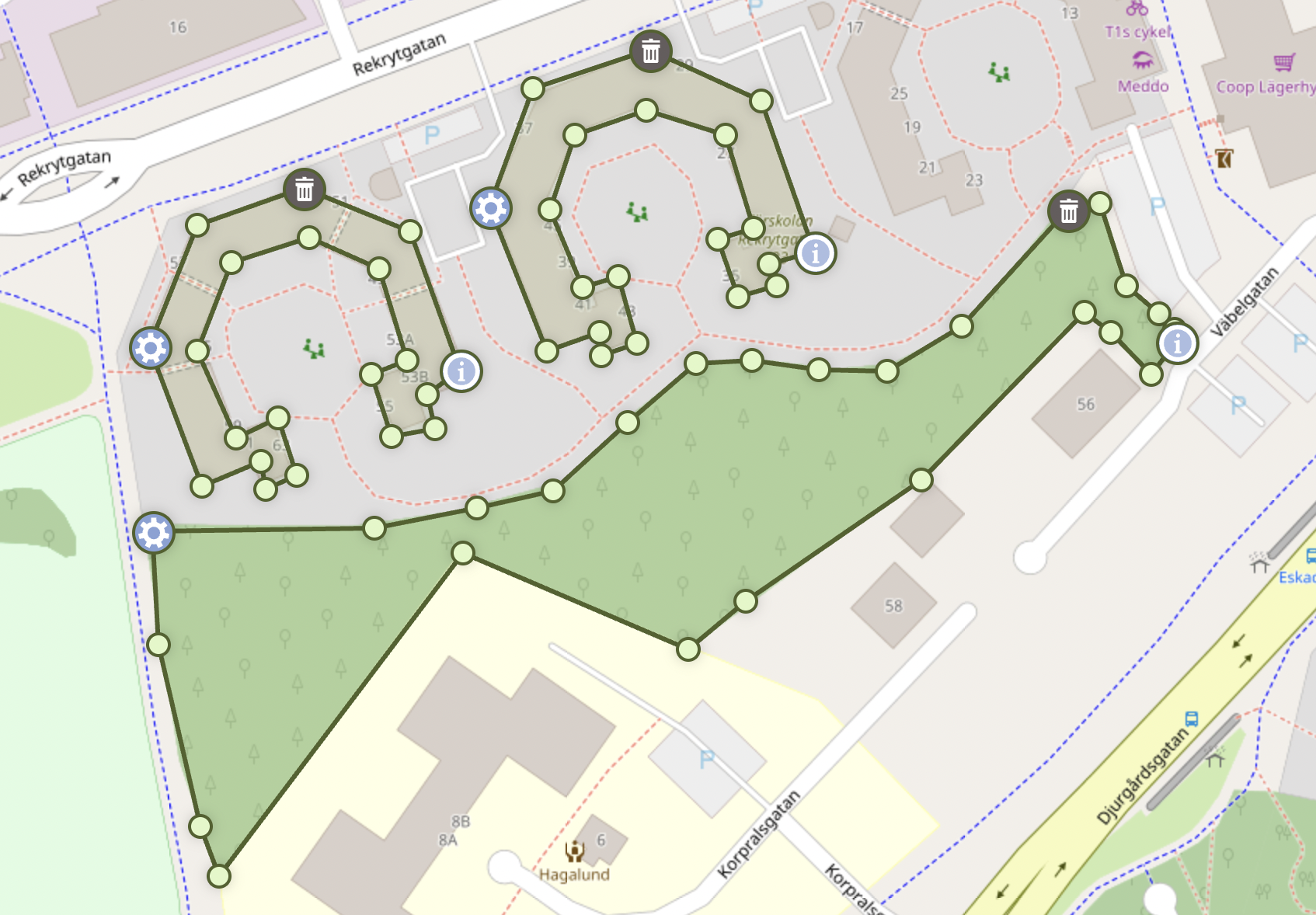
- Freehand Drawing: Draw polygons naturally by sketching directly on the map — click and drag to create shapes in real time.
- Smart Polygon Merging: Automatically detects and merges overlapping polygons (including smooth C-to-O shape completion).
- Drag & Drop Editing: Intuitive polygon repositioning with intelligent spatial interactions.
- Clone Drag Mode: Duplicate polygons instantly by dragging a copy while the original remains in its starting position (preserves holes and metadata).
- Advanced Vertex Editing: Drag vertices, add or remove points, and reshape polygons seamlessly.
- Scaling & Rotation Handles: Transform polygons visually using interactive bounding boxes — scale, rotate, or stretch with precision.
- Undo & Redo History: Full action history with reversible edits — step backward or forward through vertex moves, shape changes, merges, and freehand strokes (Ctrl/Cmd+Z, Ctrl+Y or Cmd+Shift+Z).
- Point-to-Point Mode: Optional precise vertex-by-vertex drawing for detailed or structured geometry.
- Hole Support: Create complex polygons with holes and nested structures effortlessly.
- Smart Markers: Adaptive marker placement prevents overlaps and maintains visual clarity.
- Modifier Shortcuts: Hold Ctrl or Cmd (or user-defined keys) to temporarily switch to subtract while drawing or in point-to-point draw mode (modifierSubtractMode).
- Performance Optimized: Efficient rendering and event handling even for large datasets.
- GeoJSON Import: Add Polygon and MultiPolygon features directly from RFC 7946 GeoJSON
- Coordinate Auto-Detection: Accepts multiple coordinate formats automatically (lat/lng, DMS, DDM, N/E, etc.).
- Leaflet 1.x & 2.x Compatible: Fully compatible with both generations of the Leaflet API.
- TypeScript Ready: Includes complete type definitions for modern development workflows.
---
Live Demo · Quick Start · Full Documentation
---
Full documentation and examples are available on GitHub:
- Installation
- Quick Start
- Configuration
- Features
- API Reference
- Markers
- Events
- Coordinate Formats
- Demo (Leaflet 1.x / 2.x)
- General — Browser Support, License, Acknowledgments
- Roadmap
- Changelog
---
This project is provided "as is", without any warranty or guarantee of any kind. See the MIT License for full terms.