lore-engine
v1.1.48
A WebGL based 3D data visualization engine.
91/weekUpdated 3 years agoMITUnpacked: 47.7 MB
Published by Daniel Probst, Reymond Group, University of Bern
npm install lore-engine!Lore
If you use this code or application, please cite the original paper published by Bioinformatics: 10.1093/bioinformatics/btx760
Lore
Current Version: 1.1.20 (Godzilla)
$3
 |
 |
 |
 |
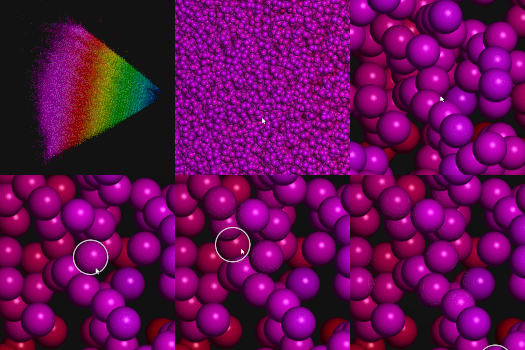
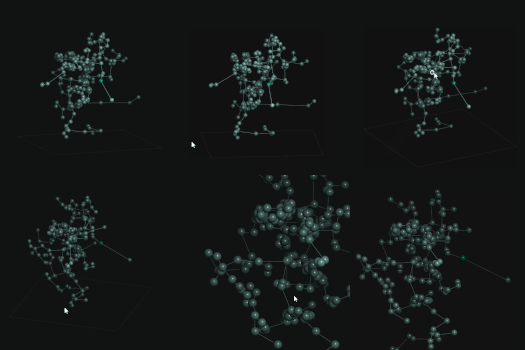
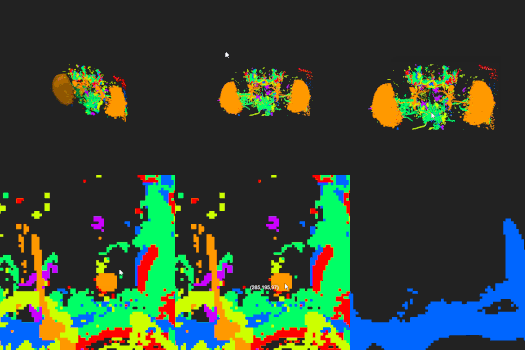
Browsing the SureChEMBL database (containing > 12 million datapoints): Faerun.
$3
A basic fiddle
See the examples folder for more details.
$3
You can either download or clone this repository and use the JavaScript file in the dist folder, or you can use yarn to install the package lore-engine:
``
bash

yarn add lore-engine
`
$3

If you decide not to use the ready-to-go scripts in dist, you can (edit and) build the project by running:
`bash
npm install
gulp
`
$3

A simple example can be found in the
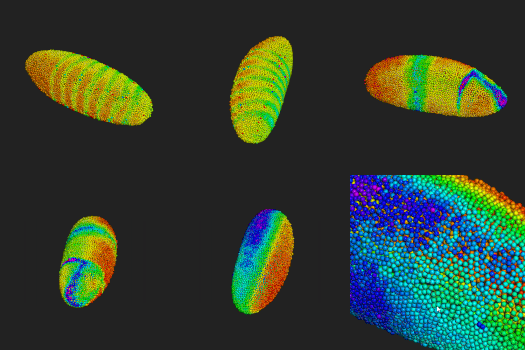
example folder. The example data file was downloaded from the website of the Berkeley Drosophila Transcription Network Project. It is a very small data set (N=6000) chosen because of the small file size (larger files can not be hosted on github).
$3
#### Renderer
| Option | Identifier | Data Type | Default Value |
|---|---|---|---|
| Antialiasing | antialiasing | boolean | true |
| Verbose Mode | verbose | boolean | false |
| The HTML element where FPS info is displayed | fpsElement | HTMLElement | document.getElementById('fps') |
| The canvas background color | clearColor | Lore.Color | Lore.Color.fromHex('#000000') |
| The distance of the camera to the center | radius | number | 500 |
| Clear Depth | clearDepth | number | 1.0 |
| Center (LookAt) | center | Lore.Vector3f | new Lore.Vector3f() |
| Enable depth test | enableDepthTest | boolean | true |
| Enable alpha blending | alphaBlending | boolean | false |
#### CoordinatesHelper
The options for the coordinate helper are self-explanatory:
`javascript
{
position: new Lore.Vector3f(),
axis: {
x: {
length: 50.0,
color: Lore.Color.fromHex('#222222')
},
y: {
length: 50.0,
color: Lore.Color.fromHex('#222222')
},
z: {
length: 50.0,
color: Lore.Color.fromHex('#222222')
}
},
ticks: {
enabled: true,
x: {
count: 10,
length: 5.0,
offset: new Lore.Vector3f(),
color: Lore.Color.fromHex('#1f1f1f')
},
y: {
count: 10,
length: 5.0,
offset: new Lore.Vector3f(),
color: Lore.Color.fromHex('#1f1f1f')
},
z: {
count: 10,
length: 5.0,
offset: new Lore.Vector3f(),
color: Lore.Color.fromHex('#1f1f1f')
}
},
box: {
enabled: true,
x: {
color: Lore.Color.fromHex('#222222')
},
y: {
color: Lore.Color.fromHex('#222222')
},
z: {
color: Lore.Color.fromHex('#222222')
}
},
}
``
#### OctreeHelper
| Option | Identifier | Data Type | Default Value |
|---|---|---|---|
| Visualize the octree (for debug purposes) | visualize | boolean or string | false, 'centers', 'cubes' |
| Enable multiselect | multiSelect | boolean | true |
#### PointHelper
| Option | Identifier | Data Type | Default Value |
|---|---|---|---|
| Create an octree when setting positions | octree | boolean | true |
| The maximum number of vertices in a octree node | octreeThreshold | number | 500 |
| The maximum depth of the octree | octreeMaxDepth | number | 8 |
| Point size scaling | pointScale | number | 1.0 |
| The maximum point size | maxPointSize | number | 100.0 |
$3
The documentation can be found in the docs folder. A markdown version is available here
$3
!BrowserStack Logo
Big thanks to Browserstack for providing us with their excellent App and Browser Testing service. This allows us to test our library quickly on a wide range of browsers and operating systems.